Tines 3B: git-native workflow automation for AI agents
Tines 3B is a code-first platform for enterprise agents and automations, where every step runs isolated and credentials are injected at runtime.
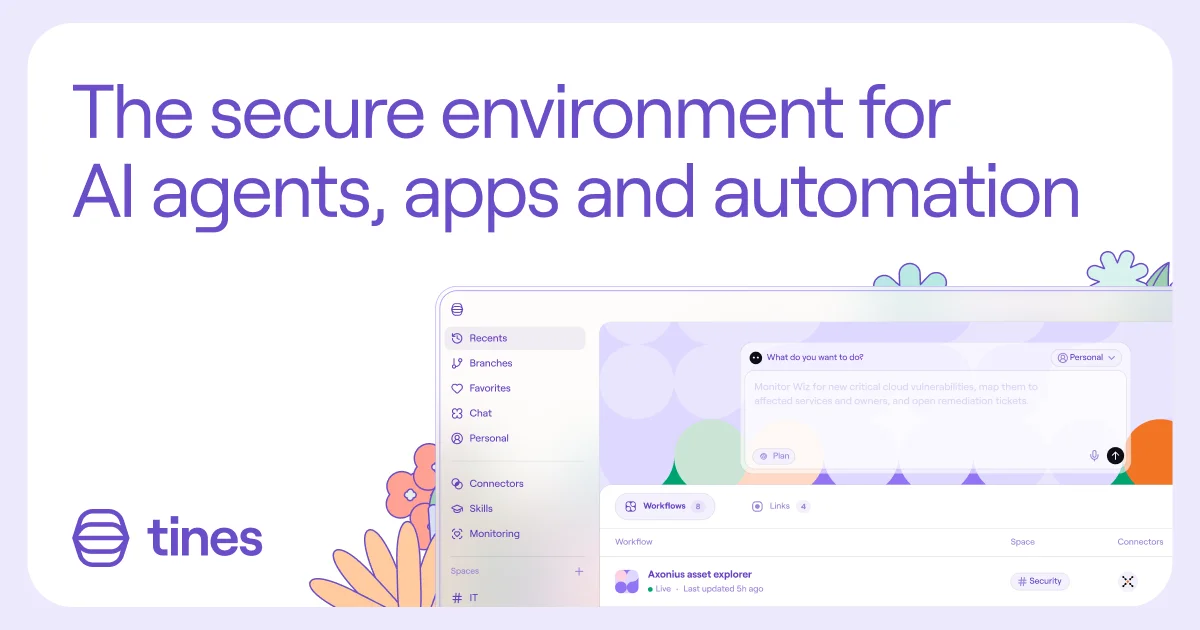
TL;DR: Tines 3B is an enterprise workflow platform where every space is a git repository and every step runs in its own sandbox with credentials injected at request time. You can build by typing a plain-language prompt, by pointing an AI client at its MCP endpoint, or by cloning the space and editing it as ordinary source. It launched in July 2026, and the free Explore tier caps you at three live workflows.
What it is
Tines has spent eight years building workflow automation for security and IT teams. The product most people mean by “Tines” is now called Tines Stories, and it is a visual, no-code builder. Tines 3B is the rewrite that followed, and it is a different animal underneath: workflows are directories of files, each step is a directory of files inside that, and a space is a git repository.
The name is a joke, and Tines tells it well. CEO Eoin Hinchy and a colleague started the project in October 2025 after both came back from paternity leave at the same time. They called it 3B for third baby, on the grounds that the new product was already a needy newborn keeping them up at night.
Stories is not going away. Existing customers see no change to their service, and the company says it continues to hire and ship for it. 3B runs alongside it as the answer for the AI era, and it was the subject of the launch on July 28, 2026.
Why it matters
The pitch starts from a problem Tines calls wild code. Companies told staff to use AI to build internal tools, the tools got built, and nothing governed them. API keys ended up pasted into prompts, workflows wired themselves into systems IT never approved, and security teams were left staring at a pile of scripts they had never seen. Tines cites survey research saying 77% of organizations believe their AI adoption is already outpacing their governance.
Their answer is not to lock the door. It is to give builders somewhere safe to work so IT never has to say no. Three primitives carry that:
- Every step runs in a completely isolated environment that is destroyed when the step finishes, so cross-contamination between runs or between users is architecturally impossible rather than merely prevented by policy.
- Credentials are never handed to the code. A proxy intercepts outbound requests, matches them to a configured connector, and injects the right header or signature at request time.
- Everything running in the tenant is reachable through one REST API and one MCP endpoint, so IT can inventory what exists without asking for access to each space.
Getting it running
The quickest way in is the Explore edition, which is free. It gives you unlimited users, spaces and connectors, three live workflows, and a one-time $50 allowance for model calls. That is enough to prove one workflow out end to end. Paid editions lift the workflow limit and are priced by quote.
| Plan | Live workflows | Users, spaces, connectors | Model calls |
|---|---|---|---|
| Explore (free) | 3 | Unlimited | $50, one-time allowance |
| Paid editions | Unlimited | Unlimited | Not published on the pricing page |
Once you have a space, it behaves like a repository. Open the space settings, copy the Git URL, and clone it:
git clone https://acme.3b.dev/spaces/finance-ops.git
cd finance-ops
The tenant is the address you sign in to, and each space is a directory underneath it. The API key goes in as the password when Git asks for one. Inside the repo, each workflow is a top-level directory and each step within it is a subdirectory of files.
From there you work the way you normally would. Branch, edit the step files, push, and 3B applies the change to the workspace. If somebody edited the same workflow in the web app while your branch was open, Git rejects the push and you resolve it the way you always do. The main branch cannot be deleted. A space can also be pointed at a subdirectory of a repository you already own, which is how you keep several spaces under /spaces in one monorepo.
The same tenant serves a REST API, with the interactive reference and the raw spec both hosted alongside your instance:
curl https://acme.3b.dev/api/v1/spaces \
  -H "Authorization: Bearer 3b_sk_your_key_here"
The browsable reference lives at /api/v1/docs and the OpenAPI 3.1 document at /api/v1/openapi.json. Because both are served from your own tenant, they describe the API version you are actually running.
If you would rather not write the steps yourself, the prompt composer takes a plain-language description such as “every morning, check our status page and post a summary to the team Slack channel” and builds the steps on a private draft branch. You review, then push it live. While it builds, 3B proposes tests, generates sample data when it needs any, and asks before it touches live data or a live app.
Wiring up an AI client over MCP
Each tenant exposes exactly one MCP endpoint, at the tenant address with /mcp appended. Tines documents it as remote MCP over Streamable HTTP. A connected client can list spaces, read workflows, trigger runs, and ask 3B to build on your behalf.
Build and publish are treated separately, and the credential you connect with decides what works:
| Credential | Tools available |
|---|---|
| OAuth sign-in | Explore, Run and ask, Build and publish |
| Service account bearer token | Explore, Run and ask |
With OAuth the client acts as you, so it sees the spaces you can read and can write the workflows you can edit. A service account token acts as that account and its granted access, which suits headless automation. If a client calls a build or publish tool with a bearer token, 3B refuses and explains that the tool needs a user connection.
MCP adds no privilege of its own. Every tool runs under the same rules as the matching action in the app and the public API, and anything that changes state is written to the audit log tagged as coming from MCP.
Running it yourself
There is a self-hosted edition, and the install is one command:
sudo bash -c "$(curl --proto '=https' --tlsv1.2 -fsSL https://sh.3b.dev)"That pulls down an installer which sets up k3s, a single-node Kubernetes, and deploys 3B onto it. Tines is explicit that this is an evaluation install: no high availability, no redundancy, if the server goes down 3B goes down with it. For production you install the Helm chart on your own cluster, which needs Helm 3.8 or newer, credentials for the private registry at oci.tines.com, and a signed license token. There is also a managed PostgreSQL option and a documented air-gapped install path.
What to watch for
Start with pricing, because it decides whether the platform is even in reach. Explore is free and thin at three live workflows with a $50 model allowance, and paid editions are quote-based with unlimited workflows and a choice of hosted, self-hosted, on-premises or hybrid deployment. Tines does not publish paid pricing on its website.
Then consider who the product is for. The customer list runs to Coinbase, Reddit, SAP, Fin, Dropbox, Pinterest, Databricks, Snowflake, MongoDB, Sophos, Canva and McKesson, and the features that carry the most weight are the ones an enterprise security team wants. Watchtower gives tenant-wide oversight of every space, personal workflow and chat. Roles decide who can publish. The audit log records what happened. If you are one person automating a cron job, this is a lot of machinery for the job.
It is also proprietary. Tines 3B is a commercial product with a free tier attached, not an open-source project, and the free tier does not stretch far on its own.
The AI-built part deserves a specific kind of skepticism. When a prompt produces a workflow, what you are reviewing is generated code that will go on to touch real systems with real credentials. The credential proxy and the isolation model answer part of that, but the review step still belongs to you. Use the branch and the pull request. It is the part of the design that is hard to retrofit later, and it is the reason the git-first model matters more than the prompt builder.
Source and Accuracy Notes
- Product page: https://www.tines.com/3b/ — verified via direct visit
- Launch announcement: https://www.tines.com/blog/introducing-tines-3b/ (Eoin Hinchy, July 31, 2026)
- Origin story: https://www.tines.com/blog/making-tines-3b/
- Press release: https://www.prnewswire.com/news-releases/tines-launches-3b-to-help-enterprises-govern-ai-workflows-apps-and-agents-302836517.html (July 28, 2026)
- Documentation: https://docs.3b.tines.com/
- Pricing: https://www.tines.com/pricing/
- HN launch thread: https://news.ycombinator.com/item?id=49084371 (27 points, July 28, 2026)
Related Posts
ai-setup
Recall – Persistent Memory for Claude Code via MCP Hooks
Recall gives Claude Code a permanent memory store that survives session restarts and context compaction. Four hooks capture and restore context automatically — with cloud SaaS or self-hosted options.
2/28/2026
dev-tools
Automotive Skills Suite for AI Engineering
Evaluate Automotive Skills Suite for APQP, ASPICE, HARA, safety-plan, and DIA workflows with setup notes, governance risks, and SME review guidance.
5/28/2026
dev-tools
awesome-agentic-ai-zh Roadmap Guide
Explore awesome-agentic-ai-zh as a Chinese agentic AI learning roadmap, with setup notes, track selection, study workflow, and evaluation guidance.
5/28/2026