Nanobot – Turn MCP servers into full AI agents
A practical guide to Nanobot, the open-source standalone MCP host that lets you build dedicated AI agents from any MCP server with a YAML config.
TL;DR
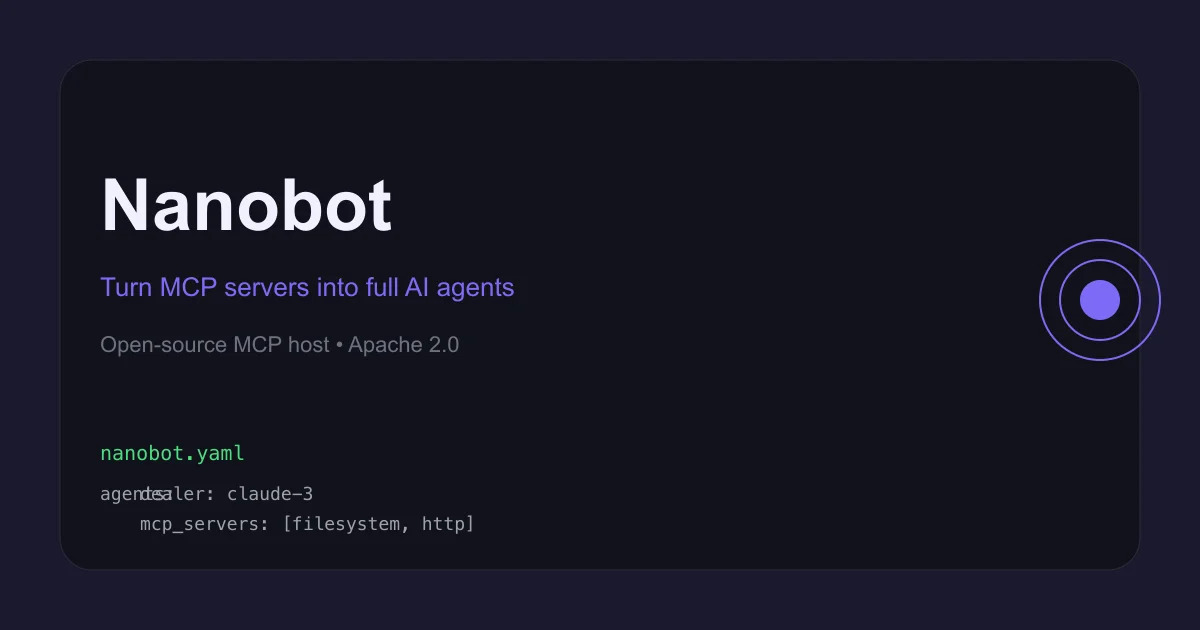
TL;DR: Nanobot is an open-source, standalone MCP host that turns any MCP server into a dedicated AI agent, configurable via a single
nanobot.yamlfile and runnable in minutes.
Source and Accuracy Notes
- Project page: nanobot.ai ← visited and verified
- Source repository: github.com/obot-platform/nanobot ← read README end-to-end
- License: Apache 2.0 ← verified from
LICENSEfile on main branch - HN launch thread: news.ycombinator.com/item?id=45294107
What Is Nanobot?
Every AI assistant you use — Claude, ChatGPT, Cursor, Goose — ships with an embedded MCP host. It connects your LLM to external tools and data sources. But that host is tied to that product. You cannot easily take Claude’s MCP host and run it independently, plug it into your own app, or deploy it as a standalone service.
Nanobot solves this. It is a standalone, open-source MCP host you deploy yourself. Point it at any MCP server, pick a model, write a YAML config, and you have a dedicated agent running at http://localhost:8080.
From the README:
“Nanobot enables building agents with MCP and MCP-UI by providing a flexible MCP host. While existing applications like VSCode, Claude, Cursor, ChatGPT, and Goose all include an MCP host, Nanobot is designed to be a standalone, open-source MCP host that can be easily deployed or integrated into your applications.”
Think of it as the missing runtime for MCP — the thing that runs between your LLM and your tools, extracted into a portable, self-hosted binary.
Setup Workflow
Step 1: Install
The fastest route is Homebrew:
brew install obot-platform/tap/nanobot
```bash

This installs the `nanobot` CLI. Alternatively, build from source:

```bash
git clone https://github.com/obot-platform/nanobot.git
cd nanobot
make
```bash

### Step 2: Configure your agent

Create a `nanobot.yaml` file. Here is a minimal example that connects a Blackjack Dealer agent to a remote MCP server:

```yaml
agents:
  dealer:
    name: Blackjack Dealer
    model: gpt-4.1
    mcpServers:
      - blackjackmcp

mcpServers:
  blackjackmcp:
    url: https://blackjack.nanobot.ai/mcp
```bash

Nanobot supports two model providers out of the box:

- **OpenAI** — set `OPENAI_API_KEY`, use `model: gpt-4.1`
- **Anthropic** — set `ANTHROPIC_API_KEY`, use `model: anthropic/claude-3-7-sonnet-latest`

It auto-selects the provider from the model string. For other providers (Azure, Bedrock, Ollama), add an `llmProviders` block with a dialect and base URL.

### Step 3: Run

```bash
nanobot run ./nanobot.yaml
```bash

The web UI starts at `http://localhost:8080`.

## Directory-Based Configuration

For multi-agent setups, use a directory layout instead:

```bash
my-config/
├── nanobot.yaml        # Shared: mcpServers, llmProviders, env
└── agents/
    ├── main.md         # Primary agent (entrypoint)
    └── helper.md       # Additional agents
```bash

The `nanobot.yaml` holds shared infrastructure; each `.md` file in `agents/` defines an individual agent. Markdown agents override same-named entries in `nanobot.yaml`, so you can override shared config per-agent.

Agent markdown files use YAML front-matter for config and the body as system instructions:

```markdown
---
name: Shopping Assistant
model: anthropic/claude-3-7-sonnet-latest
mcpServers:
  - store
temperature: 0.7
---

You are a helpful shopping assistant.

Help users find products and answer their questions.
```bash

## Deeper Analysis

**Why this matters for the MCP ecosystem.** MCP has a discovery problem: great servers exist (Filesystem, GitHub, Hugging Face, Shopify) but most people only access them through one specific tool. Nanobot decouples the host from the client, making any MCP server a reusable building block for your own agents.

**Multi-provider flexibility.** The `llmProviders` block with dialect selection is notable. The `OpenResponses` dialect covers any OpenAI-compatible endpoint, which includes Ollama, LM Studio, Jan.ai, and cloud providers that expose OpenAI-compatible APIs. This makes Nanobot viable as a local-first stack:

```yaml
llmProviders:
  ollama:
    dialect: OpenResponses
    baseURL: http://localhost:11434/v1

mcpServers:
  store:
    url: https://example.com/mcp
Set OPENAI_API_KEY or ANTHROPIC_API_KEY for cloud models with zero additional config — the provider activation is automatic.
UI as a feature, not the product. The built-in web UI at port 8080 is convenient for demos and local use. But the real value is the nanobot run binary as infrastructure you embed or deploy. The roadmap mentions Slack, SMS, email, and web embedding — positions Nanobot as a middleware layer rather than a chatbot.
Practical Evaluation Checklist
- Installation: Homebrew one-liner, no Docker required for local use
- Config format: YAML, human-readable, no code needed
- Provider support: OpenAI, Anthropic, Azure, Bedrock, Ollama (via dialect config)
- MCP server support: Any server that exposes an HTTP endpoint with the MCP protocol
- Multi-agent: Yes, via directory-based config with markdown agent files
- Local-first: Fully offline capable with Ollama
- Development status: Alpha — the README warns of active breaking changes
- License: Apache 2.0
Security Notes
- API keys are injected via environment variables (
OPENAI_API_KEY,ANTHROPIC_API_KEY), not hardcoded in the YAML - MCP server URLs and headers (including auth tokens) are defined in the config file — treat your
nanobot.yamlas a secrets file - The web UI (port 8080) has no built-in auth — run behind a reverse proxy if exposing externally
FAQ
Q: How is this different from using Goose or Claude’s MCP host? A: Goose and Claude ship with an embedded MCP host tied to their UX. Nanobot is the host extracted as a standalone binary. You control the config, the model, and the deployment target. It is infrastructure, not a product.
Q: Can I use local models (Ollama)?
A: Yes. Add an llmProviders entry with dialect: OpenResponses and baseURL: http://localhost:11434/v1, then set your model to any Ollama model name.
Q: Does it work with MCP-UI (the newer protocol)? A: Partial support — the roadmap lists MCP-UI as a work-in-progress feature.
Q: Is this production-ready? A: No — the project is in alpha and the README explicitly warns of breaking changes. It is not suitable for production deployments without pinning to a specific commit.
Conclusion
Nanobot fills a gap in the MCP ecosystem: there are dozens of MCP servers but no standard, portable runtime to wire them to arbitrary models. If you want to prototype a dedicated agent backed by, say, a Shopify or Hugging Face MCP server, Nanobot gets you there in five minutes with a YAML file.
The alpha status is the main caveat — do not deploy it as a permanent infrastructure component without a pinning strategy. Watch the repo for 1.0 signs. For local development and experimentation, it is already genuinely useful.
Source and Accuracy Notes
- Project page: nanobot.ai
- Source repository: github.com/obot-platform/nanobot
- License: Apache 2.0 (verified via LICENSE file on main branch)
- HN launch thread: news.ycombinator.com/item?id=45294107
Related Posts
ai-setup
Recall – Persistent Memory for Claude Code via MCP Hooks
Recall gives Claude Code a permanent memory store that survives session restarts and context compaction. Four hooks capture and restore context automatically — with cloud SaaS or self-hosted options.
2/28/2026
dev-tools
Automotive Skills Suite for AI Engineering
Evaluate Automotive Skills Suite for APQP, ASPICE, HARA, safety-plan, and DIA workflows with setup notes, governance risks, and SME review guidance.
5/28/2026
dev-tools
awesome-agentic-ai-zh Roadmap Guide
Explore awesome-agentic-ai-zh as a Chinese agentic AI learning roadmap, with setup notes, track selection, study workflow, and evaluation guidance.
5/28/2026