claude-howto: a visual guide to Claude Code patterns
claude-howto is a visual, example-driven guide to Claude Code, running from slash commands and memory through subagents, MCP, hooks and plugins, with copy-paste templates.
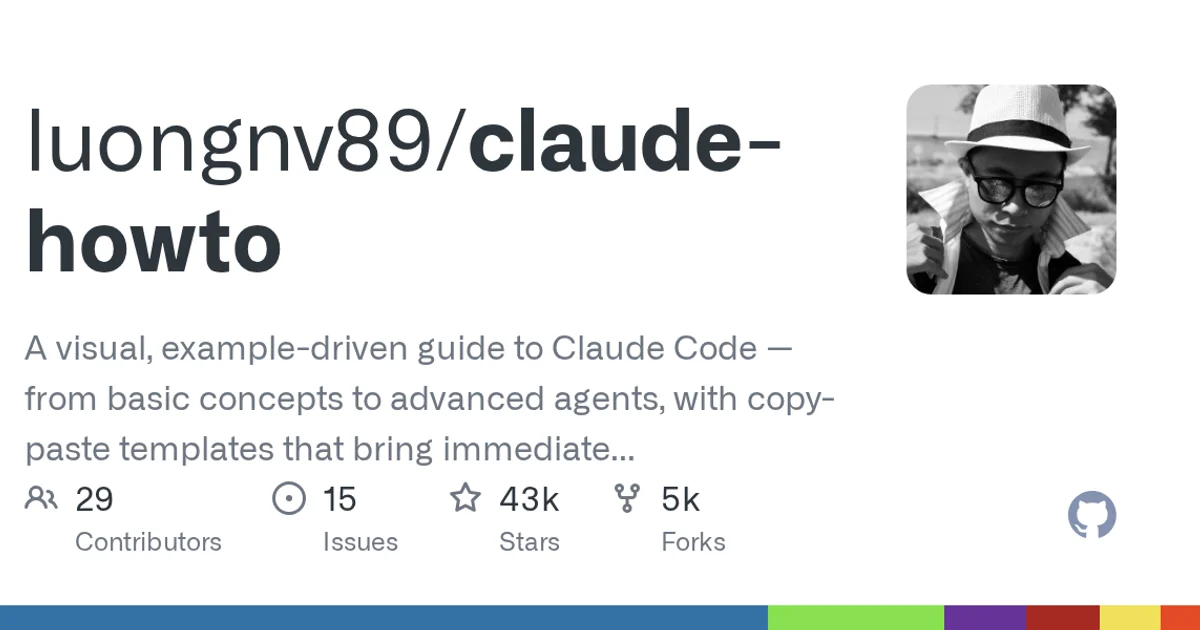
TL;DR: claude-howto is a guide to Claude Code, not a tool that plugs into it. The repository description promises a visual, example-driven walk from basic concepts to advanced agents, with copy-paste templates you can drop into a session. The directory layout backs that up: ten numbered chapters, an index, a quick reference and a learning roadmap, with 43,274 stars and an MIT license.
What it is
The owner is a single GitHub account, luongnv89, and the repository was created on 2025-11-07, which makes it a young project with an unusually fast climb. It now has 43,274 stars and 5,395 forks, and it was pushed to three days ago.
The three declared topics are claude-code, guide and tutorial, and the implementation language is Python. That last detail is mildly surprising for something that reads as documentation, and it is explained by the repository containing a scripts/ directory and a local-progress/ folder, which are tooling for the guide rather than for your agent.
The project publishes its own site at luongnv.com/claude-howto, so the repository and a hosted version of the same material are available side by side.
How it is organised
The chapter directories are numbered, which is the clearest signal about how the material is meant to be consumed:
| Chapter | Subject |
|---|---|
01-slash-commands/ | The slash command surface |
02-memory/ | Persistent memory for a session or project |
03-skills/ | Reusable skills |
04-subagents/ | Delegating to subagents |
05-mcp/ | Model Context Protocol servers |
06-hooks/ | Hooks that fire around tool use |
07-plugins/ | Packaging things up as plugins |
08-checkpoints/ | Checkpoints and session state |
09-advanced-features/ | The advanced corners |
10-cli/ | Working from the command line |
The numbering is a curriculum, not a directory listing. Reading 01 through 10 in order gives you the building blocks before the combinations, which is a different experience from searching a wiki for the one page you need.
Sitting alongside the chapters are the files that make a large guide usable. INDEX.md is the table of contents, QUICK_REFERENCE.md is the cheat sheet, LEARNING_ROADMAP.md tells you what to learn in what order, and CATALOG.md inventories everything in the repository. CLAUDE.md and STYLE_GUIDE.md cover how the project wants its own agent sessions to behave, and clean-code-rules.md extends that to code you write with it.
Getting to the useful part quickly
Clone it and look at the top level first:
git clone https://github.com/luongnv89/claude-howto.git
cd claude-howto
ls
The two fastest reads are the index and the quick reference:
cat INDEX.md
cat QUICK_REFERENCE.md
Then the prompts/ directory, which is where the copy-paste templates the description mentions actually live. resources/ and resources.md hold supporting material, and slides/ is there if you would rather present the material than read it.
Because the chapters are separate directories, you can also work through one topic at a time. Nothing forces you to read the whole thing before you start using it, which matters when the guide covers features you have no immediate use for.
The translations and the tooling
The repository carries translated copies in ja/, uk/, vi/ and zh/. A guide that translates itself is a decent signal that its author expects a wide reader base.
The project also brings its own linting setup, visible in .markdownlint.json, .cspell.json and .pre-commit-config.yaml, plus a CHANGELOG.md that records changes over time. There is a coverage.xml at the root and a .gitissue.yml for issue templates. None of this is visible in the API metadata, but it is the difference between a wiki someone exported and a project someone maintains.
When to use it
It is worth your time when you are new to Claude Code and want a map, when you are experienced with one feature and want to learn the adjacent ones, or when you need a working template rather than a description of one. The copy-paste angle is the real draw. A lot of agent configuration is fiddly enough that seeing a correct example saves more time than any explanation does.
When to skip it
If you already run Claude Code daily and have your own setup, the early chapters will not teach you anything and the later ones overlap with what you already know. If you are on a different agent tool, a good part of the material does not transfer. And if what you want is a single specific answer, QUICK_REFERENCE.md answers that in a minute while the whole guide takes an afternoon.
Source and Accuracy Notes
- Project page: https://github.com/luongnv89/claude-howto
- Source repository: luongnv89/claude-howto (verified via GitHub API
html_url) - License: MIT (verified via GitHub API
license.spdx_id) - Stars at time of writing: 43274
Related Posts
ai-setup
Recall – Persistent Memory for Claude Code via MCP Hooks
Recall gives Claude Code a permanent memory store that survives session restarts and context compaction. Four hooks capture and restore context automatically — with cloud SaaS or self-hosted options.
2/28/2026
dev-tools
Automotive Skills Suite for AI Engineering
Evaluate Automotive Skills Suite for APQP, ASPICE, HARA, safety-plan, and DIA workflows with setup notes, governance risks, and SME review guidance.
5/28/2026
dev-tools
awesome-agentic-ai-zh Roadmap Guide
Explore awesome-agentic-ai-zh as a Chinese agentic AI learning roadmap, with setup notes, track selection, study workflow, and evaluation guidance.
5/28/2026