aclif: a CLI that AI agents run directly
aclif is a TypeScript framework for building command-line tools that AI agents run, with one grammar across Salesforce, ServiceNow, and DocuSign.
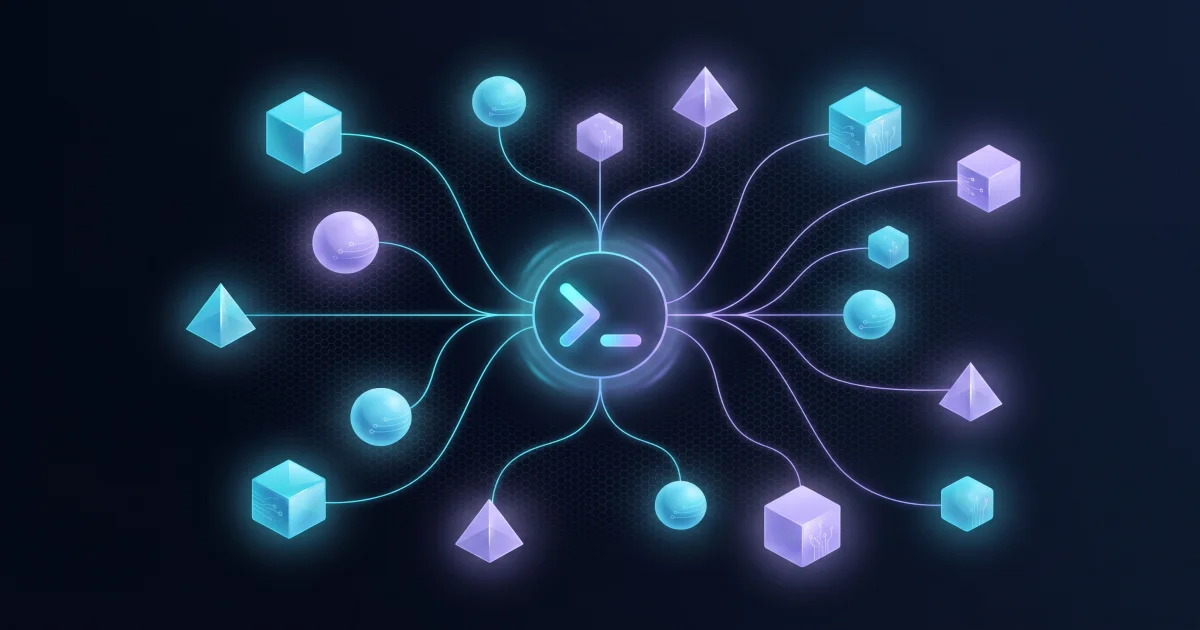
TL;DR: aclif is a TypeScript framework that builds command-line tools for AI agents. One binary covers every provider, so an agent gets a single command grammar instead of a separate MCP server and tool list per SaaS. It is MIT licensed and installs with
npm install -g @aclif/core.
What it is
aclif, short for Agent CLI Framework, is a Node package for shipping a command-line interface that an agent can run directly. The pitch sounds modest, but the design rests on a pointed argument: an MCP server taxes the context window on every turn, while a CLI only loads a command’s definition when the agent asks for it.
The framework sits on top of oclif, the same core that runs the Salesforce and Heroku command-line tools. aclif adds the agent contract on top: one JSON envelope for every result, one error vocabulary across providers, safety metadata declared per command, and introspection flags that answer before a command runs.
The reference binary ships five providers and 59 commands.
| Provider | Tier | Topics | Commands |
|---|---|---|---|
| Salesforce | native | 5 | 18 |
| Google Workspace (Gmail, Calendar, Drive) | contributed | 3 | 18 |
| ServiceNow | native | 2 | 9 |
| DocuSign | native | 1 | 8 |
| Agentforce | native | 2 | 6 |
Why it matters
The context argument is the load-bearing part of the project, and the maintainers back it with numbers rather than adjectives. Anthropic’s engineering team reports that an agent connected to thousands of tools processes hundreds of thousands of tokens before it reads the request. Salesforce’s own benchmark of leading agents on CRM tasks measured roughly 58 percent single-turn success, which is workable for an assistant with a person watching and too low for an unattended job that runs 730 times a month.
aclif’s answer is to move decisions to design time. An authoring tool discovers the provider, introspects a command, writes the exact command string into a workflow, then validates it with a dry run. At run time the agent executes that string as ordinary code, so no model sits in the loop for the call itself and the path cannot drift between runs. Independent research on compiled AI measured 100 percent output reproducibility for workflows executed as generated code, against roughly 95 percent when the model reasons at run time. Anthropic separately reported that having a model write code against an API instead of making direct tool calls cut one workflow from 150,000 tokens to 2,000.
That framing also explains the canonical-name feature. The same business entity is Account in Salesforce and core_company in ServiceNow, so aclif maps one name onto whichever native object the provider uses. A name the alias set does not know fails locally with CANONICAL_NOT_FOUND and the nearest matches, before a request leaves the machine.
Getting it running
The install needs Node 22 or later.
npm install -g @aclif/core
aclif --version
@aclif/core/1.4.1 darwin-arm64 node-v26.8.2Nothing below needs credentials, so you can walk the whole surface before pointing it at a real org. discover lists every provider with its tier and command count.
aclif discover --json | jq '.providers[] | {name, tier, commands}'{"name": "agentforce", "tier": "native", "commands": 6}
{"name": "docusign", "tier": "native", "commands": 8}
{"name": "salesforce", "tier": "native", "commands": 18}
{"name": "servicenow", "tier": "native", "commands": 9}
{"name": "google", "tier": "contributed", "commands": 18}learn gives a briefing on one provider, covering its topics, key fields, query syntax, and every auth path that works for it.
aclif learn salesforce --json{
"provider": "salesforce",
"tier": "native",
"overview": "Salesforce CRM and Platform. Core objects: Account, Contact, Opportunity, Lead, Case. Query via SOQL, search via SOSL, mutate via DML operations.",
"auth_paths": [
"Session token: --instance-url + --access-token (or SF_INSTANCE_URL, SF_ACCESS_TOKEN)",
"OAuth2 client credentials: --instance-url + --client-id + --client-secret (or SF_INSTANCE_URL, SF_CLIENT_ID, SF_CLIENT_SECRET)"
],
"topics": ["apex", "data", "debug-log", "files", "metadata"]
}Then read a command’s flags and safety metadata without executing it, and preview what it would do.
aclif salesforce data query --schema
aclif salesforce data query --query "SELECT Id, Name FROM Account LIMIT 3" --dry-run
The dry run reports the mutation profile before anything happens.
{
  "dryRun": true,
  "wouldExecute": {"query": "SELECT Id, Name FROM Account LIMIT 3"},
  "aciMetadata": {
    "mutability": "read",
    "idempotent": true,
    "reversible": false,
    "blastRadius": "filtered_set",
    "apiCallsConsumed": 1,
    "requiresConfirmation": false,
    "prerequisites": []
  }
}
Every run also writes an audit line to stderr, so you get a trail of what happened without wiring a separate logger. Exit codes are 0 for success, 1 for an API error, 2 for a usage error, and 3 for authentication, which lets an agent branch on the failure without parsing prose.
If you want your own CLI rather than the reference binary, scaffold one and pick the providers it ships with.
npx --package @aclif/core aclif-scaffold-cli --name mycli --dir ../mycli --providers salesforce,servicenow
cd ../mycli && npm install && npm run build && ./bin/run.js discover --json
Three ways to run it
The same command classes run in three places, and whoever runs them decides who supplies credentials, who enforces policy, and who keeps the audit trail.
| Run by the agent | Run by a host application | Run by a gateway | |
|---|---|---|---|
| Credentials | flags, env, config.yaml | host-supplied CredentialResolver | vault-backed resolver, per request |
| Policy | config.yaml | capabilityGate hook | capabilityGate hook plus host middleware |
| Identity | identity token or env | context.user | context.user and SSO claims |
| Audit | stderr line per run | reporter events | reporter events, recorded by the host |
| Connections | file session cache | runtime pool | runtime pool, keyed per instance and identity |
The gateway mode is where the design earns its keep. One long-lived process serves many agents, resolves credentials per request from a secrets store, and applies a capability gate on the command’s declared metadata before the command class loads, so a denied command costs nothing. The project names Prompt One as an operator running it this way, and reports that its first version spawned a process per command until a modest seed job took minutes, most of it process startup and repeated logins.
What to watch for
The provider list is short. Five platforms covers the enterprise SaaS an agent usually has to reach, but anything else means writing a provider yourself, which the project supports through an add-provider skill and a conformance suite. Google Workspace sits in the contributed tier rather than native, so its maintenance lives outside the core team.
The MCP critique is the interesting part, and also the part worth arguing with. Cloudflare’s Code Mode and Anthropic’s own code-execution work both cut token cost without abandoning the MCP model, so aclif is one answer to a problem with more than one solution.
Finally, the declared safety metadata only bites when a host wires the gate. Run the binary yourself and --dry-run tells you what a command would do, but nothing stops a mutation that omits the flag. The audit line tells you what happened after the fact.
Source and Accuracy Notes
- Project page: https://www.aclif.ai/ - verified via direct visit
- Source repository: agent-cli-framework/aclif (MIT, TypeScript)
- npm package: @aclif/core 1.4.1, published 2026-10-23
- HN launch thread: https://news.ycombinator.com/item?id=49743382 (2026-09-17, 35 points)
- CLI output quoted in this post was captured locally on macOS against @aclif/core 1.4.1 with Node 26
Related Posts
ai-setup
Recall – Persistent Memory for Claude Code via MCP Hooks
Recall gives Claude Code a permanent memory store that survives session restarts and context compaction. Four hooks capture and restore context automatically — with cloud SaaS or self-hosted options.
2/28/2026
dev-tools
Automotive Skills Suite for AI Engineering
Evaluate Automotive Skills Suite for APQP, ASPICE, HARA, safety-plan, and DIA workflows with setup notes, governance risks, and SME review guidance.
5/28/2026
dev-tools
awesome-agentic-ai-zh Roadmap Guide
Explore awesome-agentic-ai-zh as a Chinese agentic AI learning roadmap, with setup notes, track selection, study workflow, and evaluation guidance.
5/28/2026