Zabbix MCP Server – 237 Tools for AI Agent Monitoring
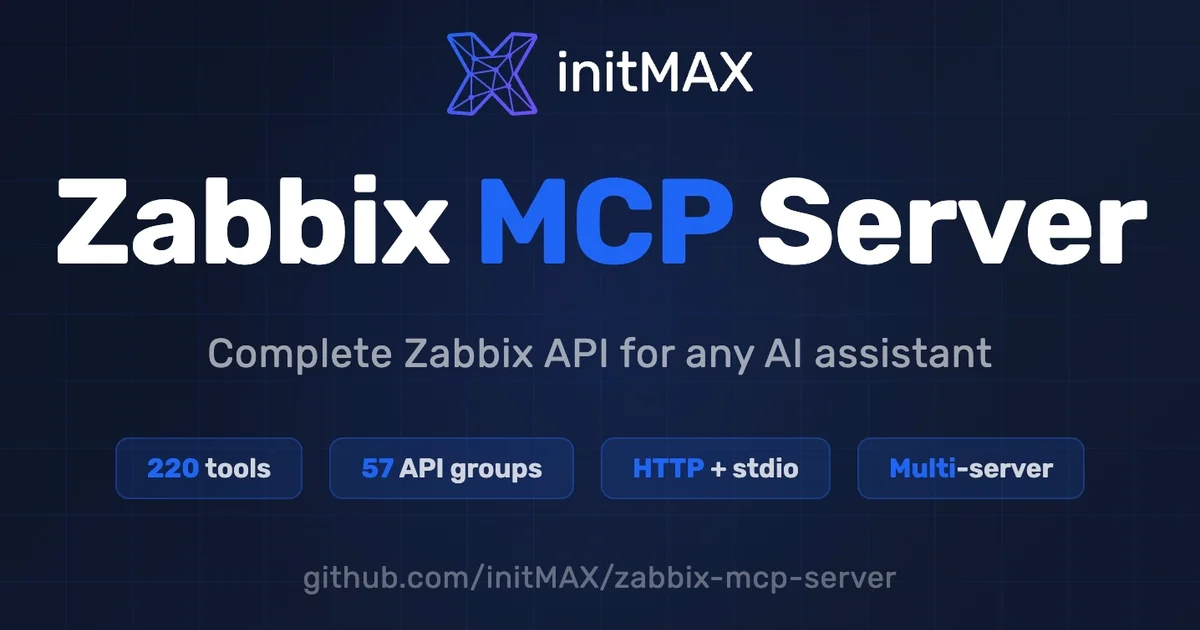
Expose your entire Zabbix infrastructure — hosts, triggers, templates, problems — as 237 MCP tools. Works with Claude, Codex, Cursor, any MCP client. TOML config, OAuth 2.1 tokens, admin portal.
TL;DR
TL;DR: Zabbix MCP Server exposes 237 tools covering the entire Zabbix API — hosts, problems, triggers, templates, dashboards — so any MCP-compatible AI assistant can query and manage your monitoring infrastructure through natural language.
Source and Accuracy Notes
- Project page: initmax.com
- Source repository: github.com/initMAX/zabbix-mcp-server
- License: AGPL-3.0 ← verified from LICENSE file
- Latest release: v1.33 (2026-07-31)
- HN launch thread: not available for this project
What Is Zabbix MCP Server?
Zabbix MCP Server is an open-source MCP (Model Context Protocol) server developed by initMAX that wraps the entire Zabbix API as MCP tools. Instead of navigating the Zabbix web UI or manually constructing API calls, you can ask any MCP-compatible AI assistant — Claude, Codex, Cursor, Cline, VS Code Copilot, JetBrains AI, and others — to query your monitoring infrastructure directly.
The server runs as a standalone HTTP service on your network. AI clients connect to it over the network and get access to all 237 tools immediately, with no per-prompt engineering required.
From the README:
MCP (Model Context Protocol) is an open standard that lets AI assistants (ChatGPT, Claude, VS Code Copilot, JetBrains AI, Codex, and others) use external tools. This server exposes the entire Zabbix API as MCP tools — allowing any compatible AI assistant to query hosts, check problems, manage templates, acknowledge events, and perform any other Zabbix operation.
Setup Workflow
Prerequisites
- A running Zabbix server (versions 5.0 through 8.0)
- Zabbix API enabled on your Zabbix instance
- A Zabbix API token (created via Admin → Tokens in the Zabbix frontend)
- Python 3.10 or higher
- Linux (systemd) or macOS (LaunchAgent) or Docker
Step 1: Install
git clone https://github.com/initMAX/zabbix-mcp-server.git
cd zabbix-mcp-server
sudo ./deploy/install.sh
```bash

The installer sets up the server as a systemd service (Linux) or LaunchAgent (macOS), and creates the default config at `/etc/zabbix-mcp/config.toml`.

### Step 2: Configure

Edit `/etc/zabbix-mcp/config.toml` and add your Zabbix URL and API token:

```toml
[[servers]]
name = "production"
url = "https://zabbix.example.com"
token = "your-zabbix-api-token-here"
```bash

The server also supports OAuth 2.1 authorization server mode, IP restriction on tokens, per-token expiry, and multi-server connections (production, staging, etc.) with separate tokens.

### Step 3: Start the server

```bash
sudo systemctl start zabbix-mcp-server
sudo systemctl enable zabbix-mcp-server
The server is now running at http://127.0.0.1:8080/mcp.
Step 4: Connect an AI client
The built-in Client MCP Wizard (beta) in the admin portal at http://127.0.0.1:9090 generates copy-paste config snippets for 14 AI clients including Claude (Desktop), Codex, Cursor, Cline, VS Code, JetBrains, Goose, Open WebUI, 5ire, Gemini CLI, and n8n.
Available Tools
The server exposes:
- 237 standard tools across all 58 Zabbix API groups: hosts, problems, triggers, templates, users, dashboards, and more
- 14 extension tools — pre-correlated views that collapse multiple API calls into one round-trip:
host_status_get— consolidated host health at a glancehostgroup_overview_get— group-level status summaryinfrastructure_summary_get— full infrastructure overviewitem_history_summary_get— historical item dataproblem_active_get— active problems with correlated contextgraph_render— export graphs as PNGanomaly_detect— z-score anomaly analysiscapacity_forecast— linear regression on historical dataitem_threshold_search— filter items bylastvaluethresholdsreport_generate— PDF report generationaction_prepare/action_confirm— two-step write approval workflowhealth_check— server diagnosticszabbix_raw_api_call— admin escape hatch for any API method not yet wrapped
Practical Evaluation Checklist
Incident response — When PagerDuty fires, ask your AI: “What hosts are currently in problem state and when did their triggers last fire?” — no UI navigation required.
Capacity planning — Query item history trends and ask for a capacity_forecast to predict when disk or CPU will exhaust.
Template management — Bulk-apply or inspect template linkages across hundreds of hosts through conversation.
Infrastructure overview — Use infrastructure_summary_get or hostgroup_overview_get to get a cross-host view in seconds.
Documentation generation — Ask the AI to describe the current monitoring setup for a given host or template.
Security Notes
- Read-only mode — per-server and per-token write protection prevents accidental configuration changes
- IP restrictions — tokens can be bound to specific IP addresses
- Token scopes — named tokens with fine-grained access control
- Token expiry — automatic credential rotation supported
- Rate limiting — per-client call budget (300/min default) protects Zabbix from flooding
- Audit log — all actions logged in the admin portal
- Runs on-premises; credentials never leave your network
FAQ
Q: Does this work with Zabbix Cloud? A: No — Zabbix MCP Server runs as a self-hosted service and connects to a Zabbix instance on your network (on-prem or self-hosted Zabbix). It does not integrate with Zabbix Cloud.
Q: Which AI clients are supported? A: Any client that implements the MCP spec. Explicitly tested: Claude (Desktop), Codex, Cursor, Cline, VS Code Copilot, JetBrains AI, Goose, Open WebUI, 5ire, Gemini CLI, and n8n.
Q: Can I limit what the AI can do?
A: Yes. Per-token read-only mode, IP allowlisting, and tool filtering by category (monitoring, alerts, users, extensions, etc.) are all supported.
Q: What Zabbix versions are supported? A: Zabbix 5.0 through 8.0.
Q: What happens if I need a tool the server does not explicitly define?
A: The zabbix_raw_api_call tool is an escape hatch that lets you call any Zabbix API method directly.
Q: How do I update the server?
A: Re-run sudo ./deploy/install.sh from the cloned repository, or use the built-in upgrade command. The config file is preserved.
Conclusion
Zabbix MCP Server bridges your Zabbix monitoring infrastructure to any MCP-compatible AI assistant. Whether you’re responding to incidents, planning capacity, or auditing template coverage, the workflow moves from point-and-click to natural language — while keeping all data on-premises and credentials under your control.
If you run Zabbix and use AI coding tools, this is a high-signal addition to your stack.
Related Posts
ai-setup
Recall – Persistent Memory for Claude Code via MCP Hooks
Recall gives Claude Code a permanent memory store that survives session restarts and context compaction. Four hooks capture and restore context automatically — with cloud SaaS or self-hosted options.
2/28/2026
dev-tools
AgentMesh – Define AI Agent Teams in YAML
Define multi-agent AI workflows in YAML and run them locally with one command. AgentMesh brings Docker Compose patterns to AI agent orchestration.
5/28/2026
ai-setup
Sentrial – Catch AI Agent Failures Before Your Users Do
YC W26-backed AI agent observability platform. Trace sessions, detect silent regressions, and A/B test prompts in production before failures reach users.
5/28/2026