WinClaw - Free AI Assistant for Windows and macOS
A free, open-source AI agent that runs locally on Windows and macOS. Controls your PC by voice, automates Office docs, browses the web, and manages files.
TL;DR
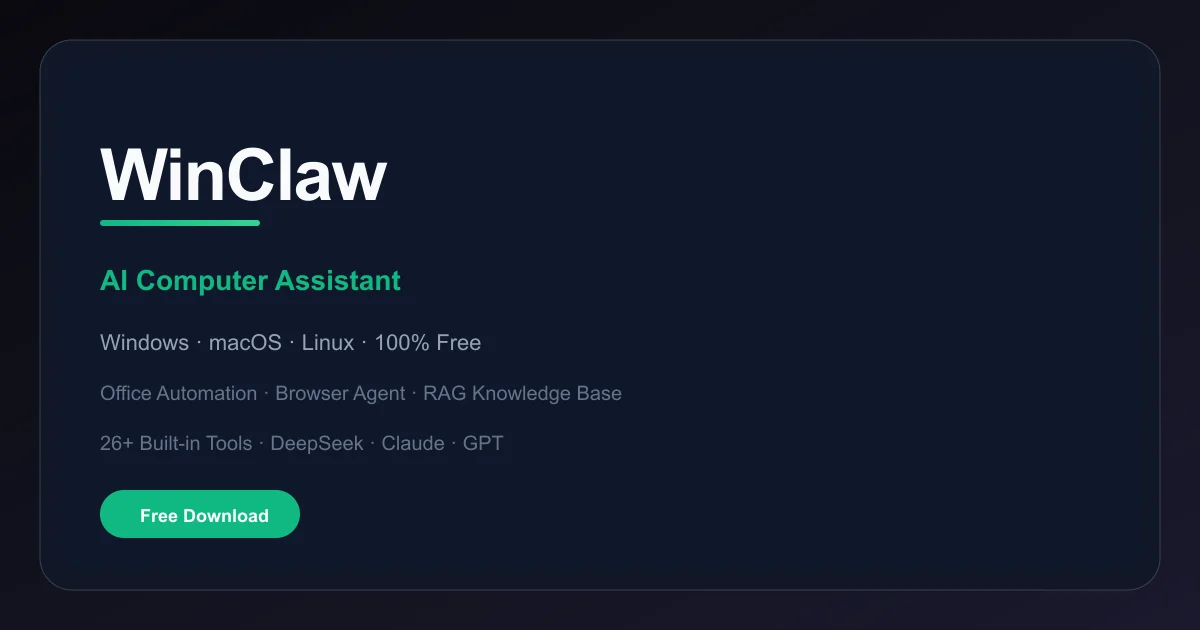
TL;DR: WinClaw is a free, open-source AI desktop assistant for Windows and macOS that runs entirely offline — voice control, Office automation, browser agent, and 26 built-in tools, no subscription needed.
Source and Accuracy Notes
- Project page: winclaw.cc
- Source repository: github.com/itc-ou-shigou/winclaw
- License: MIT ← verified via LICENSE file
- HN launch thread: news.ycombinator.com/item?id=46984332
What Is WinClaw?
WinClaw is a free, open-source AI assistant that runs as a desktop application on Windows, macOS, and Linux. It was shared on Hacker News as an open-source personal AI assistant that runs locally on any OS, with source available on GitHub under an MIT license.
From the project README, WinClaw is described as:
“A personal AI assistant and multi-channel AI gateway you run on your own devices.”
The product has two layers:
- The desktop app — the main AI interface running on your machine. This is what most users interact with.
- The gateway daemon — a background service that can route messages across multiple chat channels (WhatsApp, Telegram, Slack, Discord, etc.) while keeping data local.
On Windows, it ships as a standalone EXE installer with a bundled Node.js 22 runtime, so there are no prerequisites. The installer targets Windows 10 1803+ (Build 17134) or Windows 11, x64 architecture.
Key capabilities from the project description:
- Voice control — speak commands to your computer
- Office automation — Markdown to Word, Excel data processing, auto-generate PowerPoint presentations
- Browser agent — AI opens browsers, visits pages, scrapes content, and fills forms
- RAG knowledge base — upload documents and query them with AI-powered retrieval
- 26 built-in tools covering Excel, Word, PPT, browser, calendar, and more
- Multi-model support — works with Anthropic Claude, OpenAI GPT, DeepSeek, and any OpenAI-compatible API
- IM integrations — connect WhatsApp, Telegram, Slack, Discord, Google Chat, Signal, iMessage, Microsoft Teams, Matrix, Zalo, and WebChat
Setup on Windows
Step 1: Download the Installer
Download the latest WinClawSetup-{version}.exe from either:
The installer requires no admin rights — it installs to your user profile at {autopf}\WinClaw by default.
Step 2: Run the Installer
Launch the .exe installer. It will:
- Copy the bundled Node.js 22 runtime and WinClaw application
- Set the
WINCLAW_HOMEenvironment variable - Optionally add
winclaw.cmdto your user PATH - Optionally register the gateway daemon as a Windows Scheduled Task (auto-start on logon)
- Launch the interactive onboarding wizard on the final page
| Feature | Detail |
|---|---|
| Admin required | No — user-profile install |
| Runtime | Node.js 22 LTS (bundled, portable) |
| Languages | English, Japanese, Korean |
| Min OS | Windows 10 1803+ (Build 17134) or Windows 11 |
Step 3: Run the Onboarding Wizard
The wizard (winclaw onboard --flow quickstart) guides you through:
- Gateway mode — sets
gateway.modetolocal(recommended for single-machine use) - Authentication token — generates a
gateway.auth.tokenfor securing the Gateway WebSocket - AI model credentials — configure Anthropic Claude, OpenAI, or other provider API keys
- Messaging channels — optionally link WhatsApp, Telegram, Slack, and other IM platforms
- Daemon installation — optionally registers the Gateway as a Windows Scheduled Task
If you skipped the wizard during installation, rerun it anytime:
winclaw onboard --flow quickstartDeeper Analysis
Architecture
WinClaw consists of:
- WinClaw app — the desktop UI and AI interaction layer
- WinClaw Gateway daemon — background service managing AI model routing and IM channel integrations
- Onboarding wizard (
winclaw onboard) — CLI tool for first-run configuration
The gateway speaks WebSocket to the desktop app and exposes REST endpoints for IM platform webhooks.
Model Support
WinClaw works with any OpenAI-compatible API provider. From the README, supported providers include:
- Anthropic Claude (via API key or OAuth for Pro/Max subscriptions)
- OpenAI (ChatGPT, Codex)
- DeepSeek
- Any OpenAI-compatible endpoint (self-hosted models, other providers)
The recommended model for best long-context performance and prompt-injection resistance is Anthropic Opus 4.6.
Privacy Model
WinClaw is designed to run entirely locally. The gateway daemon processes messages on your machine — no cloud dependency for the core assistant functionality. IM channel integrations (Telegram, WhatsApp, etc.) still require internet access to reach those platforms’ APIs, but the AI processing happens locally.
Tool Ecosystem
The App Center includes built-in AI applications:
- Interactive paper reader with AI-powered analysis
- RAG Config Center for knowledge-base management
- Model Management Center for centralized AI model configuration
Additional tools can be downloaded from the Agent Tool Market or uploaded as custom tools.
Practical Evaluation Checklist
- Windows installer runs without admin rights
- Onboarding wizard completes without errors
- AI responds to natural language commands
- Office document conversion (Markdown to Word) works
- Browser automation can open pages and extract content
- Knowledge base Q&A retrieves relevant document sections
- Gateway daemon starts automatically after reboot
- IM channel webhooks route messages correctly
Security Notes
WinClaw runs as a local service on your machine with access to your files, browser sessions, and IM accounts. Consider the following:
- API keys stored locally — your AI provider credentials are stored in the gateway config file on disk. Use a strong
gateway.auth.tokento protect the WebSocket interface. - IM account access — connecting Telegram or WhatsApp grants the gateway access to message forwarding. Review what data the bot/webhook has access to on each platform.
- File system access — the browser agent and Office tools can read/write files. Use the knowledge base access controls for sensitive documents.
- Windows Defender — the bundled Node.js runtime may trigger heuristic alerts on first run. This is expected for a new portable runtime.
FAQ
Q: Is WinClaw completely free? A: Yes. WinClaw is open-source under the MIT license. You pay only for your AI model API usage (e.g., OpenAI or Anthropic API costs). The application itself has no subscription.
Q: Does it work without an internet connection? A: The core AI assistant works offline if you configure a locally-hosted model via an OpenAI-compatible endpoint. Cloud API providers (OpenAI, Anthropic) require internet access. IM channel integrations also need internet to reach those platforms.
Q: How does it compare to other AI computer assistants? A: Unlike cloud-hosted AI services, WinClaw runs entirely on your hardware. The 26 built-in tools cover common desktop automation tasks. The multi-channel gateway is unique — you can interact with the AI assistant from WhatsApp, Telegram, or Discord while it processes requests locally.
Q: Can I use my own models? A: Yes. Any OpenAI-compatible API endpoint works, including self-hosted models via LM Studio, Ollama, or similar tools. You configure the Base URL and API key in the dashboard under Site Settings.
Q: What about macOS and Linux? A: The README states native support for macOS (launchd daemon) and Linux (systemd user service). The Windows EXE installer is the most mature distribution channel. For other platforms, check the GitHub releases for platform-specific builds.
Q: Is there a GitHub integration or CI/CD features? A: Not directly. WinClaw is a desktop AI assistant, not a CI/CD platform. It includes a tool ecosystem for development tasks, but the GitHub Actions-like pipeline mentioned in the HN thread description appears to refer to its own release pipeline rather than a user-facing feature.
Conclusion
WinClaw fills a specific niche: a free, local AI assistant for Windows that combines voice control, Office automation, and a browser agent in one package. The bundled Node.js runtime and user-profile install mean it works on managed Windows machines where you cannot install system-level software.
The 26 built-in tools and multi-model support give it real utility beyond a chatbot. If you want an AI that lives on your desktop rather than in a browser tab, WinClaw is worth a look.
Source repository: github.com/itc-ou-shigou/winclaw
Related Posts
ai-setup
Recall – Persistent Memory for Claude Code via MCP Hooks
Recall gives Claude Code a permanent memory store that survives session restarts and context compaction. Four hooks capture and restore context automatically — with cloud SaaS or self-hosted options.
2/28/2026
dev-tools
Automotive Skills Suite for AI Engineering
Evaluate Automotive Skills Suite for APQP, ASPICE, HARA, safety-plan, and DIA workflows with setup notes, governance risks, and SME review guidance.
5/28/2026
dev-tools
awesome-agentic-ai-zh Roadmap Guide
Explore awesome-agentic-ai-zh as a Chinese agentic AI learning roadmap, with setup notes, track selection, study workflow, and evaluation guidance.
5/28/2026