TL;DR
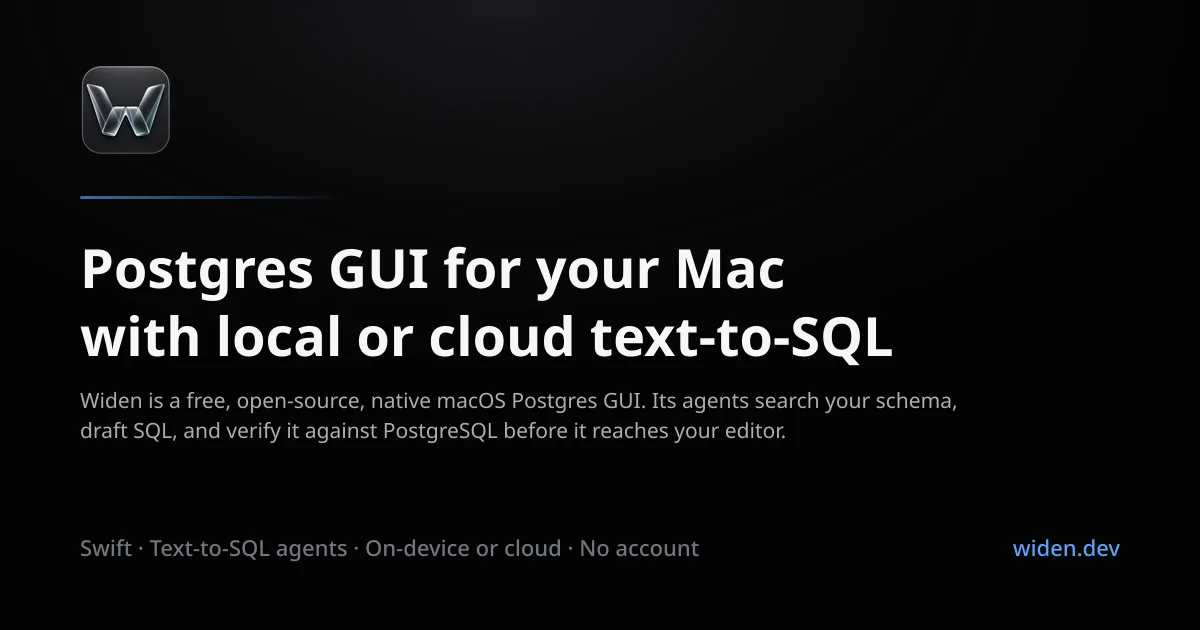
TL;DR: Widen is a free, open-source native macOS Postgres GUI that drafts SQL from English questions using cloud or on-device AI, shows you the query before it runs, and requires no account or backend.
Source and Accuracy Notes
- Project page: widen.dev — verified via site fetch
- Source repository: github.com/betocmn/widen — README read in full
- License: MIT — verified via
LICENSEbadge in README - HN launch thread: none found (initial Show HN not located in HN Algolia search)
What Is Widen?
Widen is an open-source, native macOS (14+) Postgres GUI built by @betocmn. Its headline feature is text-to-SQL: ask a question in plain English, and Widen drafts the PostgreSQL query, validates it, and waits for you to review before anything executes.
From the README:
“Widen is an open-source, native Postgres GUI for macOS 14+. It reads your schema and can draft SQL from a question using a cloud model you configure. On eligible macOS 26+ Apple Silicon Macs, Widen can also use Apple’s on-device Foundation Model.”
Key design constraints (directly from the README):
- No backend. No account. No analytics.
- No autonomous agent. Widen drafts SQL and waits — it never runs a query without your explicit confirmation.
- Passwords in macOS Keychain, never on disk in plaintext.
- Text-to-SQL is beta. The project explicitly states the release gate for production-ready text-to-SQL currently fails.
Setup Workflow
Step 1: Download and Install
Download the latest .dmg from the GitHub releases page:
open "https://github.com/betocmn/widen/releases/latest/download/Widen.dmg"
```bash

Or build from source (requires a recent macOS and Xcode):

```bash
git clone https://github.com/betocmn/widen.git
cd widen
# Follow the build instructions in README.md
Step 2: Connect a Postgres Database
On first launch, add a Postgres connection:
- Host, port, database name, username
- Widen stores credentials in the macOS Keychain — not in plaintext on disk
- SSL/TLS options are configurable per connection
Step 3: Configure the AI Backend
Widen supports two text-to-SQL backends:
| Mode | How it works | Requirements |
|---|---|---|
| Cloud (default) | Sends schema metadata and your question to a provider you configure | An OpenRouter API key (or compatible provider) |
| Local | Runs Apple’s on-device Foundation Model on your Mac | macOS 26+ on Apple Silicon with Apple Intelligence enabled |
Fresh installs default to the fixed OpenRouter GPT-5.5 profile with zero-data-retention endpoints. You supply the API key in Settings.
Step 4: Draft SQL in English
With a connection open:
- Type a question in English (e.g., “Show all users who signed up in the last 30 days”)
- Widen reads your schema, drafts the SQL, and displays it
- Review and edit the query before clicking “Run”
Deeper Analysis
What makes it different from TablePlus, DataGrip, or pgAdmin?
Most Postgres GUIs are manual SQL editors with syntax highlighting. Widen’s text-to-SQL layer is the differentiator — but it’s deliberately scoped:
- It is not an autonomous database agent (unlike some AI-native tools that will run and mutate data for you)
- It is not a general-purpose SQL editor for writing complex stored procedures
- It sits between “I know SQL and want a good editor” and “I don’t know SQL and need an agent”
The local AI mode on macOS 26+ is notable: your schema and question never leave your machine if you use the on-device model. This makes it a practical option for engineers with data privacy requirements.
Text-to-SQL Beta Status
The README is unusually honest about the beta status:
“Text-to-SQL ships behind a hard release gate, and that gate currently fails.”
This is refreshing transparency. The gate exists precisely because generating correct SQL from natural language is hard — wrong queries on production data are dangerous. Treat the text-to-SQL feature as a draft assistant, not an auto-executor.
Security Model
- No backend means no third-party data exposure
- API keys in macOS Keychain (system-level credential store)
- Cloud mode uses OpenRouter’s zero-data-retention endpoints by default
- No analytics or telemetry out of the box
Practical Evaluation Checklist
- Downloaded and launched Widen.dmg
- Connected to a local Postgres instance
- Tested a simple English query (e.g., “list all tables”)
- Reviewed the drafted SQL before running
- Tried the local AI mode (macOS 26+ only)
- Verified no analytics outbound (check network tab)
Security Notes
- Credential storage: Postgres passwords and API keys live in macOS Keychain — not in
~/Library/Application Support/Widenor similar plaintext locations - No backend: There is no Widen server to phone home to
- Network: Outbound traffic only occurs when you explicitly use cloud text-to-SQL, and only to the AI provider you configure
- Open source: Audit the code at github.com/betocmn/widen
FAQ
Q: Does Widen work with databases other than Postgres? A: No. Widen is Postgres-only in its current MVP. Support for other databases is not documented.
Q: Is text-to-SQL production-ready? A: No — the project explicitly marks it as beta. The README states the release gate for production readiness “currently fails.” Use it as a draft assistant, not an auto-executor.
Q: Do I need an internet connection? A: For manual SQL execution, no. For cloud text-to-SQL, yes (OpenRouter API). For local text-to-SQL, no — but it requires macOS 26+ on Apple Silicon with Apple Intelligence enabled.
Q: Is there a mobile or web version? A: No. Widen is a native macOS app only. No web, Windows, or Linux version is documented.
Conclusion
Widen fills a specific niche: the macOS-only engineer who wants a native Postgres GUI with an AI drafting assistant, no account required, and a security model that keeps credentials in the local Keychain with no backend. Its honest beta labeling on text-to-SQL is a feature, not a bug — it manages expectations better than the typical “AI-powered” marketing.
If you want a capable, privacy-respecting Postgres GUI for macOS and are willing to use the text-to-SQL feature as a draft tool rather than an auto-pilot, Widen is worth installing. For production autonomous database work, look at tools like Arctype (acquired by SmartCat) or the broader MCP-gateway ecosystem.
Links:
Related Posts
ai-setup
Recall – Persistent Memory for Claude Code via MCP Hooks
Recall gives Claude Code a permanent memory store that survives session restarts and context compaction. Four hooks capture and restore context automatically — with cloud SaaS or self-hosted options.
2/28/2026
dev-tools
Automotive Skills Suite for AI Engineering
Evaluate Automotive Skills Suite for APQP, ASPICE, HARA, safety-plan, and DIA workflows with setup notes, governance risks, and SME review guidance.
5/28/2026
dev-tools
awesome-agentic-ai-zh Roadmap Guide
Explore awesome-agentic-ai-zh as a Chinese agentic AI learning roadmap, with setup notes, track selection, study workflow, and evaluation guidance.
5/28/2026