WhoDB - Open-Source Database GUI and MCP Server for AI
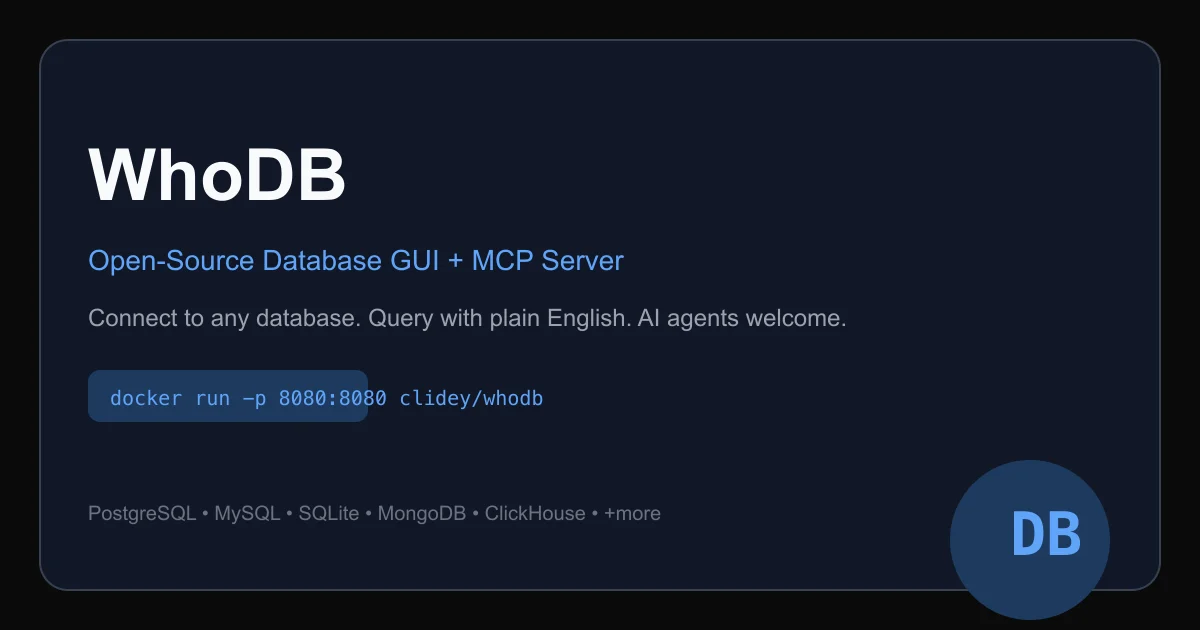
WhoDB is a fast, lightweight database GUI (under 100MB, starts in under 1 second) that also ships a CLI doubling as an MCP server, letting AI agents query databases directly.
TL;DR
TL;DR: WhoDB is an open-source, sub-100MB database GUI that boots in under a second and ships a CLI doubling as an MCP server, letting AI agents query PostgreSQL, MySQL, SQLite, MongoDB, ClickHouse, and more in plain English.
Source and Accuracy Notes
- Project page: whodb.com
- Source repository: github.com/clidey/whodb
- License: Apache 2.0 (verified via GitHub API
license.spdx_id) - HN launch thread: news.ycombinator.com/item?id=47875513
- Documentation: docs.whodb.com
- Latest release: v0.119.0 (verified via GitHub API, 2026-07-03)
What Is WhoDB?
WhoDB is an open-source database workspace built in Go and React. It comes in two forms:
- WhoDB Community — a standalone database GUI you run locally or in a container. Connect to PostgreSQL, MySQL, SQLite, MongoDB, ClickHouse, MariaDB, Elasticsearch, or Ollama for local AI queries.
- WhoDB CLI — a terminal client that doubles as an MCP server, exposing your databases to AI agents via the standard MCP protocol.
The GUI ships as a single Docker container and starts in under 1 second, using roughly 90% less memory than tools like DBeaver or DataGrip according to the project’s own benchmarks.
docker run -it -p 8080:8080 clidey/whodb
```bash

## Key Features

### Database Support

WhoDB supports the following databases in the Community edition:

- PostgreSQL
- MySQL / MariaDB
- SQLite (local files)
- MongoDB
- ClickHouse
- Elasticsearch
- Cloudflare D1
- Turso/LibSQL
- and more

### Data Grid and Schema Explorer

The web UI renders a spreadsheet-style data grid for browsing and editing rows, with sorting, filtering, inline editing, and bulk delete. A schema graph shows foreign key relationships visually as a directed graph, so you can trace join paths without writing SQL.

### Query Scratchpad

A Jupyter-style multi-cell query editor with syntax highlighting, auto-complete, and history. Run cells individually or run the whole notebook. Results stay visible below each cell.

### MCP Server (CLI)

The standout feature for AI agent workflows is the CLI that doubles as an MCP server. This lets you connect any MCP-compatible AI agent (Claude, Cursor, GPT-4o, etc.) directly to your databases without a dedicated backend. The agent uses the standard MCP tool schema to list tables, inspect schemas, and run queries.

### Local AI (Ollama)

Connect to a local Ollama instance and ask questions in plain English. WhoDB translates them to SQL, executes the query, and returns results. No OpenAI API key required for local inference.

## Setup

### Docker (GUI)

```bash
docker run -it -p 8080:8080 clidey/whodb
```bash

Then open [http://localhost:8080](http://localhost:8080) and add a database connection.

### CLI (MCP Server)

The CLI is available in the same Docker image, or can be installed directly:

```bash
# Install on macOS
brew install clidey/tap/whodb

# Install on Linux
curl -fsSL https://get.whodb.com | sh

# Or use Docker
docker run -it clidey/whodb cli --help
```bash

### Connect Ollama for Local AI

In the web UI, go to **Settings → Ollama** and point it at your local Ollama endpoint (default: `http://localhost:11434`). Once connected, a chat panel appears in the query editor where you can type questions like "Show me all tables with more than 1000 rows" and WhoDB translates and executes them.

## Practical Evaluation Checklist

- **Pros:**
  - Starts in under 1 second, ships as a single Docker container
  - Memory footprint roughly 90% smaller than DBeaver or DataGrip (per project benchmarks)
  - MCP server built into the CLI — AI agents can query databases without custom backend code
  - Supports 9+ database backends in Community edition
  - Desktop apps available for macOS (App Store) and Windows (Microsoft Store)
  - Query Scratchpad with multi-cell notebooks
  - Schema graph for visual foreign key exploration

- **Considerations:**
  - MongoDB and MySQL support are listed as beta in the project documentation
  - Enterprise features (SSO, audit trails, AES-256 credential storage) are Platform-only
  - The MCP server exposes raw SQL execution — agents need appropriate permission scopes in production

## Security Notes

- Community edition stores connection credentials in the browser localStorage by default
- For team deployments, WhoDB Platform offers AES-256-GCM encrypted credential storage and SSO via Okta, Azure AD, or Google Workspace
- The MCP server exposes database query capabilities to whatever AI agent connects to it — treat it as you would any other database credential

## FAQ

**Q: Does WhoDB support read-only access?**
**A:** The Community edition does not enforce read-only mode at the connection level. For governed access, WhoDB Platform offers permission scopes down to the data-view level.

**Q: Can AI agents write data or only read?**
**A:** The MCP server exposes full SQL execution capabilities. Whether an agent can write depends on the database user's permissions, not on WhoDB itself.

**Q: How does it compare to DBeaver?**
**A:** WhoDB is significantly lighter (under 100MB vs DBeaver's ~500MB+), starts in under 1 second vs DBeaver's 10-30 seconds, and includes a built-in MCP server that DBeaver does not offer. DBeaver supports more enterprise databases and has a larger plugin ecosystem.

**Q: Is there a hosted version?**
**A:** WhoDB Platform is the hosted/enterprise offering with team features. WhoDB Community is self-hosted only.

## Conclusion

WhoDB is a practical tool for developers who want a fast, local database GUI with first-class AI agent support. The built-in MCP server is the key differentiator — it bridges the gap between LLMs and live databases without requiring custom API glue code. If you regularly work with multiple database types and want AI agents that can actually query your data, WhoDB is worth a look.

**Quick install:**
```bash
docker run -it -p 8080:8080 clidey/whodb
Related Posts
ai-setup
Recall – Persistent Memory for Claude Code via MCP Hooks
Recall gives Claude Code a permanent memory store that survives session restarts and context compaction. Four hooks capture and restore context automatically — with cloud SaaS or self-hosted options.
2/28/2026
dev-tools
Automotive Skills Suite for AI Engineering
Evaluate Automotive Skills Suite for APQP, ASPICE, HARA, safety-plan, and DIA workflows with setup notes, governance risks, and SME review guidance.
5/28/2026
dev-tools
awesome-agentic-ai-zh Roadmap Guide
Explore awesome-agentic-ai-zh as a Chinese agentic AI learning roadmap, with setup notes, track selection, study workflow, and evaluation guidance.
5/28/2026