WebMCP Core – Auto-Generate AI Agent Tools from Any Website
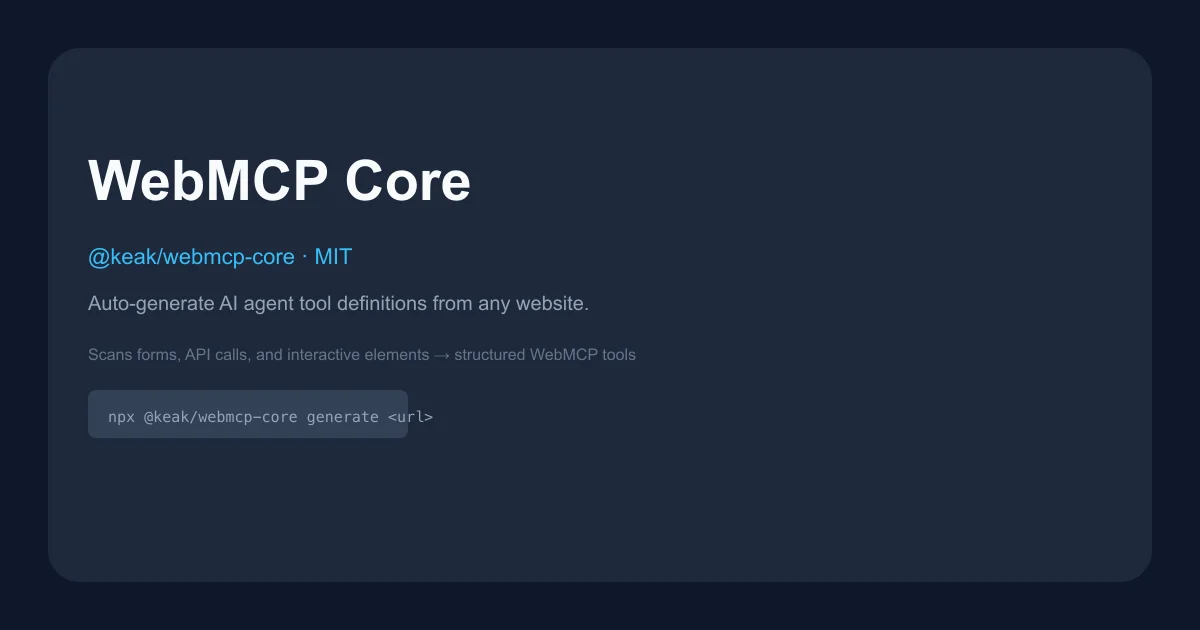
WebMCP Core (@keak/webmcp-core) crawls any URL, extracts forms and API calls, and auto-generates structured tool definitions compatible with Chrome 146 WebMCP. MIT licensed.
TL;DR
TL;DR: WebMCP Core crawls any website, extracts every form and API call, and generates ready-to-use AI agent tool definitions in TypeScript — install it with
npm install @keak/webmcp-coreand runnpx @keak/webmcp-core generate <url>.
Source and Accuracy Notes
- Project page: agents.keak.com ← verified
- Source repository: github.com/keak-ai/webmcp-core ← read README end-to-end
- License: MIT ← verified via GitHub API
license.spdx_id - npm package: @keak/webmcp-core ← verified
- HN launch thread: not available (launch via blog post, not HN)
What Is WebMCP Core?
WebMCP is a web standard (Chrome 146+) that lets websites expose structured tool contracts directly to AI agents — instead of screen-scraping, an agent calls explicit tools registered by the page via navigator.modelContext.registerTool().
The problem is that most existing websites were not built with WebMCP in mind. WebMCP Core solves this by reverse-engineering any site: point it at a URL and it crawls the site, finds every form, API call, and interactive element, then outputs TypeScript tool definitions compatible with Chrome’s Imperative and Declarative WebMCP APIs.
The pipeline is: scan URL → extract actions (forms, network calls, click flows) → cluster and name tools → classify safety level (read/write/danger) → export as TypeScript snippets, React hooks, HTML embeds, JSON manifests, or YAML.
Safety Classification
The synthesizer classifies each generated tool:
| Level | Meaning |
|---|---|
read | GET requests, queries — no side effects |
write | POST/PUT form submissions — creates or modifies data |
danger | DELETE operations, payment flows, checkout |
The linter also warns if a tool name implies side effects (e.g. “delete”, “remove”) but its safety level is marked read.
Setup Workflow
Prerequisites
- Node.js 18 or later
- Chrome 146+ (with
chrome://flags/#enable-experimental-web-platform-featuresset to Enabled) - npm, yarn, pnpm, or bun
Step 1: Install
npm install @keak/webmcp-core
```bash

Or run without installing:

```bash
npx @keak/webmcp-core generate <url>
```bash

### Step 2: Generate Tools for a URL

```bash
npx @keak/webmcp-core generate https://example.com
```bash

The output shows every action found and the proposed tool definitions:

```bash
✔ Scanning https://example.com (depth 2)…
  Found 14 actions across 5 pages
✔ Proposed 6 tools
✔ Wrote webmcp.tools.ts (snippet)

  site_search_products   — Search products by keyword            [read]
  site_add_to_cart       — Add a product to the shopping cart    [write]
  site_submit_contact    — Submit the contact form               [write]
  site_toggle_theme      — Toggle dark/light theme               [read]
  site_navigate_category — Navigate to a product category        [read]
  site_checkout          — Complete the checkout flow            [danger]
```bash

### Step 3: Enable WebMCP in Chrome

WebMCP requires Chrome 146 or later with an experimental flag:

1. Update Chrome to version **146+** (check `chrome://version`)
2. Open `chrome://flags/#enable-experimental-web-platform-features`
3. Set the flag to **Enabled**
4. Relaunch Chrome

After relaunch, `navigator.modelContext` is available on any page.

### Step 4: Register the Generated Tools

Import the generated `webmcp.tools.ts` file and register the tools on the page:

```typescript
import { registerTools } from './webmcp.tools';

await registerTools();
The generated tool definitions call navigator.modelContext.registerTool() for each action the crawler found.
Supported Export Formats
WebMCP Core can export in several formats beyond the default TypeScript snippets:
- TypeScript snippets — importable tool definitions
- React hooks — for React-based agent UIs
- HTML embeds —
<form toolname="..." tooldescription="...">declarative annotations - JSON manifests — structured tool metadata
- YAML — for config-driven setups
- VS Code extension manifests — coming soon
Browser and Framework Compatibility
The README confirms support for: Next.js, React, Vue, Svelte, Vite, Shopify, Astro, and plain HTML.
Edge support is expected mid-to-late 2026. Firefox and Safari have not announced timelines.
Deeper Analysis
How the Scanner Works
The scanner uses Playwright to crawl each page via BFS (breadth-first search). At each page, it captures:
- DOM snapshot — forms, buttons, links, elements with
toolnameortooldescriptionattributes - Network calls — first-party API requests (XHR/fetch) made by the page
Extracted actions are then clustered into named tools with JSON Schema inputs, safety levels, and optional LLM-enriched descriptions.
Limitations
- The tool is read-only (does not write back to the site)
- No JavaScript-rendered dynamic content detection beyond Playwright snapshots
- Rate limits and CAPTCHAs can block crawling
- Output quality depends on how well-structured the target site is
Practical Evaluation Checklist
- Install
@keak/webmcp-coreand runnpx @keak/webmcp-core generateon a known site - Verify the generated tools match the actual site actions
- Enable Chrome 146 experimental flag and confirm
navigator.modelContextis available - Test a
readtool (e.g. search) and awritetool (e.g. form submit) from the generated output - Check that
danger-level tools (checkout, delete) are clearly labeled
Security Notes
- The tool makes outbound requests to the target site during crawling — do not use it on untrusted or internal-only sites without authorization
- Safety classification is automated and may not perfectly capture the semantics of every action — review
danger-level tool outputs before using them in agent workflows - The linter warns about mismatches between tool names and safety levels, but is not a substitute for manual review
FAQ
Q: Does this work on sites behind authentication? A: The scanner uses a plain Playwright browser instance. Authenticated pages are not supported out of the box — you would need to inject session cookies or use a logged-in context manually.
Q: Can it generate tools for single-page applications? A: Yes, Playwright handles SPAs. However, dynamic content loaded lazily may require manual navigation steps in the crawler.
Q: How does this compare to manually writing WebMCP tool definitions? A: WebMCP Core automates the tedious discovery step. For complex sites with dozens of endpoints, auto-generation saves hours. For simple sites, writing by hand may be faster.
Q: Does it work with non-Chrome browsers? A: WebMCP is a Chrome 146+ standard. Edge support is expected mid-to-late 2026. Firefox and Safari have not announced timelines.
Conclusion
WebMCP Core brings the “tools for AI agents” promise one step closer to reality by solving the discovery problem. Rather than hand-writing tool definitions for every website an agent might interact with, you point it at a URL and get a structured set of TypeScript tool contracts ready to register with Chrome’s WebMCP API. The safety classification and linting are practical touches that help avoid accidentally triggering write or danger actions in production agent workflows.
If you are building AI agents that interact with the web, WebMCP Core is worth keeping in your stack — especially as Chrome 146 rolls out and WebMCP support expands.
Source and Accuracy Notes
- Project page: agents.keak.com
- Source repository: github.com/keak-ai/webmcp-core
- License: MIT (verified via GitHub API
license.spdx_id) - npm package: @keak/webmcp-core
- WebMCP standard: developer.chrome.com/blog/webmcp-epp
Related Posts
ai-setup
Recall – Persistent Memory for Claude Code via MCP Hooks
Recall gives Claude Code a permanent memory store that survives session restarts and context compaction. Four hooks capture and restore context automatically — with cloud SaaS or self-hosted options.
2/28/2026
dev-tools
Automotive Skills Suite for AI Engineering
Evaluate Automotive Skills Suite for APQP, ASPICE, HARA, safety-plan, and DIA workflows with setup notes, governance risks, and SME review guidance.
5/28/2026
dev-tools
awesome-agentic-ai-zh Roadmap Guide
Explore awesome-agentic-ai-zh as a Chinese agentic AI learning roadmap, with setup notes, track selection, study workflow, and evaluation guidance.
5/28/2026