WebMCP Core – Auto-Generate AI Agent Tool Definitions from
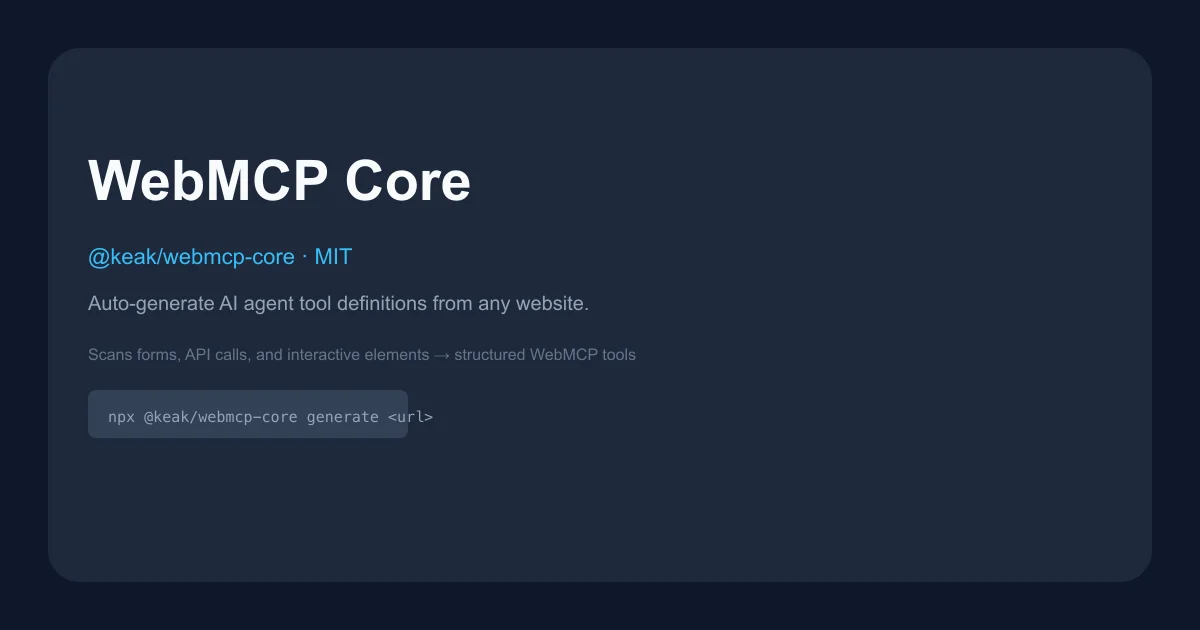
Point WebMCP Core at any URL, get AI agent tool definitions in seconds. Auto-crawls forms, APIs, and interactive elements; outputs TypeScript, React hooks, or YAML for Chrome 146+.
TL;DR
TL;DR: WebMCP Core crawls any website, automatically generates structured tool definitions that AI agents can call via Chrome 146+‘s
navigator.modelContextAPI — no manual API wrapping required.
Source and Accuracy Notes
- Project page: agents.keak.com
- Source repository: github.com/keak-ai/webmcp-core
- npm package: npmjs.com/package/@keak/webmcp-core
- License: MIT (verified via LICENSE file on GitHub)
- HN launch thread: news.ycombinator.com/item?id=47160342
What Is WebMCP Core?
WebMCP is a web standard (Chrome 146+) that gives AI agents structured tool contracts on existing websites. Instead of screen-scraping, an agent calls explicit tools registered by the page via navigator.modelContext.registerTool().
WebMCP Core is the Node.js package that generates those tool definitions automatically. You point it at a URL, it crawls the site with Playwright, identifies every form, API call, and interactive element, then outputs ready-to-use tool code.
The package supports Chrome’s Imperative API (registerTool()) and Declarative API (HTML <form> annotations). It can also generate HTML embeds, React hooks, userscripts, JSON manifests, or YAML — depending on your stack.
Setup Workflow
Prerequisites
- Node.js 18 or later
- Chrome 146+ (with
chrome://flags/#enable-experimental-web-platform-featuresenabled) at runtime
Step 1: Install the package
npm install @keak/webmcp-core
```bash

For scanning, also install Playwright:

```bash
npm install playwright
npx playwright install chromium
```bash

### Step 2: Enable Chrome experimental flag

WebMCP requires Chrome 146+ with experimental web platform features enabled:

1. Update Chrome to version **146 or later** (check `chrome://version`)
2. Open `chrome://flags/#enable-experimental-web-platform-features`
3. Set the flag to **Enabled**
4. Relaunch Chrome

After that, `navigator.modelContext` is available on any page.

### Step 3: Generate tool definitions

```bash
npx @keak/webmcp-core generate https://example.com
```bash

This scans the site and outputs a `webmcp.tools.ts` file:

```bash
✔ Scanning https://example.com (depth 2)…
  Found 14 actions across 5 pages
✔ Proposed 6 tools
✔ Wrote webmcp.tools.ts

  site_search_products   — Search products by keyword            [read]
  site_add_to_cart       — Add a product to the shopping cart    [write]
  site_submit_contact    — Submit the contact form               [write]
  site_toggle_theme      — Toggle dark/light theme               [read]
  site_navigate_category — Navigate to a product category        [read]
  site_checkout          — Complete the checkout flow            [danger]
```bash

The generated code calls `navigator.modelContext.registerTool()` with structured tool definitions including JSON Schema inputs and safety annotations (`read`/`write`/`danger`).

## Deeper Analysis

### How the pipeline works

1. **Scan** — Playwright crawls the site via BFS, capturing DOM snapshots (forms, buttons, links) and recording network calls at each page.
2. **Extract** — Identifies actionable elements: form submissions, first-party API calls, click flows, and route changes. Third-party analytics and tracking domains are automatically blocklisted.
3. **Synthesize** — Clusters related actions into named tool definitions, assigns JSON Schema inputs, assigns safety levels, and optionally enriches descriptions with an LLM.
4. **Export** — Outputs in the format your stack needs.

### Export formats

| Format | Output | Use Case |
|--------|--------|----------|
| `snippet` | `webmcp.tools.ts` | Drop-in `registerTool()` code |
| `react-hook` | `webmcp.hooks.tsx` | `useWebMCPTools()` hook |
| `html-embed` | `webmcp.embed.html` | `<script>` tag for any HTML page |
| `manifest` | `webmcp.manifest.json` | Platform upload / API integration |
| `userscript` | `webmcp.*.user.js` | Tampermonkey / Greasemonkey |
| `yaml` | `webmcp.tools.yaml` | Human-readable config |

### CLI reference

| Command | Description |
|---------|-------------|
| `webmcp init` | Interactive setup, detects framework |
| `webmcp generate <url>` | Scan + generate in one step |
| `webmcp scan <url>` | Scan only, saves to `.webmcp/scan.json` |
| `webmcp export` | Export from a previous scan |
| `webmcp simulate <prompt>` | Test which tools an agent would pick |

Key options for `generate`:

```bash
--format <format>   snippet, react-hook, html-embed, manifest, userscript, yaml
--depth <n>         Crawl depth (default: 2)
--headless          Headless browser mode
--cookie <string>   Cookie string for authenticated pages
--api-key <key>     API key for AI enrichment (auto-detects provider)
--provider <name>   openai, anthropic, google, mistral, groq, xai, deepseek
```bash

### Programmatic API

One-liner:

```ts
import { generateToolDefinitions } from "@keak/webmcp-core";
const tools = await generateToolDefinitions("https://example.com", { depth: 2 });
```bash

Full pipeline with LLM enrichment:

```ts
import { scanUrl, proposeTools, enhanceWithLlm, exportTools } from "@keak/webmcp-core";

const scan = await scanUrl({ url: "https://example.com", depth: 2 });
const tools = proposeTools(scan, { minConfidence: 0.5 });
const enriched = await enhanceWithLlm(tools, scan.actions, {
  apiKey: process.env.OPENAI_API_KEY,
});
const output = exportTools(enriched, "snippet", { domain: "example.com" });
Safety classification
Tools are automatically classified by HTTP method and action semantics:
read— GET requests, querieswrite— POST/PUT form submissionsdanger— DELETE operations, payment flows, checkout
The linter warns if a tool’s name suggests side effects but its safety level is marked read.
Practical Evaluation Checklist
- Does it install cleanly with
npm install @keak/webmcp-core? Yes - Does
npx @keak/webmcp-core generatework on a simple site? Requires Playwright + Chromium - Is the output TypeScript correct? Snippet format uses
navigator.modelContext.registerTool()directly - Does the linter catch misclassified tools? Built-in lint rules cover naming, schema, and safety
- Does AI enrichment work with multiple providers? Auto-detects OpenAI, Anthropic, Google, Mistral, Groq, xAI, DeepSeek from key prefix
- Does it handle SPA sites? Playwright renders pages fully before capturing DOM, so dynamic content from React/Vue/Angular is included
Security Notes
- Third-party analytics and tracking domains (Google Analytics, Hotjar, Segment, Sentry, Facebook Pixel, etc.) are blocklisted during scanning — only first-party API calls become tools
- API keys passed via CLI are never stored in config files
- The
dangersafety level requires explicit user confirmation before execution
FAQ
What Chrome version do I need?
Chrome 146 or later with chrome://flags/#enable-experimental-web-platform-features enabled. Edge support is expected mid-to-late 2026. Firefox and Safari have not announced timelines.
Do I need Playwright installed?
Only for scanning. If you’re exporting from a saved scan or using the library purely for linting/exporting pre-built tool specs, Playwright is not required.
Can I use this without Chrome?
The tool generation pipeline (scan, extract, synthesize, export) runs anywhere Node.js runs. Chrome is only needed at runtime to expose generated tools to AI agents via navigator.modelContext.
Does it work on single-page apps?
Yes. Playwright renders the page fully before capturing the DOM, so dynamic content from React, Vue, Angular, etc. is included. The crawler follows internal links via BFS up to the configured depth.
What happens to forms without toolname attributes?
Forms without WebMCP declarative attributes are still discovered via aria-label, <label>, <legend>, and heading elements. Chrome’s Declarative API scanner uses toolname/tooldescription as the primary names when present.
Conclusion
WebMCP Core closes the gap between “AI agent wants to use a website” and “someone has to manually write tool definitions for every page.” Instead of maintaining fragile selectors or screen-scraping flows, you run one command and get structured, typed tool definitions you can drop into any agent stack.
The practical value is real: an agent that can call site_search_products or site_add_to_cart is far more reliable than one prompting at the DOM level. If you’re building browser-based AI agents or working with any site that doesn’t yet have native WebMCP support, this is worth keeping in your toolbelt.
The Chrome 146 requirement means this is early-stage for end users, but the package itself is MIT-licensed, works today, and the pipeline runs anywhere Node.js does — so you can integrate it into build pipelines or agent frameworks now.
Related Posts
ai-setup
Recall – Persistent Memory for Claude Code via MCP Hooks
Recall gives Claude Code a permanent memory store that survives session restarts and context compaction. Four hooks capture and restore context automatically — with cloud SaaS or self-hosted options.
2/28/2026
dev-tools
Automotive Skills Suite for AI Engineering
Evaluate Automotive Skills Suite for APQP, ASPICE, HARA, safety-plan, and DIA workflows with setup notes, governance risks, and SME review guidance.
5/28/2026
dev-tools
awesome-agentic-ai-zh Roadmap Guide
Explore awesome-agentic-ai-zh as a Chinese agentic AI learning roadmap, with setup notes, track selection, study workflow, and evaluation guidance.
5/28/2026