TL;DR
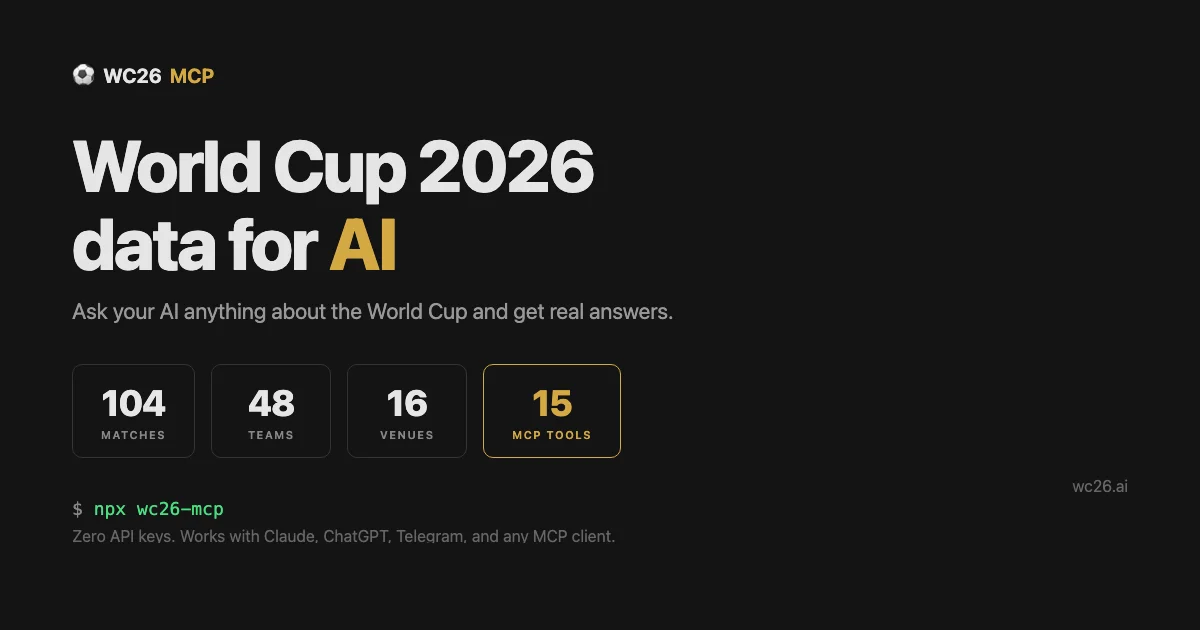
TL;DR: WC26 MCP is an open-source Model Context Protocol server that gives AI agents 18 tools for querying FIFA World Cup 2026 data – matches, teams, venues, standings, and more – with no API keys or setup required.
What Is WC26 MCP?
WC26 MCP (github.com/jordanlyall/wc26-mcp) is an open-source MCP server built specifically for AI agents that need access to FIFA World Cup 2026 data. It exposes 18 distinct tools covering matches, teams, venues, city guides, fan zones, visa information, head-to-head records, standings, brackets, and news.
The project was shared on Hacker News by jordanlyall as a launch announcement. According to its GitHub repository:
“AI companion for FIFA World Cup 2026 — 18 tools covering matches, teams, venues, city guides, fan zones, visa info, head-to-head records, and more. Works with Claude, ChatGPT, Cursor, and Telegram.”
It is published under the MIT license and currently has 35 stars on GitHub (as of July 2026).
Setup Workflow
Step 1: Install the MCP Server
# Install via npm
npm install -g wc26-mcp

# Or clone from GitHub
git clone https://github.com/jordanlyall/wc26-mcp.git
cd wc26-mcp
npm install
```bash

### Step 2: Configure Your MCP Client

WC26 MCP is compatible with any client that supports the MCP protocol. The setup varies by client:

**Claude Desktop (Mac/Windows):**
Add to your MCP settings JSON:
```json
{
  "mcpServers": {
    "wc26": {
      "command": "wc26-mcp"
    }
  }
}
Cursor:
Navigate to Cursor Settings → MCP and add a new server using the wc26-mcp command.
ChatGPT (Desktop): Enable the MCP-compatible plugin mode and point it to the locally running WC26 MCP server.
Step 3: Start Querying
Once connected, you can ask your AI agent natural questions:
- “Which teams are in Group A for the 2026 World Cup?”
- “Tell me about MetLife Stadium as a venue.”
- “What’s the head-to-head record between Argentina and Brazil?”
- “List all fan zones in Los Angeles.”
- “Show me the current tournament bracket.”
Deeper Analysis
Coverage Scope
The 18 tools cover the following data categories:
| Category | Examples |
|---|---|
| Matches | Fixtures, results, scorers, timings |
| Teams | Squads, group stage positions |
| Venues | Stadiums, capacity, location |
| City Guides | Local info for each host city |
| Fan Zones | Public viewing areas |
| Visa Info | Entry requirements for fans |
| Head-to-Head | Historical records between teams |
| Standings | Group and overall rankings |
| Bracket | Tournament knockout tree |
| News | Latest tournament updates |
No API Keys Required
Unlike most sports data APIs (which require paid subscriptions), WC26 MCP ships with bundled data — no registration, no API key, no rate limits. This makes it particularly useful for personal projects, demos, and local development.
Compatible With Any MCP Client
The MCP (Model Context Protocol) is a vendor-neutral standard gaining traction across the AI tooling ecosystem. WC26 MCP adheres to the standard protocol, meaning it works with Claude, ChatGPT, Cursor, and any other MCP-compatible client without vendor-specific adapters.
Telegram Integration
Beyond static AI clients, WC26 MCP also integrates with Telegram, allowing you to query World Cup data directly from a Telegram bot. This is a unique feature for building fan-facing bots or personal notification workflows.
Practical Evaluation Checklist
- Open-source MIT project on GitHub (jordanlyall/wc26-mcp)
- 18 distinct data tools covering the full tournament
- No API keys or paid data subscription required
- Works with Claude, ChatGPT, Cursor, and Telegram
- Self-hostable — runs entirely on your infrastructure
- Data covers FIFA World Cup 2026 specifically (not generic sports data)
Security Notes
WC26 MCP is a read-only data access layer. It does not execute arbitrary code, write to external systems, or transmit personal user data. Since it bundles static tournament data rather than fetching live from external APIs, the attack surface is minimal.
If self-hosting, standard server hardening practices apply: keep the process sandboxed, run under a limited-privilege user, and do not expose the MCP port publicly unless your AI client explicitly requires it.
FAQ
Q: Does this work with local AI models like Ollama? A: If your local model supports the MCP protocol (via a client adapter), yes. WC26 MCP is protocol-compliant, not client-specific.
Q: Is the World Cup data current and accurate? A: The data reflects the tournament structure as of the 2026 edition. For live match data during the tournament, check whether the project ships with scheduled data or pulls updates.
Q: Can I contribute new tools or data categories? A: Yes — it is an open-source project on GitHub. Pull requests for additional tools or data coverage are welcome.
Q: Does this work outside the United States/Canada/Mexico? A: The 2026 World Cup is hosted across all three countries. The city guides and visa tools cover all host nations. General tournament data (teams, matches, standings) applies globally.
Conclusion
WC26 MCP fills a specific niche: giving AI agents structured, reliable access to FIFA World Cup 2026 data without the friction of API keys, rate limits, or vendor lock-in. The MCP protocol compatibility means it slots into existing AI workflows in Claude, ChatGPT, or Cursor without custom integration work.
If you are building anything World Cup-related — a fan bot, a content tool, a data analysis pipeline, or a personal assistant skill — WC26 MCP is the fastest path to structured tournament data.
Source and Accuracy Notes
- Project page: wc26.ai
- Source repository: github.com/jordanlyall/wc26-mcp
- License: MIT (verified via GitHub API
license.spdx_id) - HN launch thread: news.ycombinator.com/item?id=47047553
Related Posts
ai-setup
Recall – Persistent Memory for Claude Code via MCP Hooks
Recall gives Claude Code a permanent memory store that survives session restarts and context compaction. Four hooks capture and restore context automatically — with cloud SaaS or self-hosted options.
2/28/2026
dev-tools
AgentMesh – Define AI Agent Teams in YAML
Define multi-agent AI workflows in YAML and run them locally with one command. AgentMesh brings Docker Compose patterns to AI agent orchestration.
5/28/2026
ai-setup
Sentrial – Catch AI Agent Failures Before Your Users Do
YC W26-backed AI agent observability platform. Trace sessions, detect silent regressions, and A/B test prompts in production before failures reach users.
5/28/2026