VMPrint – Pure-JS Typesetting Engine for Bit-Perfect PDFs
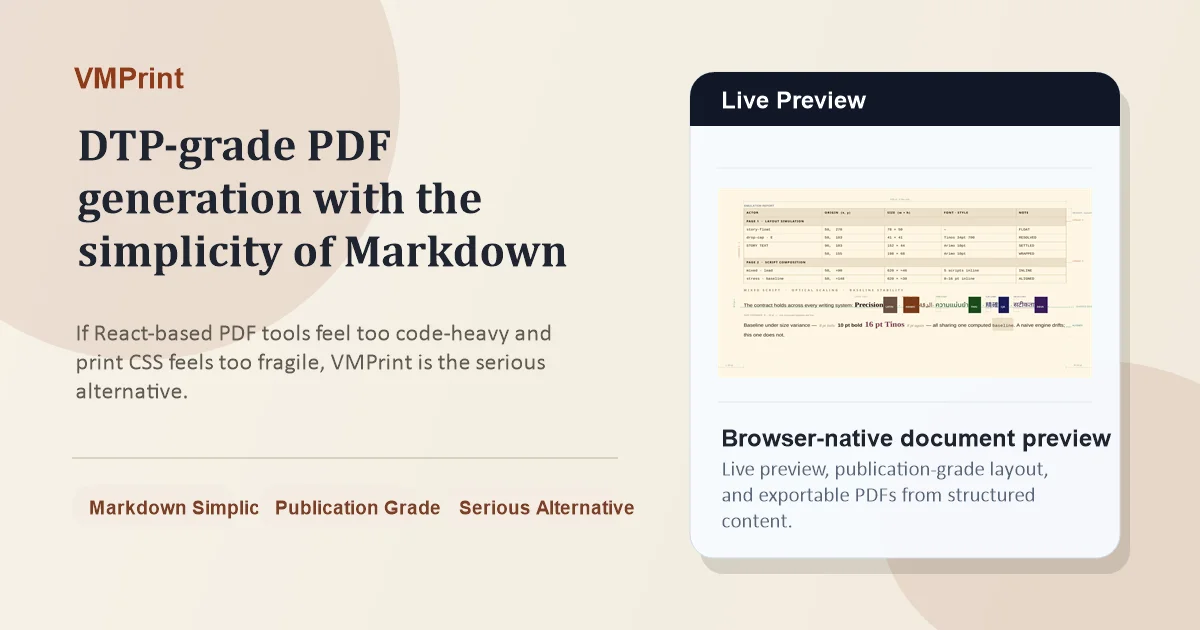
VMPrint is a zero-browser, pure-TypeScript layout engine that simulates document layout as a spatiotemporal process. Single-pass TOC, multi-script bidi, and 326 pages in 718ms warm. No HarfBuzz, no
TL;DR
TL;DR: VMPrint is a pure-TypeScript document layout engine that treats pagination as a deterministic spatiotemporal simulation — producing bit-perfect PDFs in a single pass, with no browser subprocess and no native shaping dependencies.
Source and Accuracy Notes
- Project page: cosmiciron.github.io/vmprint
- Source repository: github.com/cosmiciron/vmprint — README and monorepo structure verified
- License: Apache-2.0 (verified via GitHub API
license.spdx_id) - HN launch thread: news.ycombinator.com/item?id=47206082
What Is VMPrint?
VMPrint is a layout engine, not a PDF library or renderer. Its job is to decide where every glyph goes, negotiate page breaks, resolve mutual spatial dependencies between dynamic regions, and produce a flat array of exact X/Y coordinates for every box and text run in the document.
What you do with that output is your call: render to PDF, replay on a Canvas, drive a word processor display layer, or feed it to a WebGL pipeline.
The architecture is backed by a pending patent. The core insight: document layout is a deterministic spatiotemporal simulation, not a pipeline. Document elements are autonomous actors inhabiting a persistent world coordinate space. Pages are viewport projections over that world — not containers that content gets assigned into. Actors negotiate geometry with their neighbors, publish committed facts when their placement settles, and other actors observe those facts and respond, all within a single forward simulation pass.
Setup Workflow
VMPrint is installed as a monorepo with several packages:
npm install @vmprint/engine @vmprint/local-fonts @vmprint/context-pdfThe key packages are:
| Package | Purpose |
|---|---|
@vmprint/engine | Core spatiotemporal-simulation layout engine |
@vmprint/contracts | Common TypeScript interfaces |
@vmprint/cli | Command-line batch document typesetting |
@vmprint/context-pdf | Server/Node PDF rendering via PDFKit |
@vmprint/context-canvas | Browser rendering context backed by SVG page scenes |
@vmprint/local-fonts | Node/filesystem font manager bundling open-source fonts |
@vmprint/preview | Browser-side preview controller with SVG/PDF export |
Start paths from the README:
- The Spatial OS — full architecture overview
- QUICKSTART.md — repo-level orientation
- pressrun/ — smallest practical bootstrap example
Deeper Analysis
Single-Pass TOC, Index, and Bibliography
A table of contents must know page numbers before it can render, but the page numbers of subsequent content depend on how much space the TOC occupies. Every prior system resolves this through a second layout pass, an approximation, or external auxiliary files. VMPrint resolves it in one pass: heading actors emit committed signals as their geometry settles; the TOC actor observes those signals within the same running simulation and assembles accurate entries.
Multi-Script and Bidi Layout Without External Shaping Engines
No HarfBuzz. No ICU. No system-level binary. Arabic, Hebrew, Thai, Devanagari, CJK, and Latin on the same line, each script segment measured against its own font metrics, bidi-reordered, and baseline-aligned against dominant line metrics — in pure JavaScript.
Performance Characteristics
From the README (verified): 326 pages, warm in 718 ms. No browser, no subprocess. A 324-page manuscript compiled to PDF end-to-end in 2.32 seconds.
The engine classifies actor update outcomes into three tiers: no-change, content-only, and geometry-changing. A counter changing from 11 to 12 pays the in-place redraw cost only — nothing downstream is touched.
Speculative Layout with Deterministic Rollback
Widow/orphan control, keep-with-next rules, and cohesion policies are evaluated by placing a speculative branch, scoring it against the continuity policy, and either committing or rolling back to a bit-for-bit identical kernel snapshot.
Documents That Program Themselves
VMPrint documents can carry script methods that run as first-class participants in the layout simulation. An onReady() handler fires after layout has fully settled and can query real page numbers, real element positions, and real content counts, then mutate the document structure in response.
Practical Evaluation Checklist
- Layout output as serializable data — The engine produces
Page[]ofBox[]: absolutely positioned primitives with semantic provenance on every box. Diff layout changes as JSON, pre-compile and cache, or feed directly to a GPU draw pipeline. - Edge runtime compatible — Deploys to Cloudflare Workers, Deno Deploy, or Lambda@Edge where headless Chrome is impossible. Pure TypeScript, no native shaping dependency or binary requirement.
- Deterministic pagination — Page 42 is page 42 on every machine, every OS, every run. Pagination is a first-class physical constraint resolved by the simulation engine, not a browser heuristic.
- Zero external shaping dependencies — Everything runs in JS without calling HarfBuzz or ICU system libraries.
Security Notes
VMPrint processes untrusted document content. The spatiotemporal simulation model contains actor communication within the simulation boundary — there is no eval or arbitrary code execution path unless document scripts are explicitly embedded via the onReady() mechanism, which runs in the same V8 isolate as the document author.
FAQ
Q: Does VMPrint replace Puppeteer or pdf-lib?
A: It replaces the layout layer of those tools. VMPrint handles the geometry decision-making — where every glyph lands on every page. For PDF output, you pair it with @vmprint/context-pdf (backed by PDFKit) or @vmprint/context-canvas (SVG-backed). It does not handle rasterization or network requests.
Q: How does it differ from Typst or other markup typesetting systems? A: Typst compiles to a PDF via a layout algorithm that still uses multiple passes for cyclic dependencies (like TOC page numbers). VMPrint resolves those same cyclic dependencies in one simulation pass. Typst also requires a Rust binary and system fonts; VMPrint is pure TypeScript with an embedded font manager.
Q: What does “zero-browser” mean in practice? A: No Puppeteer, Playwright, or headless Chrome. The layout engine runs inside your existing Node.js process or V8 isolate. No subprocess spawning, no privilege escalation, no 300 MB RAM overhead per worker.
Q: Can I use it in a web browser directly?
A: Yes — @vmprint/preview provides a browser-side preview controller with SVG and PDF export. @vmprint/context-canvas renders page scenes as SVG in the browser. The core engine is runtime-agnostic.
Conclusion
VMPrint takes a fundamentally different approach to document layout: instead of a pipeline that iterates toward a solution, it runs a spatiotemporal simulation that converges to the correct answer in one pass. For developers building Canvas/WebGL tools, high-volume PDF generators, print-on-demand platforms, or collaborative editors — where pagination determinism, serverless deployment, and multi-script support matter — VMPrint eliminates dependencies that have been considered mandatory for decades.
The project is Apache-2.0, actively developed (last push: 2026-06-20), and the monorepo includes everything needed to get started.
Related Posts
ai-setup
Recall – Persistent Memory for Claude Code via MCP Hooks
Recall gives Claude Code a permanent memory store that survives session restarts and context compaction. Four hooks capture and restore context automatically — with cloud SaaS or self-hosted options.
2/28/2026
dev-tools
Automotive Skills Suite for AI Engineering
Evaluate Automotive Skills Suite for APQP, ASPICE, HARA, safety-plan, and DIA workflows with setup notes, governance risks, and SME review guidance.
5/28/2026
dev-tools
awesome-agentic-ai-zh Roadmap Guide
Explore awesome-agentic-ai-zh as a Chinese agentic AI learning roadmap, with setup notes, track selection, study workflow, and evaluation guidance.
5/28/2026