Vizzly – Visual Regression Testing for AI Coding Agents
Vizzly captures screenshots from real tests, compares them to approved baselines, and gives coding agents review data — diffs, comments, approvals — they can act on.
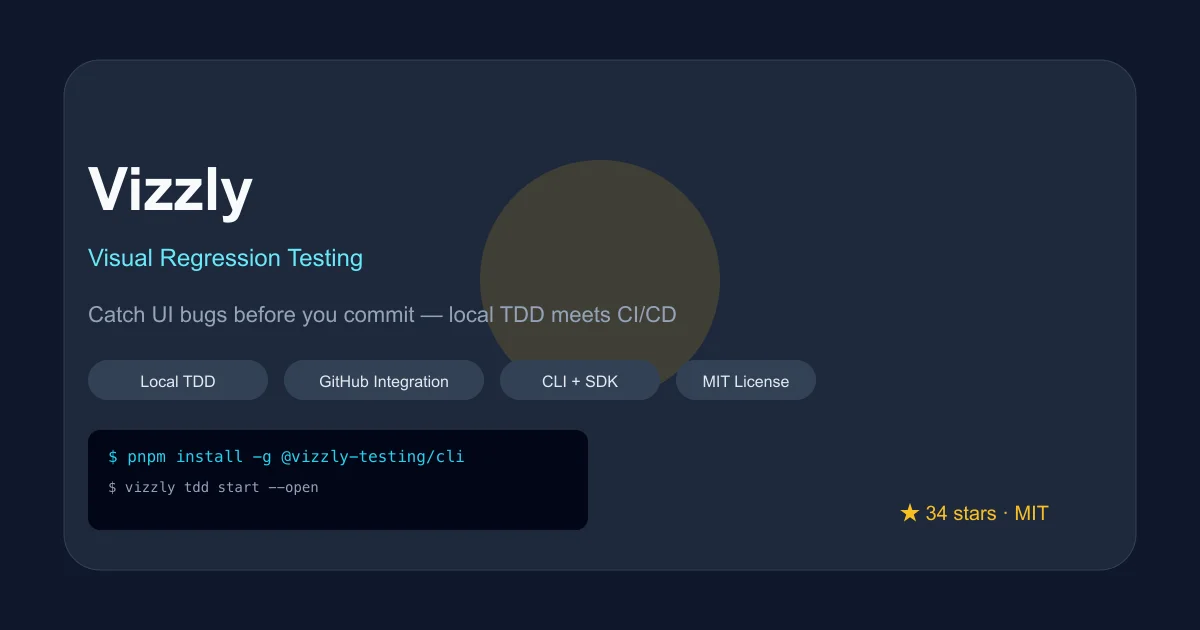
TL;DR
TL;DR: Vizzly is an open-source visual regression testing platform with a CLI-first local TDD workflow. It captures screenshots from your real tests, stores baselines, surfaces meaningful diffs, and integrates directly into GitHub review workflows — purpose-built for coding agents that need to know whether a UI change is correct.
Source and Accuracy Notes
- Project page: vizzly.dev ← visited and verified
- Source repository: github.com/vizzly-testing/cli ← read README end-to-end
- License: MIT ← verified
- NPM package: @vizzly-testing/cli ← confirmed
- HN launch thread: news.ycombinator.com/item?id=45159190 ← verified
- Latest release:
v0.35.2(2026-06-20) ← verified via GitHub Releases API - Stars: 34 (as of 2026-08-12) ← verified via GitHub API
What Is Vizzly?
Vizzly describes itself as “visual regression testing for teams that ship UI.” The core loop: your tests run and capture real screenshots, Vizzly compares them against approved baselines, and surfaces meaningful diffs with review data your team — or an AI agent — can act on.
The product sits at the intersection of local TDD and CI/CD visual review. It is not a generic screenshot diff tool; it is designed for teams where coding agents participate in the review process and need structured, machine-readable build data.
The GitHub org description reads:
See visual bugs before you commit. Local TDD workflow meets CI/CD visual testing.
Setup Workflow
Prerequisites
- Node.js 22 or higher
- A Vizzly account (free plan available)
- A project in Vizzly to get a
VIZZLY_TOKEN
Install the CLI
pnpm install -g @vizzly-testing/cli
```bash

The package ships on npm. The CLI is the primary surface — there is no separate daemon process for local TDD; the CLI manages the local server lifecycle.

### Initialize a Project

```bash
vizzly init
```bash

This creates a `.vizzly/` directory and prompts for your `VIZZLY_TOKEN`. For agent-friendly repos, pass the `--agent-guidance` flag:

```bash
vizzly init --agent-guidance
```bash

Or install just the local skill:

```bash
vizzly init --agent-skill
vizzly init --skip-agent-skill
```bash

### Start Local TDD

Start the local dashboard and run your tests in watch mode:

```bash
vizzly tdd start --open
pnpm test -- --watch
```bash

The dashboard opens at `http://localhost:{port}` and shows screenshots, baselines, and diffs as they arrive. Accept or reject changes from the UI. If the default port is busy, Vizzly picks the next available port; use the `--port` flag with `vizzly tdd status` or `vizzly tdd stop`.

### One-off Local Check

For a single local check without the dashboard:

```bash
vizzly tdd run "pnpm test" --no-open
```bash

This writes review data under `.vizzly/` and generates `.vizzly/report/index.html`. It also prints a `vizzly context build` command you can use for follow-up inspection.

### Run With Cloud Review

When you want shared baselines, team review, and CI status:

```bash
vizzly login
vizzly project link your-org/your-project
vizzly run "pnpm test" --wait
vizzly login authenticates your user account. vizzly project link creates a project-scoped upload credential for the local checkout, which vizzly run uses for cloud uploads.
CLI Reference
| Command | Description |
|---|---|
vizzly init | Initialize Vizzly in a project |
vizzly tdd start | Start local TDD server |
vizzly tdd run "cmd" | Run one-off local check |
vizzly tdd stop | Stop local TDD server |
vizzly tdd status | Show server status |
vizzly login | Authenticate with cloud |
vizzly project link | Link project to Vizzly cloud |
vizzly run "cmd" | Run with cloud review and wait |
vizzly context build | Build review context for agents |
Deeper Analysis
What Makes Vizzly Different
Most visual regression tools are either too simplistic (pixel diff only) or too heavyweight (requiring a full cloud service to do anything useful). Vizzly’s design starts from the local TDD workflow and extends outward:
Local-first. The entire local TDD loop works without an account. You can run vizzly tdd start, run your tests, and review diffs entirely locally. The cloud is additive, not required.
Agent-native design. The --agent-guidance flag is directly aimed at coding agents. The CLI can output structured JSON data that a coding agent can parse and act on. The vizzly context build command explicitly targets this use case.
GitHub integration. The docs describe a “GitHub Integration” feature that changes what happens when GitHub is connected. Specifically, Vizzly can post review status, diff links, and approval decisions back to GitHub PRs — making it a full loop for agents that submit PRs.
Pricing. The free plan is generous: unlimited public projects, 3 team members, 1 private project, 10 GB storage, 30-day retention. The open-source plan covers the same for open-source projects. Paid tiers add more private projects, storage, and concurrent workers.
What Vizzly Does Not Do
Vizzly is not a test runner. It does not execute your tests — it wraps around them. You bring your own test runner (Playwright, Vitest, etc.), and Vizzly intercepts the screenshot capture and comparison step.
It is also not a generic visual diff tool. There is no standalone “upload two images and get a diff” web UI. Everything flows through the CLI or the cloud dashboard.
Tech Stack
The CLI is written in JavaScript/TypeScript and ships on npm. The @vizzly-testing/cli package is the canonical install path. The backend services run as a hosted cloud product, with self-hosting available on paid tiers.
Practical Evaluation Checklist
- Can I run the full local TDD loop without creating an account?
- Does the CLI work with my existing test runner (Playwright, Vitest, etc.)?
- Is the
--agent-guidanceoutput actually parseable by a coding agent? - Does the GitHub integration post status checks to PRs automatically?
- How does Vizzly handle dynamic content (timestamps, ads, user-specific data) that changes between renders?
Security Notes
- Credentials are scoped per-project via
vizzly project link, not global tokens - The
VIZZLY_TOKENenvironment variable is the primary auth credential - The CLI stores config in
.vizzly/locally — this directory should not be committed to version control
FAQ
Q: Does Vizzly work with Playwright? A: Yes. Vizzly is test-runner agnostic. Any test runner that can capture screenshots can integrate with Vizzly. The official docs show Playwright examples.
Q: Can I self-host Vizzly? A: The open-source plan is for open-source projects using Vizzly Cloud. Self-hosting is available on paid tiers (Starter and above).
Q: How is Vizzly different from Percy or Loki?
A: Percy is a commercial cloud service with a free tier. Loki is a Storybook-focused visual regression tool. Vizzly’s primary differentiator is its CLI-first local workflow and its explicit design for coding agents (the --agent-guidance flag and vizzly context build command).
Q: Does Vizzly require a cloud account? A: No. The full local TDD loop works without an account. Cloud features (shared baselines, team review, CI integration) require an account.
Q: How does the pricing work for AI coding agents? A: The free plan includes 1 private project, which is sufficient for personal or small team use. Agents operating in a shared CI environment would likely use the Starter or Team plan.
Conclusion
Vizzly fills a specific niche: teams running coding agents that need to participate in UI review workflows. The CLI-first local TDD loop is well-designed — you can get started without signing up for anything. The agent-native flags (--agent-guidance, vizzly context build) signal that the tool was built with this workflow in mind, not retrofitted.
The MIT-licensed CLI (34 stars, v0.35.2) is actively maintained. If your team is running coding agents in a UI-heavy codebase and needs a structured way to handle visual regression, Vizzly is worth evaluating.
Related Posts
dev-tools
Automotive Skills Suite for AI Engineering
Evaluate Automotive Skills Suite for APQP, ASPICE, HARA, safety-plan, and DIA workflows with setup notes, governance risks, and SME review guidance.
5/28/2026
dev-tools
awesome-agentic-ai-zh Roadmap Guide
Explore awesome-agentic-ai-zh as a Chinese agentic AI learning roadmap, with setup notes, track selection, study workflow, and evaluation guidance.
5/28/2026
dev-tools
Baguette iOS Simulator Automation Guide
Set up Baguette for iOS Simulator automation, web dashboards, device farms, gesture input, streaming, and camera testing with Xcode caveats.
5/28/2026