VideoToPage – Turn Any Video into Blog Posts and Social
Drop a YouTube URL or upload a video and get a full blog post, article, or social media copy. Built with AI, one-time pricing.
TL;DR
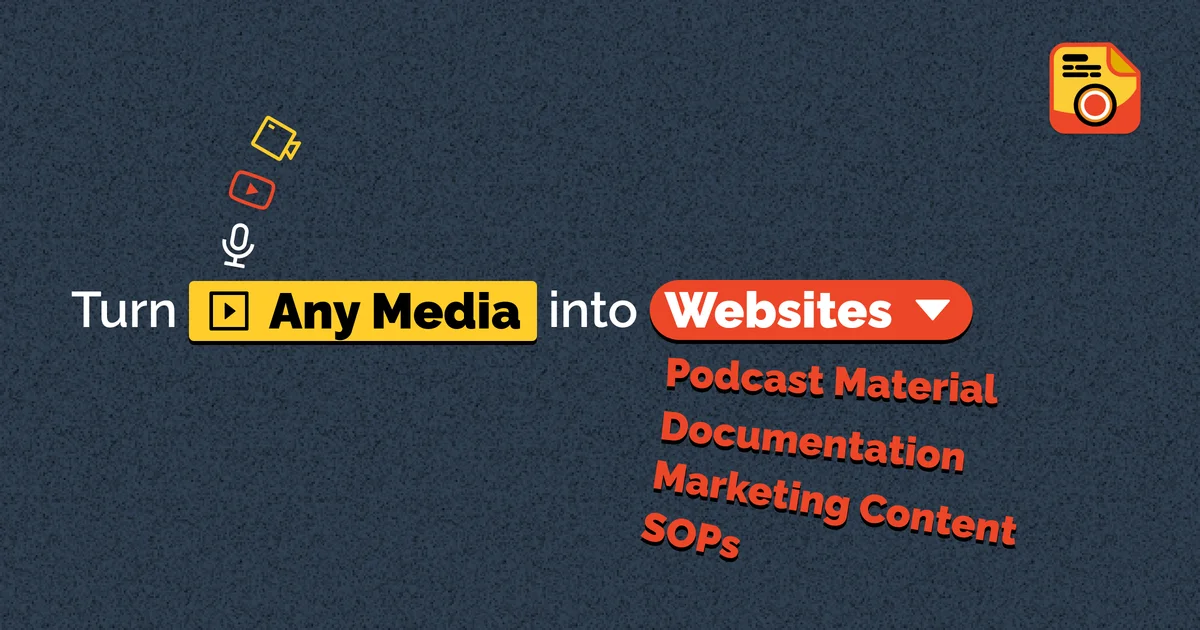
TL;DR: VideoToPage converts any video or audio into blog posts, articles, and social media copy — paste a YouTube URL or upload a file and get structured content in seconds.
Source and Accuracy Notes
- Project page: videotopage.com
- HN launch thread: news.ycombinator.com/item?id=40369185 ← 13 points
What Is VideoToPage?
VideoToPage is a web-based tool that transforms video and audio content into written formats — blog posts, articles, and social media posts. The workflow is straightforward: paste a YouTube URL, upload a video file, or record directly in the browser. VideoToPage then processes the audio and outputs structured, readable content.
The idea came from a practical problem: recording a product demo creates a great walkthrough, but the content is locked inside a video. VideoToPage extracts that value and repackages it as text.
How It Works
Step 1: Input Your Video
Visit videotopage.com and choose your input method:
- YouTube URL — paste any public YouTube link
- File upload — drop an MP4, MOV, or audio file
- Record — capture directly from your browser
Step 2: AI Processing
The tool transcribes and analyzes the audio, identifying key topics, steps, and highlights. It structures the output as a coherent article or post rather than a raw transcript.
Step 3: Export Your Content
Get a formatted blog post, article, or social media copy. You can edit and refine before publishing.
Key Features
- YouTube integration — paste any public YouTube URL without downloading
- Multiple export formats — blog post, article, Twitter/X threads, LinkedIn posts
- Direct recording — capture from browser without separate software
- 5-minute free trial — test with a demo video before committing
- One-time pricing — no subscription required
Practical Evaluation Checklist
- Paste a YouTube URL and receive content within seconds
- Verify the output reads naturally and covers key points
- Test the free tier before purchasing a plan
- Check if exported text is editable or locked to the platform
Security Notes
- No browser extension required — runs entirely in the browser
- Review the platform’s privacy policy before uploading proprietary product demos
- Consider redacting sensitive UI elements before recording
FAQ
Q: Does it work with any YouTube video? A: Any public YouTube URL is supported. Private or restricted videos may not process.
Q: What formats does it output? A: Blog posts, articles, Twitter/X threads, and LinkedIn posts — structured from the same source video.
Q: Is there a free tier? A: Yes, 5 minutes of free processing with the demo video available on the site.
Q: Is this a subscription? A: No — VideoToPage uses one-time pricing, not a recurring subscription.
Conclusion
VideoToPage solves the “video lock-in” problem for product demos, tutorials, and recorded content. Paste a YouTube URL and get a blog post or social copy out the other side. Worth trying if you produce regular video content and want to repurpose it without manual transcription.
Related Posts
ai-setup
Recall – Persistent Memory for Claude Code via MCP Hooks
Recall gives Claude Code a permanent memory store that survives session restarts and context compaction. Four hooks capture and restore context automatically — with cloud SaaS or self-hosted options.
2/28/2026
ai-setup
Sentrial – Catch AI Agent Failures Before Your Users Do
YC W26-backed AI agent observability platform. Trace sessions, detect silent regressions, and A/B test prompts in production before failures reach users.
5/28/2026
ai-setup
IonRouter – Fast Low-Cost AI Inference API
IonRouter is a YC W26 inference API routing open-source and fine-tuned models via an OpenAI-compatible endpoint, built on a C++ runtime optimized for GH200.
5/28/2026