Usagi – Free 2D Game Engine with Lua and Live Reload
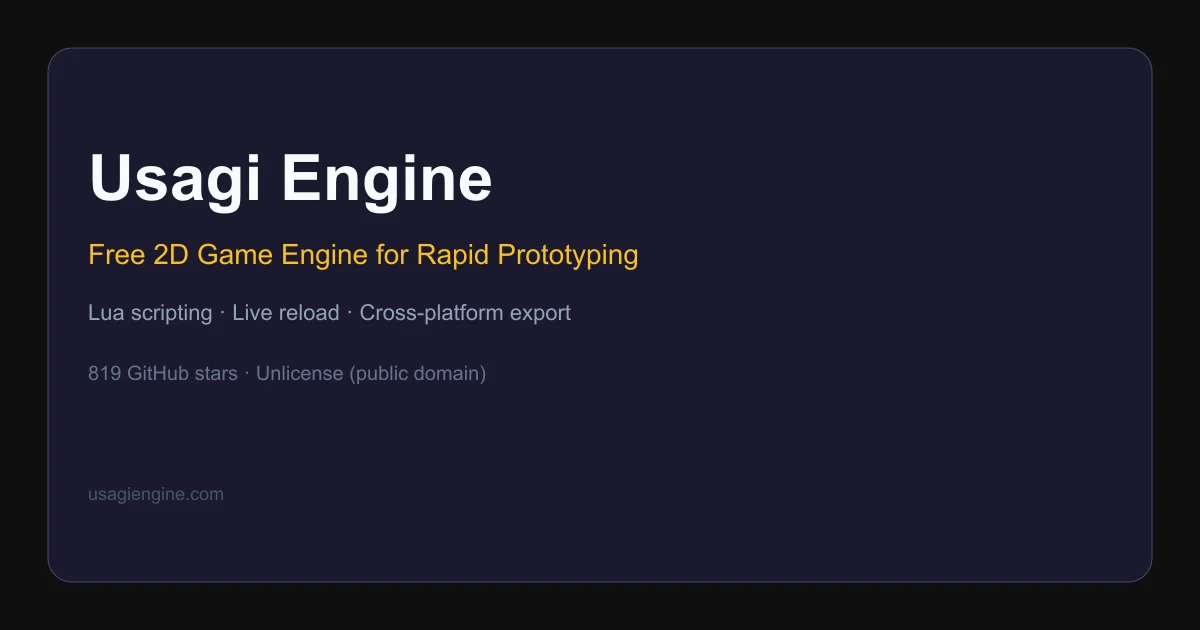
Usagi is a free, open source 2D game engine for pixel art games in Lua. It features live code and asset reload, one-command cross-platform export, and a minimal fixed API for rapid prototyping.
TL;DR
TL;DR: Usagi is a free, public-domain 2D game engine for pixel art games in Lua with live reload, one-command export to desktop and web, and a tiny constrained API designed to get out of your way.
Source and Accuracy Notes
- Project page: usagiengine.com — verified product site
- Source repository: codeberg.org/brettchalupa/usagi (mirror at github.com/brettchalupa/usagi)
- License: The Unlicense — verified in README, public domain dedication
- HN launch thread: news.ycombinator.com/item?id=44725306 — Show HN from 2026-05-19
What Is Usagi?
Usagi is a 2D game engine purpose-built for pixel art games, written in Rust with Lua scripting. The project describes itself as “simple 2D game engine for rapid prototyping with Lua, featuring live reload and cross-platform export.”
The engine deliberately constrains what you can do — 320×180 default resolution, 16×16 sprite grid, a single sprites.png for all textures. These constraints are intentional: the the project docs say “You can’t do everything, but you’ve got what you need to make a great 2D game.”
Key constraints and design choices:
- Fixed resolution: 320×180 pixels, scaling up cleanly on modern displays
- Single sprite sheet: One
sprites.pngholds all game textures - Lua 5.5 scripting: Games are written in Lua, not a custom language
- Public domain: No license restrictions — completely free to use and modify
Setup Workflow
Step 1: Install Usagi
Linux and macOS:
curl -fsSL https://usagiengine.com/install.sh | sh
```bash

**Windows (PowerShell):**

```powershell
irm https://usagiengine.com/install.ps1 | iex
```bash

**Homebrew:**

```bash
brew tap brettchalupa/usagi https://codeberg.org/brettchalupa/usagi
brew install usagi
```bash

The installer fetches the latest release, verifies its SHA-256 checksum, and places the `usagi` binary in `~/.usagi/bin/` (or `%USERPROFILE%\.usagi\bin\` on Windows), then adds it to `PATH`.

### Step 2: Bootstrap a New Project

```bash
usagi init my_game
cd my_game
usagi dev
```bash

Running `usagi init` creates `main.lua` with `_init`, `_update`, and `_draw` stubs, a `.luarc.json` for Lua LSP support, `.gitignore`, `meta/usagi.lua` for API type stubs, and `USAGI.md`.

### Step 3: Write Your First Game

Edit `main.lua`. A minimal "Hello, Usagi" looks like:

```lua
function _draw(_dt)
  gfx.clear(gfx.COLOR_BLACK)
  gfx.text("Hello, Usagi!", 10, 10, gfx.COLOR_WHITE)
end
```bash

Save — the running game picks up the change instantly without losing state, thanks to live reload.

### Step 4: Export Your Game

```bash
usagi export
This packages the game for Linux, macOS, Windows, and the web from a single command. The web export produces a standalone HTML file.
Deeper Analysis
Live Reload
Starting usagi dev watches both code and assets. When you edit main.lua or swap a sprite in sprites.png, the change applies immediately — the game does not restart, and current state (player position, score, etc.) is preserved. The README demonstrates this with a video walkthrough.
Export Targets
The README lists Linux, macOS, Windows, and web as export targets. The web export is a single HTML file, not a framework like Emscripten or a bundler. Manual downloads are available on Codeberg, GitHub, and itch.io.
Built-in Features
The engine ships with a built-in pause menu that includes sfx and music volume control, fullscreen toggle, and per-game keyboard and gamepad input remapping — all for free, without extra configuration.
Save data is handled with a single function call that serializes and deserializes a Lua table.
Latest Version
Latest stable release is v1.2.0 (verified from README).
Practical Evaluation Checklist
- ✅ Installs via shell one-liner (Linux/macOS/Windows)
- ✅ No compiler or runtime required — ships as a standalone binary
- ✅ Lua scripting (no build step for game logic)
- ✅ Live reload verified in README with video demo
- ✅ Cross-platform export (4 targets) verified in README
- ✅ Built-in pause menu and input remapping
- ✅ API type stubs (
meta/usagi.lua) for Lua LSP autocomplete - ✅ Homebrew package available
- ✅ Public domain — zero IP concerns
- ⚠️ No visual editor — purely code-based workflow
- ⚠️ Only pixel art (intentional constraint, not a gap)
Security Notes
Usagi is distributed as a standalone binary. The install script verifies SHA-256 checksums on published releases. The binary has no network access by default — game assets are loaded from the local filesystem. There are no reported security advisories for the project.
The source is on Codeberg (primary) and GitHub (mirror). Both are open for security researchers to audit.
FAQ
Q: Do I need Rust to use Usagi? A: No. Usagi ships as a pre-built binary. You only need Lua 5.5 knowledge to write games. If you want to modify the engine itself, Rust is required.
Q: Can I export to mobile? A: Not currently. The README lists Linux, macOS, Windows, and web as export targets. Mobile export is not mentioned.
Q: How does it compare to LÖVE? A: Usagi is inspired by LÖVE and shares the “sol” (solution) file approach. The key differences: Usagi is newer (2026 vs LÖVE’s ~2008), targets pixel art specifically with fixed resolution, and is public domain rather than zlib-licensed. LÖVE has a larger community and more features, but Usagi’s constraints are intentional for focused, fast iteration on small games.
Q: Is there an asset pipeline?
A: No. You bring your own sprite editor and sound tools. The engine reads a single sprites.png file and audio in a supported format.
Q: Does live reload lose game state? A: No. The README and live demo confirm state is preserved across code saves. Only the code is reloaded; game variables retain their current values.
Conclusion
Usagi is a focused, opinionated 2D engine for developers who want to prototype pixel art games quickly without fighting a large framework. The live reload alone makes it compelling — save a file, see the change instantly. The public domain license removes all friction for commercial and non-commercial use alike.
If you want a visual editor or feature-rich pipeline, look at Godot or LÖVE. If you want the fastest path from idea to playable pixel art prototype, Usagi is purpose-built for exactly that.
Start at usagiengine.com or read the book for a structured introduction.
Related Posts
ai-setup
Recall – Persistent Memory for Claude Code via MCP Hooks
Recall gives Claude Code a permanent memory store that survives session restarts and context compaction. Four hooks capture and restore context automatically — with cloud SaaS or self-hosted options.
2/28/2026
dev-tools
Automotive Skills Suite for AI Engineering
Evaluate Automotive Skills Suite for APQP, ASPICE, HARA, safety-plan, and DIA workflows with setup notes, governance risks, and SME review guidance.
5/28/2026
dev-tools
awesome-agentic-ai-zh Roadmap Guide
Explore awesome-agentic-ai-zh as a Chinese agentic AI learning roadmap, with setup notes, track selection, study workflow, and evaluation guidance.
5/28/2026