Trickle – Vibe Coding Canvas with Built-in AI Image & Video
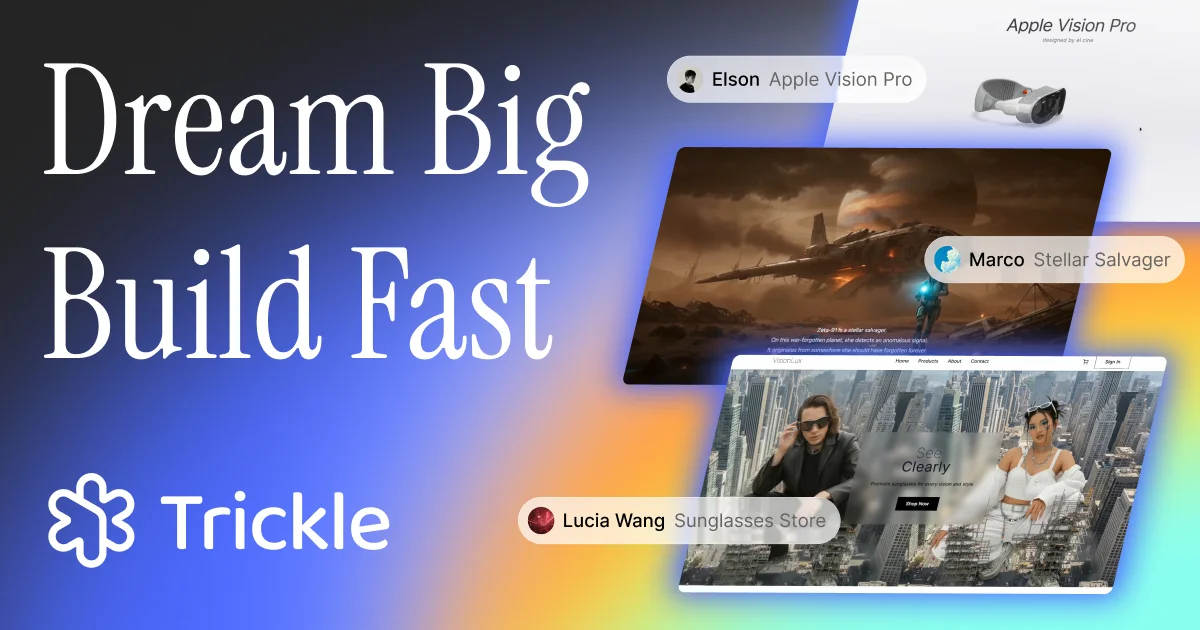
Trickle is an AI agentic canvas for vibe coding that lets you build production-ready web apps and sites using natural language, with built-in image and video generation.
TL;DR
TL;DR: Trickle is an AI-powered vibe coding canvas that turns natural language prompts into live web apps with built-in image and video generation — no setup required.
Source and Accuracy Notes
- Official site: https://trickle.so
- Pricing: Free tier available, paid plans for production use
What Is Trickle?
Trickle is the first AI agentic canvas designed specifically for vibe coding — a workflow where you describe what you want in plain language and the AI builds it live. Unlike traditional drag-and-drop builders, Trickle uses AI agents that understand your intent and scaffold full-stack apps, including:
- Image generation — embed AI-generated visuals directly in your app
- Video generation — add AI-generated video content
- Database layer — persistent data without writing SQL
- Design-to-code — describe a UI and get a working implementation
Setup Workflow
Step 1: Create a Free Account
Visit https://trickle.so and sign up with your email or SSO. The free tier gives you enough to prototype a functional app.
Step 2: Start a New Project
Click New Project and choose from templates or start blank. If you have a clear idea, skip templates — the AI canvas works best with a blank slate and a prompt.
Step 3: Describe Your App in Natural Language
Type a prompt like:
A landing page for a productivity app with a hero section,
pricing table, and a waitlist signup form.
```bash

```text
Add a hero image of a person working at a desk
```bash

```text
Insert a 10-second explainer video in the features section
Trickle’s agent parses the intent, generates the layout, wires up the database, and produces a working app. You can iterate by adding or modifying sections with follow-up prompts.
Step 4: Add AI-Generated Media
Use built-in commands to inject AI-generated images or video — just type them as natural language prompts and the agent handles the rest.
Step 5: Preview and Deploy
Every change updates a live preview URL. When ready, click Deploy to publish. Custom domains are supported on paid plans.
Deeper Analysis
Strengths
- No environment setup — fully browser-based, zero local dependencies
- Multimodal output — image and video generation are first-class citizens, not afterthoughts
- Database without SQL — agents handle data modeling
- Fast iteration — describe, preview, refine loop is tight
Limitations
- Agent opacity — generated code is not always editable directly; you often must prompt to change it
- Customization ceiling — complex layouts or non-standard UX patterns can outpace the agent’s capabilities
- Vendor lock-in — deployed apps are hosted on Trickle’s infrastructure
Comparison to Alternatives
| Feature | Trickle | Bolt | Lovable |
|---|---|---|---|
| Image generation | Built-in | Via plugin | Via plugin |
| Video generation | Built-in | No | No |
| Database layer | Native | External | External |
| Code export | Limited | Full | Full |
Practical Evaluation Checklist
- Can you build a working app in under 5 minutes from signup?
- Do AI-generated images match the app’s visual style?
- Is the database layer intuitive for non-technical users?
- Can you export or self-host the generated app?
- Is the free tier sufficient for prototyping?
Security Notes
- App data is hosted on Trickle’s servers — review their privacy policy before using with sensitive data
- AI-generated content may have licensing implications depending on the model used
- API keys for third-party services should not be stored in app configurations
FAQ
Q: Can I export the generated code? A: Limited export is available. Full code export is on the roadmap but not yet production-ready.
Q: Does Trickle support custom domains? A: Yes, on paid plans. The free tier uses a Trickle subdomain.
Q: What AI models power Trickle? A: Trickle uses a combination of first-party and third-party models for text, image, and video generation.
Q: Is there an API? A: Not at launch. API access is planned for a future tier.
Conclusion
Trickle is a strong pick if you want to go from idea to live web app without touching code or connecting external AI services. The built-in image and video generation sets it apart from other vibe coding tools, though the customization ceiling means you’ll eventually need to decide whether to stay on-platform or export and self-host.
Related Posts
ai-setup
Recall – Persistent Memory for Claude Code via MCP Hooks
Recall gives Claude Code a permanent memory store that survives session restarts and context compaction. Four hooks capture and restore context automatically — with cloud SaaS or self-hosted options.
2/28/2026
dev-tools
Automotive Skills Suite for AI Engineering
Evaluate Automotive Skills Suite for APQP, ASPICE, HARA, safety-plan, and DIA workflows with setup notes, governance risks, and SME review guidance.
5/28/2026
dev-tools
awesome-agentic-ai-zh Roadmap Guide
Explore awesome-agentic-ai-zh as a Chinese agentic AI learning roadmap, with setup notes, track selection, study workflow, and evaluation guidance.
5/28/2026