Traycer – AI Agent Orchestration for Coding Teams
Traycer connects Claude Code, Codex, Cursor and other coding agents in one shared workspace with unified context, agent-to-agent loops and real-time collaboration.
TL;DR
TL;DR: Traycer is an open-source AI orchestration hub that runs multiple coding agents (Claude Code, Codex, Cursor, OpenCode) in parallel with shared context, letting teams build agent-to-agent review loops and collaborate in real time.
Source and Accuracy Notes
All links verified from primary sources before publishing.
- Project page: traycer.ai
- Source repository: github.com/traycerai/traycer (MIT license, verified via
LICENSEfile) - HN launch thread: news.ycombinator.com/item?id=40212544
- VS Code extension: marketplace.visualstudio.com/items?itemName=Traycer.traycer-vscode
What Is Traycer?
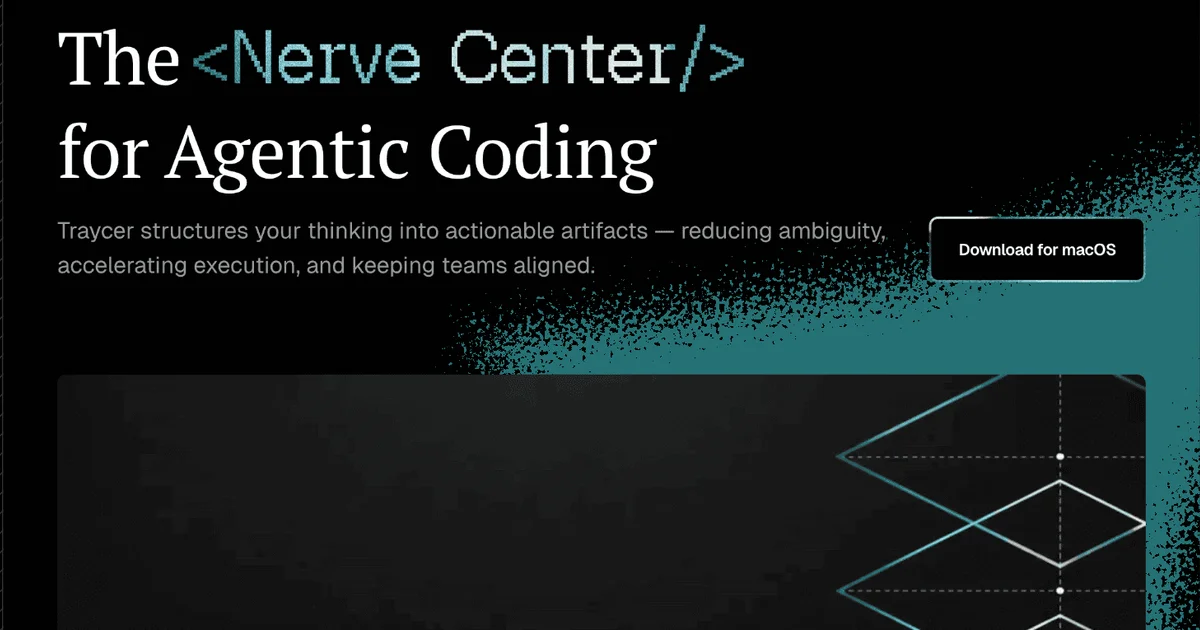
Traycer describes itself as the “nerve center for agentic coding.” It is an open-source desktop application (macOS, Linux, Windows) that acts as a unified orchestration layer around coding agents you already pay for — rather than locking you into a single provider’s ecosystem.
From the README:
“Traycer is an open-source AI orchestration app for advanced agent orchestration. Bring your existing provider subscriptions and run multiple agents in parallel without losing context, using shared memory across all models and providers.”
The core proposition is Bring Your Own Agent (BYOA): connect your existing Claude Code, Codex, Cursor, or OpenCode subscriptions, then orchestrate them from a single shared workspace. A native Traycer inference subscription is also available.
Key Features
Multi-Agent Parallel Execution
Run several coding agents simultaneously within the same task. Traycer maintains a shared context window across all providers, so agents do not lose the thread when you switch models mid-conversation.
Agent-to-Agent Communication
Create automated loops where agents debate architecture, peer-review each other’s output, or hand off tasks. Every agent can be referenced by name; communication scope depends on user, Host, and runtime permissions.
Regular and Epic Modes
- Regular mode — quick one-off tasks with a single agent
- Epic mode — structured multi-step workflows for larger features
Collaboration
Invite team members to a shared workspace. Features include shareable boards, real-time co-editing, and ticket assignment — all directly inside the Traycer interface.
Cross-Device Sync
Agent state persists across devices and operating systems, so you can continue a session from a different machine without losing context.
Privacy
Code is processed in-memory and never stored or used for model training. Privacy Mode is on by default for Team plans and opt-in for individuals.
Supported Coding Agents
| Agent | Status |
|---|---|
| Claude Code | Fully supported |
| Codex | Fully supported |
| Cursor | Fully supported |
| OpenCode | Fully supported |
| Traycer (native) | Native inference subscription |
Installation
Traycer ships native desktop apps for all major platforms:
| Platform | Install |
|---|---|
| macOS (Apple Silicon) | .dmg (arm64) |
| macOS (Intel) | .dmg (x64) |
| Linux (AppImage) | .AppImage |
| Linux (Debian/Ubuntu) | .deb |
| Linux (Fedora/RHEL) | .rpm |
| Windows (x64) | .exe |
The latest release is always at github.com/traycerai/traycer/releases/latest.
VS Code Extension
Traycer also publishes a VS Code extension (Traycer.traycer-vscode) with 40,999 installs. It brings AI-powered coding assistance directly into the editor — it plans, implements, and reviews every change you make. Version 2.16.8 was last updated July 2026.
Install it from VS Code Quick Open (Ctrl+P):
ext install Traycer.traycer-vscodeHow It Compares
Most coding agent tools (Claude Code, Cursor) run a single agent per session. Traycer’s value is in multi-agent orchestration — running several in parallel, with shared memory and structured handoffs. For solo developers, Epic mode provides a structured workflow scaffold; for teams, the collaboration layer adds shared context without requiring everyone to use the same IDE or provider.
If you only use one coding agent and work alone, Traycer may add overhead. If you juggle multiple providers or want agent-to-agent review loops, it fills a genuine gap.
Security Notes
- Code is processed in-memory only — not stored or used for training by default
- Privacy Mode (opt-in for individuals, default for Team plans) controls whether prompts are logged
- Agent API requests go directly to the provider (Anthropic, OpenAI, etc.) — Traycer only orchestrates; it is not a proxy for your API keys
- Crash reporting (Sentry) and analytics (PostHog) may be enabled in release builds
FAQ
Q: Do I need to pay for Traycer? A: No. Traycer is free and open-source (MIT). You bring your own coding agent subscriptions (Claude Code, Codex, etc.). A native Traycer inference subscription is also available if you prefer not to use existing accounts.
Q: Is my code sent to Traycer’s servers? A: Code is processed in-memory during the session. With Privacy Mode enabled (default on Team plans), prompts are not logged. API requests for your configured agents go directly to the provider.
Q: Can I use Traycer without a GitHub account? A: The desktop app does not require a GitHub account. The VS Code extension is installable directly from the Marketplace.
Q: What is Epic mode vs. Regular mode? A: Regular mode is for quick, one-off coding tasks. Epic mode structures longer, multi-step workflows — useful for features that span multiple files or require a planned sequence of changes.
Conclusion
Traycer solves a real problem in AI-assisted development: context fragmentation across agents and sessions. By running multiple coding agents with shared memory in a single workspace, it enables patterns — agent-to-agent review, parallel execution, structured Epic workflows — that are difficult or impossible with single-agent tools.
The VS Code extension alone makes it worth trying, even if you skip the full desktop orchestration layer. Install it from the VS Code Marketplace in under a minute.
Project page: traycer.ai
GitHub: github.com/traycerai/traycer
VS Code extension: Traycer on the Marketplace
Related Posts
ai-setup
Recall – Persistent Memory for Claude Code via MCP Hooks
Recall gives Claude Code a permanent memory store that survives session restarts and context compaction. Four hooks capture and restore context automatically — with cloud SaaS or self-hosted options.
2/28/2026
dev-tools
Automotive Skills Suite for AI Engineering
Evaluate Automotive Skills Suite for APQP, ASPICE, HARA, safety-plan, and DIA workflows with setup notes, governance risks, and SME review guidance.
5/28/2026
dev-tools
awesome-agentic-ai-zh Roadmap Guide
Explore awesome-agentic-ai-zh as a Chinese agentic AI learning roadmap, with setup notes, track selection, study workflow, and evaluation guidance.
5/28/2026