Telem AI – Route Agent Web Search Across Providers
Telem AI provides a unified API for AI agents to route web searches and page fetches across multiple providers, with automatic failover and per-request observability.
TL;DR
TL;DR: Telem AI is a unified API layer that lets AI agents route web searches and page fetches across multiple providers (e.g. Google, Brave, SerpAPI) with automatic failover, trace inspection, and observability built in.
Source and Accuracy Notes
- Project page: telem.ai
- Documentation: docs.telem.ai
- HN launch thread: news.ycombinator.com/item?id=42286567
What Is Telem AI?
When an AI agent needs to search the live web or fetch a web page, it usually calls a single provider API directly. If that provider is down, rate-limited, or returns degraded results, the agent has no fallback. Telem AI solves this by acting as a routing middleware layer.
According to the product page:
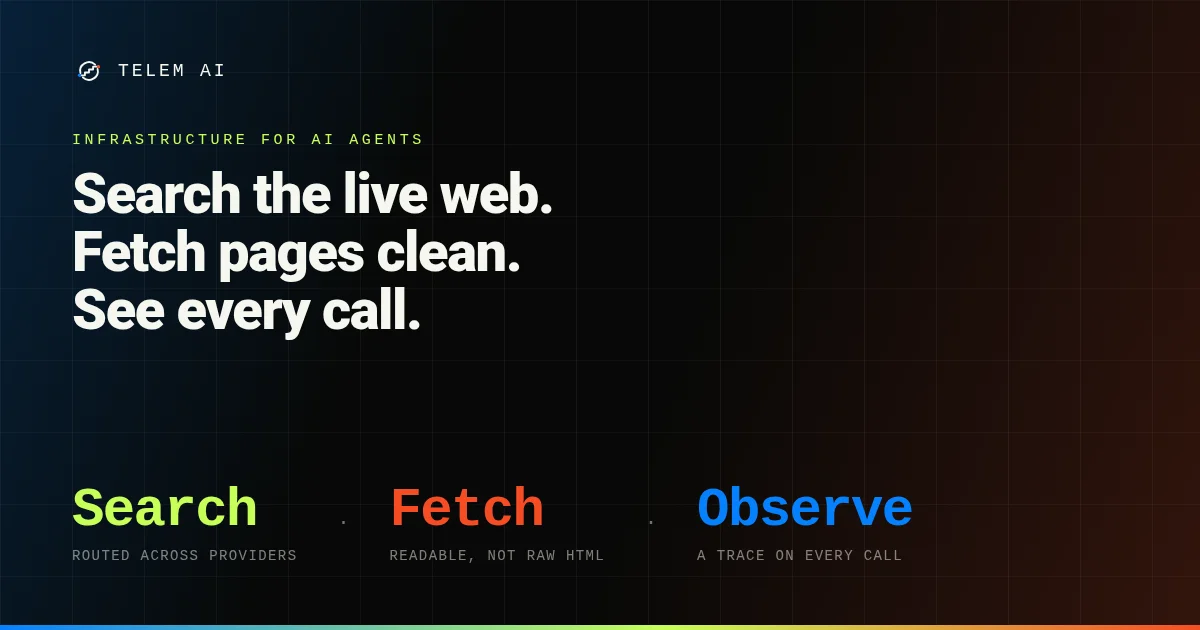
“Telem AI builds infrastructure for AI agents: web search routing, web fetch routing, and agent observability.”
The three core products are:
- Web Search Router — a single API that routes search queries across multiple search providers, automatically failing over when one degrades.
- Web Fetch Router — similar concept for fetching web pages, returning cleaned or transformed content.
- Observability — every routed call is traceable, letting you inspect what provider was used, latency, and response quality.
Telem is particularly relevant for agents that need reliable, continuous web access in production environments.
Setup Workflow
Step 1: Get an API Key
Sign up at telem.ai to receive an API key. New accounts receive $20 in free credits, roughly equivalent to 4,000 search queries.
Step 2: Install the SDK
Telem SDKs are available for Python and JavaScript/TypeScript:
# Python
pip install telem-ai

# JavaScript / TypeScript
npm install telem-ai
```bash

### Step 3: Make Your First Routed Search

```python
from telem import Telem

client = Telem(api_key="your_api_key")

# Telem automatically routes across multiple providers
result = client.search("latest release of Llama 4")
print(result.provider)   # e.g. "google"
print(result.content)

# If that provider fails, Telem fails over automatically
```bash

```javascript
import { Telem } from "telem-ai";

const client = new Telem({ apiKey: "your_api_key" });

const result = await client.search("Claude 4 release notes");
console.log(result.provider); // e.g. "serpapi"
```bash

### Step 4: Inspect Traces

```python
# List recent traces for your agent
traces = client.traces.list(limit=20)
for trace in traces:
    print(trace.provider, trace.latency_ms, trace.status)
Deeper Analysis
Why Use a Search Router?
Relying on a single search provider is a fragile dependency for production agents. Each provider has different rate limits, result freshness, and uptime characteristics. A router layer means your agent stays functional even when a specific provider has issues.
Telem’s approach is to let you configure provider preferences and priority order, then handle failover automatically. This is analogous to how modern infrastructure uses load balancers — you get resilience without the agent needing to know about it.
Observability as a First-Class Feature
Most search APIs give you a response and nothing else. Telem records every routed call, including which provider handled it, latency, and the raw response. This makes it straightforward to audit why an agent made a particular decision, or to detect when a provider is quietly degrading.
Pricing Model
Telem’s pricing page is transparent about its approach: you pay the upstream provider’s per-request rate for every search and fetch Telem routes. There is no markup on top of provider costs. Routing, tracing, and observability features are included. New accounts receive $20 in free credits at signup.
Practical Evaluation Checklist
- Unified API across multiple search providers
- Automatic failover when a provider degrades
- Per-request observability and trace history
- Web fetch routing for cleaned page content
- Free credits on signup with no monthly commitment
- SDKs for Python and JavaScript/TypeScript
Security Notes
- API keys should be stored in environment variables, not hardcoded
- Trace data may contain query content — treat it as sensitive
- The service runs on Cloudflare’s infrastructure
FAQ
Q: Does Telem cache search results? A: Caching behavior depends on the upstream provider and any custom configuration. Check the docs for cache control options.
Q: Which search providers are supported? A: The docs list Google, Brave, SerpAPI, and others. See the provider grid in the documentation for the full list.
Q: Is there a monthly fee? A: No monthly commitment. You pay per request at the upstream provider’s rate. Routing and tracing are included.
Q: Can I use Telem without the SDK? A: Yes — Telem exposes a REST API. The SDKs are convenience wrappers.
Q: How does failover work in practice? A: When a provider returns an error or falls below a configured quality threshold, Telem retries the same query against the next provider in your priority list, automatically.
Conclusion
Telem AI addresses a real reliability problem in production AI agents: dependency on a single web search or fetch provider. By routing requests across multiple providers with automatic failover and built-in observability, it removes a fragile point of failure from agent architectures.
If your agent needs reliable, continuous web access, the free tier ($20 in credits) is enough to evaluate the routing and trace features. Sign up at telem.ai.
Related Posts
ai-setup
Recall – Persistent Memory for Claude Code via MCP Hooks
Recall gives Claude Code a permanent memory store that survives session restarts and context compaction. Four hooks capture and restore context automatically — with cloud SaaS or self-hosted options.
2/28/2026
dev-tools
Automotive Skills Suite for AI Engineering
Evaluate Automotive Skills Suite for APQP, ASPICE, HARA, safety-plan, and DIA workflows with setup notes, governance risks, and SME review guidance.
5/28/2026
dev-tools
awesome-agentic-ai-zh Roadmap Guide
Explore awesome-agentic-ai-zh as a Chinese agentic AI learning roadmap, with setup notes, track selection, study workflow, and evaluation guidance.
5/28/2026