StoreConfig – Automate App Store Connect from JSON
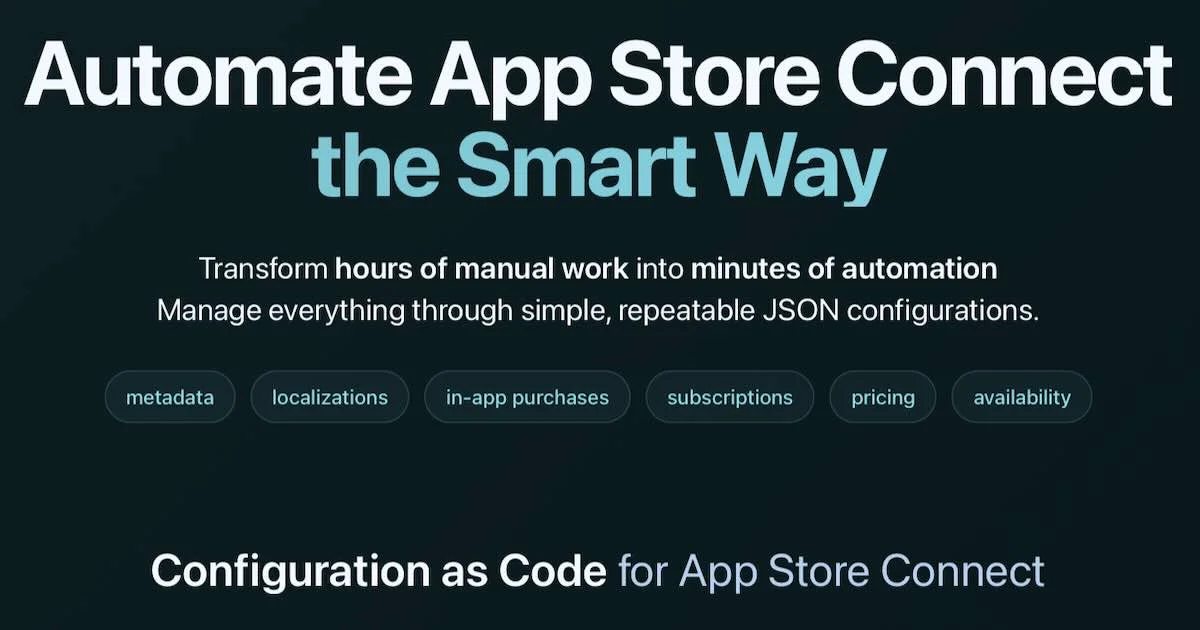
Free, open-source CLI that automates App Store Connect: IAPs, subscriptions, pricing, metadata, localizations, and availability — all from JSON config files.
TL;DR
TL;DR: StoreConfig is a free, open-source CLI that manages every App Store Connect resource — IAPs, subscriptions, pricing, metadata, localizations, availability — from version-controlled JSON files, replacing hours of manual Apple portal work with minutes of automation.
Source and Accuracy Notes
- Project page: storeconfig.com ← visited and verified
- Source repository: github.com/semihcihan/storeconfig ← README read in full
- License: None listed on GitHub (no LICENSE file; CLI is free/open, contact authors for details)
- HN launch thread: news.ycombinator.com/item?id=45898120
What Is StoreConfig?
App Store Connect is Apple’s portal for managing iOS and macOS app listings, in-app purchases (IAPs), subscriptions, pricing, and availability across all territories. For developers with multiple apps or frequent updates, the portal’s manual workflows become a bottleneck.
StoreConfig is a TypeScript CLI that replaces App Store Connect’s manual UI with JSON-based configuration files. You define your app’s desired state in JSON, run a command, and StoreConfig syncs it to App Store Connect via Apple’s official API — no web browser required.
The project ships with an MCP server so AI coding tools can read the schema, fetch current state, and help generate or edit StoreConfig JSON configuration.
Setup Workflow
Prerequisites
- Node.js 18 or higher
- An Apple Developer account with access to App Store Connect
- An App Store Connect API key (Team Key with App Manager Access)
Step 1: Install the CLI
npm install -g storeconfig
```bash

Or run without installing:

```bash
npx storeconfig --help
```bash

### Step 2: Configure Apple credentials

StoreConfig uses your local Apple API key directly — credentials never leave your machine.

```bash
# The command prompts for Issuer ID and Key ID
storeconfig apple --key-path /path/to/your/AuthKey_XXXXX.p8
```bash

To obtain the key:
1. Open [appstoreconnect.apple.com/access/integrations/api](https://appstoreconnect.apple.com/access/integrations/api)
2. Create a Team Key (not an Individual Key)
3. Grant **App Manager Access** permissions
4. Download the `.p8` file and note its path

### Step 3: Authenticate and verify

```bash
storeconfig auth --verify
```bash

This confirms StoreConfig can communicate with App Store Connect using your credentials.

### Step 4: Fetch current state

Before making changes, pull the existing configuration from App Store Connect:

```bash
storeconfig fetch --app "Your App Name" --output ./config/
```bash

This writes the current App Store Connect state as JSON files, giving you a baseline to edit.

### Step 5: Apply changes

After editing the JSON files, push changes back to App Store Connect:

```bash
storeconfig apply --app "Your App Name" --config ./config/
Use the --dry-run flag first to preview what would change without making live updates.
Features
Configuration as Code — Define metadata, pricing, IAPs, subscriptions, and availability in version-controlled JSON files. Track every change through Git.
Quick App Duplication — Copy all App Store Connect settings from one app to a new app in minutes, instead of rebuilding the configuration from scratch.
MCP Server for AI Tools — The built-in MCP server lets AI coding assistants understand the StoreConfig schema, read current app state, and help generate configuration files.
Bulk Operations — Make the same change across multiple apps, territories, or subscription groups at once.
Bidirectional Sync — Pull the current state from App Store Connect, edit locally, and push changes back. The fetch command ensures you always work against the latest data.
Interactive Pricing — Use Apple’s standard pricing tiers or Purchasing Power Parity (PPP)-based regional pricing to set fair prices per territory and maximize revenue.
Multi-Language Support — Manage localized app descriptions, screenshots, and metadata for all supported territories from a single configuration structure.
Practical Evaluation Checklist
Installation
- npm global install works:
npm install -g storeconfig storeconfig --helpoutputs the command liststoreconfig auth --verifysucceeds with valid credentials
Core workflows
fetchpulls valid JSON for an existing appapply --dry-runshows correct diff without making changesapplysuccessfully updates a single field (e.g., app description)duplicatecreates a complete copy under a new app nameset-price --tier X --territory USupdates pricing correctly
MCP server
- MCP server starts with
storeconfig mcp - AI tools (Claude, Cursor) can connect and read schema
Error handling
- Invalid API key produces a clear auth error
- Missing app name returns a descriptive message
- Network timeout during
applydoes not corrupt state
Security Notes
StoreConfig is a local CLI — it calls the App Store Connect API directly using credentials you provide. Your API key file stays on disk and is never transmitted to anyone except Apple’s API endpoints.
The tool does not host your data, use external servers for credential storage, or send your app data anywhere other than to Apple’s own App Store Connect API.
As with any tool that holds App Store Connect API credentials, follow the principle of least privilege: use a dedicated Team Key with only the permissions needed (App Manager Access), and revoke keys that are no longer in use.
FAQ
Q: Does StoreConfig work with individual Apple developer accounts? A: Yes. Any Apple Developer account with App Store Connect access and API key creation privileges can use StoreConfig.
Q: Can I preview changes before applying them?
A: Yes. The --dry-run flag on apply shows exactly what would change without making any modifications to App Store Connect.
Q: Does it replace fastlane for iOS builds? A: No. StoreConfig focuses exclusively on App Store Connect management — app metadata, IAPs, subscriptions, pricing, and availability. It does not handle code signing, builds, or TestFlight uploads. fastlane and StoreConfig are complementary.
Q: Is there a hosted or cloud version? A: No. StoreConfig is a local CLI only. Your Apple credentials stay on your machine and all API calls go directly from your environment to Apple.
Q: What happens if an API call fails mid-apply?
A: StoreConfig retries transient failures. If a call fails permanently, it reports the error and stops — it does not apply partial state. Always use --dry-run before applying changes.
Conclusion
StoreConfig brings the infrastructure-as-code paradigm to App Store Connect management. If you maintain multiple iOS apps, manage subscriptions or IAPs, or simply want to track your App Store configuration in Git, StoreConfig replaces the manual Apple portal with JSON files and a local CLI.
The MCP server integration makes it particularly useful for AI-assisted workflows — let a coding assistant read your current app state, propose changes, and generate the JSON configuration for you.
Installation is a single npm install -g storeconfig command. The only external dependency is an App Store Connect API key, which you create in the Apple developer portal.
Related Posts
ai-setup
Recall – Persistent Memory for Claude Code via MCP Hooks
Recall gives Claude Code a permanent memory store that survives session restarts and context compaction. Four hooks capture and restore context automatically — with cloud SaaS or self-hosted options.
2/28/2026
dev-tools
Automotive Skills Suite for AI Engineering
Evaluate Automotive Skills Suite for APQP, ASPICE, HARA, safety-plan, and DIA workflows with setup notes, governance risks, and SME review guidance.
5/28/2026
dev-tools
awesome-agentic-ai-zh Roadmap Guide
Explore awesome-agentic-ai-zh as a Chinese agentic AI learning roadmap, with setup notes, track selection, study workflow, and evaluation guidance.
5/28/2026