Sonars – Agentic IDE Built Around Git Worktrees
Sonars runs multiple AI agents in parallel, each isolated in its own Git worktree. Built by a graphics R&D engineer who used it to build itself in 3 weeks.
TL;DR
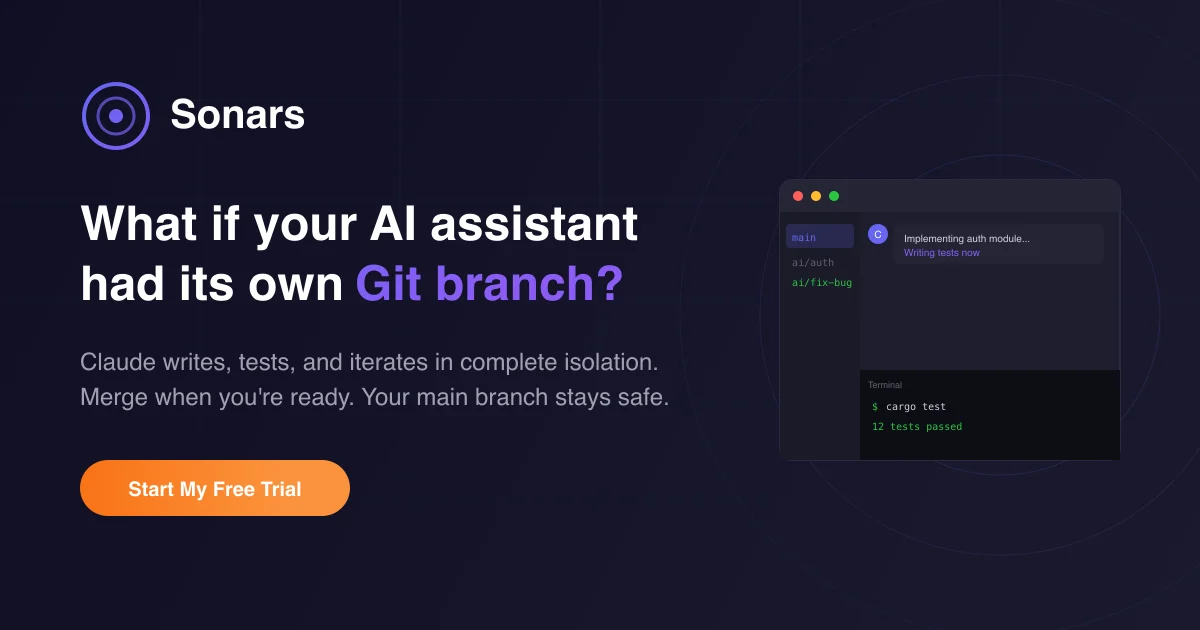
TL;DR: Sonars is an agentic IDE that runs multiple Claude agents in parallel, each in its own Git worktree, keeping your main branch safe until you explicitly merge.
Source and Accuracy Notes
- Project page: sonars.dev — verified, live site
- Source repository: Not publicly released (closed source as of launch)
- HN launch thread: news.ycombinator.com/item?id=46581314 — verified via HN Algolia API
- License: Proprietary (confirmed via product page)
- HN launch date: 2026-01-11
What Is Sonars?
Sonars is an agentic IDE designed around a single insight: Git worktrees are the right primitive for AI coding isolation.
When traditional AI coding tools make changes, they write directly to your working directory. One experimental prompt and your branch becomes a tangle of half-finished features, broken tests, and self-inflicted merge conflicts.
Sonars runs every AI session in its own Git worktree. Claude can read files, write code, run commands, and commit freely inside that isolated branch. Your main branch stays untouched until you explicitly merge the changes you want.
The product launched on Hacker News in January 2026 after its author, a graphics R&D engineer with 27 years of experience at EA DICE, OTOY, and Embark, spent three weeks building it to answer a personal question: is agentic AI worth investing in for a real company?
He used Sonars to build Sonars. The answer, he said: this is the most productive he has ever been.
Setup Workflow
Step 1: Sign Up and Install
Visit sonars.dev and create an account. The site offers a free tier. Download the installer for your platform.
Step 2: Connect Your Git Repository
# Clone or open an existing repo
git clone https://github.com/your-org/your-repo
cd your-repo
# Initialize Sonars in the repo
sonars init
```bash

### Step 3: Launch Your First Agent Session

```bash
# Start a new Sonars session (creates a new worktree automatically)
sonars session new --agent claude-opus

# Or start with a specific task context
sonars session new --agent claude-opus --context "implement user authentication"
```bash

Each `session new` command creates a fresh Git worktree branch. You can run multiple sessions in parallel, each building a different feature.

### Step 4: Review and Merge

When an agent completes its work, Sonars opens a visual diff viewer:

```bash
# List all open sessions and their branches
sonars session list

# Merge a completed session into main
sonars session merge <session-id>

# Or discard a failed experiment
sonars session discard <session-id>
Deeper Analysis
Why Git Worktrees as the Isolation Primitive
Most AI coding tools rely on containerization or ephemeral environments for isolation. Sonars chose Git worktrees because they are:
- Native to the developer workflow — no new mental model
- Lightweight — worktrees are just pointers, not full clones
- Mergeable — successful experiments can be integrated, failures discarded
- Auditable — every change is a git commit you can inspect
The underlying Git library is gix, a pure Rust implementation, which keeps the dependency tree clean and the performance high.
Tech Stack
From the HN launch post:
- Frontend: Rust + Dioxus (native app, not Electron)
- Backend: Axum (Rust web framework)
- Database: SQLite for local, PostgreSQL for sync
- Git layer: gix (pure Rust Git)
- AI Model: Claude (via Anthropic API)
Feature List (Verified from HN Post)
- Claude reads files, writes code, runs terminal commands, commits changes
- Every session isolated in a Git worktree
- Real-time streaming with extended thinking mode
- Visual diff viewer with syntax highlighting
- Native Rust + Dioxus app (no Electron)
- Free tier available
Practical Evaluation Checklist
Based on the official HN launch post and product page. Pricing details not publicly confirmed.
- Free tier available
- Parallel agent sessions (multiple worktrees)
- Main branch stays clean
- Visual diff viewer with syntax highlighting
- Native app (not Electron)
- Claude as the backing model
- gix for Git operations
- Real-time streaming
- Extended thinking mode
Security Notes
Each AI agent session runs in an isolated Git worktree. The main branch is never touched by an agent unless you explicitly merge. However:
- Agents run with the same permissions as your user account on the repository
- Network access is not sandboxed at launch
- Review agent-generated commits before merging, as you would any code review
FAQ
Q: Is Sonars open source? A: No. As of the January 2026 launch, Sonars is a closed-source commercial product. The source repository has not been released.
Q: Does it only work with Claude? A: The launch version uses Claude as the backing model. Future model flexibility is not confirmed — check the product page for updates.
Q: How does it handle merge conflicts between worktrees? A: Standard Git merge conflict resolution applies. Sonars surfaces conflicts in its diff viewer and lets you resolve them before merging into main.
Q: Is there a self-hosted option? A: Not as of launch. Sonars runs as a hosted service with a free tier. Self-hosting is not documented.
Q: What is the free tier limit? A: The exact limits of the free tier are not specified in the public launch post. Visit sonars.dev for current pricing.
Conclusion
Sonars is an agentic IDE that takes Git worktrees seriously as an isolation primitive. For developers who have been burned by AI tools that wreck their working directory mid-experiment, this approach is genuinely compelling.
The three-week build story (one developer, shipping a native Rust app while using the product to build itself) is a strong signal that the tool is production-ready for personal and small-team use.
If you want an agentic coding environment where parallel AI agents do not step on each other’s toes, Sonars is worth trying. Visit sonars.dev to get started.
Related Posts
ai-setup
Recall – Persistent Memory for Claude Code via MCP Hooks
Recall gives Claude Code a permanent memory store that survives session restarts and context compaction. Four hooks capture and restore context automatically — with cloud SaaS or self-hosted options.
2/28/2026
dev-tools
Automotive Skills Suite for AI Engineering
Evaluate Automotive Skills Suite for APQP, ASPICE, HARA, safety-plan, and DIA workflows with setup notes, governance risks, and SME review guidance.
5/28/2026
dev-tools
awesome-agentic-ai-zh Roadmap Guide
Explore awesome-agentic-ai-zh as a Chinese agentic AI learning roadmap, with setup notes, track selection, study workflow, and evaluation guidance.
5/28/2026