TL;DR
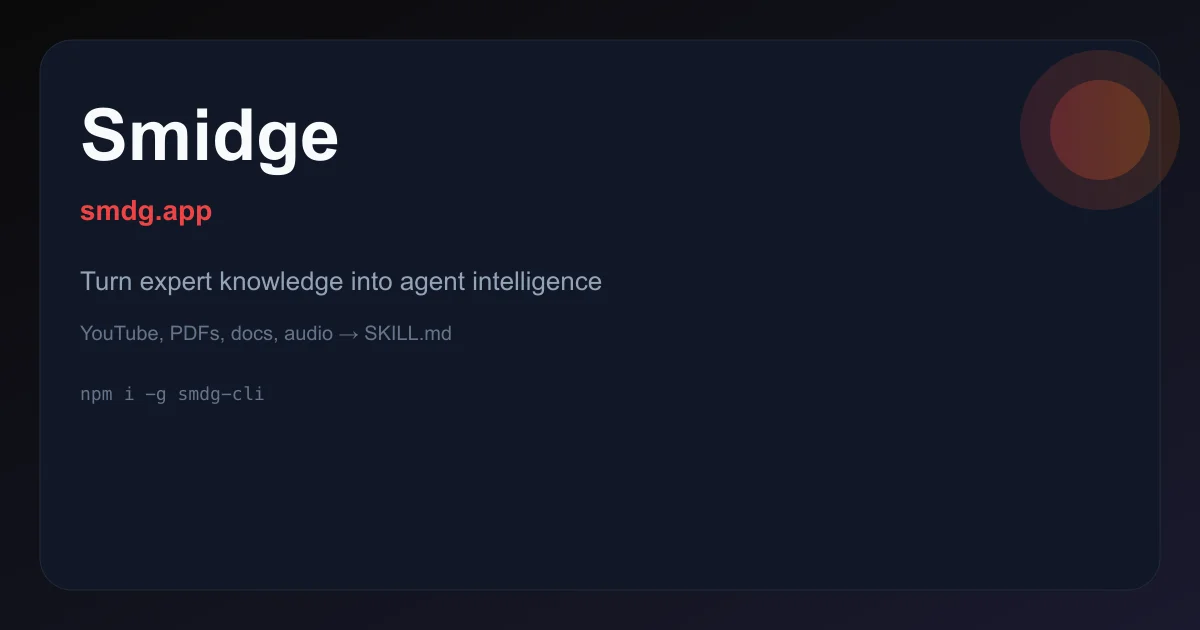
TL;DR: Smidge converts YouTube videos, PDFs, docs, and audio into structured SKILL.md files that work with Claude, Cursor, Copilot, and 30+ other AI agents — ready to install in under a minute.
Source and Accuracy Notes
- Project page: smdg.app — visited and verified
- License: proprietary SaaS (Free tier available with 2 credits)
- HN launch thread: not confirmed
What Is Smidge?
Smidge is a web-based tool and API that translates unstructured expert knowledge into AI agent-readable skill files. You feed it a YouTube video, a PDF manual, an audio recording, or a document — it outputs a production-ready SKILL.md file following the open Agent Skills spec.
The core value proposition is described on the homepage:
Drop in a YouTube masterclass, a 500-page PDF, your team’s internal wiki — or all three at once. Smidge understands what each source type needs.
Smidge validates every output against the Agent Skills spec before download — checking frontmatter structure, trigger descriptions, and word count. It supports Claude, Cursor, GitHub Copilot, Gemini, and 25+ other AI agents.
CLI installation:
npm i -g smdg-cli
```bash

**REST API call:**
```bash
curl -X POST https://smdg.app/api/v1/generate \
  -H "Authorization: Bearer $SMIDG_API_KEY" \
  -F "source=https://youtube.com/watch?v=example" \
  -F "name=my-skill"
```bash

## Setup Workflow

### Step 1: Generate a skill on the web app

1. Visit [smdg.app/generate](https://smdg.app/generate)
2. Paste a YouTube URL, upload a PDF, or paste a document URL
3. Smidge automatically detects the source type and begins extraction
4. Preview and download the generated `SKILL.md` file

### Step 2: Install to your agent

```bash
smdg install --skill ./css-layout-expert.SKILL.md
Individual skills or full catalogues can be installed. The CLI works across all supported platforms.
Step 3: Use the skill with your agent
Once installed, the skill is available to your AI agent as domain-specific knowledge. The agent can call on the skill when relevant tasks arise — without you having to manually copy-paste context.
Deeper Analysis
How extraction works
Smidge uses source-aware extraction strategies. From the product page:
- Transcripts (YouTube, audio) — distilled into concise, actionable instructions
- Papers and technical docs — structure and citations preserved
- Slide decks — expanded with contextual explanation
- Large inputs — automatically split into focused, topic-specific skills with a structured catalogue
What the output looks like
A generated SKILL.md includes:
- Standard frontmatter (
name,description,generated_by,generator_url,version) - Overview section
- Trigger descriptions that tell the agent when to use the skill
- Usage guidelines and examples
- Validation section confirming spec compliance
The product page shows a real example: a 14-minute CSS layout YouTube video generated into a 1,847-word SKILL.md in 12.4 seconds.
Pricing
| Tier | Price | Credits |
|---|---|---|
| Free | $0 | 2 |
| Starter | $9 one-time | 5 |
| Pro Pack | $19 one-time | 15 |
| Unlimited | $19/month | unlimited |
Practical Evaluation Checklist
- Source types supported: YouTube, PDF, DOC, audio, slides, web docs
- Supported agents: Claude, Cursor, Copilot, Gemini, and 25+ others
- Output format: SKILL.md (Agent Skills spec)
- Validation: built-in spec validation before download
- CLI:
npm i -g smdg-cli - API: REST API at
smdg.app/api/v1/generate - Catalogue generation: automatic topic splitting for large sources
- Pricing model: credit-based with unlimited monthly option
Security Notes
- API key required for CLI and API access
- No mention of data retention or training on user inputs (verify with official docs before using proprietary content)
- Skills are generated from user-provided sources — ensure you have rights to distribute the source material as agent knowledge
FAQ
Q: Does Smidge work with self-hosted models? A: Smidge is a hosted SaaS tool. The generated SKILL.md files are format-agnostic and can be used with any agent that supports the Agent Skills spec, including self-hosted instances of Claude, Cursor, or Copilot.
Q: What is the Agent Skills spec? A: It is an open specification for how AI agents should define, structure, and invoke skill files. Smidge validates every output against this spec before download.
Q: Can I preview a skill before downloading? A: Yes. The web app shows a full preview of the generated SKILL.md including frontmatter, overview, examples, and validation status.
Q: How does Smidge handle very large inputs? A: Large inputs like 500-page PDFs or multi-hour videos are automatically split into focused, topic-specific skills organized into a catalogue. You can choose which topics to generate.
Conclusion
Smidge solves the knowledge transfer problem for AI agents. Instead of manually writing context files for every domain your agent needs, you point Smidge at the source — a YouTube tutorial, a product manual, a training recording — and get a structured skill file that any compliant agent can use immediately.
The workflow is three steps: drop in a source, download the skill, install it to your agent. If you are building AI-assisted workflows with Cursor, Claude, or Copilot and find yourself repeatedly explaining domain knowledge to the agent, Smidge is worth trying. The free tier gives you 2 credits to evaluate the output quality before committing.
Start at smdg.app.
Related Posts
ai-setup
Recall – Persistent Memory for Claude Code via MCP Hooks
Recall gives Claude Code a permanent memory store that survives session restarts and context compaction. Four hooks capture and restore context automatically — with cloud SaaS or self-hosted options.
2/28/2026
dev-tools
Automotive Skills Suite for AI Engineering
Evaluate Automotive Skills Suite for APQP, ASPICE, HARA, safety-plan, and DIA workflows with setup notes, governance risks, and SME review guidance.
5/28/2026
dev-tools
awesome-agentic-ai-zh Roadmap Guide
Explore awesome-agentic-ai-zh as a Chinese agentic AI learning roadmap, with setup notes, track selection, study workflow, and evaluation guidance.
5/28/2026