TL;DR
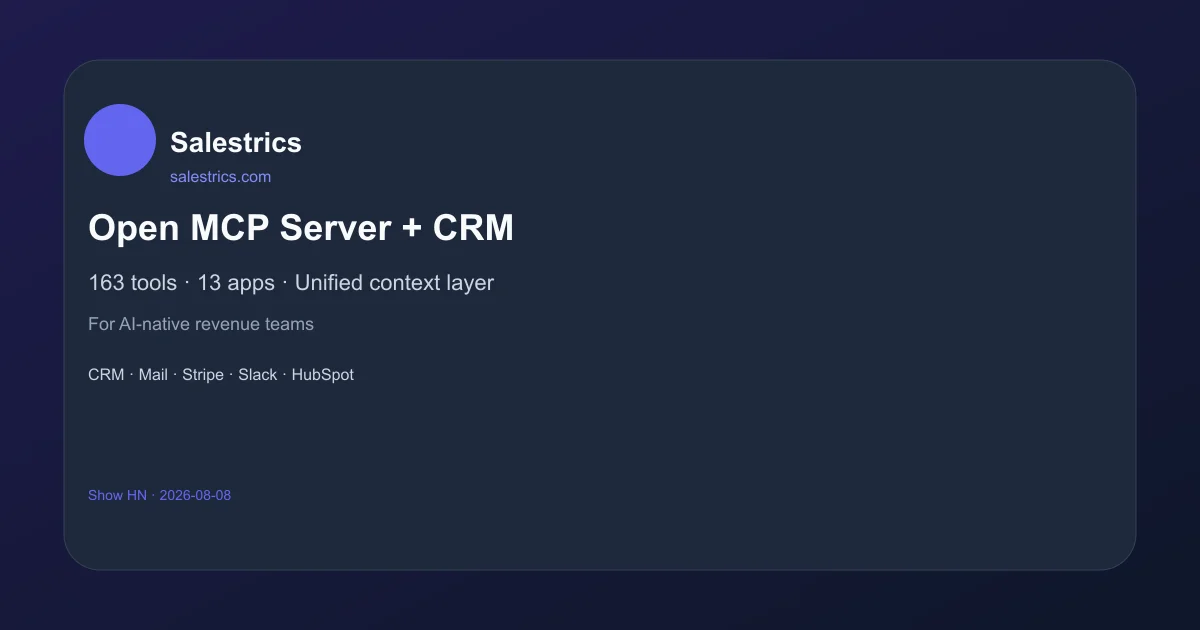
TL;DR: Salestrics is an open MCP server with an integrated CRM that exposes 163 tools across 13 apps (CRM, mail, Stripe, Slack, HubSpot, etc.) as MCP resources — letting AI agents work on live pipeline data instead of stale exports.
Source and Accuracy Notes
- Product page: salestrics.com ← verified via curl
- MCP documentation: salestrics.com/mcp ← verified via curl
- HN launch thread: news.ycombinator.com/item?id=41733773 ← Show HN 2026-08-08
- License: closed-source / proprietary (no public GitHub repository found)
What Is Salestrics?
Most mid-market revenue teams connect AI agents to their data through exports, copy-paste, and brittle Zapier workflows. Agents work on stale snapshots. Sensitive deal context ends up in prompts with no org audit trail. Engineering builds one-off integrations that break on the next CRM field rename.
Salestrics replaces this stack with a unified context layer that agents can execute on directly. The MCP execution spine sits on top of Salestrics’ record graph — covering CRM, Mail, Stripe, Slack, HubSpot, and more — and exposes them as MCP tools, resources, and prompts. The 163 tools are organized into 13 app categories: CRM, Mail, Workspace, Resolve, Ledger, Connect, Flow, Orbit, Insight, Automation, Support, and Assistant.
The MCP server runs as a streamable HTTP endpoint at /api/mcp on the Salestrics workspace, with org-scoped API keys for access control. Every agent action is logged for client detection and audit.
“Most mid-market operators connect agents to revenue data with exports, copy-paste, and brittle glue. Agents work on stale snapshots — not live pipeline or mail threads.” — salestrics.com/mcp
Supported AI Clients
Salestrics MCP officially connects to: Cursor, Claude Desktop, VS Code, Windsurf, and any other MCP-compatible client. The connections are logged for admin review.
Tools and App Coverage
The MCP server exposes 163 tools across 13 connected apps:
- CRM — deal records, contacts, pipeline stages, activity logs
- Mail — email threads, attachments, sent mail
- Stripe — subscription data, invoices, payment events
- Slack — channels, messages, notifications
- HubSpot — contacts, deals,engagement data
- Workspace — docs, files, shared records
- Resolve — support tickets, customer issues
- Ledger — financial records, revenue data
- Connect — integrations, webhooks
- Flow — automation workflows
- Orbit — customer health, engagement scoring
- Insight — analytics, reporting queries
- Automation — trigger-based actions
- Assistant — Salestrics built-in assistant tools
Getting Started
To connect an AI agent to Salestrics MCP, you need an active Salestrics workspace. The MCP endpoint is at https://salestrics.com/api/mcp and the server advertises its capabilities via /.well-known/mcp.
Authentication
The server uses org-scoped API keys. Admin-level access is required to provision keys for agent use. All agent sessions are attributed to the key used and logged for audit.
Connecting Claude Desktop
In your Claude Desktop config file (~/Library/Application Support/Claude/claude_desktop_config.json), add the Salestrics MCP server:
{
  "mcpServers": {
    "salestrics": {
      "command": "smcp_live",
      "env": {
        "SALESTRICS_API_KEY": "your-org-scoped-key"
      }
    }
  }
}
Connecting Cursor
Cursor supports MCP servers natively. Use the MCP connection panel in Cursor settings to add https://salestrics.com/api/mcp as a remote server with your API key.
Using with VS Code
VS Code’s Copilot Chat can be extended via MCP. The Salestrics MCP server provides these tool categories ready for agentic use: ask_insight, /api/mcp/info, /api/mcp/auth.
MCP Protocol Details
Salestrics MCP implements the full MCP specification including:
- Tools — 163 organized by app (CRM, Mail, Stripe, etc.)
- Resources — Record graph with live pipeline and contact data
- Prompts — Pre-built workflow prompts for common sales motions
- Transport — Streamable HTTP with JSON-RPC 2.0
- Auth — Org-scoped bearer tokens with audit logging
The server is stateless and rebuilt for the July 2026 MCP spec, making it compatible with agents built on current MCP client libraries.
FAQ
Q: Is Salestrics open source? A: The product is closed-source / proprietary. There is no public source repository. The MCP protocol and API surface are documented at salestrics.com/mcp.
Q: Does it work with self-hosted CRM systems? A: The 13 app integrations cover cloud-based services. Specific self-hosted CRM support is not documented on the product site — contact the Salestrics team for enterprise connector needs.
Q: How is access secured? A: Org-scoped API keys control agent access. All tool calls are logged with client attribution and timestamp. This gives ops teams an audit trail of every agent action on revenue data.
Q: What LLM models work with it? A: Any agent that supports the MCP client protocol can connect. Tested with Claude, Cursor (Code), VS Code Copilot, and Windsurf. The protocol is model-agnostic.
Q: Is there a free tier? A: Pricing is not publicly listed on the site. Visit salestrics.com for current plans.
Conclusion
Salestrics solves the integration problem that every revenue team hits when trying to deploy AI agents in a real sales environment. Instead of duct-taping exports and Zapier steps together, agents get live, org-scoped access to the full record graph through the MCP protocol. If you’re building AI-powered sales tooling and want agents that work on current pipeline data rather than yesterday’s CSV export, this is worth a look.
The MCP-first approach also means it slots into any MCP-compatible agent stack without custom integration code — which is increasingly the default path for agentic tooling.
Related Posts
ai-setup
Recall – Persistent Memory for Claude Code via MCP Hooks
Recall gives Claude Code a permanent memory store that survives session restarts and context compaction. Four hooks capture and restore context automatically — with cloud SaaS or self-hosted options.
2/28/2026
dev-tools
AgentMesh – Define AI Agent Teams in YAML
Define multi-agent AI workflows in YAML and run them locally with one command. AgentMesh brings Docker Compose patterns to AI agent orchestration.
5/28/2026
ai-setup
Sentrial – Catch AI Agent Failures Before Your Users Do
YC W26-backed AI agent observability platform. Trace sessions, detect silent regressions, and A/B test prompts in production before failures reach users.
5/28/2026