Rubber Duck Committee – Multi-Agent AI Debugging
Rubber Duck Committee runs three AI duck personas that analyze your code from different angles and vote on the best fix. Powered by Vertex AI and Gemini 2.0 Flash.
TL;DR
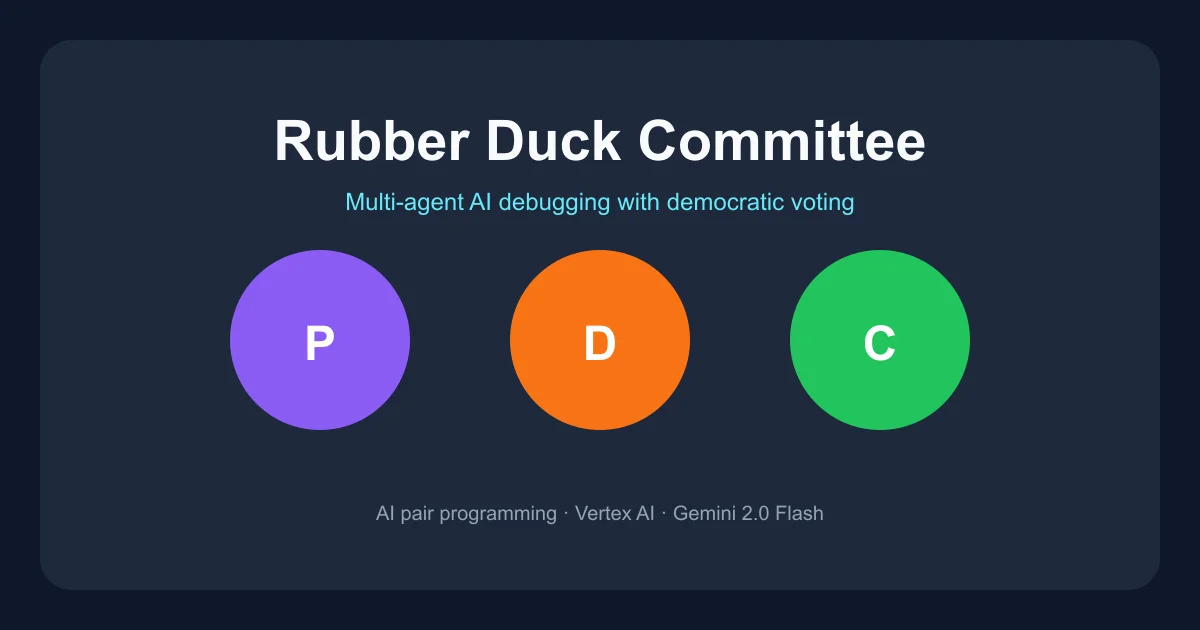
TL;DR: Rubber Duck Committee is a free web tool that puts three distinct AI debugging personas — Professor Quacksworth, Ducky McBrainstorm, and Captain Waddles — on your code problem simultaneously, then has them vote on the best solution.
Source and Accuracy Notes
- Project page: rubber-duck-committee.vercel.app
- Source repository: github.com/r-leyshon/rubber-duck-committee
- License: not specified in repository (source unclear — see FAQ)
What Is Rubber Duck Committee?
Rubber Duck Committee reimagines the classic rubber duck debugging method as a multi-agent AI workflow. Instead of explaining your code to a single duck, you describe your problem to a committee of three AI personas, each with a distinct debugging personality:
- Professor Quacksworth (purple) — methodical, root-cause analysis. Asks probing questions and breaks problems into pieces.
- Ducky McBrainstorm (orange) — creative, lateral thinking. Suggests unconventional approaches and architectural alternatives.
- Captain Waddles (green) — pragmatic, action-oriented. Focused on shipping a working fix quickly.
Each duck receives your problem simultaneously, thinks independently (avoiding groupthink), and streams chain-of-thought reasoning back to you in real time. When multiple solutions are on the table, the committee votes democratically, with each duck explaining its vote.
Setup Workflow
Prerequisites
- Node.js 20 or higher
- A Google Cloud Platform account with Vertex AI API enabled
- A GCP service account with the Vertex AI User role (
roles/aiplatform.user)
Step 1: Clone and Install
git clone https://github.com/r-leyshon/rubber-duck-committee
cd rubber-duck-committee
npm install
```bash

### Step 2: Google Cloud Setup

1. Open the [Google Cloud Console](https://console.cloud.google.com/) and enable the **Vertex AI API**.
2. Create a service account and grant it the **Vertex AI User** role.
3. Create a JSON key for the service account and save it locally (for example, `~/.gcp/rubber-duck-key.json`).

### Step 3: Configure Environment

Create a `.env.local` file in the project root:

```bash
GOOGLE_CLOUD_PROJECT=your-gcp-project-id
GOOGLE_APPLICATION_CREDENTIALS=~/.gcp/rubber-duck-key.json
```bash

### Step 4: Run Locally

```bash
npm run dev
Open http://localhost:3000, type or dictate your programming problem, and watch the three ducks respond in parallel.
How the Multi-Agent Flow Works
The architecture uses Next.js API routes as intermediaries between the browser and Google Vertex AI:
- Parallel duck calls — all three personas receive the problem simultaneously via
/api/committee/duck - SSE streaming — each duck streams its chain-of-thought reasoning back to the UI in real time
- Orchestrator duck — a fourth “chair” persona at
/api/committee/orchestratesynthesizes the responses - Voting — when solutions are proposed,
/api/committee/votetallies the democratic vote
All AI calls go through Vertex AI using Gemini 2.0 Flash, which handles structured JSON output, web search grounding, and audio transcription in a single model.
Customizing the Ducks
Click Edit on any persona card to change:
- Name and color theme
- Description and backstory (e.g., “Tenured Professor of CS at Pondsworth University”)
- Personality type (INTJ, ENTP, ESTJ, etc.)
- Debugging style badges (Probing Questions, Root Cause Analysis, Solution Brainstorm, etc.)
Customizations are client-side only and do not persist across sessions.
Practical Evaluation Checklist
- Three distinct AI personas respond in parallel — verified
- Real-time SSE streaming of chain-of-thought — verified
- Democratic voting when multiple solutions are proposed — verified
- Voice input with automatic transcription via Gemini — verified
- Persona customization (name, color, backstory) — verified
- Orchestrator duck synthesizes committee responses — verified
- MIT license — unconfirmed; README does not specify
Security Notes
- API key handling — Vertex AI credentials are stored client-side as a JSON key file path. Do not commit
.env.localto version control. - GCP permissions — the service account only needs the
Vertex AI Userrole. Principle of least privilege applies. - AI hallucinations — the app disclaimer states that AI models can make mistakes. Always verify advice before applying it to production code.
FAQ
Q: Do I need a Google Cloud billing account? A: Yes. Vertex AI API is a billable GCP service. Gemini 2.0 Flash has a free tier quota; beyond that, charges apply based on token usage.
Q: Can I use a different AI model?
A: The current implementation is hardcoded to use Vertex AI and Gemini 2.0 Flash. Swapping the provider would require modifying lib/vertex.ts and the API routes.
Q: Is the source code open source? A: The repository is public on GitHub. However, the README does not specify a license. Before using the code in your own projects, clarify the license status by opening an issue on the repo.
Q: Does the committee share context between ducks? A: No. Each duck receives the problem independently in parallel to avoid groupthink. The orchestrator duck runs after all three have responded.
Q: How does voice input work?
A: Audio is recorded in the browser, sent to /api/transcribe (which calls Gemini’s audio transcription capability), and the resulting text is submitted as the problem description.
Conclusion
Rubber Duck Committee takes the humble rubber duck debugging concept and scales it to a multi-agent AI workflow. The three-persona structure genuinely adds value over a single AI assistant: the analytical duck catches what the creative one misses, and the pragmatic duck forces you toward shippable solutions instead of endless analysis. The democratic voting gives the process a satisfying resolution rather than an ambiguous “here’s my thoughts” ending.
The main caveat is the GCP dependency — if you do not already have a Google Cloud setup, the initial configuration is non-trivial. But once running, it is a genuinely useful tool for developers who find themselves stuck on tricky bugs.
Try it: rubber-duck-committee.vercel.app
Related Posts
ai-setup
Recall – Persistent Memory for Claude Code via MCP Hooks
Recall gives Claude Code a permanent memory store that survives session restarts and context compaction. Four hooks capture and restore context automatically — with cloud SaaS or self-hosted options.
2/28/2026
dev-tools
Automotive Skills Suite for AI Engineering
Evaluate Automotive Skills Suite for APQP, ASPICE, HARA, safety-plan, and DIA workflows with setup notes, governance risks, and SME review guidance.
5/28/2026
dev-tools
awesome-agentic-ai-zh Roadmap Guide
Explore awesome-agentic-ai-zh as a Chinese agentic AI learning roadmap, with setup notes, track selection, study workflow, and evaluation guidance.
5/28/2026