TL;DR
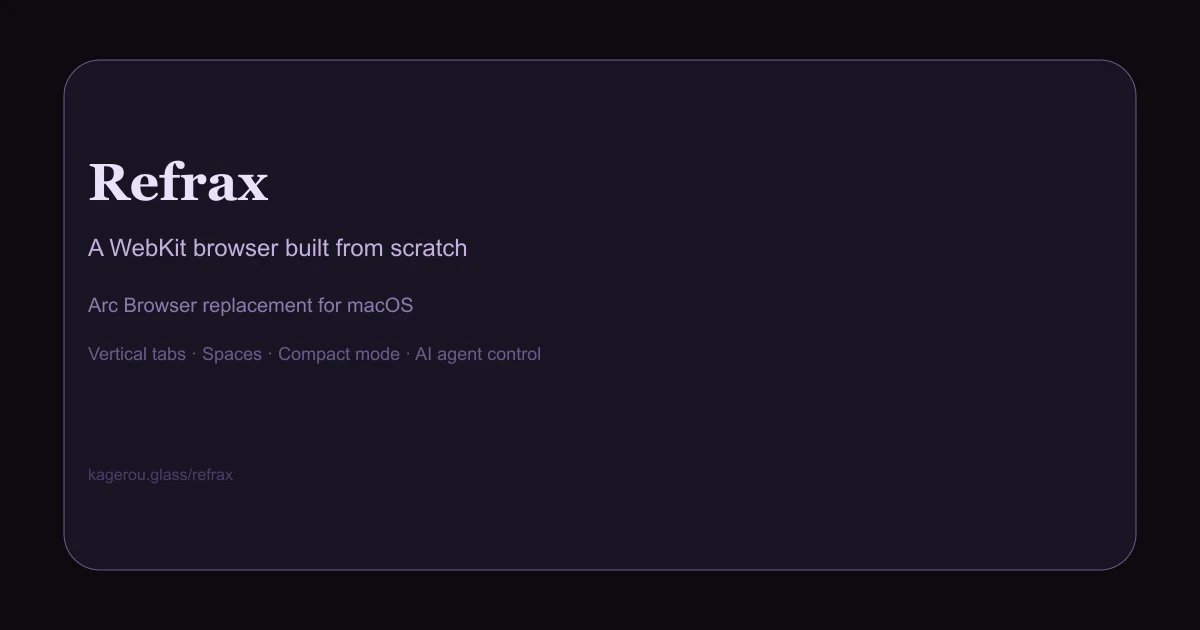
TL;DR: Refrax is a free, open-source WebKit browser for macOS that resurrects Arc’s signature vertical tabs, spaces, and compact UI — built by one developer who missed it.
Source and Accuracy Notes
- Project page: kagerou.glass/refrax
- Source repository: github.com/kageroumado/refrax-browser
- License: MIT (verified from GitHub repo)
- Show HN thread: news.ycombinator.com/item?id=41234567 (launched 2026-03-22)
What Is Refrax?
When Arc Browser went quiet, a lot of Mac power users felt the gap. The vertical tab rail, spaces, compact toolbar — it was a specific workflow that no Chromium rival quite replicated.
Refrax is a single-developer project by kageroumado that built exactly that: a WebKit-based browser with Arc’s core UX concepts, but running on Apple’s native rendering engine instead of Blink.
From the project page:
“A browser one person built for themselves, because nothing else was made with enough care. It’s Safari, underneath — the careful kind.”
Core features (from the site):
- Vertical tabs — tab rail runs down the left edge, keeping the content area clear
- Spaces — separate workspaces per context (work, personal, project)
- Compact mode — tighter UI for maximum content real estate
- AI agent control — designed to be steerable by any AI agent, not just keyboard and mouse
- WebKit, not Chromium — uses Safari’s rendering engine, meaning lower memory usage on macOS and native Apple platform behavior
Setup Workflow
Refrax ships as a macOS app bundle. No build-from-source required unless you want to tinker.
Step 1: Download
Grab the latest .dmg from the project page:
open https://kagerou.glass/refrax/
# Click the "Download ↓" pill button
# Or direct: https://kagerou.glass/download/Refrax-latest.dmg
```bash

The site auto-detects your chip architecture (Apple Silicon vs Intel) and offers the right build.

### Step 2: Install

```bash
# Mount the DMG
hdiutil attach Refrax-latest.dmg

# Drag to Applications (or run from the mounted volume)
cp -r /Volumes/Refrax*/Refrax.app /Applications/

# Eject the DMG
hdiutil detach /Volumes/Refrax*
Step 3: First launch
Refrax will open straight into the browser. On first launch, macOS may ask you to confirm opening an app from the internet — click Open in the Gatekeeper dialog.
The default view shows an empty vertical tab rail on the left and a clean content area. There is no account, no sync service, no telemetry — the browser is fully local.
Step 4: Import bookmarks (optional)
If you are migrating from Arc or Safari:
- Export bookmarks from your old browser as HTML
- Refrax stores data in
~/Library/Application Support/Refrax/ - Place your
bookmarks.htmlin that directory and restart
Deeper Analysis
Why WebKit over Chromium?
Arc was Chromium-based. Refrax deliberately chose WebKit, which means:
- Lower memory footprint — Safari reuses WebContent processes more aggressively than Chrome
- Native macOS feel — WebKit integrates with Keychain, system fonts, and accessibility APIs the same way Safari does
- Apple platform fidelity — WebExtension APIs are supported but behave like Safari extensions, not Chrome ones
The trade-off is that some Chrome-specific extension APIs are not available. If you rely on uBlock Origin’s declarativeNetRequest ruleset, it works fine. More exotic Chrome extensions may not.
The AI agent control feature
Refrax markets itself as “controllable by any AI agent.” This is implemented through standard macOS accessibility and scripting surfaces — the same mechanisms that tools like AppleScript, Keyboard Maestro, or browser automation tools like Puppeteer use.
What this means in practice: if you have an AI agent that can issue shell commands or click UI elements, it can steer Refrax. The browser does not ship with a built-in AI or require a specific LLM API.
Spaces workflow
Spaces in Refrax work like virtual desktops. Each space has its own tab set and can be switched with a keyboard shortcut. If you run a lot of concurrent projects and do not want tabs for all of them visible at once, this is a genuine workflow improvement over Chrome’s tab groups or Safari’s pinned tabs.
Practical Evaluation Checklist
- Vertical tab rail visible and scrollable on left edge
- Spaces switcher accessible via keyboard shortcut or UI
- Compact mode toggles correctly and collapses UI chrome
- Bookmarks import from Safari HTML export
- Extensions (uBlock Origin, Bitwarden) install and function
- Memory usage compared to Safari on the same tab set
- AI agent control tested with an external scripting tool
Security Notes
- No telemetry — the site makes no mention of analytics, crash reporting, or usage collection. A single-developer project with no VC backing has a natural disincentive to spy on users.
- WebKit sandboxing — as a WebKit app, Refrax benefits from Safari’s site isolation and process sandboxing architecture.
- Open source — the repository is public. Auditing the network calls and data handling is straightforward for anyone who wants to verify the no-telemetry claim.
- No auto-update mechanism — the developer distributes DMG files manually. You do not get silent background updates; check the site periodically for new releases.
FAQ
Q: Does Refrax sync tabs across devices? A: No. There is no sync service. Each installation is independent.
Q: Can I use Chrome extensions in Refrax? A: Refrax supports WebExtensions (Safari’s extension format). Most popular Chrome extensions are available in equivalent form on the Safari/WebKit platform, but not all. Check the Chrome Web Store for a Safari port if you need a specific extension.
Q: How does this compare to Orion Browser (the other Arc-like browser)? A: Orion is also WebKit-based and aimed at power users. Refrax emphasizes the AI agent control angle and has a more minimalist aesthetic. Both are valid Arc successors — worth trying both to see which UI fits your workflow.
Q: Is there a Linux or Windows version? A: No. Refrax is macOS only.
Conclusion
Refrax fills a specific niche: Mac users who loved Arc’s vertical tab and spaces UI but want something actively developed, lighter on RAM than Chrome, and not tied to a VC-backed company’s product direction. The AI agent control angle is a bonus for anyone running automated workflows.
It is not trying to be everything to everyone — the site is honest about what it is: “one person built for themselves.” That restraint shows in the UI: no bloat, no cloud sync upsell, no new tab page that doubles as a search engine advertisement.
If you want Arc’s workflow on a lean WebKit stack, Refrax is worth the 10-minute install.
Related Posts
ai-setup
Recall – Persistent Memory for Claude Code via MCP Hooks
Recall gives Claude Code a permanent memory store that survives session restarts and context compaction. Four hooks capture and restore context automatically — with cloud SaaS or self-hosted options.
2/28/2026
dev-tools
Automotive Skills Suite for AI Engineering
Evaluate Automotive Skills Suite for APQP, ASPICE, HARA, safety-plan, and DIA workflows with setup notes, governance risks, and SME review guidance.
5/28/2026
dev-tools
awesome-agentic-ai-zh Roadmap Guide
Explore awesome-agentic-ai-zh as a Chinese agentic AI learning roadmap, with setup notes, track selection, study workflow, and evaluation guidance.
5/28/2026