TL;DR
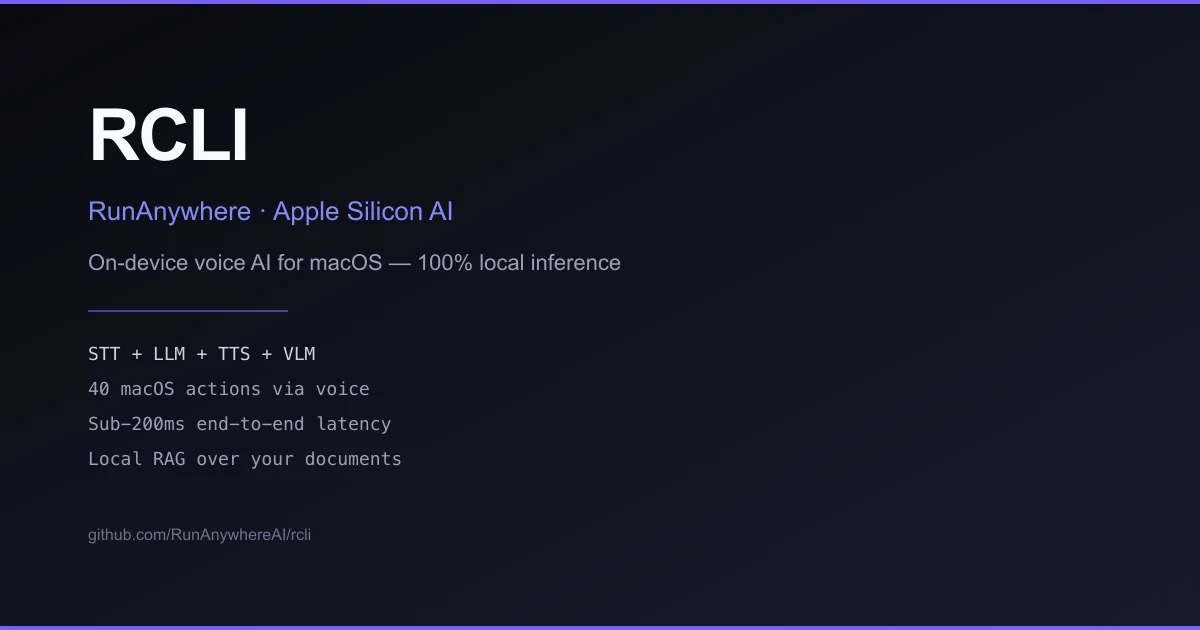
TL;DR: RCLI is an open-source on-device voice AI for macOS that runs a full STT + LLM + TTS + VLM pipeline on Apple Silicon — no cloud, no API keys, sub-200ms latency.
Source and Accuracy Notes
- Project page: runanywhere.ai ← visited and verified
- Source repository: github.com/RunanywhereAI/rcli ← read README end-to-end
- License: MIT (verified via LICENSE file on GitHub)
- Latest release: v0.3.7 (2026-03-15, verified via GitHub Releases API)
- Stars: 1,530 (as of 2026-07-23, GitHub API)
- HN launch thread: not found via Algolia search (tool may not have had a dedicated Show HN post)
What Is RCLI?
RCLI is a command-line voice AI tool for macOS. It runs a complete STT + LLM + TTS + VLM pipeline locally on Apple Silicon — no cloud dependency and no API keys required.
The project is built by RunAnywhere, Inc. and uses MetalRT, a proprietary GPU inference engine the company built specifically for Apple Silicon. MetalRT is closed-source and distributed under a separate license; the rest of RCLI is MIT-licensed open source.
On M1/M2 Macs, RCLI falls back to llama.cpp automatically.
Setup Workflow
Step 1: Install
One-command install:
curl -fsSL https://raw.githubusercontent.com/RunanywhereAI/RCLI/main/install.sh | bash
```bash

**Or via Homebrew:**

```bash
brew tap RunanywhereAI/rcli https://github.com/RunanywhereAI/RCLI.git
brew install rcli
```bash

### Step 2: Download models

```bash
rcli setup
```bash

This downloads the default model bundle — approximately 1GB total, a one-time download. The bundle includes:

- LFM2 1.2B (default LLM)
- Whisper base.en (speech-to-text)
- Piper Lessac (text-to-speech)
- Silero VAD (voice activity detection)
- Snowflake embeddings

VLM models are downloaded on demand via `rcli models vlm`.

### Step 3: Run

```bash
rcli
```bash

This opens the interactive TUI in push-to-talk mode. Press to record, release to send.

## MetalRT GPU Engine

MetalRT is the custom GPU inference engine that sets RCLI apart from a plain llama.cpp setup. It is built by RunAnywhere specifically for Apple Silicon and accelerates the LLM inference path.

**Requirements:**
- macOS 13+
- Apple Silicon (M3 or later for MetalRT)
- M1/M2 Macs fall back to llama.cpp automatically

MetalRT is proprietary and closed-source. It is not included in the open-source build from source path.

## Local RAG Over Documents

RCLI includes a built-in RAG pipeline for querying your documents by voice:

```bash
# Index a directory of documents
rcli rag ingest ./my-docs/

# Query indexed documents
rcli rag query "what was discussed in last week's meeting?"
```bash

The retrieval step runs at approximately 4ms per query (hybrid retrieval, per the README). The LLM answer is generated locally.

## Supported Models

RCLI supports 20+ models across multiple categories:

| Category | Models |
|---|---|
| LLM | LFM2 1.2B (default), LFM2 350M, LFM2.5 1.2B, LFM2 2.6B, Qwen3 0.6B, Qwen3.5 0.8B/2B/4B, Qwen3 4B |
| STT | Zipformer (streaming), Whisper base.en (offline) |
| TTS | Piper Lessac/Amy, KittenTTS Nano, Matcha LJSpeech, Kokoro English/Multi |
| VLM | Qwen3 VL 2B, Liquid LFM2 VL 1.6B, SmolVLM 500M |

Model management commands:

```bash
rcli models          # interactive model browser
rcli models vlm      # download/manage vision-language models
rcli voices          # browse and switch TTS voices
rcli cleanup         # remove unused models
Practical Evaluation Checklist
- Installs on macOS 13+ Apple Silicon without cloud credentials
-
rcli setupcompletes and reports model download success -
rcliTUI opens, push-to-talk records and returns a response -
rcli ask "what time is it?"executes in single-shot mode -
rcli rag ingest ./docs/indexes documents without error -
rcli rag query [question]returns grounded answers -
rcli actionslists available macOS actions (40+) - M1/M2 Mac: falls back to llama.cpp engine automatically
-
rcli inforeports MetalRT active on M3+
Security Notes
- All inference runs locally — no audio or text is sent to any cloud service
- No API key required; no telemetry or phone-home documented in the README
- Models are downloaded once and stored locally at
~/Library/RCLI/models - MetalRT is closed-source; if you require full source transparency, build from source with llama.cpp
FAQ
Q: Is RCLI fully local? A: Yes. Every step — STT, LLM inference, TTS, and VLM — runs on your Mac’s Apple Silicon GPU. Nothing is sent to a server.
Q: Does it work on Intel Macs? A: The README does not document Intel Mac support. The CPU-only build (llama.cpp + sherpa-onnx) should run on Intel, but this is not the primary target.
Q: Can I use my own models?
A: Yes. rcli models lets you browse, download, and switch LLMs. VLM models can be managed via rcli models vlm.
Q: Is it free? A: RCLI itself is open-source under MIT. MetalRT (the proprietary GPU engine) is included in the pre-built binary at no additional cost, per the GitHub releases.
Q: What open-source license does RCLI use? A: MIT License, verified via the LICENSE file on GitHub.
Conclusion
RCLI stands out in the local AI tooling space by shipping a polished, all-in-one voice interface instead of requiring users to wire together separate STT, LLM, and TTS components. The proprietary MetalRT engine is a meaningful differentiator for M3+ Mac users who want GPU-accelerated inference without cloud dependencies. The MIT license and active development (last release March 2026) make it worth watching.
Related Posts
ai-setup
Recall – Persistent Memory for Claude Code via MCP Hooks
Recall gives Claude Code a permanent memory store that survives session restarts and context compaction. Four hooks capture and restore context automatically — with cloud SaaS or self-hosted options.
2/28/2026
dev-tools
Automotive Skills Suite for AI Engineering
Evaluate Automotive Skills Suite for APQP, ASPICE, HARA, safety-plan, and DIA workflows with setup notes, governance risks, and SME review guidance.
5/28/2026
dev-tools
awesome-agentic-ai-zh Roadmap Guide
Explore awesome-agentic-ai-zh as a Chinese agentic AI learning roadmap, with setup notes, track selection, study workflow, and evaluation guidance.
5/28/2026