RCLI — On-Device Voice AI for Apple Silicon
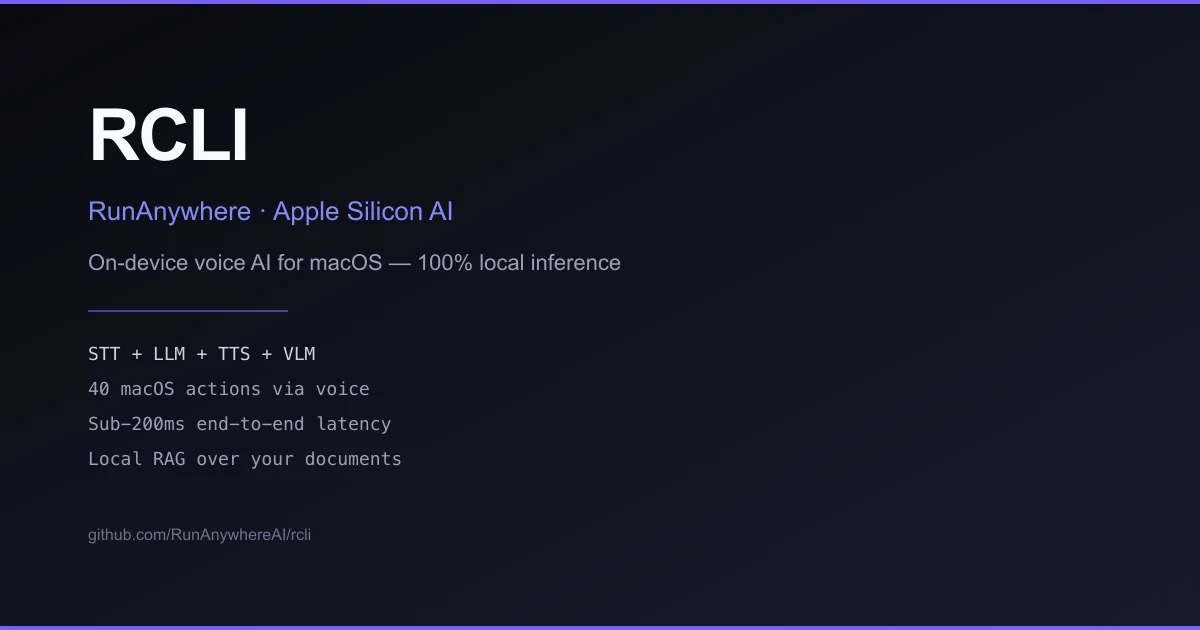
RCLI is a local voice AI for macOS running a complete STT + LLM + TTS + VLM pipeline on Apple Silicon. Sub-200ms latency, 40 voice-controlled macOS actions, local RAG over your documents.
TL;DR
TL;DR: RCLI is a fully local voice AI for macOS that combines STT, LLM, TTS, and vision models running natively on Apple Silicon — no cloud, no API keys, sub-200ms end-to-end latency.
What Is RCLI?
RCLI is an on-device voice AI assistant for macOS built by RunAnywhere. It runs a complete AI pipeline — speech-to-text, a local LLM, text-to-speech, and vision — entirely on Apple Silicon using a custom MetalRT GPU inference engine. The tagline: “Talk to your Mac, query your docs, no cloud required.”
Key capabilities at a glance:
- 40 voice-controlled macOS actions — control Spotify, adjust volume, manage windows, and more by voice
- Local RAG over your documents with approximately 4ms hybrid retrieval latency
- On-device vision — camera and screen analysis without sending frames to any cloud service
- Model hot-swapping — browse and switch between LLMs from a terminal UI
- Sub-200ms end-to-end latency on M3+ hardware
RCLI requires macOS 13 or later on Apple Silicon. The MetalRT GPU engine requires M3 or later; M1 and M2 Macs fall back to llama.cpp automatically.
Setup
Prerequisites
- macOS 13+ on Apple Silicon (M1, M2, M3, M4)
- Homebrew (optional, for the Homebrew install path)
Install
One-command install:
curl -fsSL https://raw.githubusercontent.com/RunAnywhereAI/RCLI/main/install.sh | bash
```bash

**Or via Homebrew:**

```bash
brew tap RunanywhereAI/rcli https://github.com/RunAnywhereAI/RCLI.git
brew install rcli
```bash

### Initial setup

After installation, run the setup command to download the AI models (~1GB, one-time download):

```bash
rcli setup
```bash

### Upgrade

```bash
brew upgrade rcli
How It Works
RCLI is powered by MetalRT, a proprietary GPU inference engine built specifically for Apple Silicon by RunAnywhere. MetalRT accelerates the local LLM inference using Apple’s Metal GPU framework, enabling the sub-200ms latency that makes real-time voice conversation feel natural rather than stilted.
The full pipeline on each voice command:
- STT — your voice is transcribed locally using a on-device speech recognition model
- LLM — the transcribed text is passed to a local LLM running via MetalRT on the Neural Engine or GPU
- TTS — the model’s response is synthesized to speech locally
- Action execution — if the command targets a macOS app or system action, it is dispatched via AppleScript or direct accessibility APIs
For document queries, RCLI uses a local RAG pipeline: documents are ingested into a local vector store, and queries are answered using hybrid dense+sparse retrieval with approximately 4ms latency per query.
CLI Reference
| Command | Description |
|---|---|
rcli | Start interactive voice conversation |
rcli setup | Download AI models (one-time) |
rcli models | Browse and manage available models |
rcli ingest <path> | Ingest documents into the local RAG store |
Security Notes
Because the entire AI pipeline runs locally, your voice data, screen content, and documents never leave your machine. This makes RCLI a strong fit for threat models where cloud AI services are unacceptable — whether due to corporate policy, regulatory requirements, or personal privacy preferences.
The default configuration uses Apple’s on-device speech recognition and an open-source LLM (or a model of your choosing) running entirely in local memory.
FAQ
Q: Does RCLI work on Intel Macs? A: No — RCLI is Apple Silicon only. The MetalRT engine that powers GPU inference is not available on Intel macOS.
Q: What models does RCLI use by default?
A: RCLI ships with default model configurations and downloads them during rcli setup. You can swap in different LLMs via rcli models or by editing the config at ~/.rcli/config.json.
Q: How does the sub-200ms latency compare to cloud services? A: Cloud AI services typically add 500ms–2s of round-trip latency (network + inference + response). RCLI’s on-device approach eliminates network round-trips entirely. Real-world latency varies with model size and system load, but M3 Macs consistently achieve under 200ms for typical conversational turns.
Q: Can I use my own LLM with RCLI? A: Yes. RCLI supports hot-swapping models. You can configure it to use any LLM that has an API-compatible interface, including open-source models running via llama.cpp on the Metal fallback path.
Conclusion
RCLI is a compelling option for developers who want the convenience of voice AI without sending their voice, screen, or documents to a third-party cloud. The fully local pipeline on Apple Silicon is the main differentiator — if cloud AI services are acceptable for your workflow, the value proposition shifts. But for privacy-sensitive environments or offline use, it delivers a capable voice AI experience with competitive latency.
- Project page: runanywhere.ai
- Source repository: github.com/RunAnywhereAI/RCLI
- License: MIT (verified via GitHub API
license.spdx_id) - Latest release: v0.3.7 (verified via GitHub Releases API)
- HN launch thread: news.ycombinator.com/item?id=47326101
Related Posts
ai-setup
Recall – Persistent Memory for Claude Code via MCP Hooks
Recall gives Claude Code a permanent memory store that survives session restarts and context compaction. Four hooks capture and restore context automatically — with cloud SaaS or self-hosted options.
2/28/2026
dev-tools
Automotive Skills Suite for AI Engineering
Evaluate Automotive Skills Suite for APQP, ASPICE, HARA, safety-plan, and DIA workflows with setup notes, governance risks, and SME review guidance.
5/28/2026
dev-tools
awesome-agentic-ai-zh Roadmap Guide
Explore awesome-agentic-ai-zh as a Chinese agentic AI learning roadmap, with setup notes, track selection, study workflow, and evaluation guidance.
5/28/2026