QPoint DevTools - Inspect Encrypted Linux Traffic in Browser
Browser-based tool that shows plaintext HTTP/S requests from any Linux process without a proxy or certificates.
TL;DR
TL;DR: QPoint DevTools uses eBPF to capture plaintext HTTP/S traffic from any Linux process directly in your browser — no mitmproxy, no certificates, no code changes.
Source and Accuracy Notes
- Project page: qpoint.io/products/devtools
- Source repository: github.com/qpoint-io/qtap — 1,446 stars, AGPL-3.0 license
- HN launch thread: news.ycombinator.com/item?id=46707863 — 30 points
- Docs: docs.qpoint.io/qtap
What Is QPoint DevTools?
When production breaks and an external dependency starts returning errors, your logs say “request failed” but not what was actually sent. Adding debug logging means redeploying. tcpdump shows encrypted blobs. mitmproxy requires certificates and reconfigs.
QPoint DevTools solves this by pairing the Qtap eBPF agent with a browser-based interface that gives you the Chrome Network tab experience for server-side HTTP/S traffic — on a remote Linux machine, without touching the application.
$ curl -s https://get.qpoint.io/install | sudo sh
$ sudo qtap
```bash

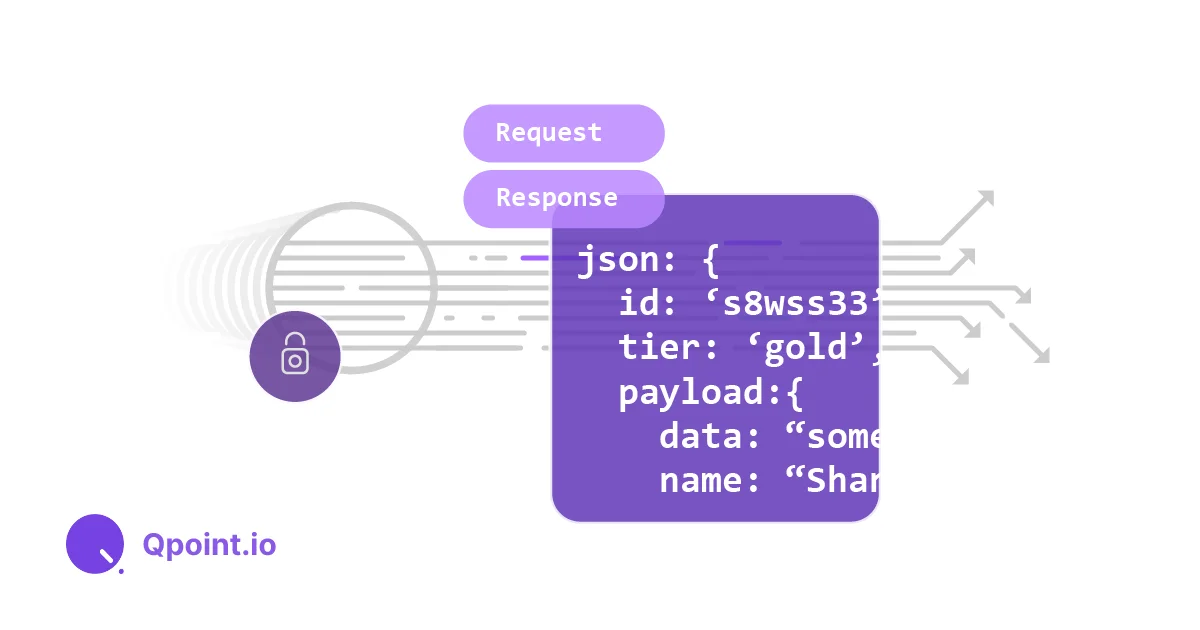
Open `localhost:10001` in your browser. You see every HTTP request and response — headers, body, status code — in plaintext, captured before encryption at the TLS/SSL boundary.

## Setup Workflow

### Step 1: Install the Qtap Agent

Qtap requires Linux with Kernel 5.10+ with BTF enabled. Check if your kernel supports it:

```bash
# Verify BTF is available
ls /sys/kernel/btf/vmlinux && echo "BTF OK"
```bash

Install via the official one-liner:

```bash
curl -s https://get.qpoint.io/install | sudo sh
```bash

Or run in demo mode first (no install required):

```bash
curl -s https://get.qpoint.io/demo | sudo sh
```bash

### Step 2: Start Qtap with DevTools Enabled

```bash
# Run with defaults
sudo qtap

# DevTools UI available at localhost:10001
# Metrics at localhost:10001/metrics
# System health at localhost:10001/system/metrics
```bash

### Step 3: Open the Browser Interface

Navigate to `http://<your-linux-host>:10001` from any browser on your network. The interface shows:

- **Requests** — Live HTTP/S request/response pairs with headers and body
- **Connections** — Active TCP/TLS connections per process
- **Processes** — All processes making network calls, with PID, container ID, and user

Filter by method, status code, URL pattern, or process name. Click any request to inspect full headers and body.

## Deeper Analysis

### How eBPF Captures Pre-Encrypted Traffic

Qtap attaches to TLS/SSL functions in the kernel using eBPF (Extended Berkeley Packet Filter). By hooking `ssl_write()` and `ssl_read()` (or their kernel-space equivalents), it captures data **before** encryption and **after** decryption — while the payload is still plaintext.

This is fundamentally different from a man-in-the-middle proxy. Qtap operates out-of-band: it never terminates TLS, never terminates connections, and adds negligible latency. Applications are completely unaware it is running.

From the [README](https://github.com/qpoint-io/qtap):

> "Qtap makes it possible to understand what's happening with your egress traffic, without modifying apps, installing proxies, or managing certs."

### Requirements

- Linux kernel 5.10+ with BTF (BPF Type Format) enabled
- eBPF enabled on the host
- Elevated privileges (`sudo` on host, or `--privileged` + `CAP_BPF` in Docker)

### Deployment Options

Qtap ships as a single Docker container, making it easy to drop into existing infrastructure:

```bash
docker run \
    --user 0:0 \
    --privileged \
    --cap-add CAP_BPF \
    --cap-add CAP_SYS_ADMIN \
    --pid=host \
    --network=host \
    -v /sys:/sys \
    --ulimit=memlock=-1 \
    us-docker.pkg.dev/qpoint-edge/public/qpoint:v0 \
    tap \
    --log-level=info
Observability Integration
Qtap exposes Prometheus-compatible metrics at two endpoints:
/metrics— HTTP traffic metrics for dashboards (sample Grafana dashboard in the repo)/system/metrics— Qtap agent health and resource usage
OpenTelemetry tracing is also supported via standard OTEL_TRACES_EXPORTER and OTEL_EXPORTER_OTLP_PROTOCOL environment variables.
Practical Evaluation Checklist
- Linux kernel 5.10+ with BTF confirmed (
ls /sys/kernel/btf/vmlinux) - Qtap installed via
curl -s https://get.qpoint.io/install | sudo sh - DevTools accessible at
localhost:10001in browser - Filtered traffic by process name — correct process isolated
- Inspected a live HTTP request body in plaintext
- Verified no application restart required
- Checked
/metricsendpoint for Prometheus scrape - Tested in Docker with
CAP_BPF— confirm it works containerized
Security Notes
No certificate interception. Qtap hooks kernel TLS functions, not the TLS handshake itself. It never generates or inspects certificates. This means:
- No MITM — applications continue to validate certificates normally
- No trust store modifications needed
- No exposure of private keys
Traffic stays on-host. Qtap captures and displays traffic locally. The DevTools browser interface binds to localhost:10001 by default. If accessed remotely, use VPN, SSH tunneling, or a network policy to restrict access.
eBPF requires elevated privileges. The agent needs CAP_BPF and CAP_SYS_ADMIN. Run it in an isolated container or on a dedicated debugging host — not alongside untrusted workloads.
FAQ
Q: How is this different from mitmproxy? A: mitmproxy terminates TLS using its own CA certificate, requiring you to install that CA on the target system and restart the application. QPoint DevTools captures traffic at the kernel level before encryption, with no application changes and no certificate manipulation.
Q: Does this work for HTTPS (HTTP over TLS)? A: Yes. By hooking the TLS write/read functions in the kernel, Qtap captures the plaintext before it enters and after it leaves the TLS encryption layer. Both HTTP and HTTPS traffic are visible.
Q: What is the performance overhead? A: Qtap is designed to be negligible overhead. As an out-of-band eBPF agent, it does not terminate connections or add any serialization step. The Qtap README states it operates “without adding latency or disrupting application performance.”
Q: Can this run inside Kubernetes? A: Yes. Qtap works as a DaemonSet with the required capabilities. It captures traffic per node, including cross-pod traffic. Container and pod metadata is included in the captured context.
Q: What Linux distributions are supported?
A: Any distro running kernel 5.10+ with BTF enabled. Ubuntu 20.10+, Fedora 33+, and recent Debian releases have BTF by default. Check with ls /sys/kernel/btf/vmlinux.
Q: Is the source code available?
A: Yes — github.com/qpoint-io/qtap is open source under AGPL-3.0. Development requires Go 1.24+, clang 14, and make.
Conclusion
QPoint DevTools fills a gap that every backend engineer hits: you know something is wrong with an external API call, but you cannot see the plaintext request without adding debug logging and redeploying. mitmproxy and similar tools require certificate setup that changes the environment you’re trying to observe.
By using eBPF to capture traffic at the kernel TLS boundary, Qtap DevTools sidesteps all of that. One install command, one qtap start, open your browser — you see every HTTP/S request and response, live, with full process context.
For production debugging, local development environments where you want to inspect what your app is actually sending, or security audits of network egress, QPoint DevTools is a uniquely lightweight solution. The browser-based UI means no separate desktop app, no IDE plugin, and no remote desktop session.
Check the GitHub repo for the latest install instructions and the docs for detailed configuration options.
Related Posts
ai-setup
Recall – Persistent Memory for Claude Code via MCP Hooks
Recall gives Claude Code a permanent memory store that survives session restarts and context compaction. Four hooks capture and restore context automatically — with cloud SaaS or self-hosted options.
2/28/2026
dev-tools
Automotive Skills Suite for AI Engineering
Evaluate Automotive Skills Suite for APQP, ASPICE, HARA, safety-plan, and DIA workflows with setup notes, governance risks, and SME review guidance.
5/28/2026
dev-tools
awesome-agentic-ai-zh Roadmap Guide
Explore awesome-agentic-ai-zh as a Chinese agentic AI learning roadmap, with setup notes, track selection, study workflow, and evaluation guidance.
5/28/2026