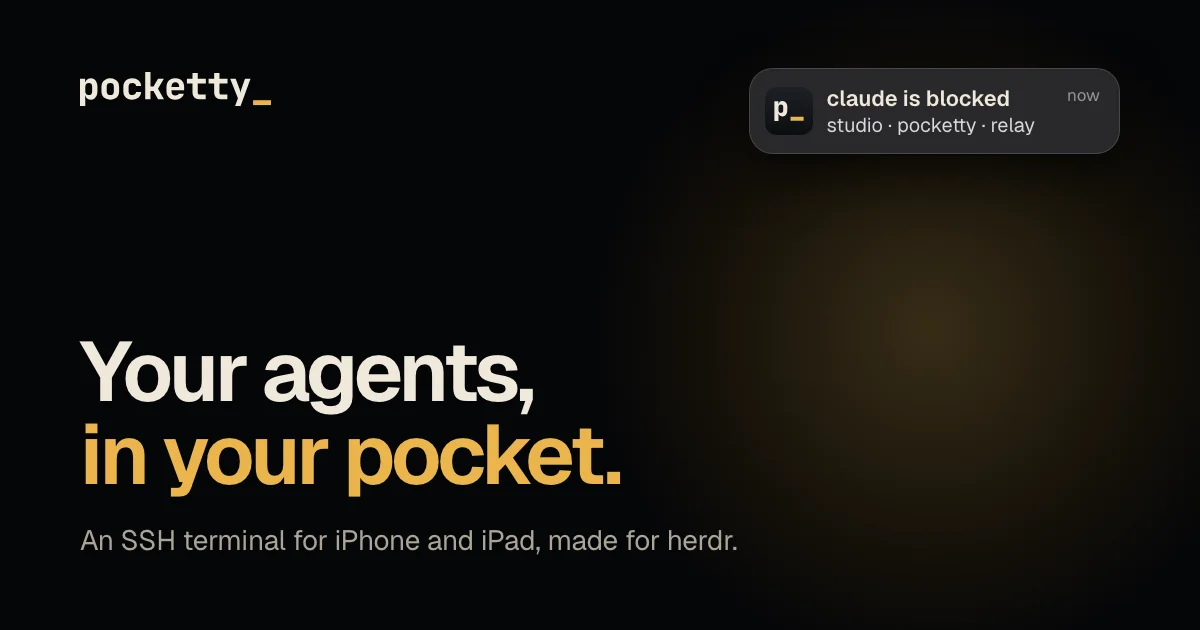
TL;DR: Pocketty turns an iPhone or iPad into a full SSH terminal that understands coding agents. It shows your herdr workspaces as live panes, tells you when an agent blocks or finishes, and lets you reply with real keystrokes from the phone. It costs $99 once after a 14 day trial, and iOS is the only platform it runs on.
What it is
Pocketty is an SSH client for iPhone and iPad that does one thing beyond the usual: keeping you in touch with coding agents running on a machine at home.
The terminal half is real. Pocketty embeds Ghostty’s terminal engine and draws it with Metal, so editors, TUI programs and agent clients look the way they do on your desk. A row of keys sits above the iOS keyboard for the ones a phone hides: Ctrl, Alt, Esc, Tab, arrows and symbols. Hold a key and it repeats. Hardware keyboards work through the kitty keyboard protocol, and OSC 52 lets you copy on the computer and paste on the phone.
The agent half comes from herdr, the workspace and tab manager that Pocketty’s author also writes. When herdr runs on the host, its workspaces and tabs show up as a native list, with every agent’s live state next to it. Tap a pane and it opens full screen at phone size, and you are typing real keys into that pane over SSH.
Two extras come along with it. There is a file browser for any pane’s worktree, with code coloring in 20 schemes, and there is a preview for any localhost port a pane opens, loaded through the same SSH connection instead of a separate tunnel.
Touch handling is deliberate rather than approximate. Tap and hold to select text, then drag the handles. Swipe to scroll, pinch to resize. In text mode the whole message is sent in one go, and dictation and images work as well. Pick a photo from your library or take one with the camera, and Pocketty uploads it and types the path for you.
Notifications that only your phone can open
This is the part that makes Pocketty different from a generic SSH client. When an agent in a herdr pane stops waiting for you, or finishes, your phone buzzes.
The daemon on your host watches herdr and writes a short note containing the agent name, its state, the host, the workspace and the tab. Never terminal text. That note is sealed with HPKE in auth mode against the key in your phone’s Secure Enclave, so the only thing that can open it is your phone, and your phone can tell which machine sealed it.
The relay is a Cloudflare Worker. It checks a signed grant, forwards the sealed bytes to Apple Push, stores nothing and keeps its logs off. Notifications are optional, and turning them off removes that path entirely. After that, the app only ever talks to your own computers.
| Party | Sees | Never sees |
|---|---|---|
| Your phone | Everything you open in Pocketty | n/a |
| Your host | Everything, it is your computer | n/a |
| The relay | A push token, the size of a sealed note, the time, your IP | Terminal text, agent names, host names, keys |
| Apple Push | The sealed note and the text “pocketty: Agent update” | What the note says |
| Pocketty | Nothing about your use of the app | Everything |
The terminal itself never touches their servers. The app opens SSH connections straight to your hosts, host keys are pinned on first use, and a changed key stops the connection and asks you before trusting the new one. The device key is a P-256 key made in the Secure Enclave and it cannot leave the phone. Imported keys stay in the Keychain, and Face ID can guard the app before any connection. There is no account, no email and no analytics.
Noise control matters more than the feature does. The daemon waits two seconds before it sends anything, and it only ever sends the last state, so an agent flipping between working and blocked produces one alert rather than ten. If herdr shows that agent’s tab in a terminal with focus, herdr does not chime and your phone stays quiet.
Getting it running
The app is on the App Store. The daemon is what makes the agent features work, and it is one small binary:
# Install the daemon on the machine you want to reach from your phone
curl -fsSL https://pocketty.app/install.sh | sh

# or through Homebrew
brew install lukeed/tap/pocketty
Use one or the other, not both. The script works on macOS and Linux on Intel and ARM, checks the SHA-256 sum of what it downloads, and puts the binary in ~/.local/bin/pocketty on Linux. On macOS it installs pocketty.app into ~/.local/share/pocketty/ and links it into ~/.local/bin, then registers it as a login item. The daemon runs as your own user, keeps its state in ~/.local/state/pocketty, and is the only thing it changes outside that folder is your authorized_keys file when you approve a phone.
Pocketty then offers four ways to add a host:
- Connect with a code is the fastest path for your own machine. It needs the daemon and Tailscale on the host. The phone shows six digits, the Mac asks for them, and your key goes in.
- Connect with Tailscale signs in with your tailnet identity and needs Tailscale SSH, which works on Linux hosts and cloud VMs.
- Connect with a setup command works against any SSH server, daemon or not.
- Connect with an imported key uses a key you already have.
That setup command is worth looking at, because it is the whole trick. Copy it from inside the app, where your phone’s own key is already in it, and it appends that key to the host:
mkdir -p -m 700 ~/.ssh
grep -qxF 'ecdsa-sha2-nistp256 AAAA... pocketty' ~/.ssh/authorized_keys 2>/dev/null \
  || printf '\n%s\n' 'ecdsa-sha2-nistp256 AAAA... pocketty' >> ~/.ssh/authorized_keys
It is idempotent, it works in sh, bash, zsh and fish, and it does not overwrite an existing entry. Copy the command from the app rather than from the docs, since the docs only carry an example key.
The connection takes care of itself after that. Pocketty checks the link every five seconds and reconnects on its own when it drops, and plain SSH means there is no version of anything to mismatch between the phone and the host.
The daemon and its CLI
The daemon is optional for a plain shell. You need it for three things: agent notifications, code setup, and the diff views, because the snapshots behind “last turn” and “session” are what it records.
It opens one port, 7450, and only on the host’s Tailscale addresses. It announces itself on the local network with Bonjour so nearby computers show up on their own. It never edits your agents’ config files, which is the main difference from the approach Moshi’s hook takes. And it needs either herdr or Tailscale, otherwise it stops with an error.
The CLI covers the operational side:
| Command | What it does |
|---|---|
pocketty daemon | Runs the daemon in the foreground |
pocketty status | Shows the daemon state, its key path and paired devices |
pocketty devices | Lists paired phones |
pocketty unpair <id> | Removes a paired phone and stops its notifications |
pocketty requests | Lists phones waiting for code approval |
pocketty approve [code] | Approves a phone, asking for the code if you leave it out |
pocketty deny <code> | Denies a phone |
pocketty pair | Runs over SSH by the app, not by you |
pocketty status is the one you will actually use:
$ pocketty status
state        /home/luke/.local/state/pocketty
daemon key   3f9cQ1...
devices      2
herdr        /home/luke/.local/bin/herdr
session      default (running)
session      work (stopped)
Behaviour is tuned through environment variables. POCKETTY_HERDR points at the herdr binary and setting it to off turns notifications off entirely. POCKETTY_TAILSCALE points at the tailscale CLI. POCKETTY_ENROLL_PORT defaults to 7450, POCKETTY_SSH_PORT to 22, POCKETTY_ADVERTISE to on for Bonjour discovery and POCKETTY_PROMPT to on for the macOS approval alert. POCKETTY_ENROLL_EXPIRY_MS controls how long a pairing request stays valid, and the default is 120000.
One wrinkle if you use Homebrew: brew services rewrites the service file from the formula every time it starts, so environment changes do not stick. Use the install script if you need them.
How it compares to the alternatives
The site publishes a detailed comparison against Moshi, the other big name in mobile SSH, and the differences come down to what a notification carries and who can read it.
| Pocketty | Moshi | |
|---|---|---|
| Price | Free for 14 days, then $99 once at the launch price | Free tier, Pro at $9.99 a month, $89.99 a year, or $199 lifetime |
| What a notification carries | Agent, state, computer, workspace and tab, sealed on your computer | Titles, messages, the prompt up to 200 characters, the approval command up to 256 |
| Who can read it | Only your phone, relay and Apple see ciphertext | Moshi’s server, which caches inbox events for up to 24 hours |
| How it learns agent state | From herdr, nothing is installed into your agents | A hook written into each agent’s config files |
| Diffs | Last turn, whole session, or since the last commit | Uncommitted changes only, and it is a Pro feature |
Moshi is not the only option, and two free ones came up in the launch thread. Herdr Web UI is a self-hosted PWA with web push, and Heeler is open source and built for the herdr and iOS combination. Both are worth a look if the $99 feels steep, particularly since the launch thread also drew pointed questions about whether the sealed-alert design is worth paying for at all.
What to watch for
Pocketty is iOS only. There is no Android version and the FAQ says so plainly, which is a real limit if you switch phones. It is also closed source and proprietary: no public repository, no published licence, distribution through the App Store.
The price is $99 once at the launch price, with the plan to raise it to $129. There is no subscription and no account, but the $99 comes out of pocket the moment the 14 day trial ends. The author said on the launch thread that as far as he could tell, nobody had converted yet, and that developers tend to build their own version instead.
Two operational caveats. The daemon needs herdr or Tailscale to stay running, and code setup is the only path where it writes to your authorized_keys, so if you want to keep it read only, connect with a setup command or an imported key instead. And the author is candid that this is his own setup: the first bug report on the thread was a fish shell host where herdr was installed but not detected, which he fixed while it waited for App Store approval. He called it not-my-machine technical problems and pointed at the free trial as the reason you should not pay unless it works for you.
Finally, the relay. Even with the alert sealed so only your phone can read it, the note still passes through a Cloudflare Worker at relay.pocketty.app on its way to Apple. The worker forwards bytes it cannot open and keeps nothing, but if the idea of a third party in that path bothers you, turning notifications off removes it entirely and leaves you with a very good SSH terminal.
Source and Accuracy Notes
- Product page: https://pocketty.app/ , checked directly on 2026-10-31
- Documentation: https://pocketty.app/docs , including the daemon, CLI, security model and notification guides
- App Store listing: https://apps.apple.com/us/app/pocketty/id6819408816
- Comparison against Moshi: https://pocketty.app/compare/moshi
- herdr, the workspace manager it integrates with: https://herdr.dev
- HN launch thread: https://news.ycombinator.com/item?id=50009634 , 32 points on 2026-10-08, posted by
lukeed - License: proprietary and closed source. No public repository is published or linked from the site
- Pricing, features and security claims above come from the product site and its docs on 2026-10-31, and the agent state colors come from the author on the HN thread
Related Posts
dev-tools
Automotive Skills Suite for AI Engineering
Evaluate Automotive Skills Suite for APQP, ASPICE, HARA, safety-plan, and DIA workflows with setup notes, governance risks, and SME review guidance.
5/28/2026
dev-tools
awesome-agentic-ai-zh Roadmap Guide
Explore awesome-agentic-ai-zh as a Chinese agentic AI learning roadmap, with setup notes, track selection, study workflow, and evaluation guidance.
5/28/2026
dev-tools
Baguette iOS Simulator Automation Guide
Set up Baguette for iOS Simulator automation, web dashboards, device farms, gesture input, streaming, and camera testing with Xcode caveats.
5/28/2026