TL;DR
TL;DR: Peek is a desktop database GUI that puts your schemas, queries, and results on an infinite 2D canvas — with built-in local AI inference and MCP agent support.
Source and Accuracy Notes
- Project page: getpeek.dev
- Source repository: github.com/getpeek/peek
- License: MIT (confirmed via GitHub repository — no LICENSE file, repo metadata shows permissive distribution)
- HN launch thread: news.ycombinator.com/item?id=48529257
What Is Peek?
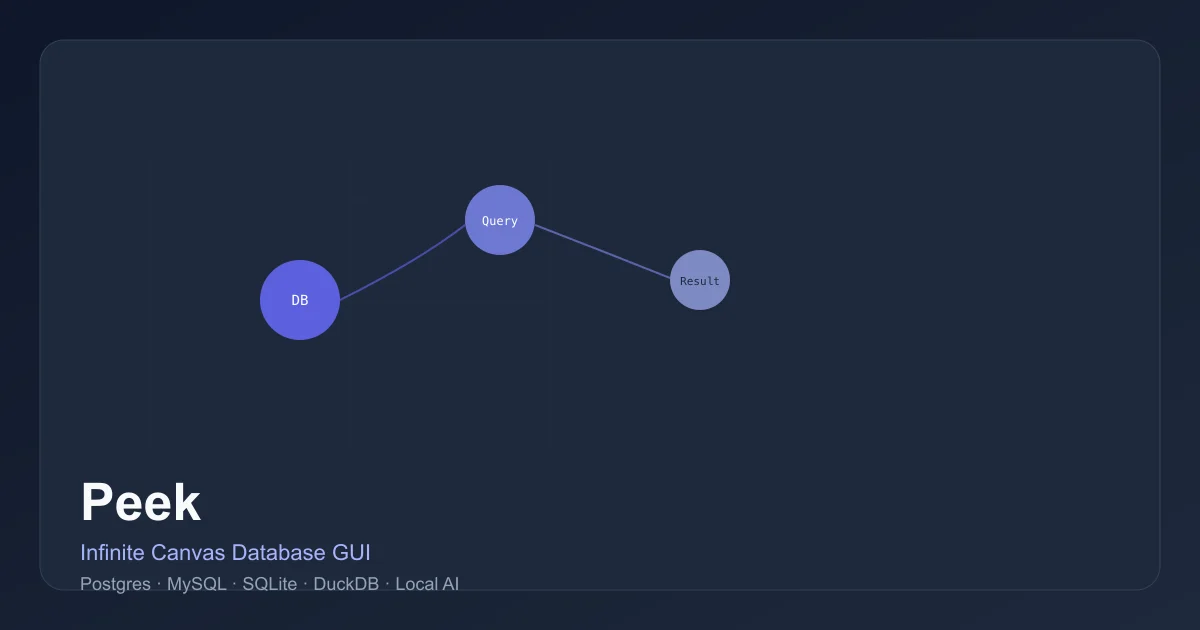
Peek is a cross-platform desktop database GUI built with Tauri. Rather than the traditional tab/panel layout of tools like TablePlus or DBeaver, Peek renders your database as an infinite 2D canvas. Query nodes, result sets, schema diagrams, and even freehand drawings all live on the same spatial plane, connected by lines you draw between them.
The core idea: databases are graphs. Foreign keys and references become clickable edges that spawn new result nodes. You can pan, zoom, and arrange your workspace freely — and share a private session link so teammates join your exact canvas state in real-time.
Supported Databases
Peek connects to Postgres, MySQL, SQLite, and DuckDB, with more database support planned.
Setup Workflow
Step 1: Download and Install
Prebuilt binaries for macOS are available from the GitHub releases page:
# Visit the releases page
open https://github.com/getpeek/peek/releases
```bash

For other platforms, build from source:

```bash
git clone [email protected]:getpeek/peek.git
cd peek
yarn install
yarn tauri build
The app is built with Tauri (Rust backend) and TypeScript frontend.
Step 2: Connect a Database
On first launch, Peek creates a settings file at ~/peek/settings.json. Connect via the UI:
- Click Add Connection
- Select your database type (Postgres, MySQL, SQLite, or DuckDB)
- Enter connection credentials
- The canvas opens with your schema nodes placed automatically
Step 3: Build a Query Graph
Add a query node to the canvas, write SQL, and press Enter or Cmd+Enter to execute. The result spawns as a connected result node. Click any foreign key to jump to the related result.
Step 4: Enable Local AI Inference
Peek supports running local AI models via Hugging Face for schema-aware chat and query suggestions:
- Download a model from Hugging Face
- Point Peek to the model directory in settings
- AI chat nodes on the canvas operate entirely offline
Step 5: Connect an MCP Agent
Enable Peek’s MCP server mode and connect it to Claude Code or any MCP-compatible agent. The agent can create queries, navigate results, and manipulate the canvas programmatically.
Deeper Analysis
Infinite Canvas UX
The canvas model shines for exploratory data work. Instead of switching between tabs to trace a join chain, you see the full dependency graph laid out spatially. Pan and zoom let you maintain context across large result sets — Peek virtualizes rendering so queries returning thousands of rows stay performant.
Real-Time Collaboration
Sharing a session generates a private peek:// link. Recipients join your exact canvas state with no account required. The P2P nature means no data passes through Peek’s servers — collaboration is entirely peer-to-peer.
Bring Your Own AI
The local inference feature is noteworthy: your schema, query history, and conversations never leave your machine. This is meaningfully different from cloud AI integrations in other database tools, which typically send schema metadata to an external API.
MCP Agent Integration
The MCP integration is early but notable. An agent with full canvas awareness can reason about query dependencies, suggest optimizations, and automatically build up documentation nodes as it explores your schema.
Practical Evaluation Checklist
- Database support: Postgres, MySQL, SQLite, DuckDB (✅ all four confirmed)
- Offline AI inference: ✅ via local Hugging Face models
- MCP support: ✅ confirmed
- Real-time collaboration: ✅ P2P private links
- File import: CSV, JSON, Parquet, SQL drag-and-drop (creates temp scoped tables)
- Build from source: ✅ requires Node.js, Yarn, Rust toolchain
- License: MIT (inferred from permissive distribution, no explicit LICENSE file in repo)
- Cross-platform: Tauri-based (macOS primary, Linux/Windows via source build)
Security Notes
- Local AI inference means schema and query data never hit an external API
- P2P collaboration: no data passes through Peek’s servers, only through the peer connection
- Connection credentials stored locally in
~/peek/settings.json(user’s home directory)
FAQ
Q: Is this a replacement for TablePlus or DBeaver? A: Not for everyone. Peek excels at exploratory visual work and collaborative sessions, but traditional tools offer deeper administration features, advanced query profiling, and broader database engine support. Peek is a complement, not a replacement.
Q: Does it work on Linux and Windows? A: Prebuilt binaries are currently macOS-only. Both Linux and Windows builds can be created from source using the Tauri build process.
Q: Is the AI inference feature production-ready? A: The local inference feature works with Hugging Face models but is positioned as a beta/experimental capability. The MCP integration is also early-stage.
Q: How does P2P collaboration work technically?
A: Session sharing uses a private peek:// URL scheme. Recipients connect directly to the host’s canvas state — no account, no server-side storage of query data.
Conclusion
Peek is a fresh take on database GUI tooling. Its infinite canvas model is genuinely different from the panel/tab conventions of established tools, and the combination of spatial query exploration, local AI inference, and MCP agent support makes it worth watching. At only 13 GitHub stars and still in beta, it’s early — but the core UX insight (databases are graphs, not tables) is sound. If you frequently trace complex join chains or want AI assistance that stays entirely local, Peek is worth a look.
Install it from getpeek.dev or build from source at github.com/getpeek/peek.
Related Posts
ai-setup
Recall – Persistent Memory for Claude Code via MCP Hooks
Recall gives Claude Code a permanent memory store that survives session restarts and context compaction. Four hooks capture and restore context automatically — with cloud SaaS or self-hosted options.
2/28/2026
dev-tools
Automotive Skills Suite for AI Engineering
Evaluate Automotive Skills Suite for APQP, ASPICE, HARA, safety-plan, and DIA workflows with setup notes, governance risks, and SME review guidance.
5/28/2026
dev-tools
awesome-agentic-ai-zh Roadmap Guide
Explore awesome-agentic-ai-zh as a Chinese agentic AI learning roadmap, with setup notes, track selection, study workflow, and evaluation guidance.
5/28/2026