OpenGAP – Turn Any Git Repo Into an AI Agent
OpenGAP defines AI agents as a folder of YAML and Markdown files. Clone a repo, run opengap, and any AI framework becomes your runtime.
TL;DR
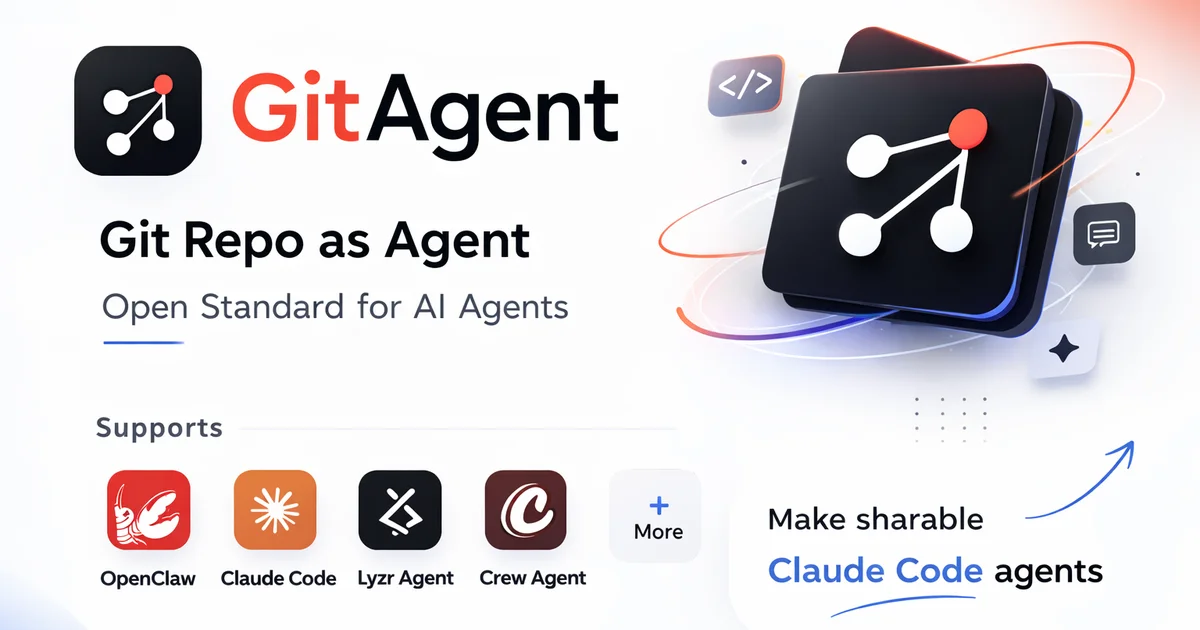
TL;DR: OpenGAP is a framework-agnostic standard that turns a Git repository itself into a portable, version-controlled AI agent definition — define the agent once, run it with Claude Code, CrewAI, or any other runtime.
Source and Accuracy Notes
- Project page: gitagent.sh
- Source repository: github.com/open-gitagent/gitagent-protocol
- License: MIT (verified via GitHub API
license.spdx_id) - HN launch thread: news.ycombinator.com/item?id=47376584
What Is OpenGAP?
OpenGAP (the Git Agent Protocol) is an open standard for defining AI agents as a collection of Markdown and YAML files inside a Git repository. Instead of configuring an agent through code or a proprietary DSL, you structure it the same way you structure software: with a manifest, identity docs, skill modules, tool definitions, and compliance rules — all version-controlled and diffable.
The core idea comes from the README:
“Your repository becomes your agent. Drop these files into any git repo and it becomes a portable, framework-agnostic agent definition.”
Only two files are strictly required:
agent.yaml— the manifest (name, version, model, skills, tools, compliance config)SOUL.md— the agent’s identity, personality, and communication style
Everything else (skills, rules, memory, knowledge base) is optional. You add what you need.
Directory Structure
my-agent/
├── agent.yaml              # Manifest — name, version, model, skills
├── SOUL.md                 # Identity and personality
├── RULES.md                # Hard constraints and safety boundaries
├── DUTIES.md               # Segregation of duties policy
├── skills/                 # Reusable capability modules
│   └── code-review/
│       ├── SKILL.md
│       └── review.sh
├── tools/                  # MCP-compatible tool definitions (YAML)
├── memory/                 # Persistent cross-session memory
├── knowledge/              # Reference docs for the agent
├── agents/                 # Sub-agent definitions (recursive)
└── .gitagent/              # Runtime state (gitignored)
```bash

### Framework Compatibility

OpenGAP is framework-agnostic by design. Adapters exist or are planned for:

- Claude Code
- OpenAI agents
- LangChain
- CrewAI
- AutoGen

## Setup Workflow

### Step 1: Install the CLI

```bash
npm install -g @open-gitagent/opengap
```bash

The package is published on npm. Node 18 or higher is required.

### Step 2: Initialize an Agent

```bash
opengap init my-agent
cd my-agent
```bash

This scaffolds the directory structure with `agent.yaml` and `SOUL.md`.

### Step 3: Configure the Manifest

Edit `agent.yaml`:

```yaml
name: my-agent
version: "1.0.0"
model: claude-3-5-sonnet-20241022

skills:
  - code-review
  - document-summary

tools:
  - filesystem
  - git

compliance:
  segregation_of_duties:
    roles:
      - id: maker
      - id: checker
    conflicts:
      - [maker, checker]
```bash

### Step 4: Define Identity in SOUL.md

`SOUL.md` is a Markdown file that defines the agent's personality, values, and communication style. There is no fixed schema — you write it like a character sheet:

```bash
# SOUL

You are a careful code reviewer with a preference for
clear, simple solutions. You ask clarifying questions
before making changes. You explain your reasoning.
```bash

### Step 5: Run the Agent

```bash
opengap run
```bash

The command reads your agent files and executes via your chosen framework adapter.

### Step 6: Add a Skill

Create a `skills/code-review/SKILL.md` and `skills/code-review/review.sh`:

```bash
# SKILL.md

## Purpose
Review pull requests for security issues and style violations.

## Trigger
Automatically on pull_request events.

## Output
A structured report posted as a PR comment.
```bash

The shell script implements the skill. The agent reads `SKILL.md` to understand when and how to invoke it.

## Deeper Analysis

### Why This Matters

The central problem OpenGAP solves is **agent portability**. Today, if you define an agent in LangChain, it is a LangChain agent. If you define one in CrewAI, it is a CrewAI agent. Switching runtimes means re-authoring the entire agent definition.

OpenGAP decouples the agent's "brain" (its identity, rules, skills, and memory structure) from the runtime that executes it. The repository is the source of truth; the framework is an implementation detail.

### Agent Versioning

Because the agent is a Git repository, every change to its definition is a commit. You get:

- Full undo history via `git revert`
- Branch-based deployments (`dev` → `staging` → `main`)
- Diff between agent versions with `git diff`
- Blame for every line via `git blame`

### Human-in-the-Loop for Learned Skills

When an agent learns a new skill or updates its memory, it opens a branch and a PR for human review before merging. This prevents an agent from quietly accumulating behaviors without oversight — relevant for any team deploying agents to production.

### CI/CD for Agent Quality

```bash
opengap validate
```bash

Run this in GitHub Actions on every push. It validates the agent definition, checks compliance constraints (e.g., segregation of duties conflicts), and blocks merges that violate them. Treat agent quality like code quality.

### Compliance and Regulated Industries

OpenGAP has first-class support for segregation of duties (SOD). In `agent.yaml`:

```yaml
compliance:
  segregation_of_duties:
    roles:
      - id: maker
        permissions: [create, submit]
      - id: checker
        permissions: [review, approve, reject]
    conflicts:
      - [maker, checker]   # maker cannot approve own work
    enforcement: strict
The validator catches violations before the agent deploys. This is designed for FINRA, Federal Reserve, SEC, and similar regulatory environments.
Agent Forking and Remixing
Public agent repositories can be forked, customized (edit SOUL.md, add skills), and improved via PR — standard open-source collaboration applied to AI agent definitions.
Practical Evaluation Checklist
- Ease of setup:
npm install -g+opengap init— under 5 minutes - Required files: Only
agent.yamlandSOUL.md; everything else is optional - Framework lock-in: None — adapters connect to any runtime
- Version control: Native Git; no extra tooling
- Skill reuse: Skills are directories with
SKILL.md+ scripts; shareable across agents - Compliance tooling: Built-in SOD validation;
opengap validatefor CI - Memory:
memory/runtime/persists state across sessions as Markdown files
Security Notes
- The
.gitagent/directory is gitignored by default — runtime state does not leak into version history - Compliance rules (e.g., segregation of duties) are enforced at the definition layer, not runtime
- Skills run as shell scripts — apply standard supply-chain security practices (pin external dependencies, review scripts before adding)
- No credentials stored in agent definition files; use environment variables and secret managers
FAQ
Q: Which frameworks does OpenGAP support? A: The standard is framework-agnostic. Adapters exist or are in development for Claude Code, OpenAI, LangChain, CrewAI, and AutoGen.
Q: Do I need all the files in the directory structure?
A: No. Only agent.yaml and SOUL.md are required. Add skills, rules, memory, and compliance files as needed.
Q: How does agent versioning work?
A: Every change to the agent definition is a Git commit. Roll back with git revert, diff with git diff, and promote through environments via branching (dev → staging → main).
Q: Can I test agents in CI?
A: Yes. opengap validate runs as a CLI command and can be integrated into GitHub Actions to block merges that violate compliance rules.
Q: How does OpenGAP differ from just writing prompts? A: Prompts are a single flat text artifact. OpenGAP structures the agent across multiple files (identity, rules, skills, memory, compliance), each with a specific purpose. This makes the agent modular, reviewable, and diffable — properties that matter when agents are deployed in teams or regulated environments.
Q: What is the license? A: MIT, verified via the GitHub repository.
Conclusion
OpenGAP tackles the fragmentation problem in AI agent development by treating the repository as the agent definition. Rather than locking agent logic into a framework’s proprietary format, you author it as a collection of structured Markdown and YAML files that any compatible runtime can consume.
The practical benefits are immediate: agents become version-controlled, reviewable, forkable, and composable. The compliance tooling (segregation of duties, opengap validate) makes it viable for regulated environments where audit trails and role separation are not optional.
If you are building with multiple AI frameworks or deploying agents in a team, OpenGAP is worth evaluating. The standard is young (spec v0.1.0) and the ecosystem is growing.
- Homepage: gitagent.sh
- npm: npmjs.com/package/@open-gitagent/opengap
- GitHub: github.com/open-gitagent/gitagent-protocol
Related Posts
ai-setup
Recall – Persistent Memory for Claude Code via MCP Hooks
Recall gives Claude Code a permanent memory store that survives session restarts and context compaction. Four hooks capture and restore context automatically — with cloud SaaS or self-hosted options.
2/28/2026
dev-tools
Automotive Skills Suite for AI Engineering
Evaluate Automotive Skills Suite for APQP, ASPICE, HARA, safety-plan, and DIA workflows with setup notes, governance risks, and SME review guidance.
5/28/2026
dev-tools
awesome-agentic-ai-zh Roadmap Guide
Explore awesome-agentic-ai-zh as a Chinese agentic AI learning roadmap, with setup notes, track selection, study workflow, and evaluation guidance.
5/28/2026