Netrinos - Simple Mesh VPN for Remote Teams
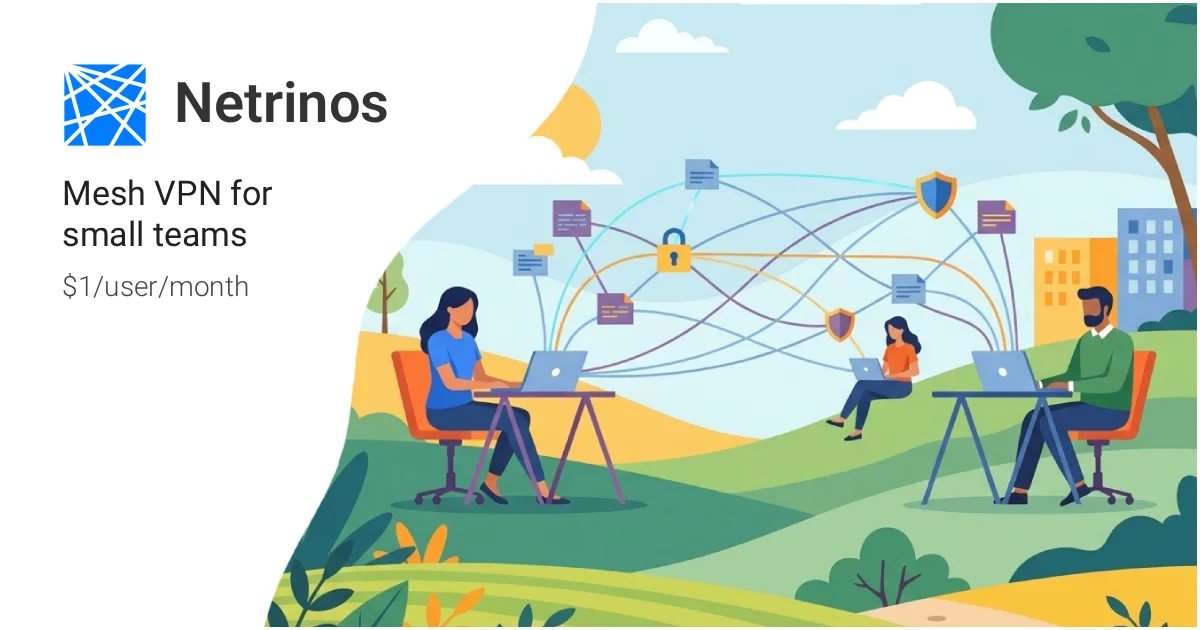
Netrinos is a WireGuard-based mesh VPN that creates a LAN-like overlay network across your devices, with automatic peer discovery, NAT traversal, and fixed DNS names for every endpoint.
TL;DR
TL;DR: Netrinos is a WireGuard-based mesh VPN that gives every device a fixed IP and DNS name, enabling direct P2P connections across NAT without a central relay.
What Is Netrinos?
Netrinos is a peer-to-peer mesh VPN built on WireGuard. Instead of routing traffic through a central server, it creates a LAN-like overlay network where every device gets a stable private IP and a DNS name (e.g., workstation.you.netrinos.com). Devices discover each other automatically and connect directly — P2P via WireGuard, with NAT traversal handled transparently.
When direct connections fail (strict firewall/NAT), Netrinos falls back to a relay server, but traffic remains end-to-end encrypted. The service runs on Linux (nftables), macOS (PF), and Windows (WFP), using each OS’s native firewall for packet handling — no proprietary network stack.
Netrinos launched on Hacker News in January 2026.
Setup
Install the CLI
Download from the website or install via the package manager for your OS.
Create a network
# Sign in and create a personal network
netrinos login
netrinos network create
```bash

### Connect a device

```bash
# Connect to your network
netrinos connect

# Verify connection
netrinos status
# Output: Connected to netrinos-network
# Peer IP: 10.0.0.2
# DNS: workstation.you.netrinos.com
```bash

### Share with teammates

Invite devices by sharing a join link. Each new peer gets its own IP and DNS name within your private network.

### Persist across reboots

On Linux with systemd:

```bash
sudo systemctl enable netrinos
sudo systemctl start netrinos
Architecture Deep Dive
WireGuard under the hood
Netrinos uses WireGuard’s userspace Go implementation (wireguard-go), wrapped in a coordination layer that handles:
- Peer discovery — each node announces itself to a lightweight bootstrap service
- Endpoint resolution — STUN-like probes determine public IP and port mappings
- NAT traversal — UDP hole punching for common symmetric/cone NAT scenarios
- Relay fallback — encrypted relay via a Netrinos-hosted TURN-style server when P2P fails
No proprietary network stack
Unlike tools that implement their own transport protocol, Netrinos:
- Uses standard WireGuard (auditable, well-tested)
- Leverages OS-native packet filtering: nftables on Linux, PF on macOS, WFP on Windows
- Ships no kernel modules or custom network drivers
Fixed IP and DNS naming
Every device receives:
- A fixed private IP within your network’s CIDR range
- A stable DNS name:
hostname.you.netrinos.com
This means you can reference devices by name in configs, SSH aliases, and internal services without tracking dynamic IPs.
Practical Evaluation Checklist
- WireGuard P2P connections (no central traffic relay)
- NAT traversal with UDP hole punching
- Encrypted relay fallback when P2P fails
- Fixed per-device IP and
.you.netrinos.comDNS - Automatic peer discovery on join
- Cross-platform: Linux, macOS, Windows
- Uses OS-native firewall (nftables/PF/WFP) — no proprietary net stack
- Free tier available; Pro at $10/month
- Go-based open source core
Security Notes
- End-to-end encryption — all WireGuard tunnels are encrypted; relay traffic is decrypted only at the endpoints, not at Netrinos servers
- No traffic visibility — Netrinos relay cannot inspect P2P traffic; it forwards encrypted packets blind
- BYOK not available — key management is handled by Netrinos; if you need customer-managed keys, this tool may not meet compliance requirements
- Auditability — the client-side coordination layer is open source; you can audit the NAT traversal logic and peer discovery protocol
FAQ
Q: How is this different from a traditional VPN? A: Traditional VPNs route all traffic through a central server. Netrinos routes traffic directly between peers via WireGuard when possible. The central server is only used as a fallback relay when NAT prevents direct P2P connections.
Q: Does it work through strict corporate firewalls? A: It handles most cone NAT scenarios via UDP hole punching. For strict firewalls that block all UDP, the relay fallback provides connectivity at the cost of some latency. Some corporate proxies that inspect WireGuard traffic may still cause issues.
Q: Is the source code open source? A: The client coordination layer and CLI are open source (BSD-style licenses per their licenses page). The relay/discovery infrastructure is proprietary.
Q: What is the free tier limit? A: The free tier includes unlimited devices and users. Pro adds priority relay bandwidth and is $10/month. No credit card is required to start.
Conclusion
Netrinos solves the “remote access” problem cleanly: install, log in, and get a stable private IP and DNS name for every device. For small teams wanting a zero-config mesh that falls back gracefully when NAT blocks direct connections, it hits a sweet spot between simplicity and correctness. The use of standard WireGuard and OS-native packet filtering means the attack surface is small and auditable.
If you need a quick way to expose services between machines without exposing them to the public internet, Netrinos is worth trying. Free tier is generous enough for most homelab and small-team use cases.
Project page: netrinos.com HN thread: news.ycombinator.com/item?id=46331364
Source and Accuracy Notes
- Project page: netrinos.com — verified 2026-08-13
- GitHub org: github.com/netrinosnetwork
- License: BSD 3-Clause for Netrinos code; WireGuard, Wails, Go use MIT/BSD (verified via netrinos.com/legal/licenses)
- HN launch thread: news.ycombinator.com/item?id=46331364 (93 points, Jan 2026)
- Pricing: Free tier + Pro at $10/month (verified on project page, Aug 2026)
Related Posts
ai-setup
Recall – Persistent Memory for Claude Code via MCP Hooks
Recall gives Claude Code a permanent memory store that survives session restarts and context compaction. Four hooks capture and restore context automatically — with cloud SaaS or self-hosted options.
2/28/2026
dev-tools
Automotive Skills Suite for AI Engineering
Evaluate Automotive Skills Suite for APQP, ASPICE, HARA, safety-plan, and DIA workflows with setup notes, governance risks, and SME review guidance.
5/28/2026
dev-tools
awesome-agentic-ai-zh Roadmap Guide
Explore awesome-agentic-ai-zh as a Chinese agentic AI learning roadmap, with setup notes, track selection, study workflow, and evaluation guidance.
5/28/2026