Mosaic: Agentic Video Editing via Node-Based Canvas
Build AI video editing agents on a node-based canvas with Mosaic — describe the edit in natural language and let multimodal AI handle footage analysis, auto-clipping, AI avatars, and voiceovers.
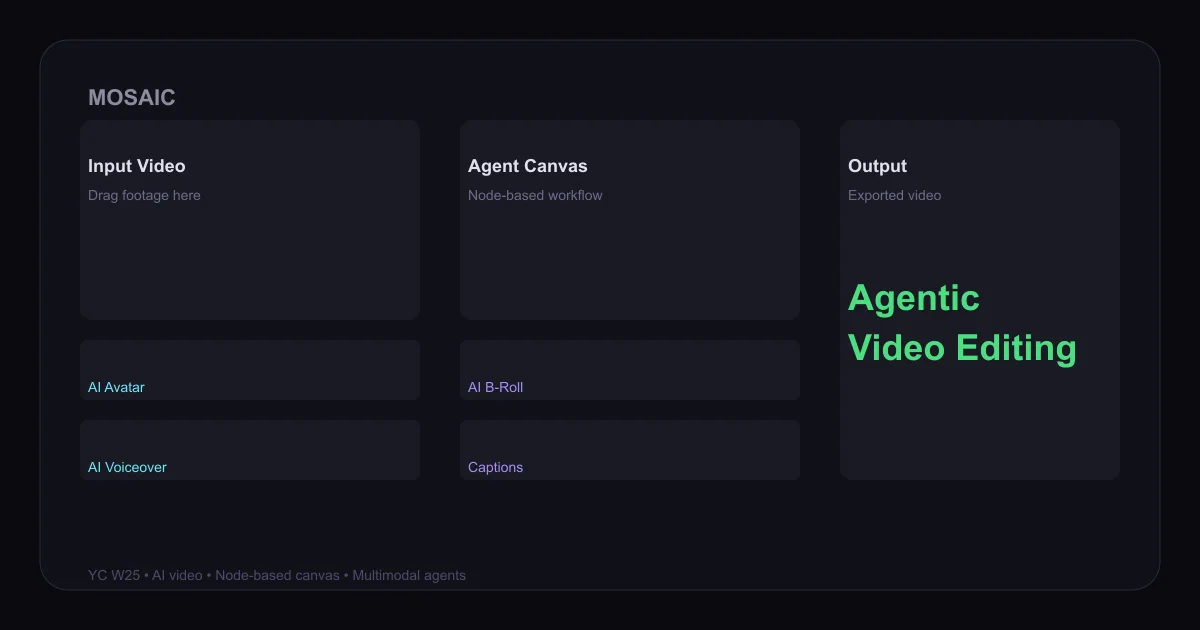
TL;DR
TL;DR: Mosaic is a YC W25 startup that lets you build multimodal AI agents on a node-based canvas to edit video using natural language prompts — from auto-clipping raw footage to generating AI avatars, voiceovers, and B-roll.
Source and Accuracy Notes
- Project page: mosaic.so
- Source repository: No public GitHub repository found (private/internal codebase)
- License: Proprietary (no open-source license available)
- HN launch thread: news.ycombinator.com/item?id=45980760
- Docs: docs.mosaic.so
What Is Mosaic?
Mosaic is a YC W25 startup founded by ex-Tesla engineers. Their core product is a node-based canvas where you build multimodal AI agents that edit video via natural language. The founding story: recording hours of Cybertruck footage, getting frustrated scrubbing through raw clips in DaVinci Resolve, and building a prototype that could “count Cybertrucks in a video with a single chat prompt.”
The canvas exposes a library of AI tiles you wire together:
- AI Avatar — generate reusable AI presenters from source media
- AI Voiceover — narrate with AI-generated voice
- AI B-Roll — auto-generate or source relevant B-roll matched to spoken content
- AI Music — generate custom music matching video mood and pacing
- Captions / Cinematic Captions — stylized subtitle overlays
- Clips — auto-extract short standalone clips for social platforms
- Rough Cut — auto-create a rough cut by removing filler, silence, dead air
- Silence Removal — strip awkward pauses automatically
- Color Correction — AI color grading
- Reframe — auto-convert 9:16 or 1:1 while keeping subject in frame
- Video Generation — generate video from prompts using Seedance 2
- Motion Graphics, Intro, Outro, Watermark — branding tiles
Setup Workflow
Step 1: Sign Up
Visit app.mosaic.so and create a free account. The free tier includes a set number of credits for trying the canvas.
Step 2: Connect Your Footage
Upload raw video via the Asset Manager. Supported inputs: video files, audio files, images. The upload flow uses signed URLs — see docs.mosaic.so/api/asset-management/upload-flow for the REST upload sequence.
Step 3: Build an Agent on the Canvas
Drag an Input tile onto the canvas and link your footage. Then add AI tiles (Avatar, Voiceover, Captions, etc.) and wire them in a chain. Each tile is a node; the graph defines the editing pipeline.
Step 4: Write a Natural Language Prompt
In the chat panel, describe what you want. Examples from the docs:
- “Find all clips where a car drives by and add a cinematic intro”
- “Add an AI narrator using a British accent, then generate captions”
- “Create a 60-second montage from this raw footage with AI music”
The agent parses the prompt, invokes the relevant nodes, and produces an output video.
Step 5: Export or Publish Directly
Use the Destination tile to export locally or publish directly to YouTube, TikTok, Instagram, or LinkedIn. See docs.mosaic.so/tiles/destination.
Deeper Analysis
The Node-Based Canvas Architecture
Unlike traditional video editors where you manually apply effects, Mosaic treats each AI capability as a node in a directed graph. The canvas UI is at app.mosaic.so — it visualizes the agent’s execution flow, showing which tiles ran, their outputs, and any errors.
The graph is persisted as an agent template. You can duplicate, share, and version-control agents via the API at docs.mosaic.so/api/agents.
API Access
Mosaic exposes a REST API with the following key endpoints documented in the llms.txt index:
POST /api/agents— create an agent templateGET /api/agents— list all agents for your organizationPOST /api/agent-runs— execute an agent on a videoGET /api/agent-runs/{id}— poll run status and outputsPOST /api/agent-runs/{id}/cancel— cancel an in-progress runPOST /api/agent-runs/{id}/resume— resume a failed or cancelled runGET /api/credits— check credit balance and auto top-up settingsPOST /api/webhooks/events— subscribe to agent run lifecycle events
Credit usage is tracked per tile and per date via GET /api/credits/usage.
Pricing
Mosaic operates on a credit-based system. From the docs, plans are available at docs.mosaic.so/api/plan/get-plan and docs.mosaic.so/api/plan/get-plan-list. The canvas UI shows a credit meter in the bottom-left corner. Auto top-up can be configured via POST /api/credits/settings. Enterprise plans for teams are documented at docs.mosaic.so/more/enterprise.
Models
Mosaic uses multiple AI models across its tiles, billed by generation seconds rather than per-call. The full model list is at docs.mosaic.so/models.
Practical Evaluation Checklist
- Node-based canvas renders correctly with tile library visible
- AI Avatar tile generates a presenter from uploaded media
- AI Voiceover synthesizes speech from a text script
- Rough Cut tile removes silence and filler from raw footage
- Clips tile extracts short social clips from a long video
- Destination tile exports to at least one social platform
- API key authentication works with the REST endpoints
- Credit meter reflects actual usage after a run
- Webhook notifications fire on run completion
Security Notes
- Asset uploads use signed URLs with short-lived expiry — raw API keys are not exposed in client-side upload flows
- API keys are scoped to your organization; key management is via the dashboard at
app.mosaic.so - Social account connections (YouTube, TikTok, etc.) use OAuth — Mosaic stores refresh tokens but these can be revoked individually via
DELETE /api/social/connections/{id} - Enterprise tier adds SSO and audit logging per
docs.mosaic.so/more/enterprise
FAQ
Q: Does Mosaic have a public GitHub repo? A: No. Mosaic is a closed-source commercial product. No public source repository exists as of 2026-06-26.
Q: Can I use Mosaic programmatically without the UI?
A: Yes. The REST API at docs.mosaic.so/api/introduction covers agent creation, execution, cancellation, and resume. Webhooks provide async notifications.
Q: What video formats does Mosaic accept?
A: Standard formats accepted: MP4, MOV, AVI, MKV for video; MP3, WAV, OGG for audio; PNG, JPG, WEBP for images. Upload is handled via the signed URL flow documented at docs.mosaic.so/api/asset-management/upload-flow.
Q: How is Mosaic different from CapCut or Adobe Premiere Pro with AI plugins? A: Mosaic’s agent paradigm means you describe the outcome in natural language and the AI decides which operations to apply. Traditional editors expose individual tools you operate manually. The node graph is also externally accessible via API, enabling programmatic video pipelines.
Q: Is there a free trial?
A: The free tier includes a set of starting credits. Plan details and top-up rates are available at docs.mosaic.so/api/plan/get-plan-list.
Conclusion
Mosaic is a compelling entry in the AI video editing space — the node-based agent canvas gives you both a visual workflow and a programmable API, making it useful for one-off creators and teams building automated video pipelines alike. The YC W25 backing and credit-based pricing model lower the barrier to experimentation. If you are tired of manually scrubbing footage and applying effects one-by-one, Mosaic’s agent-first approach is worth exploring.
Visit mosaic.so to get started.
Related Posts
ai-setup
Recall – Persistent Memory for Claude Code via MCP Hooks
Recall gives Claude Code a permanent memory store that survives session restarts and context compaction. Four hooks capture and restore context automatically — with cloud SaaS or self-hosted options.
2/28/2026
dev-tools
awesome-agentic-ai-zh Roadmap Guide
Explore awesome-agentic-ai-zh as a Chinese agentic AI learning roadmap, with setup notes, track selection, study workflow, and evaluation guidance.
5/28/2026
ai-setup
Sentrial – Catch AI Agent Failures Before Your Users Do
YC W26-backed AI agent observability platform. Trace sessions, detect silent regressions, and A/B test prompts in production before failures reach users.
5/28/2026