Moltis – Persistent AI Agent Server in Rust
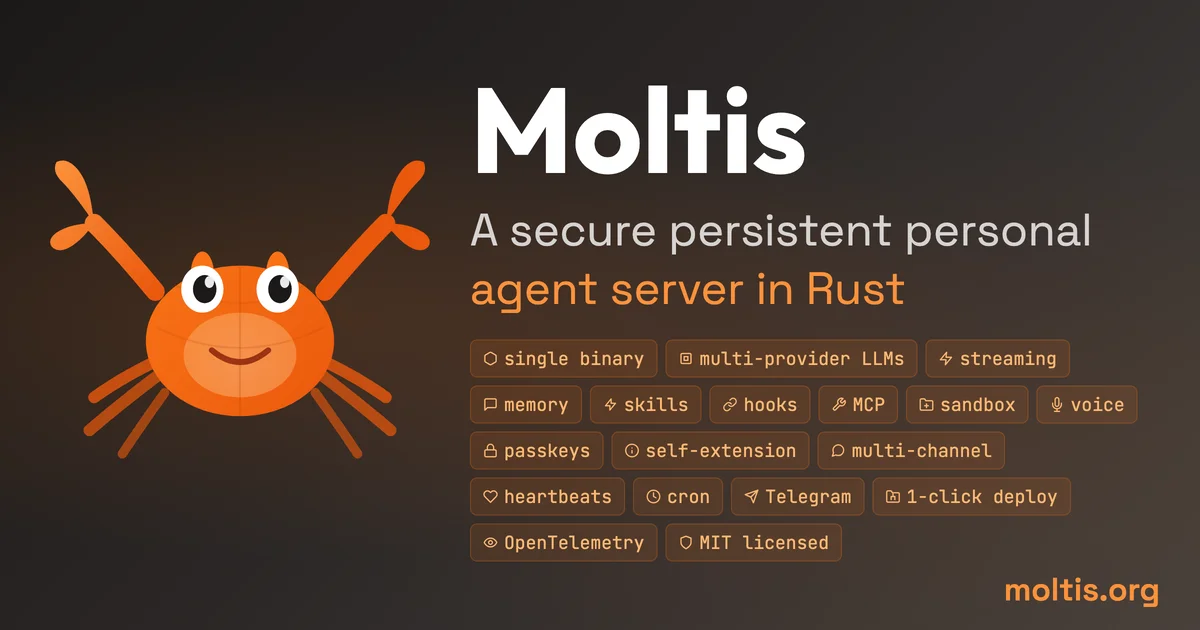
A secure persistent AI agent server in Rust. One binary, sandboxed execution, multi-provider LLM support, voice, memory, and integrations for Telegram, WhatsApp, Discord, and more.
TL;DR
TL;DR: Moltis is a self-hosted AI agent server written in Rust that runs permanently on your hardware, connects to multiple LLM providers, and integrates with messaging platforms like Telegram, Discord, and WhatsApp.
Source and Accuracy Notes
- Official site: https://www.moltis.org
- GitHub: https://github.com/moltisorg/moltis (if available)
- Documentation: https://moltis.org/docs
What Is Moltis?
Moltis is a persistent personal AI agent server built in Rust. Unlike cloud-based AI assistants that forget everything when sessions end, Moltis runs 24/7 on your own hardware — keeping memory, context, and learned preferences across every interaction.
Key differentiators:
- Persistent memory — context survives restarts
- Sandboxed tool execution — plugins run in isolation
- Multi-provider LLMs — OpenAI, Anthropic, local models, and more
- Voice support — audio input and output
- Platform integrations — Telegram, WhatsApp, Discord, Slack, Matrix, Nostr, Microsoft Teams, and MCP tools
Setup Workflow
Step 1: Install
Moltis ships as a single binary. On Linux/macOS:
curl -fsSL https://moltis.org/install.sh | sh
```bash

Or download the binary directly from the releases page.

### Step 2: Configure Providers

Create `~/.config/moltis/config.yaml`:

```yaml
llm:
  provider: openai  # or anthropic, local, etc.
  model: gpt-4o
  api_key: ${OPENAI_API_KEY}

memory:
  backend: sqlite  # local SQLite for persistence

plugins:
  enabled:
    - telegram
    - discord
    - mcp
```bash

### Step 3: Run

```bash
moltis serve
```bash

The agent starts on `http://localhost:8080` by default. Connect your Telegram bot or Discord webhook to start chatting.

### Step 4: Enable Integrations

```yaml
telegram:
  bot_token: ${TELEGRAM_BOT_TOKEN}

discord:
  bot_token: ${DISCORD_BOT_TOKEN}
  guild_id: your-guild-id
Deeper Analysis
Architecture: Moltis is written in Rust, which gives it memory safety without a garbage collector and low-latency tool execution. The sandboxed plugin model means third-party integrations can’t access your filesystem or network beyond their configured scope.
Memory model: Unlike ephemeral chat sessions, Moltis maintains a persistent vector store (SQLite by default) of conversation history and retrieved context. This means it can reference things you discussed days or weeks ago.
Multi-provider: The LLM is pluggable — swap between OpenAI, Anthropic, or local inference servers (Ollama, LM Studio) without changing the agent logic.
MCP tools: The Model Context Protocol support lets Moltis connect to external tools and data sources dynamically, similar to how Claude’s MCP integration works.
Practical Evaluation Checklist
- Single binary install — no Docker, no Node.js dependency
- Runs on Raspberry Pi, old laptop, or VPS
- Sandbox isolation for plugins
- Persistent memory survives restarts
- Multi-provider LLM switching
- Voice input/output support
- Free and open source
Security Notes
- API keys stored in environment variables, not in config files
- Plugin sandboxing limits blast radius of a compromised plugin
- Runs on-premises — your data never leaves your hardware
- No telemetry or phone-home by default
FAQ
Q: Does Moltis require a GPU? A: No. Moltis itself doesn’t require GPU acceleration. If you’re using a local LLM provider (Ollama/LM Studio), those tools handle their own GPU logic independently.
Q: How does it compare to llmafile or Ollama? A: Ollama is a local model runner. Moltis is an agent framework that can USE Ollama (or any LLM provider) as the backend. They serve different roles — Ollama manages model binaries, Moltis manages the agent loop, memory, and integrations.
Q: Can I self-host it on a $5 VPS? A: Yes, the binary is lightweight. A $5 VPS with 1GB RAM can run Moltis with a local SQLite memory store. Voice and heavy plugins may need more RAM.
Q: What is the MCP integration? A: Model Context Protocol lets Moltis dynamically load tools and data sources at runtime, similar to Claude’s MCP. This makes it extensible without recompiling the core binary.
Conclusion
Moltis fills the gap between ephemeral cloud AI assistants and fully custom agent frameworks. It gives you a persistent, self-hosted agent with sandboxed plugins, multi-provider LLM support, and integrations with the messaging platforms you already use — all in a single Rust binary.
If you want an AI agent that remembers, runs 24/7, and stays on your hardware, Moltis is worth a look.
Related Posts
ai-setup
Recall – Persistent Memory for Claude Code via MCP Hooks
Recall gives Claude Code a permanent memory store that survives session restarts and context compaction. Four hooks capture and restore context automatically — with cloud SaaS or self-hosted options.
2/28/2026
dev-tools
Automotive Skills Suite for AI Engineering
Evaluate Automotive Skills Suite for APQP, ASPICE, HARA, safety-plan, and DIA workflows with setup notes, governance risks, and SME review guidance.
5/28/2026
dev-tools
awesome-agentic-ai-zh Roadmap Guide
Explore awesome-agentic-ai-zh as a Chinese agentic AI learning roadmap, with setup notes, track selection, study workflow, and evaluation guidance.
5/28/2026