TL;DR
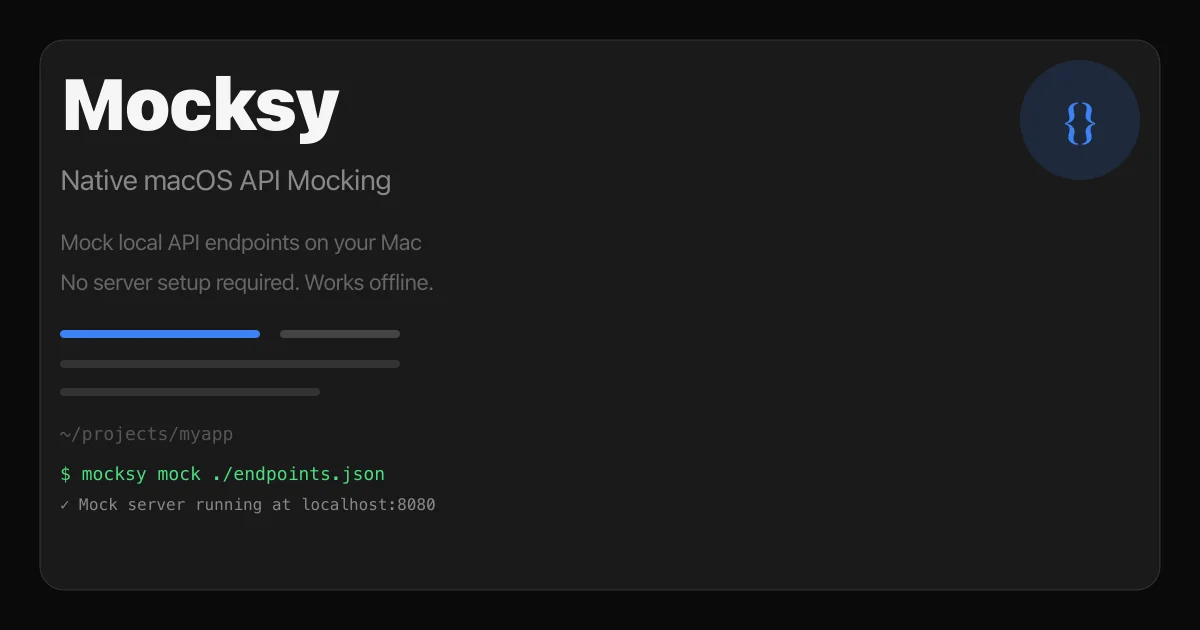
TL;DR: Mocksy is a free native macOS app for mocking local API endpoints. No server, no config files, no internet required — just define your responses and start mocking.
Source and Accuracy Notes
- Project page: mocksy.zaltysworks.com — verified
- macOS App Store: apps.apple.com/us/app/mocksy — verified
- HN launch thread: news.ycombinator.com/item?id=46177056 — verified
- License: Free to start, paid Pro tier for teams (verified on product page)
What Is Mocksy?
Mocksy is a lightweight native macOS application for mocking local HTTP API endpoints. Instead of spinning up a Node.js server with express or mockserver, or maintaining a docker-compose.yml just for stubs, you point Mocksy at a JSON file and it handles the rest.
The core workflow:
- Define your mock endpoints in a JSON file
- Point Mocksy at that file
- Mocksy starts a local HTTP server on a port you choose
- Your app talks to
localhost:PORTas if it were the real API
From the product page:
“Mock local API endpoints on your Mac. No server setup required. Works offline. Native performance.”
The app runs entirely locally — no internet connection needed once installed, and no account required to get started.
Setup Workflow
Step 1: Install Mocksy
Download from the Mac App Store or directly from the developer’s site:
# App Store version (search "Mocksy" in the Mac App Store)
# Or download from mocksy.app
open "https://apps.apple.com/us/app/mocksy/id6737578671"
```bash

### Step 2: Define Your Mock Endpoints

Create a JSON file describing your endpoints. The format supports:

- HTTP methods (`GET`, `POST`, `PUT`, `DELETE`, etc.)
- URL path matching (exact and pattern-based)
- Custom response status codes
- JSON response bodies
- Custom response headers

```json
{
  "endpoints": [
    {
      "method": "GET",
      "path": "/api/users",
      "status": 200,
      "headers": {
        "Content-Type": "application/json"
      },
      "body": {
        "users": [
          { "id": 1, "name": "Alice", "email": "[email protected]" },
          { "id": 2, "name": "Bob", "email": "[email protected]" }
        ]
      }
    },
    {
      "method": "POST",
      "path": "/api/users",
      "status": 201,
      "body": {
        "id": 3,
        "name": "Carol",
        "created": true
      }
    }
  ]
}
```bash

### Step 3: Start the Mock Server

Open Mocksy, load your JSON file, and click Start. Mocksy binds to `localhost` on the port shown in the UI (default: `8080`, configurable).

```bash
$ curl http://localhost:8080/api/users
[{"id":1,"name":"Alice","email":"[email protected]"},{"id":2,"name":"Bob","email":"[email protected]"}]
```bash

### Step 4: Point Your App at the Mock Server

In your app's environment or config, set the API base URL:

```bash
# In your .env file
API_BASE_URL=http://localhost:8080
For macOS development, you can also use nscurl to bypass system proxy settings if needed.
Key Features
Native macOS app — Mocksy is built as a native macOS application, not an Electron wrapper or Node.js CLI. It uses system networking APIs directly, giving it native performance and low memory overhead.
Works offline — No internet required after installation. Useful for working on planes, in cafes, or in environments with restricted network access.
Live response editing — The live inspector view lets you see incoming requests and modify responses in real time without restarting the mock server.
Zero config — No YAML, no TOML, no JavaScript. Just a JSON file and you’re mocking.
Request logging — Built-in request inspector shows every incoming request with method, path, headers, and body.
Limitations and Tradeoffs
JSON-only responses — Mocksy supports JSON response bodies but does not currently support XML, HTML, or binary response formats. If you need to mock non-JSON APIs, a tool like httpbin in a Docker container may be more appropriate.
No request matching rules — Unlike tools such as Mock Service Worker (MSW), Mocksy does not support conditional responses based on request headers, query parameters, or body content. Every request to the same path gets the same response. For simple stubbing this is fine; for complex contract testing, look elsewhere.
No CI/CLI mode — Mocksy is a GUI app with no headless mode or CLI for CI pipelines. It is not designed for automated testing environments.
macOS only — No Windows or Linux version.
FAQ
Q: Is Mocksy free? A: Mocksy is free to start. A Pro version for teams adds collaboration features and multi-endpoint management. The free version covers individual use cases.
Q: Can I mock GraphQL endpoints?
A: GraphQL uses POST requests to a single endpoint with a JSON body. You can mock this in Mocksy by matching on path /graphql and method POST, returning the GraphQL response as JSON. Limited support for query variable matching exists in the paid version.
Q: Does Mocksy intercept HTTPS?
A: No. Mocksy runs a plain HTTP server on localhost. For mocking HTTPS endpoints, you would need to configure your app to skip certificate verification for localhost, or use a tool like mitmproxy that acts as a man-in-the-middle proxy.
Q: How does this compare to setting up a Node.js express server?
A: Mocksy removes the boilerplate: no npm install, no server.js, no port management. For simple stubs, this saves 10–15 minutes of setup. For complex scenarios (dynamic responses, latency simulation, fault injection), a code-based solution still wins.
Practical Evaluation Checklist
- Installed from Mac App Store — takes under a minute
- Created a 5-endpoint JSON stub file — under 5 minutes
- Started mock server and hit it with
curl - Verified response headers and status codes match definition
- Tested POST request with JSON body
- Confirmed offline operation (airplane mode)
Conclusion
Mocksy fills a specific niche: fast, no-friction local API stubbing for macOS developers. It is not trying to replace Postman, Insomnia, or full-featured contract testing tools. What it does — mocking JSON APIs locally without infrastructure — it does with minimal overhead.
If you frequently work on frontends against APIs that are slow, unavailable, or rate-limited, Mocksy is worth keeping in your ~/Applications folder. The offline capability and native performance make it a more practical choice than spinning up a Docker container for the same job.
Related Posts
ai-setup
Recall – Persistent Memory for Claude Code via MCP Hooks
Recall gives Claude Code a permanent memory store that survives session restarts and context compaction. Four hooks capture and restore context automatically — with cloud SaaS or self-hosted options.
2/28/2026
dev-tools
Automotive Skills Suite for AI Engineering
Evaluate Automotive Skills Suite for APQP, ASPICE, HARA, safety-plan, and DIA workflows with setup notes, governance risks, and SME review guidance.
5/28/2026
dev-tools
awesome-agentic-ai-zh Roadmap Guide
Explore awesome-agentic-ai-zh as a Chinese agentic AI learning roadmap, with setup notes, track selection, study workflow, and evaluation guidance.
5/28/2026