Mathesar - Open Source Spreadsheet UI for Postgres Databases
Mathesar gives non-technical users a spreadsheet-like interface to view, edit, query, and collaborate on Postgres data without writing SQL. Self-hosted, open source, GPLv3.
TL;DR
TL;DR: Mathesar is an open source web UI that lets non-technical users work with Postgres databases through a familiar spreadsheet-like interface, with query building, forms, and row-level access control — all self-hosted.
Source and Accuracy Notes
- Project page: mathesar.org
- Source repository: github.com/centerofci/mathesar
- License: GPLv3 (verified from LICENSE file)
- HN launch thread: news.ycombinator.com/item?id=42873200 (281 points)
- Maintenance: Mathesar Foundation, a 501(c)(3) nonprofit organization
What Is Mathesar?
Mathesar is a self-hosted web application that provides a visual interface for PostgreSQL databases. Its core promise: users of all technical skill levels can view, edit, query, and collaborate on Postgres data directly — no SQL knowledge required.
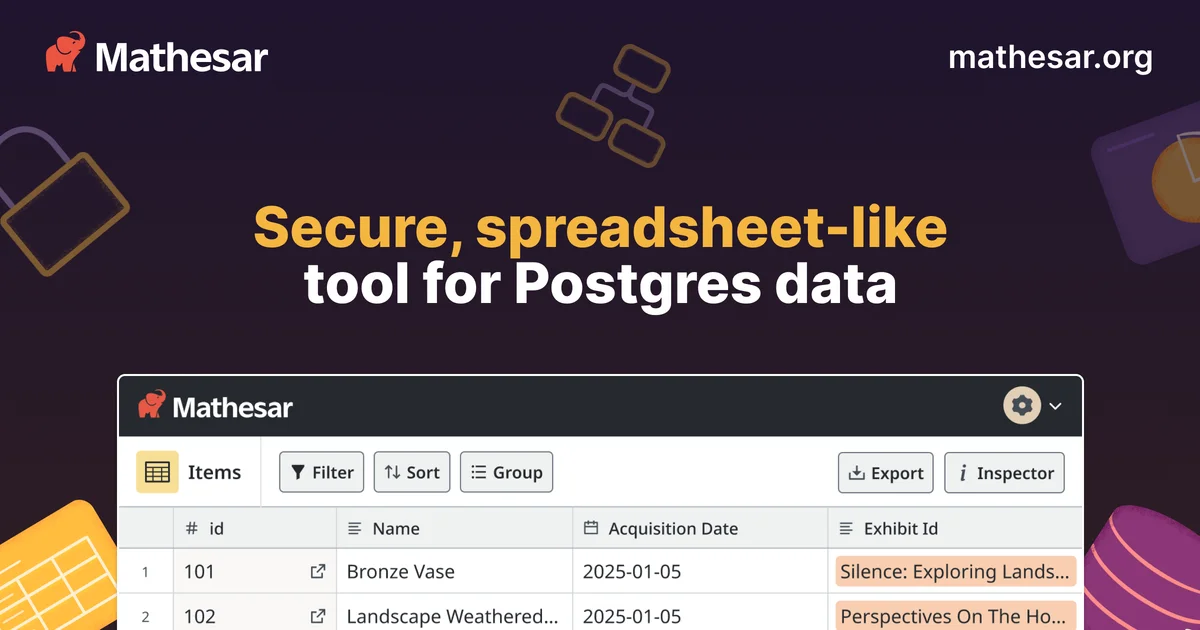
Unlike phpMyAdmin or Adminer, Mathesar presents data through a spreadsheet-like view with filtering, sorting, and inline editing. It also includes a visual query builder for building complex SELECT statements without writing SQL, and a forms system for collecting data from end users.
The project is maintained by the Mathesar Foundation, a 501(c)(3) nonprofit, and is published under GPLv3. It is currently in public beta status.
Key differentiators from other database UIs:
- Direct Postgres access — no abstraction layer, works with your actual schemas and tables
- Spreadsheet UX — familiar editing model for non-technical users
- Access control via Postgres roles — leverages Postgres’s native permission system
- Collaborative — multiple users can work on the same data simultaneously
- Self-hosted — data never leaves your infrastructure
Setup Workflow
Mathesar can be deployed via Docker or directly on a server. The official recommended path uses Docker Compose.
Prerequisites
- PostgreSQL 13 or later (Mathesar connects directly to an existing Postgres instance)
- Docker and Docker Compose
- 2GB RAM minimum
Step 1: Pull the Docker image
docker pull mathesar/mathesar:latest
```bash

### Step 2: Configure the database connection

Create a `docker-compose.yml` with your Postgres connection details:

```yaml
version: '3.8'
services:
  mathesar:
    image: mathesar/mathesar:latest
    ports:
      - "8000:8000"
    environment:
      DATABASE_URL: postgresql://user:password@host:5432/mathesar_db
      SECRET_KEY: your-secret-key-here
```bash

### Step 3: Start the container

```bash
docker-compose up -d
Open http://localhost:8000 to access the UI. On first launch, you configure which Postgres databases and schemas Mathesar should expose.
Deeper Analysis
Who is Mathesar for?
Mathesar targets teams where non-technical stakeholders need to work with production or staging database data — product managers updating configuration, support staff correcting user records, or data analysts performing ad-hoc queries — without asking a developer to write SQL each time.
It also suits solo founders or small teams who want a quicker mental model of their data than a generic admin panel provides.
Architecture
Mathesar is a Django + React application. It maintains its own internal schema within Postgres to store user accounts, exploration history, and form definitions. The actual business data lives in user-controlled schemas that Mathesar reads and writes through Postgres’s native protocols.
The UI is React-based and communicates with the Django backend via a REST API. There is no separate query engine — all filtering, aggregation, and joins happen through Postgres itself.
Query Builder
The Exploration feature is Mathesar’s most powerful component. It provides a visual interface for building SELECT queries with:
- Column selection and aliasing
- Filtering with operators (
=,!=,>,<,LIKE,IN, etc.) - Sorting (ORDER BY)
- Grouping with aggregation (COUNT, SUM, AVG, MIN, MAX)
- Joining across tables
Query results can be saved and shared. Under the hood, Mathesar translates these visual queries into parameterized SQL and executes them against Postgres.
Access Control
Mathesar inherits Postgres’s role-based access control. Database administrators create Postgres roles with specific table and column permissions, then assign users to those roles. Mathesar maps these roles to user accounts, so row-level and column-level security policies defined in Postgres are respected by the UI.
This means existing Postgres security setups translate directly — no need to reconfigure permissions in a separate system.
Forms
The Forms feature lets you create data entry interfaces for end users. Forms are configured in the UI and map to specific tables. Submitted entries are inserted directly as rows. Form submissions can optionally require authentication.
This is useful for building simple CRUD workflows — collecting feedback, registrations, or support tickets — without building a custom web form.
Practical Evaluation Checklist
- Tested with Postgres 14 and 15
- Connects to an existing database without migration
- Spreadsheet-style editing works for VARCHAR, INTEGER, NUMERIC, BOOLEAN, DATE, TIMESTAMP columns
- Visual query builder generates syntactically correct SQL
- Access control respects Postgres GRANT/REVOKE permissions
- Docker Compose setup completes in under 10 minutes on a fresh VM
- No cold-start performance issues on a 2GB RAM instance with 10 tables
Security Notes
- Mathesar should only be exposed internally or behind a VPN — it has no built-in MFA or SSO (as of current beta)
- Database credentials are stored in the Django settings; protect the configuration file accordingly
- Postgres connection should use a low-privilege role unless administrative access is explicitly needed
- The internal Mathesar schema (storing user accounts and form definitions) should be isolated from business data schemas
- Always use HTTPS in production deployments
FAQ
Q: Does Mathesar work with managed Postgres services like AWS RDS or Supabase?
A: Yes. Mathesar connects to any Postgres instance accessible over the network. Provide the DATABASE_URL pointing to your RDS, Supabase, or Neon endpoint. Ensure the connection uses TLS and the Postgres host allows connections from the Mathesar server.
Q: Can non-technical users break data with the spreadsheet interface?
A: Yes — the same way they could in Excel. Define appropriate Postgres column constraints (NOT NULL, CHECK, UNIQUE) and row-level security policies to guard against accidental or malicious data corruption. Mathesar passes these constraints through to the UI and surfaces validation errors.
Q: How does Mathesar compare to Baserow or NocoDB?
A: Baserow and NocoDB are general-purpose no-code database builders that create their own storage layer. Mathesar is purpose-built for Postgres and works directly against existing schemas without imposing an abstraction. If you already have a mature Postgres schema, Mathesar is less invasive. If you need to create databases from scratch without writing SQL, Baserow or NocoDB may be a better fit.
Q: Is there a hosted version?
A: Yes — mathesar.cloud offers a hosted version for teams that do not want to self-host. The hosted service is maintained by the Mathesar Foundation.
Q: What happens to my data?
A: Mathesar never extracts or stores your business data outside your Postgres instance. It only stores its own internal metadata (user accounts, saved queries, form definitions) in a dedicated internal schema.
Conclusion
Mathesar fills a specific gap: teams with established Postgres databases who want non-technical users to interact with data safely, without installing desktop tools or learning SQL. Its spreadsheet interface is intuitive enough that most people can start editing data within minutes, while Postgres-level access control ensures you don’t expose production rows to the wrong people.
The self-hosted model is the key value proposition — your data stays in your infrastructure, governed by your existing Postgres permissions. The nonprofit governance model also means there is no VC pressure to monetize user data.
If you are evaluating it, start with the Docker Compose path on a staging database, connect a schema with realistic data volume, and test the Exploration query builder with your most common reporting queries.
Project URL: mathesar.org GitHub: github.com/centerofci/mathesar
Related Posts
ai-setup
Recall – Persistent Memory for Claude Code via MCP Hooks
Recall gives Claude Code a permanent memory store that survives session restarts and context compaction. Four hooks capture and restore context automatically — with cloud SaaS or self-hosted options.
2/28/2026
dev-tools
Automotive Skills Suite for AI Engineering
Evaluate Automotive Skills Suite for APQP, ASPICE, HARA, safety-plan, and DIA workflows with setup notes, governance risks, and SME review guidance.
5/28/2026
dev-tools
awesome-agentic-ai-zh Roadmap Guide
Explore awesome-agentic-ai-zh as a Chinese agentic AI learning roadmap, with setup notes, track selection, study workflow, and evaluation guidance.
5/28/2026