TL;DR
TL;DR: Huntr is a free, all-in-one job search workspace that uses AI to build resumes matched semantically to job postings, generate tailored cover letters, and fill out applications in one click.
Source and Accuracy Notes
- Project page: huntr.co — verified via direct fetch
- HN launch thread: news.ycombinator.com/item?id=42865834 — 2 points
What Is Huntr?
Huntr is a cloud-based job search management platform that combines application tracking, AI-powered resume building, and automated cover letter generation into a single workspace. The core differentiator is its semantic matching engine — it analyzes both your resume and target job description to identify keyword gaps and alignment score before you apply.
Unlike a basic spreadsheet tracker, Huntr treats each job as a document pair (resume + job posting) and surfaces how well they match before you hit submit.
The platform is entirely free for job seekers. Revenue appears to come from optional premium features rather than charging applicants.
Core Features
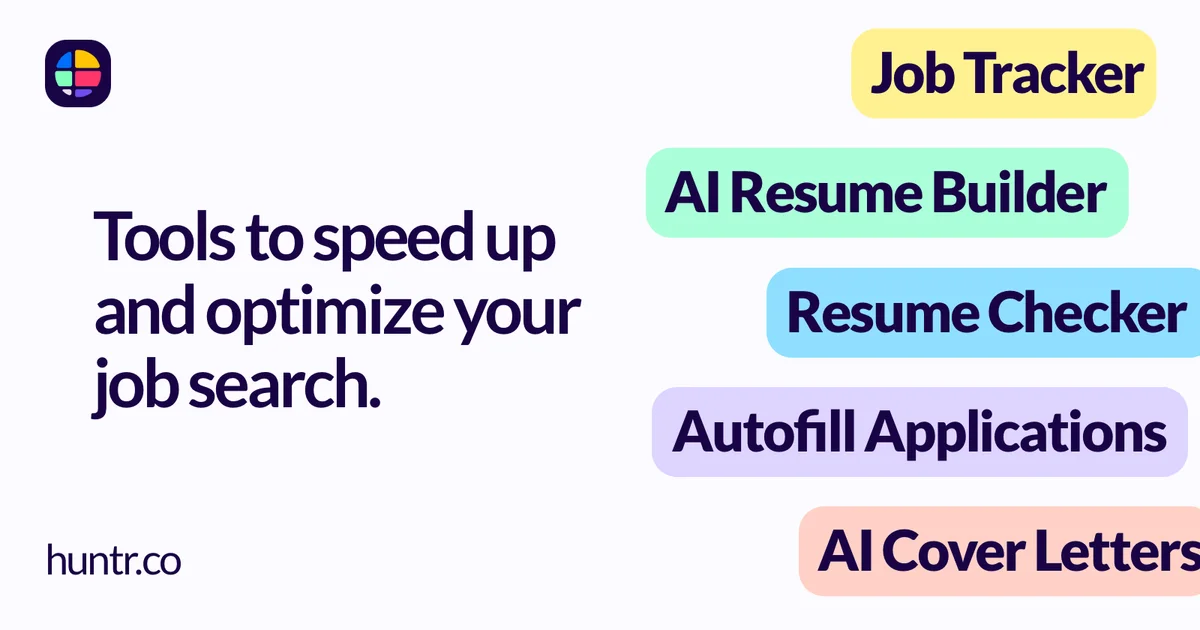
- Job tracker — organize applications by status, company, role, salary range, and notes
- AI resume builder — paste a job description, Huntr rewrites your resume bullets to match the language and requirements
- Semantic match score — quantifies how closely your resume aligns with a given job posting
- Cover letter generator — produces tailored letters per application using the job description as context
- Application autofill — one-click form filling using stored profile data
- Free tier — no signup cost or trial limit for core job tracking features
Setup Workflow
Huntr runs entirely in the browser with no installation required.
Step 1: Create an Account
Navigate to huntr.co and click Sign up for free. You can sign up with an email address or continue with Google OAuth.
Step 2: Import or Build Your Base Resume
From the dashboard, go to Resume and either:
- Upload an existing resume file (PDF or DOCX), or
- Start from scratch using Huntr’s guided form
The resume is stored as a templated profile — not a static file — so it can be dynamically rewritten per job application.
Step 3: Connect a Job Posting
Click Add Job and paste a job description URL or raw text. Huntr parses the posting and extracts:
- Required skills and keywords
- Role title and company
- Preferred qualifications
Step 4: Generate a Matched Resume
With a job open, click Tailor Resume. Huntr’s AI rewrites your base resume bullets to mirror the language, keyword density, and requirement ordering of the target role.
A match score (0–100) appears before you export. Re-edit until the score is in your target range.
Step 5: Generate a Cover Letter
Click Cover Letter on the same job card. Huntr generates a letter using your profile data and the job description as context. You can edit the output before copying or downloading.
Deeper Analysis
Semantic Matching Explained
Most resume tailoring tools swap keywords naively (insert “Python” if the posting mentions Python). Huntr goes a layer deeper by analyzing semantic context — understanding that “led a team of 5 engineers” and “managed a small engineering squad” are equivalent experiences even if the exact words differ.
This matters for two reasons:
- Applicant Tracking Systems (ATS) often score based on semantic similarity, not just keyword frequency
- Recruiters spend under 10 seconds on a resume — matching their mental model of the ideal candidate reduces friction
The match score is directional, not authoritative. Treat it as a heuristic for whether your resume tells the same story as the job posting, not a pass/fail gate.
Privacy Considerations
Huntr stores your resume content, job applications, and career history on their servers. Before uploading, consider:
- What personal data is in your resume? — home address, phone number, personal email are common. Decide whether you want those fields in Huntr’s database.
- Company visibility — Huntr’s free tier means your activity data may inform product improvements. Review their privacy policy for details on data retention and third-party sharing.
- Password and OAuth — if using Google OAuth, Huntr receives your Google profile (name, email). If using email/password, ensure you use a strong, unique password.
Practical Evaluation Checklist
Use this checklist to evaluate Huntr against your current job search workflow:
- Create an account and connect a real job posting you have applied to
- Run the semantic match score on your existing resume — does the score reflect your real alignment?
- Generate a tailored resume and compare the language to the original
- Generate a cover letter — does it accurately reflect your experience, or does it hallucinate details?
- Test application autofill on a site like LinkedIn or a major ATS (Workday, Greenhouse)
- Export your data — download your resume and job list to verify you own your data
Security Notes
- Huntr uses HTTPS encryption for all data in transit
- Resume content is stored in Huntr’s database (not locally on your device in the free tier)
- No two-factor authentication (2FA) visible on the free plan — consider this if your career data is sensitive
- Carefully review what personal information appears in your uploaded resume before adding it to the platform
FAQ
Q: Is Huntr really free? A: Yes, the core job tracking, AI resume tailoring, and cover letter generation are free. The pricing page mentions premium tiers for advanced features, but the base plan has no stated time limit.
Q: Does Huntr work for all job sites? A: Huntr works best with job descriptions you paste manually or from well-structured job boards. Sites that render descriptions entirely in JavaScript may require copying the text manually.
Q: Can I export my data? A: Yes, you can download your resume and job application data. Always export and back up your job list — platform lock-in means losing access if the service changes or shuts down.
Q: Does Huntr guarantee I will get hired? A: No. Huntr is a workflow tool that improves resume relevance and organization. Match scores do not influence whether a human recruiter advances your application.
Conclusion
Huntr addresses a real pain point in the job search process — the tedious, error-prone work of tailoring one resume for dozens of different roles. Its semantic matching engine is the standout feature: it moves beyond keyword stuffing toward genuine alignment between your experience and the role’s requirements.
The free tier makes it accessible without commitment. Try connecting a job you have already applied to and running the match score — it takes under two minutes and gives an immediate read on how well your current resume tells the right story.
If you are actively job searching and tired of copying/pasting into every application, Huntr is worth a look.
Related Posts
ai-setup
Recall – Persistent Memory for Claude Code via MCP Hooks
Recall gives Claude Code a permanent memory store that survives session restarts and context compaction. Four hooks capture and restore context automatically — with cloud SaaS or self-hosted options.
2/28/2026
ai-setup
Sentrial – Catch AI Agent Failures Before Your Users Do
YC W26-backed AI agent observability platform. Trace sessions, detect silent regressions, and A/B test prompts in production before failures reach users.
5/28/2026
ai-setup
IonRouter – Fast Low-Cost AI Inference API
IonRouter is a YC W26 inference API routing open-source and fine-tuned models via an OpenAI-compatible endpoint, built on a C++ runtime optimized for GH200.
5/28/2026