horch – Meeting Memory on Your Mac
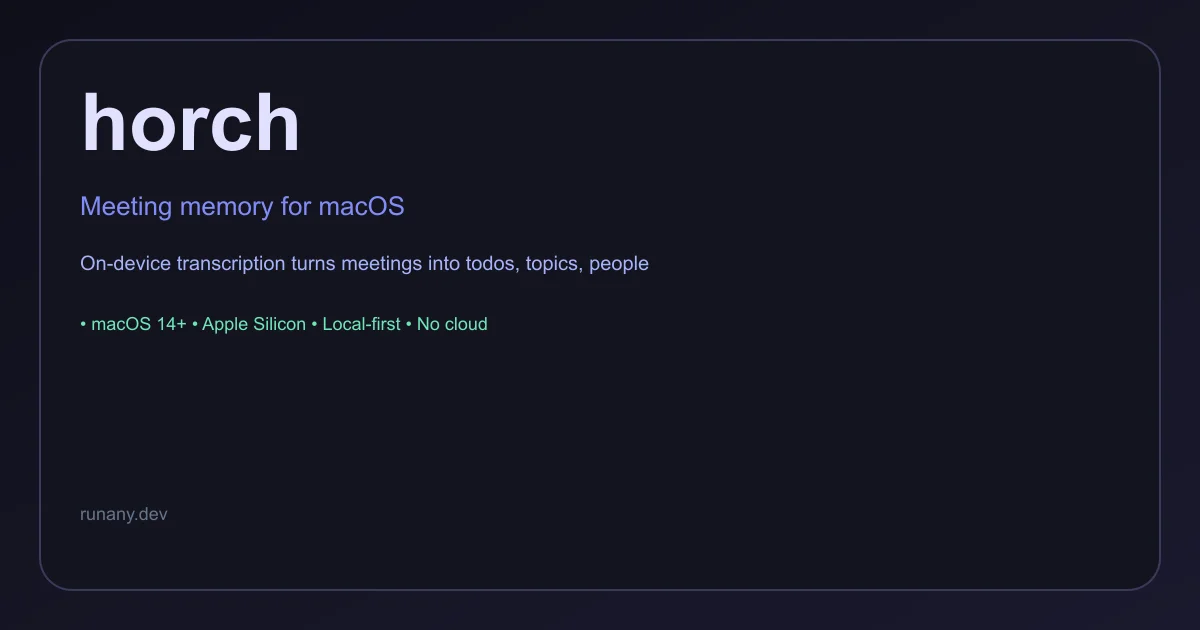
Local-first macOS app that records, transcribes on-device, and turns meetings into todos, topics, and people pages.
TL;DR
TL;DR: horch is a native macOS app that records and transcribes your meetings entirely on-device, turning what was said into actionable todos, topic summaries, and people pages — with zero cloud upload and a one-time price of €49.
Source and Accuracy Notes
- Project page: horch.app — verified 2026-08-01
- License: Commercial (€49 once, includes a year of updates)
- HN launch thread: news.ycombinator.com/item?id=49035172
- System requirements: macOS 14+, Apple Silicon (verified on product page)
What Is horch?
horch is a native macOS app that acts as a meeting memory — it records your meetings, transcribes them on-device using local speech recognition, and automatically extracts:
- Todos — action items assigned during the meeting
- Topics — the subject areas discussed
- People pages — a profile per participant with their contributions
The core promise is in the tagline: “Your first brain is for thinking; this one does the remembering.”
Key Features
- On-device transcription — zero bytes uploaded, all processing happens locally on your Mac
- Automatic extraction — todos, topics, and people surfaces are generated automatically from the transcript
- Plain Markdown output — meeting summaries saved as Markdown files in a folder you control
- No account required — no cloud signup, no subscription for core functionality
- Native macOS — built for Apple Silicon, runs as a local app
- Free trial — 30-day trial, no account needed
Setup Workflow
Step 1: Download and Install
Download the latest .dmg from the horch website:
https://horch.appMount the .dmg and drag horch to your Applications folder. Requires macOS 14+ on Apple Silicon.
Step 2: Start a Meeting
Open horch and start a meeting recording. horch sits in your menu bar and begins transcribing when you activate it.
Step 3: Review Generated Memory
After the meeting, horch generates three surfaces:
- Todos — action items surfaced from the transcript
- Topics — subject areas covered, with summaries
- People — a per-participant page with their key contributions
All outputs are plain Markdown in a folder you choose.
Step 4: Configure Storage (Optional)
By default, horch saves meeting summaries as plain Markdown to a folder you specify. This is fully under your control — no proprietary format lock-in.
Practical Evaluation Checklist
- Downloaded and launched horch on macOS 14+ Apple Silicon
- Started a test meeting recording
- Verified transcription runs entirely on-device
- Reviewed generated todos, topics, and people pages
- Confirmed Markdown output in local folder
- Checked that no data is uploaded during or after transcription
- Tested free trial without creating an account
Security Notes
- Zero cloud upload — the product page explicitly states “0 bytes uploaded.” All transcription and processing is local.
- No account required — you can use horch without ever creating an online account
- Local data storage — meeting summaries are plain Markdown files you control
- Commercial license — one-time purchase, no subscription for the core app after the first year
FAQ
Q: Does horch work on Intel Macs? A: No. horch requires Apple Silicon and macOS 14 or later.
Q: What happens after the free trial ends? A: The trial runs for 30 days. After that, you purchase a license (€49 once) which includes a year of updates. After the first year, horch continues working at the version you have — renewal at €25 per year is optional for new updates only.
Q: Can I use horch for video calls (Zoom, Meet, etc.)? A: horch records from your Mac’s microphone. For video calls, you would run horch alongside your call app so it captures the audio output through your speakers.
Q: Where are the meeting summaries stored? A: As plain Markdown files in a folder you choose on your Mac. No proprietary format lock-in.
Q: Is there a subscription? A: No subscription for the core license. One-time purchase of €49, with optional €25/year renewal for updates.
Conclusion
horch fills the gap between having a transcript and having a usable meeting memory. By running entirely on-device with no cloud dependency, it sidesteps the privacy concerns that make many teams reluctant to use AI meeting tools. The automatic extraction of todos, topics, and people pages turns raw transcripts into genuinely useful references.
The €49 one-time price is reasonable for a tool you will use daily, and the fact that it saves as plain Markdown means your meeting data remains portable and under your control indefinitely.
Source: horch.app | HN Discussion
Related Posts
ai-setup
Recall – Persistent Memory for Claude Code via MCP Hooks
Recall gives Claude Code a permanent memory store that survives session restarts and context compaction. Four hooks capture and restore context automatically — with cloud SaaS or self-hosted options.
2/28/2026
ai-setup
Sentrial – Catch AI Agent Failures Before Your Users Do
YC W26-backed AI agent observability platform. Trace sessions, detect silent regressions, and A/B test prompts in production before failures reach users.
5/28/2026
ai-setup
IonRouter – Fast Low-Cost AI Inference API
IonRouter is a YC W26 inference API routing open-source and fine-tuned models via an OpenAI-compatible endpoint, built on a C++ runtime optimized for GH200.
5/28/2026