HelpHub – GPT Chatbot for Any Website
HelpHub embeds a GPT-powered chatbot and semantic search widget into any web app using crawled URLs, CMS sync, or manual content. No fine-tuning, no RAG pipeline—just point it at your site and deploy.
TL;DR
TL;DR: HelpHub drops a GPT-powered chatbot and semantic search widget into any web app without a custom LLM setup—point it at a URL or CMS and embed the widget.
What Is HelpHub?
HelpHub is a SaaS product from CommandBar (YC S20) that lets you add an AI chatbot to any website or web app. The chatbot is trained exclusively on content you provide, so answers stay grounded in your actual docs, help center, or product knowledge base—no hallucinated responses.
The founder described it on HN as a “side quest” that tested so well with customers they decided to ship it as a standalone product.
Source and Accuracy Notes
- Project page: helphub.commandbar.com
- Source: Show HN launch thread (news.ycombinator.com/item?id=36057074), 108 points, author
dazzeloid - Parent company: CommandBar (YC S20)
- License: Proprietary SaaS (no open-source version)
Setup Workflow
Step 1: Add Your Content Sources
HelpHub accepts content in three ways:
Public URL crawl — paste any public URL (your marketing site, blog, or help center). HelpHub crawls and indexes the content. Useful for static sites or publicly accessible docs.
CMS sync — connect Zendesk, Intercom, or similar CMS integrations. Content stays in sync automatically without manual re-crawling.
Manual content — paste or upload content directly. Good for product-specific FAQs or internal knowledge that isn’t on a public page.
Step 2: Configure the Chatbot
After content is indexed, you configure the chatbot behavior:
- Set the prompt tone (formal, friendly, technical)
- Choose search vs. chat default — whether users see a keyword search bar or a conversational interface first
- Set fallback behavior — what happens when the bot cannot answer (escalate to email, show a contact form, or display “no answer”)
Step 3: Embed the Widget
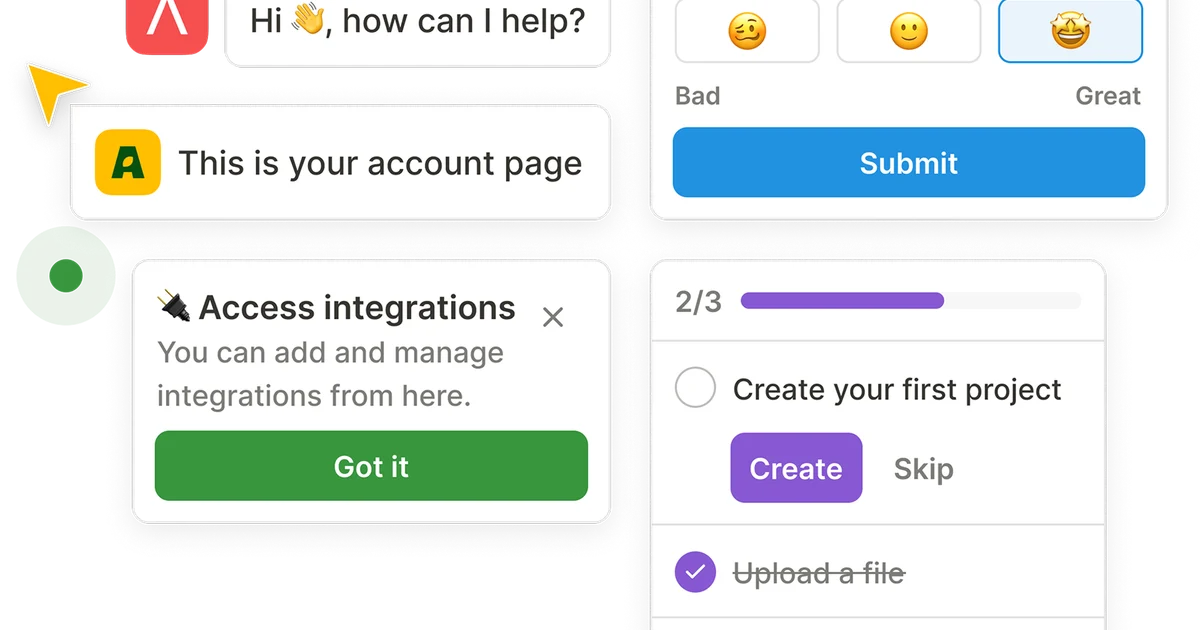
HelpHub provides a snippet of JavaScript to embed into your site. The widget renders two UI components:
- Chat interface — users type questions, get GPT answers grounded in your content
- Search interface — users can keyword-search and browse the underlying source content directly
The widget is fully embeddable in single-page apps, traditional server-rendered sites, and marketing sites alike.
Deeper Analysis
Use cases:
- Product documentation — replaces a static search bar with a conversational interface that understands intent
- Customer support deflection — handles tier-1 FAQ questions before they hit a human agent
- Onboarding flows — guide new users through product features with context-aware answers
Limitations to note:
- The bot only knows what you feed it. If your content is sparse or outdated, answers will be weak
- No multi-language support was mentioned in the launch thread
- Pricing is not publicly listed on the site
vs. alternatives:
- Intercom Fin — requires an existing Intercom setup; HelpHub is standalone and CMS-agnostic
- Custom GPT / Chatbot — requires OpenAI API setup, vector database, and embedding pipeline; HelpHub is no-code
- Full-page search (Algolia) — keyword-only; HelpHub adds conversational intent on top
Practical Evaluation Checklist
- Crawled a public URL and verified content indexed correctly
- Tested a question that should have an answer in the source content
- Tested a question outside the source content and verified fallback behavior
- Confirmed widget embeds without breaking existing page layout
- Verified source citations appear in bot responses (so users can click through to original docs)
Security Notes
- Content stays on HelpHub’s servers; ensure your CMS sync does not expose sensitive internal documents
- The widget is client-side; sensitive queries should not be sent if your content includes PII without appropriate DPA terms
- Review CommandBar’s data processing agreement before connecting a Zendesk or Intercom workspace with customer data
FAQ
Q: Does HelpHub fine-tune a model on my data? A: No. It uses retrieval-augmented generation (RAG) at query time—the chatbot searches your indexed content and feeds relevant chunks to GPT as context. No model training involved.
Q: Can I use it on a password-protected site? A: The URL crawler only works on publicly accessible pages. For password-protected content, you would need the CMS sync option.
Q: Does the widget support multiple languages? A: This was not specified in the launch announcement. Check the HelpHub documentation for the latest supported languages.
Q: Is there a free tier? A: Pricing is not listed on the public site. Contact CommandBar directly for enterprise or volume pricing.
Conclusion
HelpHub is a low-friction way to add a GPT-powered help widget to any web property. If you’ve been eyeing Intercom Fin or building a custom RAG pipeline but want something simpler, HelpHub is worth evaluating—especially if you already have well-structured docs or a connected CMS. The trade-off is less control: you rely on CommandBar’s infrastructure and don’t get to pick the underlying model or embedding strategy.
For a quick prototype or production deployment where “good enough” answers from your existing content saves support tickets, it hits a useful niche.
Related Posts
ai-setup
Recall – Persistent Memory for Claude Code via MCP Hooks
Recall gives Claude Code a permanent memory store that survives session restarts and context compaction. Four hooks capture and restore context automatically — with cloud SaaS or self-hosted options.
2/28/2026
dev-tools
Automotive Skills Suite for AI Engineering
Evaluate Automotive Skills Suite for APQP, ASPICE, HARA, safety-plan, and DIA workflows with setup notes, governance risks, and SME review guidance.
5/28/2026
dev-tools
awesome-agentic-ai-zh Roadmap Guide
Explore awesome-agentic-ai-zh as a Chinese agentic AI learning roadmap, with setup notes, track selection, study workflow, and evaluation guidance.
5/28/2026