Hatchet – Background Tasks and AI Agent Orchestration
Open-source platform for background tasks, AI agents, and durable workflows. Postgres-backed, multi-language SDKs, free cloud tier with 100k runs.
TL;DR
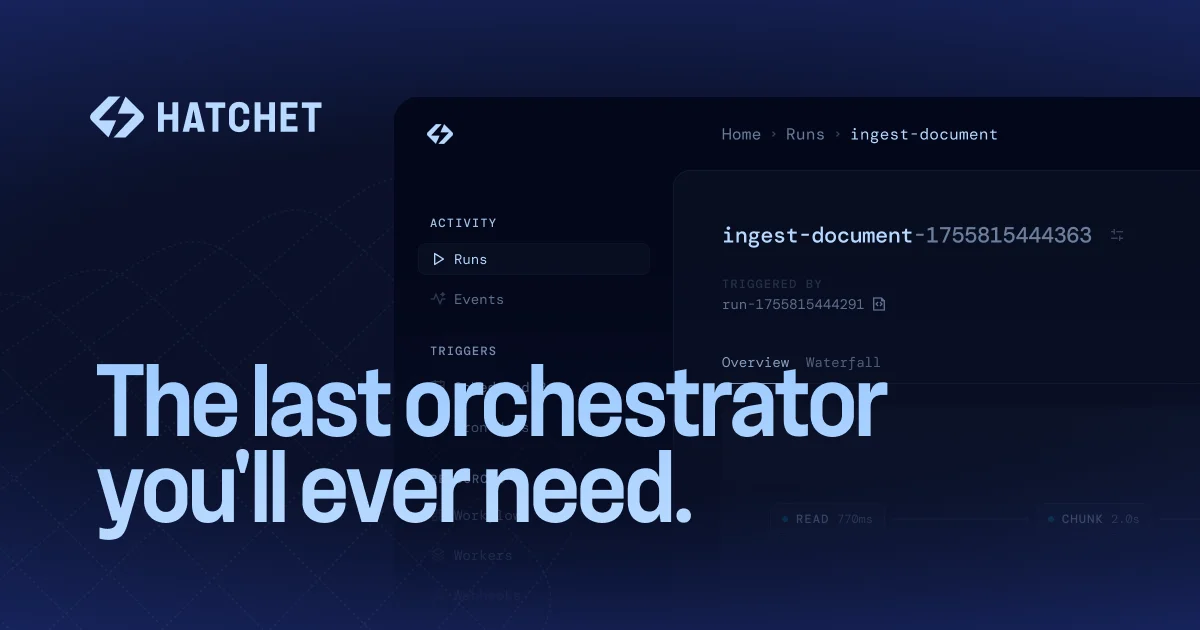
TL;DR: Hatchet is an open-source orchestration engine for background tasks, AI agents, and durable workflows. It ships with a Postgres-backed runtime, SDKs in Python/TypeScript/Go/Ruby, a free cloud tier, and a one-line CLI installer.
Source and Accuracy Notes
- Project page: hatchet.run
- Source repository: github.com/hatchet-dev/hatchet
- License: MIT
- HN launch thread: news.ycombinator.com/item?id=40810986 ← Launch HN (YC W24)
What Is Hatchet?
Hatchet is an orchestration platform for running background tasks, AI agents, and durable workflows at scale. Unlike a simple job queue, Hatchet couples the runtime engine with built-in observability — every step of a workflow is replayable, and failed runs retry automatically with configurable policies.
The project positions itself as a feature-complete alternative to hand-rolled Postgres job queues, Celery, or Temporal (which it resembles architecturally but simplifies operationally). The key technical bet is using Postgres as the single durability layer for both the task queue and the observability system, which makes self-hosting straightforward.
From the README:
Hatchet is a platform for orchestrating background tasks, AI agents, and durable workflows at scale. It supports applications written in Python, TypeScript, Go and Ruby, and can be used as a service through Hatchet Cloud or self-hosting.
Supported languages and their SDKs:
- Python —
@hatchet-dev/python-sdk - TypeScript / Node.js —
@hatchet-dev/typescript-sdk - Go —
github.com/hatchet-dev/hatchet - Ruby —
github.com/hatchet-dev/hatchet-ruby
The free tier on Hatchet Cloud includes the first 100,000 task runs per month at no charge.
Setup Workflow
Step 1: Install the CLI
The fastest path on MacOS, Linux, or WSL requires Docker:
curl -fsSL https://install.hatchet.run/install.sh | bash
hatchet --version
```bash

### Step 2: Start a local server

```bash
hatchet server start
```bash

This starts the Hatchet runtime locally using Docker. The CLI opens a dashboard at `http://localhost` once the server is up.

### Step 3: Initialize a project

```bash
hatchet init
```bash

Then install the SDK for your language. For Python:

```bash
pip install hatchet-python-sdk
```bash

For Node.js/TypeScript:

```bash
npm install @hatchet-dev/typescript-sdk
```bash

### Step 4: Write a simple workflow

Here is a minimal Python example from the README that defines a task with a retry policy:

```python
from hatchet import Hatchet

hatchet = Hatchet()

@hatchet.task(retries=3)
def your_task(payload):
    print("executing task")
    return {"result": "success"}
```bash

### Step 5: Run the worker

```bash
hatchet worker start
Deeper Analysis
Durable execution with Postgres
Hatchet uses Postgres as its single durability backend. Both the workflow state and all observability data (logs, run history, step traces) live in the same database. This is a meaningful departure from systems like Temporal, which requires a separate Cassandra or MySQL cluster for persistence.
For teams already running Postgres, self-hosting Hatchet means adding one more schema — no new infrastructure to operate.
Concurrency and rate limiting
Hatchet exposes first-class concurrency controls. From the homepage testimonials, users highlight rate limiting and per-user fairness controls as built-in features rather than afterthoughts. Weighted scheduling and worker affinity are documented, allowing tasks to be routed to specific workers based on labels.
AI agent use cases
The product ships separate concepts for “background tasks” (one-off, possibly fire-and-forget) and “AI agents” (long-running, potentially multi-step with branching logic). Agent workflows can include human-in-the-loop pause points, where a running workflow waits for an external approval before continuing — useful for document processing pipelines that require sign-off before downstream steps.
The README references use cases at companies like Distill (deep research at scale), Greptile, Otto, and PaxAI, with reported volumes of hundreds of thousands of task runs per day.
Practical Evaluation Checklist
- Postgres-backed durability — no separate infrastructure required
- Multi-language SDKs — Python, TypeScript, Go, Ruby
- Configurable retry policies with exponential backoff
- Cron job and scheduled run support
- Human-in-the-loop pause and resume for long-running workflows
- Built-in observability: full run replay, step-by-step logs
- Worker affinity and task routing for complex scheduling rules
- Free cloud tier: 100,000 runs/month, no credit card required
- Self-host via Docker (CLI one-liner) or Helm chart for Kubernetes
Security Notes
Hatchet is MIT-licensed open-source software. Self-hosting keeps workflow data entirely within your own infrastructure — no third-party data handling for the runtime itself. If using Hatchet Cloud, review their security page for their data processing posture.
FAQ
Q: How does Hatchet compare to Celery? A: Celery requires a message broker (RabbitMQ or Redis) plus a result backend and a separate observability layer. Hatchet consolidates all three into Postgres. Hatchet also adds durable execution (automatic retry from failure checkpoints) rather than re-running a task from scratch.
Q: How does Hatchet compare to Temporal? A: Temporal has richer semantics for complex multi-step workflows and broader language support. Hatchet is lighter operationally — it does not require a separate persistence database beyond Postgres — and ships a managed cloud with a generous free tier.
Q: Does Hatchet support long-running AI agent tasks? A: Yes. The product distinguishes between short background tasks and longer-running AI agent workflows. The runtime supports step durations measured in minutes, with automatic checkpointing so a crash does not restart from zero.
Q: Can I self-host Hatchet without Docker? A: The CLI installer wraps Docker. For Kubernetes, Hatchet publishes a Helm chart. A bare-metal or fully self-contained install path is not currently documented.
Conclusion
Hatchet is a practical choice for teams that want Temporal-like durability without operating Temporal’s infrastructure stack. The Postgres-backed runtime is the standout architectural decision — it means self-hosting is accessible to anyone already running Postgres, and the operational surface is small. The free cloud tier is generous enough to evaluate the product seriously without handing over credit card details.
If you need to orchestrate AI agents, background jobs, or durable workflows across a polyglot codebase, Hatchet is worth a look.
Homepage: hatchet.run Docs: docs.hatchet.run GitHub: github.com/hatchet-dev/hatchet
Related Posts
ai-setup
Recall – Persistent Memory for Claude Code via MCP Hooks
Recall gives Claude Code a permanent memory store that survives session restarts and context compaction. Four hooks capture and restore context automatically — with cloud SaaS or self-hosted options.
2/28/2026
dev-tools
Automotive Skills Suite for AI Engineering
Evaluate Automotive Skills Suite for APQP, ASPICE, HARA, safety-plan, and DIA workflows with setup notes, governance risks, and SME review guidance.
5/28/2026
dev-tools
awesome-agentic-ai-zh Roadmap Guide
Explore awesome-agentic-ai-zh as a Chinese agentic AI learning roadmap, with setup notes, track selection, study workflow, and evaluation guidance.
5/28/2026