Flyde - Visual AI Workflows in Your VS Code
Open-source visual programming for backend AI workflows. Build, debug, and iterate agentic AI flows directly in VS Code with full TypeScript integration.
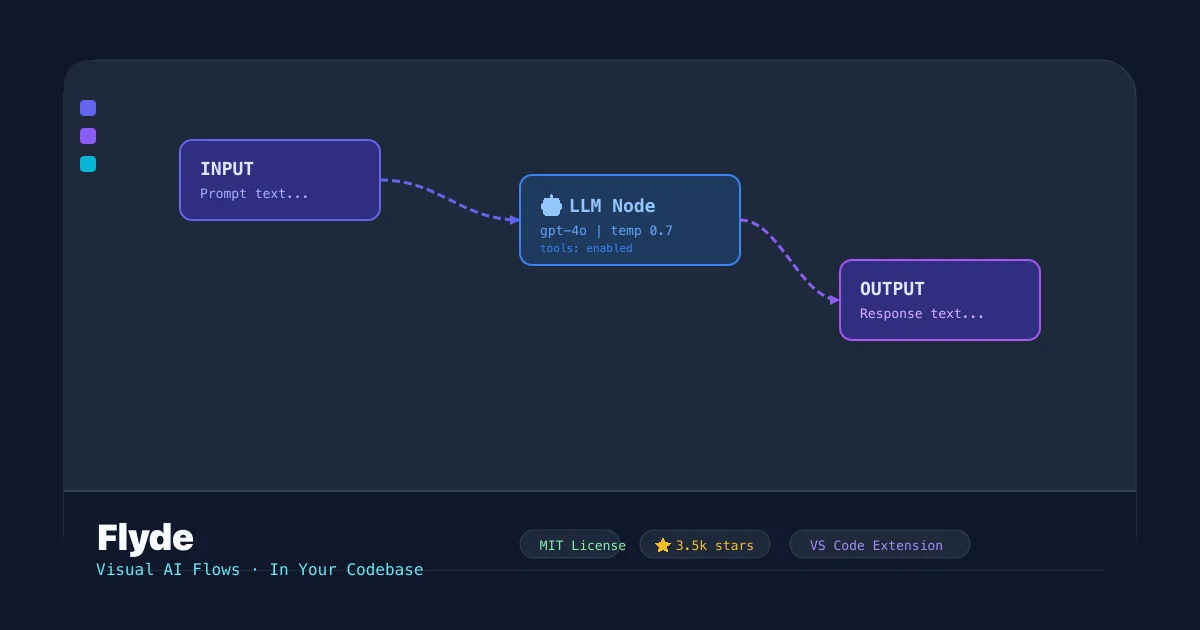
TL;DR
TL;DR: Flyde is an open-source VS Code extension that brings drag-and-drop visual programming to backend AI workflows — design prompt chains and agentic flows without sacrificing the ability to ship real TypeScript code.
What Is Flyde?
Flyde is an open-source visual programming editor for backend logic that runs inside VS Code. Unlike standalone workflow tools (n8n, LangFlow), Flyde graphs compile to plain TypeScript modules — real files in your repo that you debug, version, and deploy like any other code.
The project targets teams building LLM-powered products. Product managers, designers, and backend developers all work on the same visual canvas, while engineers retain full control of the underlying TypeScript.
From the README:
Visual AI Flows. In Your Codebase. Open-source, runs in VS Code. Integrates with existing TypeScript code.
Core features (verified from source):
- VS Code extension — edit flows side-by-side with your existing files
- Runtime library —
@flyde/runtimefor executing flows in Node.js/bun/Deno - In-codebase integration — flows live as
.flyde.tsfiles you import normally - AI agent support — build agentic workflows with tool calling, memory, and prompt chaining
- Visual debugger — step through flow execution node by node
- TypeScript throughout — every flow is typed end-to-end
Setup
Try the Playground
No install needed. Visit https://www.flyde.dev/playground to explore the editor in your browser.
Install the VS Code Extension
code --install-extension Flyde.vscode
```bash

Or search for "Flyde" in the VS Code Marketplace and install from there.

### Start a New Project

```bash
npx create-flyde-app
```bash

This scaffolds a new Flyde project with a sample AI flow you can run immediately.

### Add to an Existing Project

```bash
npm install @flyde/runtime
```bash

Import and use flows like any TypeScript module:

```typescript
import { executeFlow } from "@flyde/runtime";
import { MyFlow } from "./flows/my-flow.flyde";

const result = await executeFlow(MyFlow);
Deeper Analysis
How Flows Compile to TypeScript
A Flyde flow is a .flyde.ts file containing a directed graph of nodes (functions or external integrations) and connections (data pipes). When you run a flow, Flyde compiles it to a plain TypeScript function graph that uses the runtime’s executeFlow API.
This means:
- No proprietary runtime to deploy — the compiled output is just TypeScript
- You can commit
.flyde.tsfiles to git alongside your regular code - Refactoring tools (Go to Definition, Find All References) work across flow boundaries
AI Agentic Workflows
Flyde ships with dedicated nodes for building LLM-based agents:
- LLM Node — configurable prompt, model (OpenAI, Anthropic, local), and temperature
- Tool Node — define functions the agent can call at runtime
- Memory Node — conversation history and state persistence
- Branch Node — conditional routing based on agent output
You wire these together visually to prototype agent behavior, then swap implementations behind the typed interface.
Standard Library
The @flyde/stdlib package includes 40+ pre-built nodes covering common backend tasks: HTTP requests, JSON transforms, date formatting, webhook handlers, and more.
Collaboration
Because flows are code files, the usual PR workflow applies. Flyde also supports a read-only playground shareable link so non-engineers can review flows without needing the extension installed.
Practical Evaluation Checklist
- VS Code extension — install from Marketplace
- Runs locally, no cloud dependency for execution
- Flows compile to TypeScript (verifiable in
.flyde.tsfiles) - AI agent nodes available (LLM, Tool, Memory, Branch)
- MIT-licensed runtime (
@flyde/runtime) - Discord and GitHub community active
Security Notes
- Flows execute arbitrary TypeScript — treat
.flyde.tsfiles like any trusted code in your repo - The runtime supports sandboxed execution via Node.js VM module if you need to run untrusted flows
- No telemetry is sent by the runtime by default; check the privacy policy for the VS Code extension
FAQ
Q: How is this different from n8n or LangFlow? A: n8n and LangFlow run as standalone services with their own runtime and database. Flyde flows are TypeScript files that compile into your project — they ship with your app, not as a separate service to operate.
Q: Do I need TypeScript experience to use it?
A: Basic familiarity helps since flows are .ts files, but the visual editor abstracts most of the typing. Non-engineers can use the playground and share links without writing code.
Q: Can I use my own LLM provider? A: Yes. The LLM node supports OpenAI, Anthropic, and any OpenAI-compatible API. Local models via Ollama are also supported.
Q: Is there a hosted version? A: No cloud offering exists yet. The runtime is self-hosted and runs wherever your Node.js app runs.
Source and Accuracy Notes
- Project page: flyde.dev
- Source repository: github.com/flydelabs/flyde
- License: MIT for
@flyde/runtime; AGPL-3.0 for the flow editor component - VS Code Marketplace: Flyde.vscode
- HN launch thread: news.ycombinator.com/item?id=44703298
- Stars: 3,500+ (GitHub, June 2026)
Related Posts
ai-setup
Recall – Persistent Memory for Claude Code via MCP Hooks
Recall gives Claude Code a permanent memory store that survives session restarts and context compaction. Four hooks capture and restore context automatically — with cloud SaaS or self-hosted options.
2/28/2026
dev-tools
Automotive Skills Suite for AI Engineering
Evaluate Automotive Skills Suite for APQP, ASPICE, HARA, safety-plan, and DIA workflows with setup notes, governance risks, and SME review guidance.
5/28/2026
dev-tools
awesome-agentic-ai-zh Roadmap Guide
Explore awesome-agentic-ai-zh as a Chinese agentic AI learning roadmap, with setup notes, track selection, study workflow, and evaluation guidance.
5/28/2026