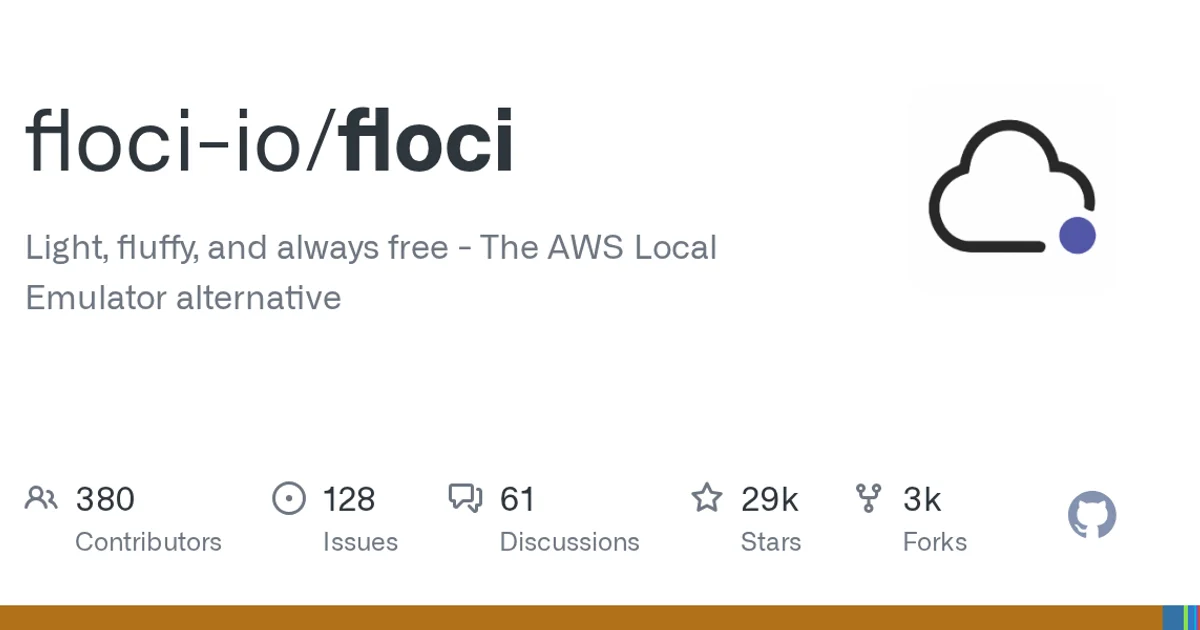
TL;DR: Floci is a local emulator for AWS services, written in Java under the MIT license, and it listens on port 4566 the way LocalStack does. The project’s docs cover 133 emulated services, and the install guide reports startup in roughly 24 ms inside about 13 MiB of memory. You pull a Docker image or grab a native binary, then point the AWS CLI at localhost.
What it is
Floci describes itself as “Light, fluffy, and always free - The AWS Local Emulator alternative”. The repository is a Maven project, with a pom.xml, a Maven wrapper, and src/main and src/test trees, packaged behind a Docker image and documented with MkDocs under docs/.
The project is young. The repository was created on February 18, 2026, and the last push landed on November 4, 2026, the same day this was written. It currently carries 28,849 stars, 3,208 forks and 170 open issues, and the repository topics are aws, aws-emulation, devops, docker, ec2 and ecs.
There is a page in the docs called migrate-from-localstack.md, which tells you what to expect if you are moving off LocalStack rather than starting from nothing.
How to try it
Docker is the recommended path. The image layers are compressed with zstd, so you need Docker 23.0 or newer plus the compose v2 plugin:
services:
  floci:
    image: floci/floci:latest
    ports:
      - "4566:4566"
    volumes:
      - ./data:/app/data
docker compose up -dOnce it is up, point the CLI at the local endpoint instead of AWS:
aws s3 mb s3://demo-bucket --endpoint-url http://localhost:4566The image tags split into a variant, which decides what is inside, and a channel, which decides how stable it is:
| Tag | Contents | Pick it when |
|---|---|---|
latest | Standard release | Most setups |
latest-compat | Adds the AWS CLI and boto3 | Your workflow needs them inside the container |
latest-baseline | ARM64 only, no CPU feature requirement | Raspberry Pi 4-class ARM64 without LSE |
x.y.z | Pinned standard release | You want reproducible builds |
nightly | Floating nightly build | You are tracking main |
If you would rather not run Docker at all, every release attaches a standalone executable per platform to the GitHub release. The Linux binaries are the same native builds the image ships, and the macOS and Windows binaries are produced on their own runners and are not bundled into any image.
What it covers
The docs/services directory holds one page per service, 133 of them in total. A cross section of the ones with dedicated pages:
| Area | Services with documentation |
|---|---|
| Storage | S3, S3 Tables, S3 Vectors, Transfer, Backup |
| Databases | RDS, RDS Data, Redshift, Redshift Serverless, Redshift Data, OpenSearch |
| Messaging | SQS, SNS, Step Functions, Batch, Scheduler, Pipes |
| Serverless and AI | Bedrock, Bedrock Runtime, Bedrock AgentCore, SageMaker, Rekognition, Textract, Transcribe, Translate |
| Networking | Route 53, Route 53 Resolver, CloudFront, Private Origin, Verified Permissions, Cloud Map, CloudHSM v2 |
| Governance | Access Analyzer, CloudTrail, CloudWatch, Organizations, Resource Groups, Resource Explorer, Service Catalog, Service Quotas, Budgets, Security Hub |
A documentation page per service is a reasonable signal of coverage, but it is not a compatibility guarantee. The compatibility-tests directory and the docs/testcontainers page suggest the project is serious about checking emulated behavior against the real thing, so it is worth checking the specific service page you depend on before you migrate a test suite over.
Configuration
The configuration surface is documented separately under docs/configuration, and the page names describe the options directly: application-yml.md, environment-variables.md, ports.md, storage.md, tls.md, partitions.md, multi-account.md, initialization-hooks.md, docker-compose.md, docker.md and docker-images.md, plus an advanced folder.
Two of those are worth calling out. Multi-account setup means you can point different credentials at different account contexts without running several containers, and initialization hooks let you seed state when the emulator starts, which is the piece most local emulators make you script yourself.
When to use it
Floci fits the case where a test suite talks to AWS-shaped APIs and you want that to be cheap and fast. The startup and memory numbers in the install guide are the argument: a container that is ready in under a quarter second and holds about 13 MiB does not slow down a CI matrix the way a heavyweight stack does.
It also fits a team that wants to read the source. The project is Apache-style open, MIT licensed, and small enough to clone and step through.
When to skip it
The service catalog is broad, but depth is uneven across services, and a project this young with 170 open issues will have rough edges. If your pipeline depends on byte-exact parity with a specific managed service, test that service before you move your whole suite across.
Java is the implementation language, so anyone who needs to patch the emulator itself should expect to be in a JVM codebase.
Source and Accuracy Notes
- Project page: https://floci.io/floci/ (homepage value from the GitHub API)
- Source repository: github.com/floci-io/floci (MIT license, verified via GitHub API
license.spdx_id) - Stars at time of writing: 28849
- The count of 133 services comes from
docs/services, and the startup and memory figures come fromdocs/getting-started/installation.md, both read on 2026-11-04 - Repository was created 2026-02-18, last pushed 2026-11-04
Related Posts
ai-setup
Recall – Persistent Memory for Claude Code via MCP Hooks
Recall gives Claude Code a permanent memory store that survives session restarts and context compaction. Four hooks capture and restore context automatically — with cloud SaaS or self-hosted options.
2/28/2026
dev-tools
Automotive Skills Suite for AI Engineering
Evaluate Automotive Skills Suite for APQP, ASPICE, HARA, safety-plan, and DIA workflows with setup notes, governance risks, and SME review guidance.
5/28/2026
dev-tools
awesome-agentic-ai-zh Roadmap Guide
Explore awesome-agentic-ai-zh as a Chinese agentic AI learning roadmap, with setup notes, track selection, study workflow, and evaluation guidance.
5/28/2026