TL;DR: Drop is a rootless Linux sandbox that runs programs in their own namespace, where your SSH keys, shell dotfiles and localhost services simply do not exist. It needs no root and no container runtime, and an optional gVisor mode puts a user-space kernel between the program and your kernel.
What it is
Drop is a single Go binary that creates a disposable Linux environment for a program, in the style of Python’s virtualenv. Inside it, the program gets a private home directory, a filtered view of the filesystem, and only the environment variables you chose to expose. Everything else on your machine is not there.
The author, Jan Wrobel, summarises the goal as “Linux sandboxing that doesn’t get in your way”. The part that matters is “in your way”. Unlike Docker or Podman, Drop reuses your existing distribution instead of shipping an image, so every program already installed on your machine works inside the sandbox with no separate build step.
It is not a container manager. It is closer to a namespaced chroot tuned for one job: running something you do not fully trust.
Why it matters
The reason to care is coding agents. Running an agent with permission prompts disabled is the normal way to use them, and that flag hands the agent your entire user account: SSH keys, cloud credentials, shell profiles, local databases. A hallucinated rm -rf ~ is bad on its own, and a prompt injection arriving through a file the agent reads can be worse.
Drop moves enforcement out of the agent’s prompt and into the operating system. The project documents the properties it enforces:
- No root required, and it cannot perform any operation the calling user is not already allowed to perform
- Separate user, mount, PID, IPC, cgroup and network namespaces
- Your real home directory is hidden, and each environment gets its own persistent home
- Only allowlisted environment variables cross the boundary
- Capabilities are dropped before the program starts, so privileged operations inside the namespace fail
- Services on localhost are unreachable by default
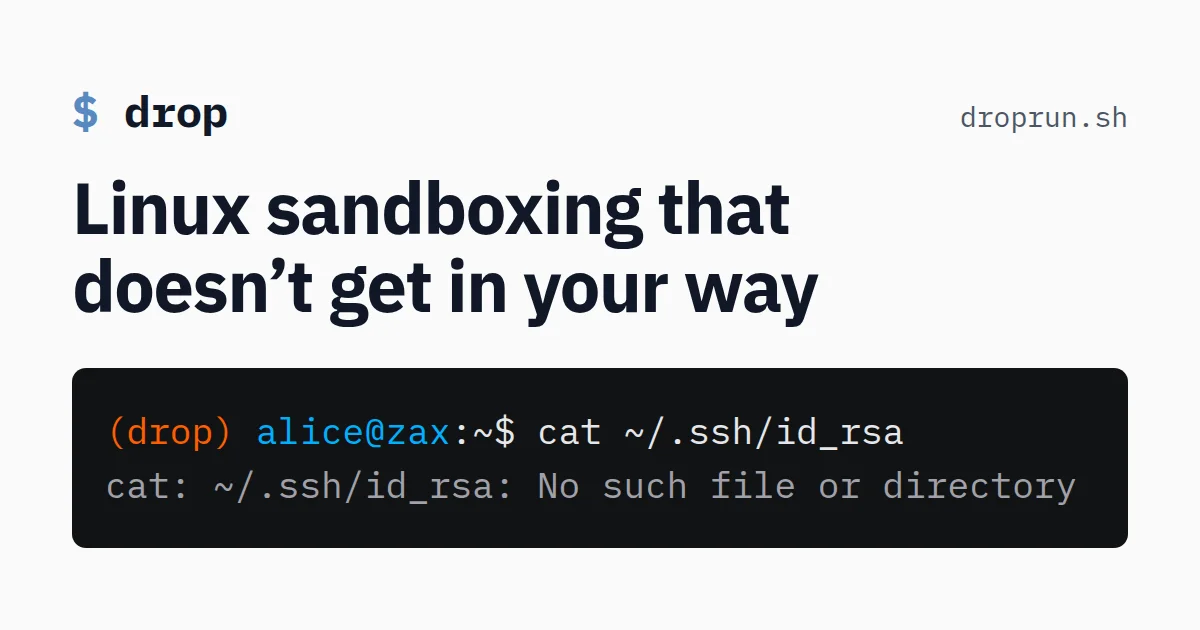
The last two are what change behaviour for an agent. A prompt injection that tries to read ~/.ssh gets No such file or directory, and a call to a dev server on port 3000 is rejected at the network namespace level instead of by hoping the agent complied.
Getting it running
Drop needs the passt package for isolated networking, which most distributions ship.
# Debian / Ubuntu
sudo apt-get install passt

# Fedora
sudo dnf install passt

# Arch
sudo pacman -S passt
Then install the binary. Release builds cover amd64 and arm64.
ARCH=$(uname -m | sed 's/x86_64/amd64/; s/aarch64/arm64/')
curl -o drop -L https://github.com/wrr/drop/releases/latest/download/drop-linux-$ARCH
install drop ~/.local/bin/
Or build from source with Go 1.25 or newer. Setting CGO_ENABLED=0 produces a static binary.
CGO_ENABLED=0 go install github.com/wrr/drop/cmd/drop@latestThe workflow is three commands. drop init creates an environment and writes a TOML config, drop run starts a program inside it, and drop ls and drop rm manage environments.
$ drop init claude
Wrote base Drop config to /home/alice/.config/drop/base.toml
Drop environment created with config at /home/alice/.config/drop/claude.toml

$ drop run -e claude
(drop)alice@zax:~/project$ ps aux
USER  PID %CPU %MEM VSZ   RSS TTY      STAT START   TIME COMMAND
alice   1  0.0  0.0 13780 5376 pts/0    S   12:44   0:00 /bin/bash
alice  16  0.0  0.0 16016 4352 pts/0    R+  12:49   0:00 ps aux
Two details in that output carry the idea. The (drop) prompt prefix comes from $DROP_ENV, which Drop sets inside the sandbox so a shell profile can detect it. And ps aux shows only the sandbox’s own processes, because the PID namespace hides the host’s.
The project ships a walkthrough titled “Tour: sandboxing Claude Code” that installs Claude Code inside an environment and steps through the same hiding behaviour.
What the sandbox hides
Drop assembles its own root filesystem with a mount namespace. The default layout:
| Sandbox path | Host source | Access |
|---|---|---|
/usr, /bin, /sbin, /lib | same paths | read-only |
/etc | /etc overlay | read-only lower layer |
~ | ~/.local/share/drop/envs/your-env-id/home | read-write, persistent |
/var | ~/.local/share/drop/envs/your-env-id/var | read-write, persistent |
/tmp | /tmp/drop-youruser/tmp/your-env-id | read-write, persistent |
/proc, /sys, /run, /dev | created fresh | read-write |
Your actual home directory is absent from that table, and so is the host’s /var. Dotfiles such as ~/.bashrc and executable directories such as ~/.local/bin are mounted in separately from the generated config, and they are read-only.
Read-only is deliberate. The project explains that sandboxed programs should not be able to write to files that later execute outside the sandbox, so appending to your shell profile from inside fails outright.
$ echo "evil command" >> ~/.bashrc
bash: /home/alice/.bashrc: Read-only file system
Configuration
Configs live in ~/.config/drop/ as TOML. The first drop init writes a shared base.toml plus one file per environment, and drop edit opens whichever file you want in $VISUAL or $EDITOR. An empty config is already a working sandbox, so configuration is about convenience rather than correctness.
The mount syntax has a compact form and a verbose form for paths that contain a colon.
runtime = "native"

mounts = [
  "~/.ackrc",
  "~/.profile",
  "~/go",
  "~/.nvm",
  "~/.local/bin:~/.local-host/bin",
]

blocked_paths = []

[environ]
exposed_vars = []
set_vars = []

[net]
# mode = "off"
tcp_published_ports = []
udp_host_ports = []
An environment file extends the shared base by default, and list settings are appended while the runtime and network mode are overridden.
extends = "./base.toml"The comment in the shipped config warns against exposing files with secrets, and against exposing anything writable that the host later executes. Shell config scripts are the classic example, and so is ~/.bash_history.
The gVisor runtime
Namespaces isolate processes from each other, but a sandboxed program still issues syscalls straight to the host kernel. Drop can instead run programs on the gVisor user-space kernel, where runsc intercepts and validates syscalls first.
drop run --runtime gvisor ps auxOr set runtime = "gvisor" in the config. Both runtimes accept the same options and build identically configured sandboxes, and you can switch an existing environment back and forth. The trade is speed: gVisor adds syscall overhead, and it is not fully compatible with the vanilla Linux kernel, though the project calls those gaps rare.
What to watch for
Drop is Linux only, and that is the hard limit for anyone on a Mac who wants to sandbox agents on the same machine.
The documented limitations are specific. It is terminal only, so GUI programs do not run under the default config, and exposing X sockets to make them work would hand sandboxed processes overly broad privileges. Only a small set of basic devices exists, so there is no sound playback or recording. setuid programs do not run. Anything that depends on Linux user namespaces is unsupported, which rules out Podman and programs installed through Snap.
Two distributions need extra work. Ubuntu 24.04 blocks the user namespaces Drop relies on through AppArmor, so the binary needs its own profile. Fedora’s SELinux policy covers pasta for Podman but not for Drop, and the failure shows up as a permission error mentioning netns dir open.
The project is young. The repository was created in July 2025, the latest release at the time of writing is v0.3.1 from October 2026, and it sits at roughly 389 stars and 13 forks. Jan Wrobel publishes it under Apache 2.0.
Source and Accuracy Notes
- Project page: https://droprun.sh/ — verified via direct visit
- Source repository: github.com/wrr/drop — Go, Apache 2.0, latest release v0.3.1
- Documentation: https://droprun.sh/docs/sandbox-overview and https://droprun.sh/docs/installation — verified via direct visit
- HN launch thread: https://news.ycombinator.com/item?id=49801329 (193 points, 22 September 2026)
Related Posts
dev-tools
Automotive Skills Suite for AI Engineering
Evaluate Automotive Skills Suite for APQP, ASPICE, HARA, safety-plan, and DIA workflows with setup notes, governance risks, and SME review guidance.
5/28/2026
dev-tools
awesome-agentic-ai-zh Roadmap Guide
Explore awesome-agentic-ai-zh as a Chinese agentic AI learning roadmap, with setup notes, track selection, study workflow, and evaluation guidance.
5/28/2026
dev-tools
Baguette iOS Simulator Automation Guide
Set up Baguette for iOS Simulator automation, web dashboards, device farms, gesture input, streaming, and camera testing with Xcode caveats.
5/28/2026