dodo-doc - Terminal-first documentation hosting
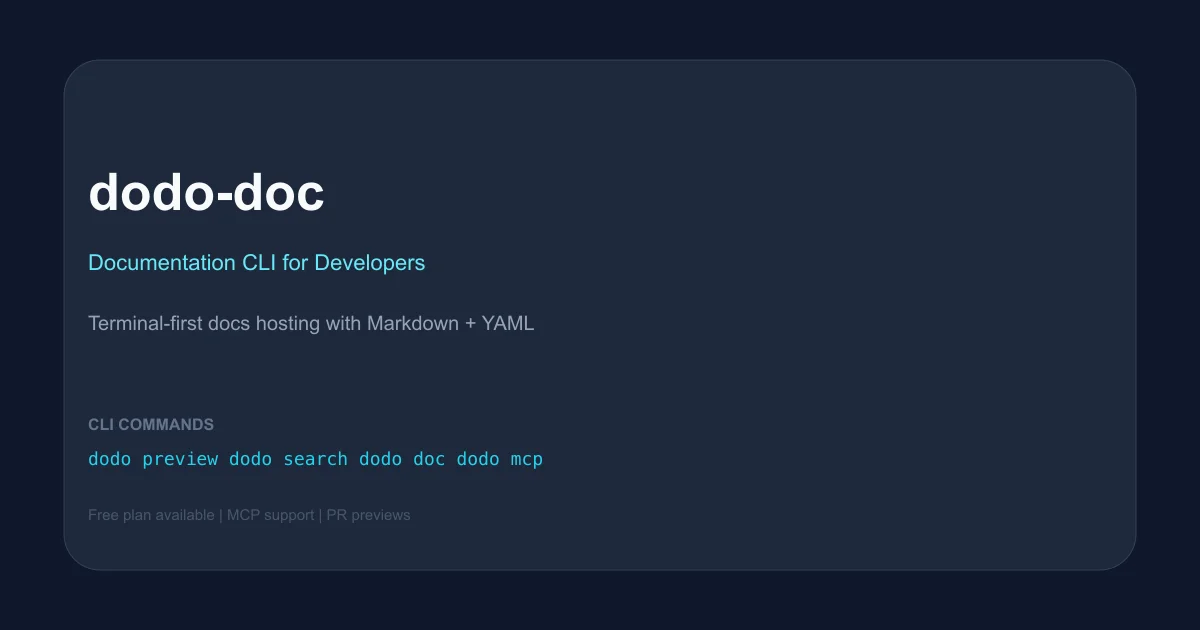
A lightweight documentation hosting service with a fast CLI. Publish docs from Markdown with one command, get PR previews, built-in search, and MCP support for AI assistants.
TL;DR
TL;DR: dodo-doc is a lightweight documentation hosting service you drive entirely from the CLI — init a project, run
dodo previewfor branch previews, anddodo mcpto let AI assistants like Claude read and search your docs.
What Is dodo-doc?
dodo-doc is a documentation hosting platform built for developers who live in the terminal. Instead of a web dashboard, everything runs through the dodo CLI: initialization, branch previews, in-browser search, and MCP integration for AI assistants.
The workflow is simple: point dodo init at a folder of Markdown files, optionally configure a single YAML file, and publish. For pull requests and branches, dodo preview generates a shareable review link that auto-expires. The platform also surfaces a built-in search accessible directly from the CLI with dodo search.
dodo-doc positions itself as a lighter, developer-focused alternative to GitBook or Read the Docs — no GUI editor, no admin panel, no friction between writing Markdown and having a live docs site.
Setup Workflow
Step 1: Install the CLI
dodo-doc is distributed as an npm package:
npm install -g @dodo-doc/cli
```bash

You can also run it on demand without a global install using `npx @dodo-doc/cli`. Both approaches expose the same `dodo` command.

### Step 2: Initialize your project

Run the init command from your repository root:

```bash
dodo init
```bash

The command detects common doc paths (e.g. `docs/`, `markdown/`) automatically and creates a minimal config file. No content is uploaded at this stage — you review before publishing.

### Step 3: Preview and publish

Preview your current branch or a pull request:

```bash
dodo preview
```bash

This generates a unique, time-limited URL you can share for review. When ready to go live, publish with:

```bash
dodo publish
Only changed files are uploaded on subsequent runs, keeping deploys fast.
Core CLI Commands
| Command | What it does |
|---|---|
dodo preview | Spin up a shareable preview URL for the current branch or PR |
dodo search | Search the entire knowledge base and open results in the browser |
dodo doc | List and open documents from the terminal without leaving your workflow |
dodo mcp | Start an MCP server that lets AI assistants (Claude, etc.) read and search your docs |
Pricing
dodo-doc offers two tiers:
- Free — up to 5 documents, up to 10 previews per project, 1 member organization. No credit card required.
- Team — $12 per user per month (coming soon). Increases document limits, adds organization members, and raises preview caps.
Public docs can be hosted free. No self-hosted option is currently documented.
FAQ
Q: Is dodo-doc open source?
A: The project page at dodo-doc.com does not advertise a public source repository. The npm package @dodo-doc/cli (v0.1.4) is published at npmjs.com. The author’s GitHub is mkei29, but a standalone repo link was not found on the product site.
Q: What Markdown flavors does it support? A: The product description references standard Markdown files. No specific flavor (MDX, GFM, etc.) was explicitly documented on the site.
Q: Can I use a custom domain? A: Custom domains were not mentioned in the visible documentation or pricing page.
Q: Does it support private documentation? A: The Free plan is described for personal use. The Team plan is designed for small teams. Private doc hosting appears to be supported on paid plans, though exact scoping was not detailed.
Practical Evaluation Checklist
- CLI tool with
npm install -gavailable - Init from repo root with auto-detection of doc paths
- Branch/PR preview links via
dodo preview - In-browser search from CLI via
dodo search - MCP server integration via
dodo mcp - Delta uploads (only changed files on re-publish)
- Free plan available (no credit card)
Security Notes
- The
dodo mcpcommand exposes your documentation to AI assistants. If your docs contain sensitive internal information, ensure your MCP server is scoped appropriately and not exposed to unauthorized agents. - Review links generated by
dodo previeware time-limited and should not be used for genuinely secret content, though they do not appear to require authentication based on current documentation.
Source and Accuracy Notes
- Project page: dodo-doc.com
- CLI package:
@dodo-doc/clion npm (v0.1.4) - HN launch thread: Show HN: Terminal-First Documentation Service (3 points, 2025-10-13)
- License: Not explicitly stated on the project page or npm listing
Related Posts
ai-setup
Recall – Persistent Memory for Claude Code via MCP Hooks
Recall gives Claude Code a permanent memory store that survives session restarts and context compaction. Four hooks capture and restore context automatically — with cloud SaaS or self-hosted options.
2/28/2026
dev-tools
Automotive Skills Suite for AI Engineering
Evaluate Automotive Skills Suite for APQP, ASPICE, HARA, safety-plan, and DIA workflows with setup notes, governance risks, and SME review guidance.
5/28/2026
dev-tools
awesome-agentic-ai-zh Roadmap Guide
Explore awesome-agentic-ai-zh as a Chinese agentic AI learning roadmap, with setup notes, track selection, study workflow, and evaluation guidance.
5/28/2026