DeepSQL – Self-hosted DBA agent for Postgres and MySQL
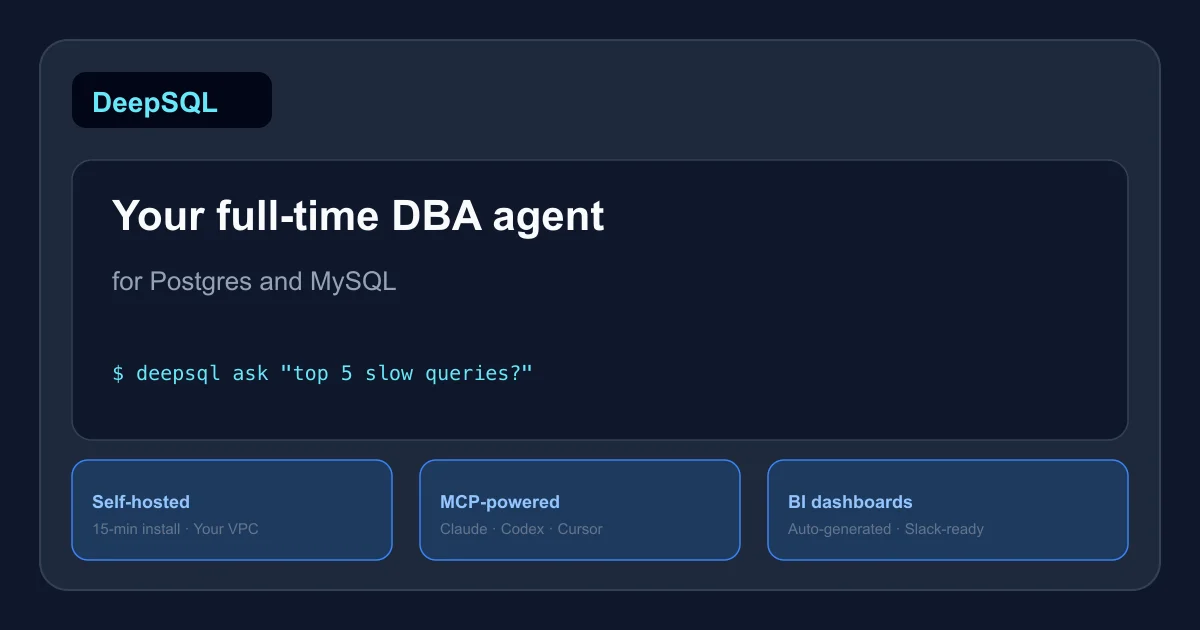
DeepSQL is an open-source database agent that monitors Postgres and MySQL workloads, generates BI dashboards, and plugs into Claude, Codex, or Cursor via MCP. Self-host in 15 minutes.
TL;DR
TL;DR: DeepSQL is a self-hosted AI agent that acts as a full-time DBA for Postgres and MySQL — answering BI questions, optimizing slow queries, and generating dashboards — with MCP integration for Claude, Codex, and Cursor.
What Is DeepSQL?
DeepSQL is an open-source database agent for Postgres and MySQL. You point it at your database, hand it an API key (OpenAI, Azure OpenAI, or any OpenAI-compatible endpoint including local models), and it starts answering questions in plain English — schema exploration, query generation, slow query analysis, index recommendations, and auto-generated BI dashboards.
The project is at github.com/DeepSQLAI/deepsql (Apache-2.0 license, ~25 stars). The latest release is v1.3.0.
The key differentiator from hosted AI database tools is self-hosting: credentials live in a local vault on your own machine, and no data leaves your VPC except the prompts you send to whichever model endpoint you configured.
Setup Workflow
Prerequisites
- Docker Engine with Compose v2 and buildx — verify with
docker compose versionanddocker buildx version git,curl, andopenssl- ~4 GB of memory available to Docker
- An API key for an OpenAI-compatible model endpoint
On a fresh server, one bootstrap script handles all prerequisites:
sudo ./scripts/self-host/bootstrap-server.sh
```bash

This supports Debian/Ubuntu and Amazon Linux 2023 / RHEL.

### Step 1: Clone and configure

```bash
git clone https://github.com/DeepSQLAI/deepsql.git
cd deepsql
cp .env.example .env
```bash

Open `.env` and set the model provider. The provider ID is always `openai` — it dispatches on endpoint shape, not name:

```bash
DEEPSQL_CHAT_PROVIDER=openai
DEEPSQL_CHAT_API_KEY=your-key-here
DEEPSQL_CHAT_ENDPOINT=https://api.openai.com/v1   # or your proxy/local endpoint
DEEPSQL_CHAT_MODEL=gpt-4o
```bash

### Step 2: Start the stack

```bash
docker compose up --build
The first build takes a few minutes; subsequent starts are fast.
Step 3: Connect your databases
From the Web UI or CLI, add your Postgres or MySQL connections. DeepSQL supports:
- RDS, Aurora, Cloud SQL, and self-managed
- Read-only credentials recommended
- VPC-peered, SSL-enforced connections
Step 4: MCP integration (optional)
To use DeepSQL from Claude Desktop, Codex, or Cursor, add the MCP server config. The exact JSON varies by client — check the DeepSQL MCP docs.
Deeper Analysis
Brain system
DeepSQL maintains a “brain” — a context store that learns your schema, workload patterns, and business rules over time. When you ask a question, it loads this context before drafting SQL, reducing hallucinations and improving query accuracy.
The brain is stored locally in the DeepSQL vault and is not transmitted anywhere.
BI dashboards
The agent can generate live BI charts (bar, line, table) from natural language queries. These render in the Web UI and can be queried via Slack integration.
Migration guardrails
When used as an MCP tool for coding agents, DeepSQL reviews every proposed migration before execution. It blocks destructive operations (e.g. DROP COLUMN on tables with millions of rows) and rewrites risky changes to safer equivalents (add-then-deprecate pattern).
Multi-team access
Row- and column-level policies let you invite analytics teams, support staff, and executives without exposing data they should not see. SSO via Okta or Google is supported.
Practical Evaluation Checklist
- Bootstrap script runs cleanly on a fresh Ubuntu 22.04 LTS instance
-
docker compose up --buildcompletes without error - Web UI loads at localhost (default port)
- Postgres connection established and schema indexed
- “Top 3 slow queries” question returns valid SQL with execution plan
- BI prompt “bookings last week” returns a chart
- MCP server config added to Claude Desktop config
- Claude asks DeepSQL a schema question via MCP and gets a correct answer
- Destructive migration is blocked with a clear explanation
- Slack integration receives a BI answer in a channel
Security Notes
- Database credentials are encrypted and stored in a local vault
- Nothing is sent to DeepSQL’s servers (no cloud dependency)
- Only the prompt leaves your machine, and only to the model endpoint you configured
- Role-based access control with row/column-level policies
- Audit logs for all queries
FAQ
Q: Does it require a paid API key? A: No. You can point it at any OpenAI-compatible endpoint, including local models via Ollama or LiteLLM. A local model works but quality depends on the model’s instruction-following ability.
Q: How does it differ from pgai or Supabase AI? A: pgai and Supabase AI are hosted extensions that run inside the database managed service. DeepSQL is a self-hosted agent that sits in front of any Postgres or MySQL (managed or self-managed) and works across multiple databases simultaneously. It also has BI dashboard generation and migration guardrails that those tools lack.
Q: Can it run without internet? A: Yes — once the Docker stack is running and a local model endpoint is configured, no outbound connections are required.
Q: What happens to my data? A: Your database credentials never leave the local vault. Only the prompt (question text) is sent to your configured model endpoint. Query results flow back through DeepSQL to the Web UI or CLI. No telemetry is sent to DeepSQL’s authors.
Source and Accuracy Notes
- Project page: deepsql.ai
- Source repository: github.com/DeepSQLAI/deepsql
- License: Apache-2.0 (verified via GitHub API)
- Latest release: v1.3.0 (verified via GitHub releases API)
Related Posts
ai-setup
Recall – Persistent Memory for Claude Code via MCP Hooks
Recall gives Claude Code a permanent memory store that survives session restarts and context compaction. Four hooks capture and restore context automatically — with cloud SaaS or self-hosted options.
2/28/2026
dev-tools
Automotive Skills Suite for AI Engineering
Evaluate Automotive Skills Suite for APQP, ASPICE, HARA, safety-plan, and DIA workflows with setup notes, governance risks, and SME review guidance.
5/28/2026
dev-tools
awesome-agentic-ai-zh Roadmap Guide
Explore awesome-agentic-ai-zh as a Chinese agentic AI learning roadmap, with setup notes, track selection, study workflow, and evaluation guidance.
5/28/2026