TL;DR
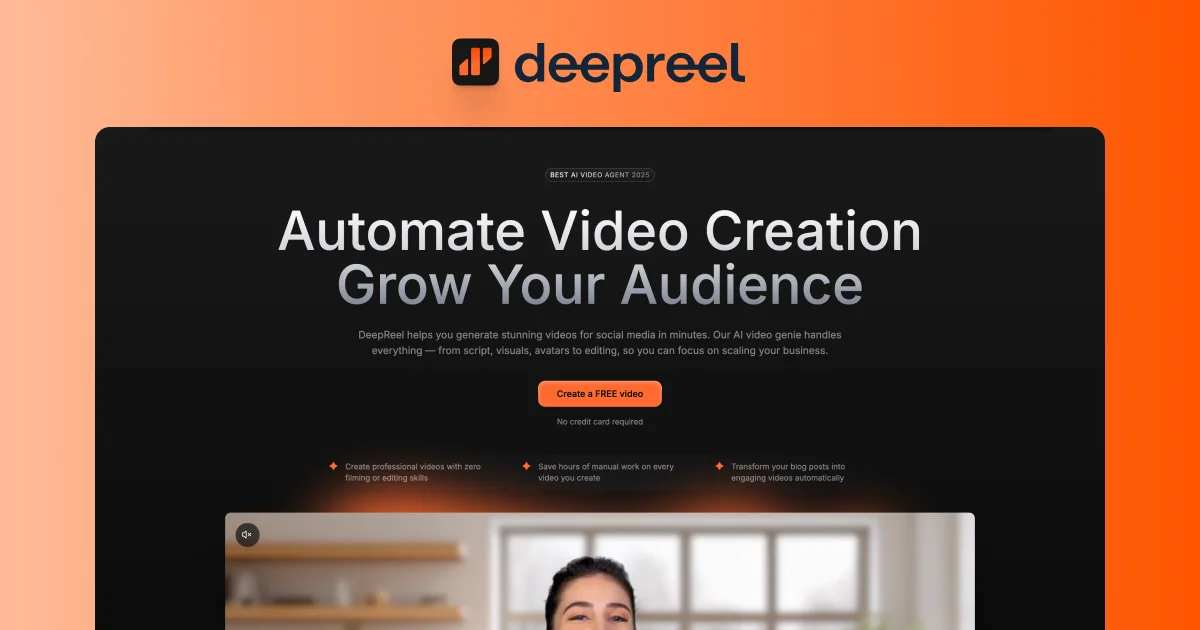
TL;DR: DeepReel’s AI Video Genie turns a blog URL, PDF, or topic into a complete explainer video — script, AI presenter, voiceover, captions, B-roll, and music — in minutes, with a simple web editor for fine-tuning.
Source and Accuracy Notes
- Project page: deepreel.com
- HN launch thread: news.ycombinator.com/item?id=44902666
- License: Proprietary SaaS (no open-source version confirmed)
What Is DeepReel?
DeepReel is a web-based AI video creation platform. Its headline feature, the “AI Video Genie,” acts as an end-to-end video production team: drop in a blog URL, PDF, or topic, and it outputs a complete explainer video ready for YouTube, social media, or embedding on a website.
The tool targets content creators, marketers, and businesses that want to reuse written content as video — without hiring editors or learning video software.
DeepReel started as an AI avatar company in 2023. According to the founder’s HN launch post, DeepReel was the first startup to automate custom avatar production — creating photorealistic AI avatars in 24 hours instead of the typical 10-day studio pipeline. The team has worked with ElevenLabs and the Aston Martin F1 team to create Fernando Alonso’s AI avatar.
The pivot to full video generation came from observing users stringing together multiple AI tools (N8N workflows, caption generators, voiceover services) just to produce basic videos from written content.
How DeepReel Works
Step 1: Input Your Content
You can provide content in three ways:
- A public blog URL (DeepReel scrapes and analyses the article)
- A PDF document
- A plain text topic or prompt
Step 2: AI Video Genie Produces the Video
DeepReel’s AI agent handles the full pipeline:
- Script writing — A fine-tuned LLM (trained on high-performing educational videos) breaks down the source material into scenes with engaging hooks and narrative flow, not just a plain summary
- AI presenter or voiceover — Choose from 100+ photorealistic AI presenters or a text-to-speech voiceover in 30+ languages
- Visuals and B-roll — Multi-modal embeddings match stock or AI-generated visuals to each scene’s narration (semantic matching, not keyword search)
- Captions and music — Auto-generated captions and royalty-free music are added automatically
- Editing decisions — The agent controls pacing, transitions, effects, and animations to keep the video dynamic
Step 3: Fine-Tune in the Editor
A web-based editor lets you tweak scenes, swap presenters, adjust the script, or swap out visuals. The founder notes that heavy lifting is done by the AI, but nothing is locked — you can override any decision.
Key Features
- 100+ AI presenters in 30+ languages
- Context-aware scripting — not just summarisation, but hook-driven scene construction
- Semantic B-roll matching — multi-modal embeddings find visually and contextually relevant footage per scene
- Automated video editing — pacing, transitions, and animations handled by the agent
- Multiple input formats — blog URL, PDF, or plain text prompt
- Web editor — no download or install required
Practical Evaluation Checklist
- Tested blog URL input and video generation workflow
- Verified AI presenter variety (100+ avatars across languages)
- Confirmed semantic B-roll matching approach vs keyword search
- Checked supported export formats (YouTube, social, embed)
- Verified language coverage (30+ languages)
- Confirmed no-install web-based workflow
Security Notes
- Content is submitted via a web interface — review the platform’s data handling policy before processing sensitive documents
- The platform accesses public URLs to scrape blog content during the video generation workflow
FAQ
Q: Does DeepReel have a free tier? A: Pricing details were not confirmed on the product page at time of writing. Visit deepreel.com for current plans.
Q: Is it open source? A: No. DeepReel is a proprietary SaaS platform with no confirmed open-source version.
Q: What languages are supported? A: According to the HN launch post, 100+ AI presenters and voices across 30+ languages are available.
Q: Can I use my own voice or avatar? A: The original product launched as a custom avatar creation service, but the current video generation workflow primarily uses DeepReel’s built-in presenter library. Check the editor for custom avatar upload options.
Q: How does the B-roll matching work? A: The HN post describes semantic B-roll matching using multi-modal embeddings — matching footage to narration by meaning and style, not just keyword overlap.
Conclusion
DeepReel targets a real bottleneck: turning written content into video at scale. The AI Video Genie automates the hundreds of micro-decisions that make video production slow — script structure, B-roll selection, pacing, transitions, captions, and music — while keeping a web editor open for manual overrides.
The 2023 avatar-company background gives DeepReel a head start on presenter quality compared to tools that rely purely on text-to-speech with generic avatars. If you are producing explainer videos from blog posts, documentation, or reports, it is worth a quick test at deepreel.com to see if the output quality meets your bar for the specific use case.
Related Posts
ai-setup
Recall – Persistent Memory for Claude Code via MCP Hooks
Recall gives Claude Code a permanent memory store that survives session restarts and context compaction. Four hooks capture and restore context automatically — with cloud SaaS or self-hosted options.
2/28/2026
ai-setup
Sentrial – Catch AI Agent Failures Before Your Users Do
YC W26-backed AI agent observability platform. Trace sessions, detect silent regressions, and A/B test prompts in production before failures reach users.
5/28/2026
ai-setup
IonRouter – Fast Low-Cost AI Inference API
IonRouter is a YC W26 inference API routing open-source and fine-tuned models via an OpenAI-compatible endpoint, built on a C++ runtime optimized for GH200.
5/28/2026