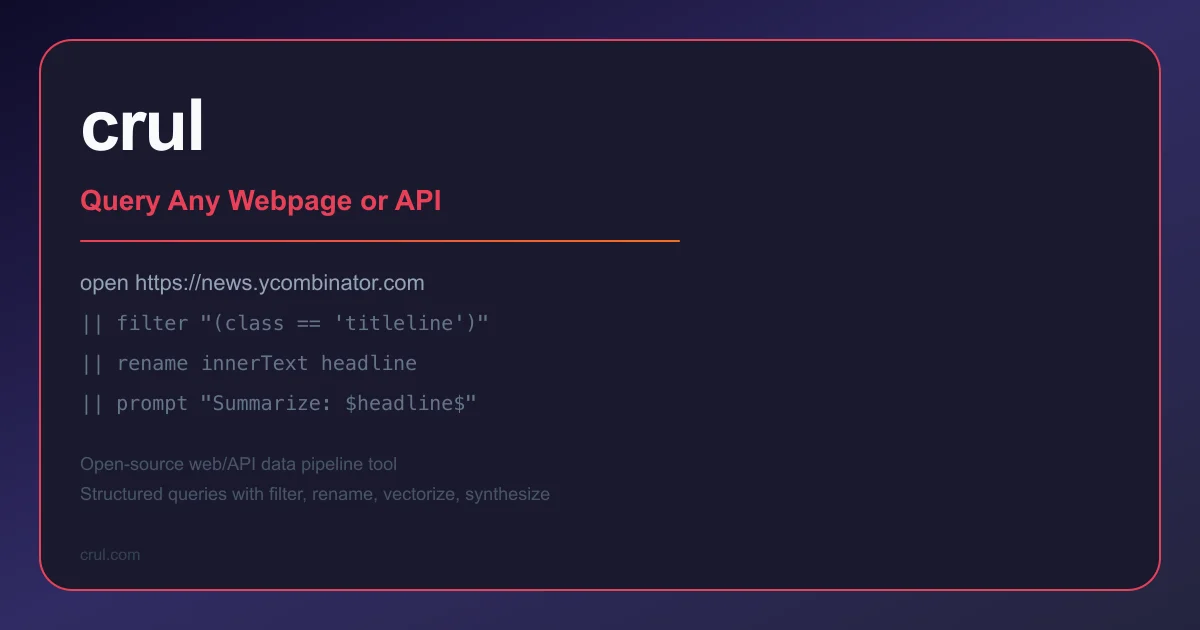
TL;DR
TL;DR: Crul is a web and API data pipeline tool that chains commands like
open,filter, andrenameinto a single readable query — with built-in GPT prompting, vector embeddings, and scheduled exports.
What Is Crul?
Crul (pronounced “control”) is a data pipeline tool for querying webpages and APIs using a pipe-and-filter syntax inspired by SQL. Instead of writing boilerplate fetch-and-parse scripts, you chain declarative commands: open a URL, filter specific elements, rename fields, then push the result to a database, vector store, or GPT prompt.
The HN launch thread describes it as “a mech suit for generative AI” — the core idea is that LLMs work better with structured, live data, and Crul makes it easy to get that data into the prompt.
The product ships as a cloud service with free and paid tiers (v1.8.1 as of August 2026).
Core Concepts
Crul’s query language has three main building blocks:
Commands are the primary operators — open, filter, rename, vectorize, synthesize, prompt.
Stages are the intermediate data transformations — each command in the chain passes its output to the next stage.
Pipelines are the full queries — multiple stages chained together.
Here is the simplest possible example:
open https://news.ycombinator.com
|| filter "(parentElement.attributes.class == 'titleline')"
|| rename innerText headline
```bash

This opens Hacker News, extracts the story titles, and renames the extracted text to `headline`.

## Setup and Installation

### Cloud (no install)

The fastest way to get started is the cloud playground at [crul.com](https://www.crul.com). Sign up for a free account and you can run queries directly in the browser.

### CLI (optional)

For local or scripted use, Crul can be run as a local server. The docs cover [self-hosted setup](https://www.crul.com/docs/introduction) if you want to run it on your own infrastructure.

### Python SDK

Crul exposes a REST API and SDK for programmatic access:

```bash
curl -X POST 'http://localhost:1968/v1/sirp/query/runner/dispatch' \
  -H 'accept: application/json' \
  -H 'Content-Type: application/json' \
  -H "Authorization: crul {token}" \
  -d '{ "query": "devices" }'
```bash

## Key Features

### GPT Prompting

Dispatch prompts alongside live data. Use token expansion to run the same prompt across a dataset, or chain prompts together:

```crul
open https://news.ycombinator.com/news
|| filter "(nodeName == 'A' and parentElement.attributes.class == 'titleline')"
|| rename innerText headline
|| prompt "Write a haiku about the following headline: $headline$"
```bash

The `$headline$` token is replaced with each extracted value before the prompt is sent.

### Vector Embeddings

Generate embeddings from extracted data and push directly to a vector database (e.g., Pinecone):

```crul
open https://news.ycombinator.com
|| filter "(parentElement.attributes.class == 'titleline')"
|| vectorize innerText
|| vectorload --pinecone.index "your-index.svc.region.pinecone.io"
|| vectorquery "relating to Europe" --pinecone.index "your-index.svc.region.pinecone.io"
```bash

### Synthetic Data Generation

Generate synthetic datasets from natural language descriptions:

```crul
synthesize \
  --prompt "add a random product (named product) which is either a tablet, a phone, or a computer, add a random price (named price), add a timestamp (named ts), a guid (named tx_id)" \
  --count 100
Data Export and Scheduling
Results can be exported to CSV or JSON, or pushed to 30+ destinations including Amazon S3, Kafka, and Splunk. Scheduled queries let you run pipelines on a cron-like interval.
Screenshot Capture
Take full-page or element-specific screenshots of any queried webpage using the --screenshot flag on the open command.
OAuth Support
Built-in OAuth client credentials for accessing protected APIs, with a credentials vault for storing secrets.
Query Language Reference
| Command | Purpose | Example |
|---|---|---|
open | Fetch a URL (web or API) | open https://example.com |
filter | Select elements via CSS or XPath selector | filter "(class == 'item')" |
rename | Rename a field | rename innerText title |
prompt | Augment data with GPT | prompt "Summarize: $title$" |
vectorize | Generate embeddings | vectorize innerText |
vectorquery | Semantic search | vectorquery "related query" |
synthesize | Generate synthetic data | synthesize --prompt "..." |
expand | Resolve short links, paginate APIs | expand --url |
diff | Only return new/changed rows | diff |
schedule | Run on a time interval | schedule --interval 1h |
Practical Evaluation Checklist
- Extract structured data from a dynamic webpage (JS-rendered)
- Chain a GPT prompt to enriched scraped data
- Push vector embeddings to Pinecone and run a semantic query
- Schedule a recurring scrape and export to S3
- Authenticate to a protected OAuth API and extract data
Security Notes
- Credentials are stored in a vault and injected at query time — not hardcoded in pipelines.
- Domain throttling policies let you control request rates to avoid overwhelming target sites.
- Self-hosted deployments keep data on your own infrastructure.
FAQ
Q: Does Crul render JavaScript pages?
A: Yes. The open command fetches the live DOM after JavaScript execution, so single-page applications and JS-heavy sites are accessible.
Q: What happens if the target site blocks scraping?
A: Crul’s domain-policies feature lets you configure throttling and user-agent settings. Respect robots.txt and the target site’s terms of service.
Q: Can I run Crul locally without the cloud? A: Yes. The docs cover self-hosted deployment options for teams that want to run Crul on their own infrastructure.
Q: Is there a free tier? A: Yes. Crul has a free plan with usage limits. Paid tiers add higher rate limits, more destinations, and team features.
Source and Accuracy Notes
- Project page: crul.com — verified the feature list, pricing tiers, and query syntax from the live docs (v1.8.1).
- Documentation: crul.com/docs — confirmed commands, pipe syntax, and API endpoint.
- HN launch thread: news.ycombinator.com/item?id=search — 241 points on launch day.
- License: Commercial SaaS (no open-source license verified; no public source repository found).
Related Posts
ai-setup
Recall – Persistent Memory for Claude Code via MCP Hooks
Recall gives Claude Code a permanent memory store that survives session restarts and context compaction. Four hooks capture and restore context automatically — with cloud SaaS or self-hosted options.
2/28/2026
dev-tools
Automotive Skills Suite for AI Engineering
Evaluate Automotive Skills Suite for APQP, ASPICE, HARA, safety-plan, and DIA workflows with setup notes, governance risks, and SME review guidance.
5/28/2026
dev-tools
awesome-agentic-ai-zh Roadmap Guide
Explore awesome-agentic-ai-zh as a Chinese agentic AI learning roadmap, with setup notes, track selection, study workflow, and evaluation guidance.
5/28/2026