ComfyUI: The Graph-Based Diffusion Model Interface
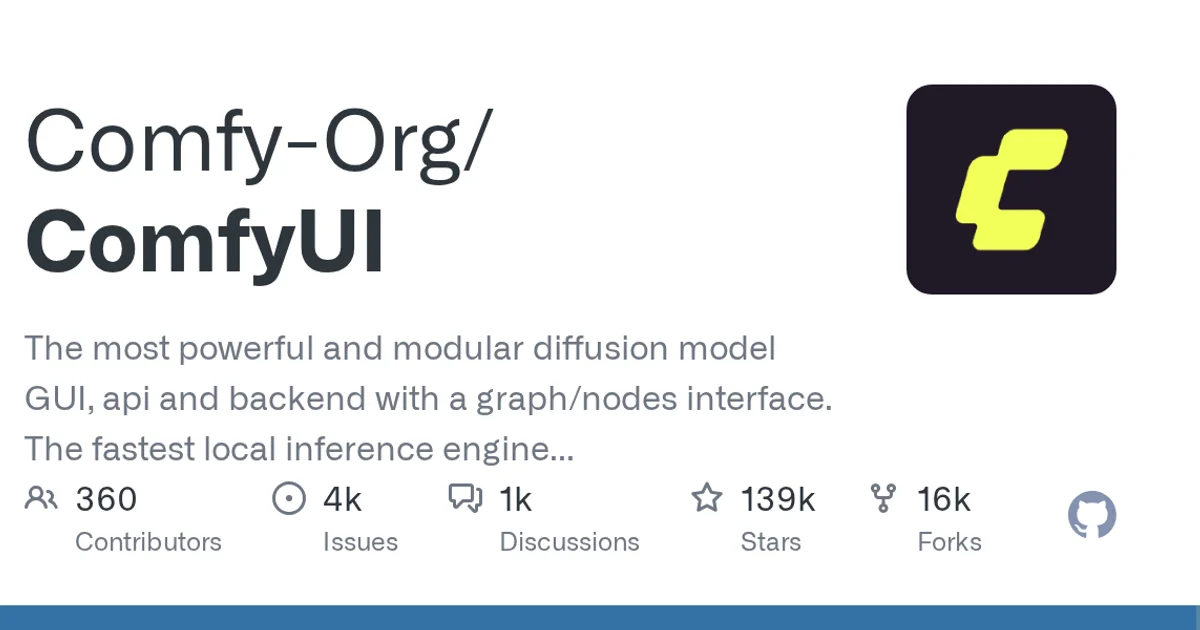
ComfyUI is a node graph GUI, API and backend for diffusion models, written in Python and licensed GPL-3.0, now at 138,670 GitHub stars.
TL;DR
TL;DR: ComfyUI is a diffusion model interface built as a graph of nodes, and it ships as a GUI, an API and a backend in one package. At 138,670 stars it is now one of the largest open source projects in generative image work, and it runs locally rather than sending your prompts to someone else’s server.
What it is
The project’s own description makes three claims in one line: it is a diffusion model GUI, an API and a backend; it is modular through a graph and nodes interface; and it is the fastest local inference engine in the world. The speed claim is the project’s marketing and you should treat it as such until you have measured on your own hardware. The rest of the description is structural, and the structure is what actually distinguishes ComfyUI from other options.
That structure is a node graph. Rather than a fixed sequence of stages in a script, work is represented as nodes connected by edges. Each node does one thing. The wires carry data between them. This turns out to matter for reasons that are not obvious until you have tried to build something complicated:
- Any node can be replaced without rewriting the rest of the graph
- A saved graph is a complete, shareable record of how an image was made
- Backends can be swapped underneath without the graph changing
- Problems become visible as graph structure rather than as a stack trace
The API and the GUI are the same system. That is the part that gets lost in comparisons, which usually treat them as separate products, one for people and one for services. Here the graph is the product and the two interfaces are two ways of editing the same thing.
The numbers
| Field | Value |
|---|---|
| Repository | Comfy-Org/ComfyUI |
| Stars | 138,670 |
| Forks | 16,506 |
| Open issues | 5,258 |
| Language | Python |
| License | GPL-3.0 |
| Created | 2023-01-17 |
| Last push | 2026-10-19 |
| Owner type | Organisation |
| Default branch | master |
The gap between 138,670 stars and 16,506 forks is the interesting detail. Roughly eight stars per fork is a much lower ratio than most tools of this kind, which reads as a project people adopt, study and extend in their own projects rather than clone wholesale.
Five thousand open issues against that scale is the number to keep an eye on. It is not unusual for a project this popular, but it does mean the issue tracker is a rough approximation of support rather than a place to expect a response.
The repository tags are plain: ai, comfy, comfyui, python, pytorch, stable-diffusion.
Why local inference is the point
The description calls it a local inference engine, and that is the practical reason many people end up here. Everything runs on hardware you control. Prompts, images and intermediate results stay on the machine.
There is a second reason that is less discussed, which is reproducibility. Because the graph is a serialisable description of the whole computation, the exact configuration behind a given output can be kept and re-run later. On a hosted service the model version, sampler settings and preprocessing may all change under you between two runs that looked identical.
Getting the source
The repository is public and the license permits it:
git clone https://github.com/Comfy-Org/ComfyUI.gitComfyUI is Python and PyTorch based, which means your real setup work is the environment and your GPU support rather than the application itself. Expect a virtual environment and a PyTorch build matched to your hardware.
Note that the project now lives under the Comfy-Org organisation, with a homepage at comfy.org. Older references point at the original personal account, so guides written before the organisation move may reference a repository path that has since changed.
When to use it
It fits when you want local generation, when your pipelines have more steps than a linear script can hold cleanly, or when you need the same graph to serve both an interactive session and an automated pipeline.
When not to use it
If you want a one-click interface with no graph to reason about, this adds a layer of abstraction you may not want. And if you cannot run Python locally, the graph model does not help you, since the whole system assumes a machine you control.
Source and Accuracy Notes
- Project page: https://github.com/Comfy-Org/ComfyUI
- Source repository: Comfy-Org/ComfyUI (verified via GitHub API
html_url) - License: GPL-3.0 (verified via GitHub API
license.spdx_id) - Stars at time of writing: 138,670
- Homepage: https://www.comfy.org/ (verified via GitHub API
homepage) - The performance claim quoted above is the repository’s own description, not an independent benchmark.
Related Posts
ai-setup
Recall – Persistent Memory for Claude Code via MCP Hooks
Recall gives Claude Code a permanent memory store that survives session restarts and context compaction. Four hooks capture and restore context automatically — with cloud SaaS or self-hosted options.
2/28/2026
dev-tools
Automotive Skills Suite for AI Engineering
Evaluate Automotive Skills Suite for APQP, ASPICE, HARA, safety-plan, and DIA workflows with setup notes, governance risks, and SME review guidance.
5/28/2026
dev-tools
awesome-agentic-ai-zh Roadmap Guide
Explore awesome-agentic-ai-zh as a Chinese agentic AI learning roadmap, with setup notes, track selection, study workflow, and evaluation guidance.
5/28/2026