cmux: A macOS Terminal Built for Parallel Coding Agents
cmux is a Ghostty-based macOS terminal with vertical tabs, notifications, and programmability aimed at running multiple AI coding agents at once.
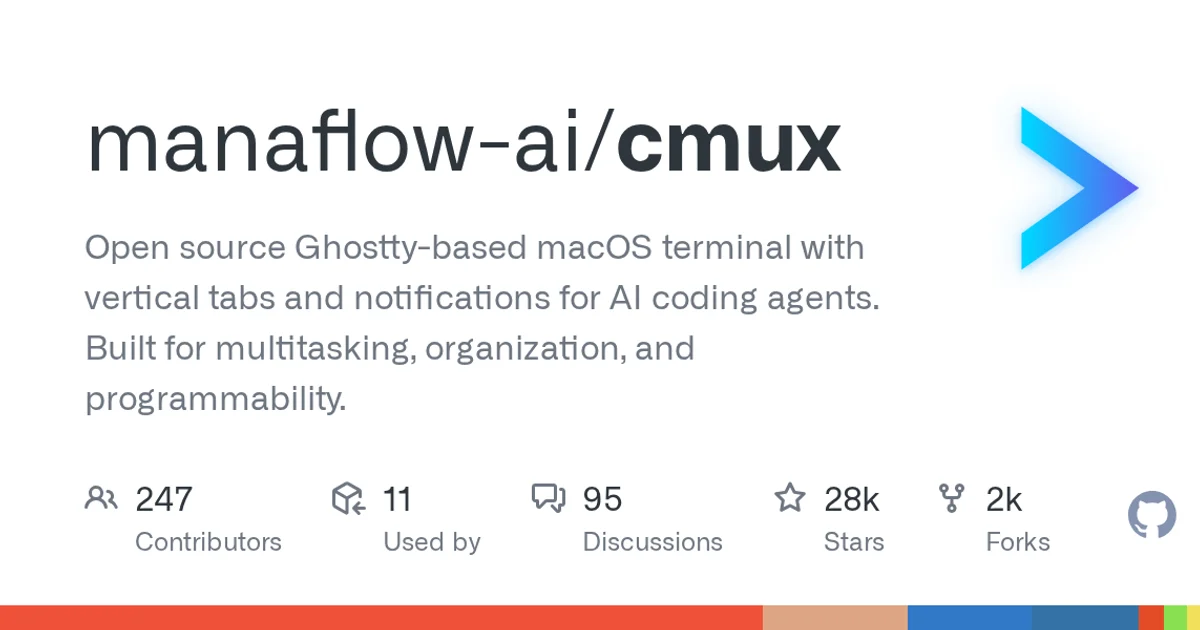
TL;DR: cmux is a macOS terminal built on Ghostty that adds vertical tabs and notifications so you can run several AI coding agents side by side. It is aimed at people who keep four or five terminal sessions open and lose track of which one is doing what.
What it is
cmux describes itself as an open source Ghostty-based macOS terminal with vertical tabs and notifications for AI coding agents. The repository lists the intent plainly: multitasking, organization, and programmability.
That positioning matters because the terminal multiplexer category already has a default answer. tmux is everywhere, and it runs everywhere. cmux is narrower. It is a Mac app, it uses Ghostty as its rendering layer, and it is organized around the specific problem of supervising several agent sessions rather than around generic remote shells.
The project is Swift, sits under the manaflow-ai organization, and publishes to cmux.com. It has been pushed to within hours of this writing, so the main branch is moving fast.
What the numbers say
| Metric | Value |
|---|---|
| Stars | 27,863 |
| Forks | 2,463 |
| Open issues | 3,223 |
| Language | Swift |
| Created | 2026-01-28 |
| Last push | 2026-10-08 |
The star-to-issue ratio is worth pausing on. Roughly one open issue per eight stars points to a project that attracts interest faster than it absorbs it. The topic list is long and specific, including claude-code, codex, gemini, opencode, amp, ghostty, multiplexer, tmux, terminal-multiplexer, workspace-manager, parallel-agents, and programmability. Those tags tell you what the author is positioning against: both the coding agents you run inside and the multiplexer you already run them under.
One caveat on licensing. The GitHub API reports the license as NOASSERTION, meaning the repo has a license file that GitHub cannot classify automatically. Check the LICENSE file in the repo before you build on it. Treat the terms as unknown rather than assuming a permissive grant.
What it does well
Vertical tabs are the specific answer to a specific failure. When you run five agents in one window, the tab strip becomes the thing you look at hundreds of times a day. Side tabs scale differently than top tabs, which is not a cosmetic preference when you are switching between sessions constantly.
Notifications matter more here than in an ordinary terminal. An agent run is asynchronous by nature. You prompt it, you go work on something else, and it finishes on its own schedule. A terminal that tells you which session just went idle removes the polling loop.
Programmability is listed in the description, and the topic tags include cli and workspace-manager. A terminal that other tools can drive fits the agent workflow better than one you can only click.
How to try it
This is a native macOS app rather than a build-from-source library, so the realistic path is downloading the release and running it. Build from source if you want to track main:
git clone https://github.com/manaflow-ai/cmux.git
cd cmux
# follow the repo's own build instructions for the macOS app target
Once it is open, the workflow it is designed around looks like this:
# start an agent session in its own tab
claude

# open another tab for a second agent
codex
Keep both running, use vertical tabs to see status at a glance, and let notifications tell you when one returns. That is the loop the project is built around.
When to use it
If you are running two or more coding agents in parallel on a Mac today, cmux is worth trying. The vertical tab and notification combination is a real answer to a real daily annoyance, and the star count says a lot of people arrived at the same conclusion.
It also makes sense as a Ghostty-based option if you have already moved to Ghostty for rendering speed and want the same GPU-accelerated feel with agent-oriented session management on top.
When not to use it
Skip it if you work on Windows or Linux. This is a macOS app built in Swift, not a cross-platform tool.
Skip it if your workflow is one terminal, one agent, one task. The value comes from supervising multiple sessions. With one session running, vertical tabs and notifications add interface you do not use.
Be cautious if you need a stable API surface today. With 3,223 open issues and daily pushes to main, expect churn in menus, configuration keys, and CLI flags. Read release notes before scripting against it.
Source and Accuracy Notes
- Project page: https://github.com/manaflow-ai/cmux
- Source repository: manaflow-ai/cmux (verified via GitHub API
html_url) - License: NOASSERTION (verified via GitHub API
license.spdx_id, means GitHub could not classify the license file automatically; check the repo LICENSE before use) - Stars at time of writing: 27,863
- Homepage referenced in this post: https://cmux.com (verified via GitHub API
homepage) - GitHub API was queried unauthenticated for this post; the environment’s
GITHUB_TOKENreturned HTTP 401
Related Posts
ai-setup
Recall – Persistent Memory for Claude Code via MCP Hooks
Recall gives Claude Code a permanent memory store that survives session restarts and context compaction. Four hooks capture and restore context automatically — with cloud SaaS or self-hosted options.
2/28/2026
dev-tools
Automotive Skills Suite for AI Engineering
Evaluate Automotive Skills Suite for APQP, ASPICE, HARA, safety-plan, and DIA workflows with setup notes, governance risks, and SME review guidance.
5/28/2026
dev-tools
awesome-agentic-ai-zh Roadmap Guide
Explore awesome-agentic-ai-zh as a Chinese agentic AI learning roadmap, with setup notes, track selection, study workflow, and evaluation guidance.
5/28/2026