Browse Anything - AI Browser Agent That Automates Web Tasks
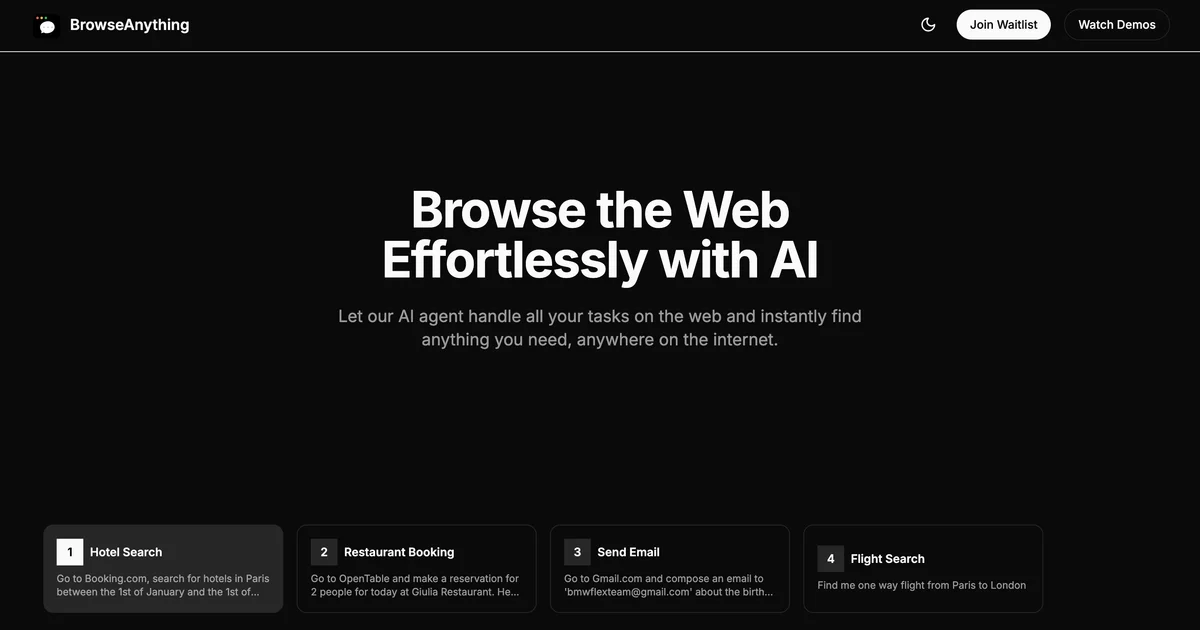
An AI browser agent that browses the web in plain English. Telegram bot, REST API, free tier. Automates scraping, bookings, forms, and price monitoring without code.
TL;DR
TL;DR: Browse Anything is an AI browser agent that executes real Chromium tasks from plain English commands — scrape sites, fill forms, book appointments — via Telegram, REST API, or a cloud dashboard, starting free.
Source and Accuracy Notes
- Project page: browseanything.io
- Source repository: github.com/mehdi149/browse-anything-quickstart
- License: NOASSERTION (confirmed via GitHub API)
- HN launch thread: news.ycombinator.com/item?id=44482813 — author: bahra_mehdi
What Is Browse Anything?
Browse Anything is an AI browser agent that controls a real Chromium instance via plain English prompts. Where a traditional scraper needs XPath selectors and a headless browser needs API calls, Browse Anything accepts instructions like “find me the cheapest flight from NYC to LA next Tuesday” and executes the multi-step workflow in a real browser, returning structured results.
The product targets developers, indie hackers, and non-technical users who need browser automation without writing Selenium scripts or debugging selector drift.
Core interfaces:
- Cloud dashboard — paste a prompt, watch the agent work, collect results
- Telegram bot — send a command, receive screenshots and results in chat (Pro/Ultra plans)
- REST API — integrate into any codebase with a JSON payload
- Python / TypeScript SDKs — quickstart repo with runnable examples
Pricing (verified from browseanything.io/#pricing):
| Plan | Price | Credits | Notable features |
|---|---|---|---|
| Free | $0 | 200/month | 1 concurrent session, basic stealth |
| Starter | $9.99/mo | 1,000/month | API access, scheduling |
| Pro | $29/mo | 3,500/month | 3 sub-agents, Telegram, advanced stealth, CAPTCHA solving |
| Ultra | $99/mo | 10,000/month | 10 concurrent sessions, sticky sessions |
The free tier has no credit card required and includes 200 credits per month.
vs. ChatGPT Operator ($200/month): Browse Anything’s Pro plan at $29/mo covers the same use cases — form filling, data extraction, multi-step browsing — at roughly 85% lower cost. The comparison page on browseanything.io makes this explicit.
Setup Workflow
Step 1: Try the Free Tier
No account required to start. Visit platform.browseanything.io, paste a prompt, and watch the agent execute.
Example prompts from the site:
- “Find me the cheapest round-trip flight from JFK to LAX departing Monday and returning Friday”
- “Scrape all product listings from [site] and return name, price, and rating”
- “Monitor [site] for price drops on [product] and notify me if it drops below $[threshold]“
Step 2: Set Up the Telegram Bot (Pro/Ultra)
On Pro or Ultra plans, link your Telegram account and control agents from chat:
# No code required — link via the dashboard:
# Settings → Telegram → Connect Account → authorize the bot
```bash

Then send plain English commands directly in Telegram. Screenshots and structured results arrive in the same thread.

### Step 3: Integrate via REST API

For programmatic access, use the Python SDK from the quickstart repo:

```python
# Source: github.com/mehdi149/browse-anything-quickstart
# Verify current install instructions in README before running

import os
from browse_anything import BrowseAnything

client = BrowseAnything(api_key=os.environ["BA_API_KEY"])

result = client.run(
    prompt="Scrape the first 10 results from hacker news",
    url="https://news.ycombinator.com"
)

print(result.screenshot)   # Base64 screenshot of final state
print(result.data)        # Structured extracted data
```bash

Install the SDK:

```bash
pip install browse-anything
Step 4: Schedule Recurring Tasks (Pro/Ultra)
Set up hourly, daily, or weekly monitoring via the dashboard or API:
- Price tracking on e-commerce pages
- Job listing alerts on career sites
- Availability checks for appointment slots
Practical Evaluation Checklist
Strengths:
- Plain English task definition — no selectors, no XPath, no CSS locators
- Multi-step workflows — the agent navigates, authenticates (with credentials you provide), fills forms, and extracts
- Real Chromium execution — anti-bot detection is a known pain point; the stealth mode and CAPTCHA solving address this directly
- Free tier for initial testing — 200 credits, no card required
- Telegram integration — results delivered as messages with screenshots, no dashboard polling
- Comparisons page is unusually honest — it explicitly calls out where alternatives win
Weaknesses:
- No self-hosted option — all execution is cloud-side, which rules out certain enterprise compliance requirements
- Credit economics for high-volume scraping can rival dedicated scraper APIs at scale
- The free tier is adequate for evaluation but not production workloads
- Telegram integration requires a paid plan, which could be a friction point for casual users
Security Notes
What you share with Browse Anything:
- The prompts and URLs you submit — these run in the agent’s browser session
- Credentials you explicitly provide for site authentication — these are scoped to the task and not retained after completion (verify current retention policy in the privacy policy)
What to avoid:
- Do not share production database credentials, admin passwords, or internal system credentials in plain English prompts
- For authenticated workflows, use scoped credentials with minimal permissions
- The Chrome extension runs locally and may have different data handling characteristics than the cloud product — review the extension’s privacy policy before installing
FAQ
Q: How long does a task take? A: Typically 30 seconds to 3 minutes. The agent pauses between steps to verify each action succeeded before proceeding. You receive a notification when it completes.
Q: Does it handle login-protected sites? A: Yes — on paid plans, you can provide credentials for sites where you have authorized access. The agent logs in, executes your task, and does not persist the session beyond task completion.
Q: Is the Telegram bot free? A: No — Telegram integration is included with Pro ($29/mo) and Ultra ($99/mo) plans. The free and Starter plans use the web dashboard only.
Q: How is this different from Browserbase or OpenClaw? A: Browse Anything targets non-technical users via Telegram and plain English, while Browserbase is developer-focused infrastructure. OpenClaw is an agent-to-agent payment layer. The browseanything.io compare page gives an honest side-by-side on pricing and where each tool wins.
Q: Can I run this locally? A: Not at this time. Browse Anything runs entirely in the cloud. If local execution is required, consider self-hosted alternatives like Browserbase (infrastructure) or playwright-stealth (open source library).
Conclusion
Browse Anything sits at an interesting intersection of accessibility and capability. The plain English task model makes browser automation genuinely available to non-developers — Telegram + prompt is a lower barrier than API + code. For developers, the REST API and Python SDK provide integration points without needing to manage headless browser infrastructure.
The free tier is honest about its limits — it is good for evaluating whether the task model works for your use case, not for running production workloads. At $29/mo for Pro, it undercuts ChatGPT Operator by roughly 85% while covering the same browser automation use cases.
If you need agentic browser control without managing Selenium configs or paying for enterprise scraping infrastructure, Browse Anything is worth evaluating. The comparison page is unusually candid for a SaaS product — read it before signing up to make sure it is the right fit.
Related Posts
ai-setup
Recall – Persistent Memory for Claude Code via MCP Hooks
Recall gives Claude Code a permanent memory store that survives session restarts and context compaction. Four hooks capture and restore context automatically — with cloud SaaS or self-hosted options.
2/28/2026
ai-setup
Sentrial – Catch AI Agent Failures Before Your Users Do
YC W26-backed AI agent observability platform. Trace sessions, detect silent regressions, and A/B test prompts in production before failures reach users.
5/28/2026
ai-setup
IonRouter – Fast Low-Cost AI Inference API
IonRouter is a YC W26 inference API routing open-source and fine-tuned models via an OpenAI-compatible endpoint, built on a C++ runtime optimized for GH200.
5/28/2026